> ## Documentation Index
> Fetch the complete documentation index at: https://docs.begin.eu/llms.txt
> Use this file to discover all available pages before exploring further.

# What's new

> Product updates, new features, and improvements to Begin.

export const ChangeItem = ({area, color, children}) => {
  const DOT = {
    gray: "#6b7280",
    blue: "#2256dd",
    green: "#16a34a",
    amber: "#d97706",
    orange: "#ea580c",
    red: "#dc2626",
    purple: "#7c3aed",
    pink: "#db2777",
    teal: "#0d9488",
    sky: "#0284c7"
  };
  const AREA = {
    Schedule: "blue",
    Timesheets: "green",
    People: "purple",
    Messages: "teal",
    Mobile: "orange",
    Workflows: "pink",
    Clocking: "amber",
    Reports: "red",
    Inbox: "sky",
    Settings: "gray"
  };
  const dot = DOT[(color ?? AREA[area]) ?? "gray"] ?? DOT.gray;
  return <div className="kb-change-item">
      <span className="kb-change-badge">
        <span className="kb-change-dot" style={{
    backgroundColor: dot
  }} />
        {area}
      </span>
      <span className="kb-change-text">{children}</span>
    </div>;
};

export const ChangeList = ({children}) => <div className="kb-change-list not-prose">{children}</div>;

export const Collapse = ({title, defaultOpen = false, children}) => {
  const [open, setOpen] = useState(defaultOpen);
  return <div className="kb-collapse not-prose border-t border-zinc-950/10 dark:border-white/10">
      <button type="button" onClick={() => setOpen(value => !value)} aria-expanded={open} className="kb-collapse-summary flex w-full cursor-pointer items-center justify-between py-4 text-left text-sm font-semibold text-zinc-900 dark:text-zinc-100">
        {title}
        <svg className="kb-collapse-chevron text-zinc-400" style={{
    transform: open ? "rotate(90deg)" : "rotate(0deg)"
  }} width="16" height="16" viewBox="0 0 16 16" fill="none" aria-hidden="true">
          <path d="M6 4l4 4-4 4" stroke="currentColor" strokeWidth="1.5" strokeLinecap="round" strokeLinejoin="round" />
        </svg>
      </button>
      <div className="kb-collapse-wrap" data-open={open ? "true" : "false"}>
        <div className="kb-collapse-clip">
          <div className="kb-collapse-content prose pb-3 text-sm dark:prose-invert">{children}</div>
        </div>
      </div>
    </div>;
};

<Update label="July 2026">
  ## Multi-select shifts

  <video autoPlay muted loop playsInline poster="/images/changelog/multiselect-light.png">
    <source media="(prefers-color-scheme: dark)" src="https://mintcdn.com/beginltd/7SiwG1Ily-DnFJWV/images/changelog/multiselect-dark.mp4?fit=max&auto=format&n=7SiwG1Ily-DnFJWV&q=85&s=3c3c7c2de5e09970fe634dc9db56b42f" type="video/mp4" data-path="images/changelog/multiselect-dark.mp4" />

    <source src="https://mintcdn.com/beginltd/7SiwG1Ily-DnFJWV/images/changelog/multiselect-light.mp4?fit=max&auto=format&n=7SiwG1Ily-DnFJWV&q=85&s=4399aa398286ddee0e2d8b6abe4819c5" type="video/mp4" data-path="images/changelog/multiselect-light.mp4" />
  </video>

  On desktop, drag a box across the schedule to select several shifts at once, the same way you select files on your computer. A running count follows your cursor, and the grid keeps scrolling when you reach an edge, so you can sweep across weeks or whole months. A plain drag starts a new selection, or hold `Shift` or `⌘` to add to what you already picked. Press `Escape` to cancel. When you let go, the bulk-actions bar takes over, so you can copy or move them all in one go. It works in the Week and Month views.

  <Collapse title="Improvements" defaultOpen>
    <ChangeList>
      <ChangeItem area="Schedule">
        Approve a time-off request straight from the shift dialog, and open inbox links right in the
        schedule.
      </ChangeItem>

      <ChangeItem area="Timesheets">
        New timesheet entries prefill their details from the shift they are linked to.
      </ChangeItem>

      <ChangeItem area="Schedule">
        Hour cells show a loading skeleton, so the grid stops jumping as totals arrive.
      </ChangeItem>

      <ChangeItem area="Timesheets">
        The Month view uses the same month switcher as the rest of timesheets.
      </ChangeItem>

      <ChangeItem area="People">
        The shift dialog shows a person's time-off balance next to their policies.
      </ChangeItem>

      <ChangeItem area="Mobile">The activity log shows the time of each change on mobile.</ChangeItem>

      <ChangeItem area="Schedule">
        The sidebar's bulk-action rows drop a distracting progress bar.
      </ChangeItem>
    </ChangeList>
  </Collapse>

  <Collapse title="Fixes" defaultOpen>
    <ChangeList>
      <ChangeItem area="Schedule">Rapidly pasted shifts no longer flicker off the grid.</ChangeItem>

      <ChangeItem area="Schedule">
        Empty phantom rows no longer appear when a policy filter is on.
      </ChangeItem>

      <ChangeItem area="Settings">
        Leaving a page no longer triggers a false "unsaved changes" warning.
      </ChangeItem>

      <ChangeItem area="Timesheets">Rows no longer stack up after you approve entries.</ChangeItem>

      <ChangeItem area="Clocking">
        Clock-in pickers start from the scheduled shift's position.
      </ChangeItem>

      <ChangeItem area="People">
        Custom-field edits no longer carry over from one employee to the next.
      </ChangeItem>

      <ChangeItem area="Mobile">
        Live timers pick back up after your phone wakes from sleep.
      </ChangeItem>
    </ChangeList>
  </Collapse>
</Update>

<Update label="June 2026">
  ## Little big updates

  <video autoPlay muted loop playsInline poster="/images/changelog/updates-light.png" className="block dark:hidden" src="https://mintcdn.com/beginltd/1zDKwa7m-A5K1vwN/images/changelog/updates-light.mp4?fit=max&auto=format&n=1zDKwa7m-A5K1vwN&q=85&s=3440abc9b90a718629a65b7afec5f49b" data-path="images/changelog/updates-light.mp4" />

  <video autoPlay muted loop playsInline poster="/images/changelog/updates-dark.png" className="hidden dark:block" src="https://mintcdn.com/beginltd/1zDKwa7m-A5K1vwN/images/changelog/updates-dark.mp4?fit=max&auto=format&n=1zDKwa7m-A5K1vwN&q=85&s=7c48fe9b7e0149eb53dd0621c15840cf" data-path="images/changelog/updates-dark.mp4" />

  A round-up of what shipped this month: inline document previews, refreshed timesheets, faster people management, and a batch of fixes and smaller improvements.

  ### Document previews

  Word, Excel, and CSV files now preview inline in a message or post, so you no longer download a file just to see what's in it. The .docx, .xlsx, and .csv formats are covered; older .doc and .xls files still download.

  ### Timesheets, refreshed

  Timesheets scroll smoothly with sticky day and group headers, so you keep your bearings in a long list. Press `1`, `2`, or `3` to switch between Day, Week, and Month, and the clearer Day and Week labels make it obvious which view you're in.

  ### Faster people management

  The People list has an always-visible select-all row and a bulk-actions bar, so acting on several people at once is easy to find. Searching the command palette (⌘K) now shows names instantly instead of waiting on slower results.

  <Collapse title="Improvements" defaultOpen>
    <ChangeList>
      <ChangeItem area="Schedule">
        Count a shift that crosses a month boundary in its start month, its end month, or split across
        both.
      </ChangeItem>

      <ChangeItem area="Mobile">
        The app reopens on the screen you left when it returns from the background or an update.
      </ChangeItem>

      <ChangeItem area="Workflows">
        The AI assistant is now available while you build a workflow.
      </ChangeItem>

      <ChangeItem area="Clocking">
        Manual time entries route through your approval workflow instead of notifying every manager.
      </ChangeItem>

      <ChangeItem area="People">
        Birthdays and out-of-office notes sit at the top of the employee dashboard on mobile.
      </ChangeItem>
    </ChangeList>
  </Collapse>

  <Collapse title="Fixes" defaultOpen>
    <ChangeList>
      <ChangeItem area="Settings">
        Switching workspaces updates the screen on its own, with no manual refresh.
      </ChangeItem>

      <ChangeItem area="People">
        Reactivate a member who has left the workspace, not only a suspended one.
      </ChangeItem>

      <ChangeItem area="Messages">
        On iOS, the keyboard no longer closes when you tap the message box.
      </ChangeItem>

      <ChangeItem area="Reports">Detail pages have a back button on mobile.</ChangeItem>
      <ChangeItem area="Schedule">Category labels are now readable in dark mode.</ChangeItem>
    </ChangeList>
  </Collapse>
</Update>

<Update label="June 2026">
  ## Schedule colours

  <img alt="Schedule colours" className="block dark:hidden" src="https://mintcdn.com/beginltd/Wr5NmHBARUIjzzv7/images/changelog/colors-light.png?fit=max&auto=format&n=Wr5NmHBARUIjzzv7&q=85&s=6e55fb26e906e1724c67db32bf4655cf" width="1032" height="552" data-path="images/changelog/colors-light.png" />

  <img alt="Schedule colours" className="hidden dark:block" src="https://mintcdn.com/beginltd/Wr5NmHBARUIjzzv7/images/changelog/colors-dark.png?fit=max&auto=format&n=Wr5NmHBARUIjzzv7&q=85&s=1f363b69b5bbf6d8d74a6cf58e6b8dae" width="1032" height="552" data-path="images/changelog/colors-dark.png" />

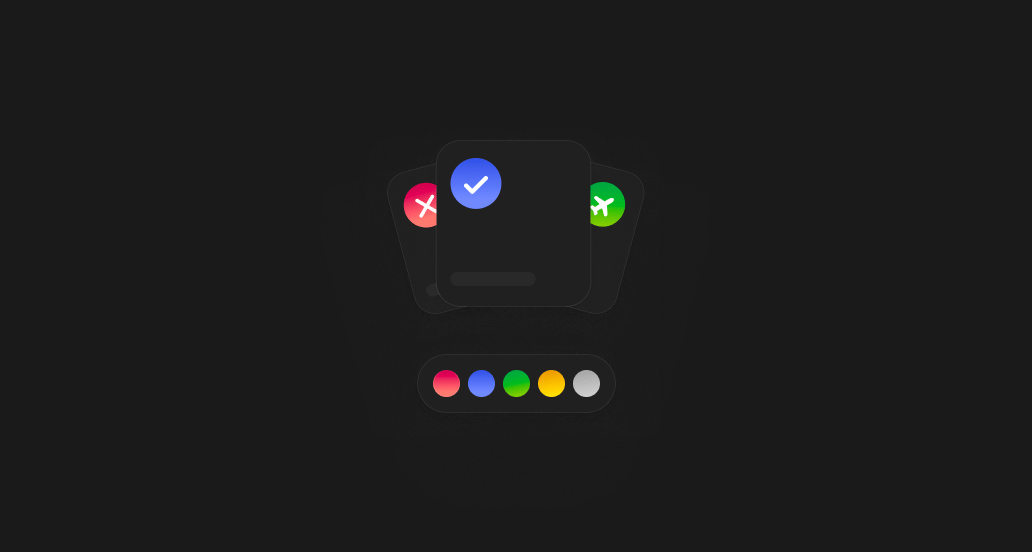
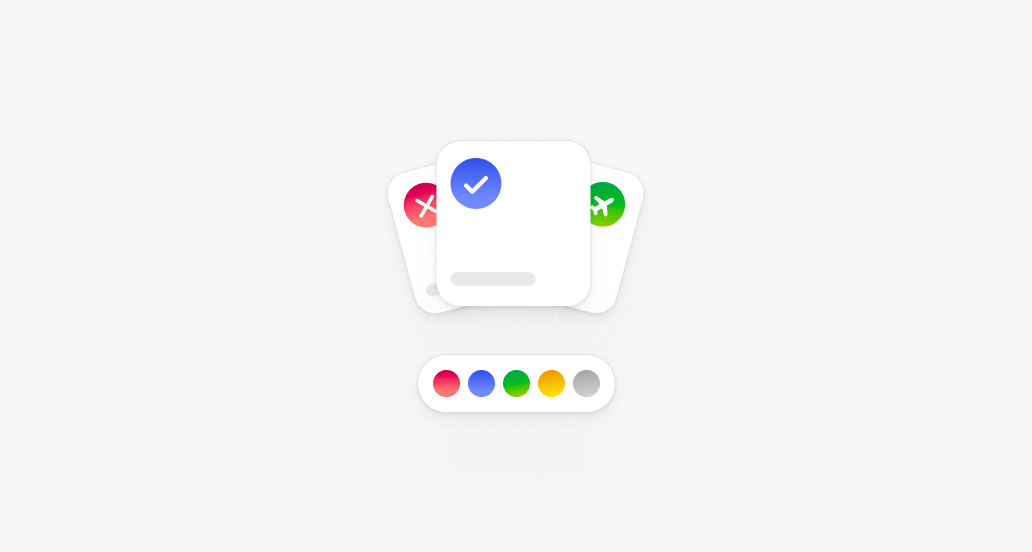
  Give every block type its own colour. Shifts, availability, unavailability, and time off each get a colour from a palette of 17 hues plus neutral greys. Set your defaults under Schedule settings.
</Update>

<Update label="April 2026">
  ## Begin MCP

  <img alt="Begin MCP" className="block dark:hidden" src="https://mintcdn.com/beginltd/03J4OXXkRY-J3a6R/images/cover/mcp-light.png?fit=max&auto=format&n=03J4OXXkRY-J3a6R&q=85&s=5c7c05e041797419f7242fa3e919795c" width="1032" height="552" data-path="images/cover/mcp-light.png" />

  <img alt="Begin MCP" className="hidden dark:block" src="https://mintcdn.com/beginltd/03J4OXXkRY-J3a6R/images/cover/mcp-dark.png?fit=max&auto=format&n=03J4OXXkRY-J3a6R&q=85&s=a1cc54cf2eba76e911ddb65dee359af6" width="1032" height="552" data-path="images/cover/mcp-dark.png" />

  You can now drive Begin from Claude and ChatGPT through the Model Context Protocol. The connection signs in with your Begin account, runs under your existing permissions, and is pinned to a single workspace. [Read the Begin MCP guide](/for-managers/integrations/mcp).
</Update>

## Still need help?

<Columns cols={2}>
  <Card title="Contact support" icon="envelope" href="mailto:support@heybegin.eu">
    Email the Begin team and we'll get back to you.
  </Card>

  <Card title="Ask Begin AI" icon="comment-dots" href="?assistant=open">
    Open the AI assistant and get instant answers based on these docs.
  </Card>
</Columns>