> ## Documentation Index
> Fetch the complete documentation index at: https://docs.begin.eu/llms.txt
> Use this file to discover all available pages before exploring further.
# Finding documents and records
> Open your files, signed agreements and records from My profile.

 Open **My profile → Documents** to find files and table records available to you in the current workspace. On your phone, start from **More → My profile**. This list is for your own records; it does not give you access to a colleague’s private files.
## Open the record you need
Select the employer whose document you need.
Select a named file to open it. A table, such as a certification register, opens your records in
that table.
Use the preview or download actions available for that file. Keep a downloaded copy somewhere
private.
Open **My profile → Documents** to find files and table records available to you in the current workspace. On your phone, start from **More → My profile**. This list is for your own records; it does not give you access to a colleague’s private files.
## Open the record you need
Select the employer whose document you need.
Select a named file to open it. A table, such as a certification register, opens your records in
that table.
Use the preview or download actions available for that file. Keep a downloaded copy somewhere
private.
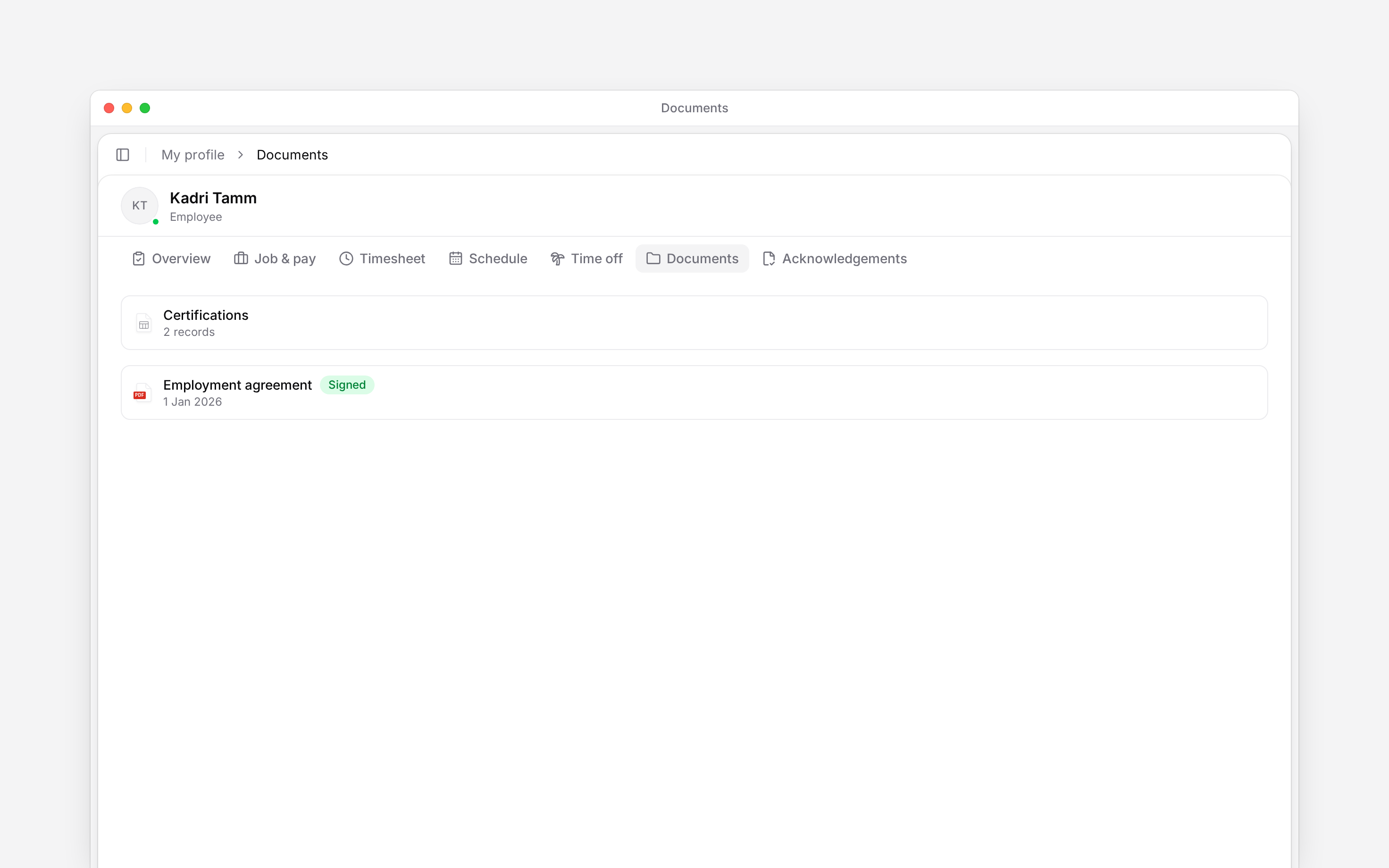
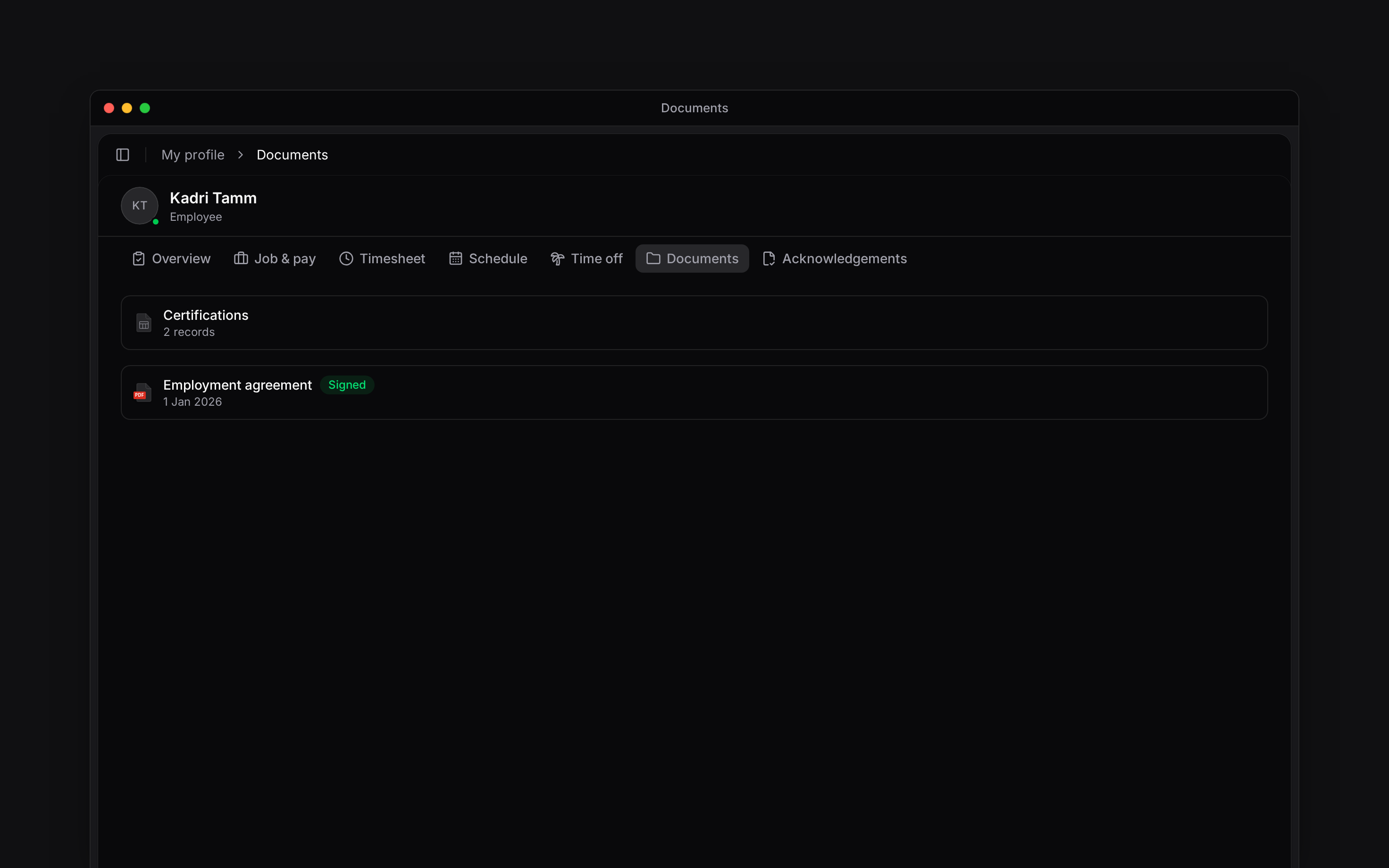 A **Signed** badge identifies a document with a completed signature. **Marked signed** means somebody recorded that it was signed elsewhere. Those labels do not mean the same thing as opening or reading the file.
## Check a table record
A table can hold records such as training or certifications. Read the dates and details shown for you. Ask your manager to correct a record if you do not have an editing action. Uploading a certificate elsewhere does not by itself update a table’s expiry date.
## If a document is missing or will not open
Check the workspace and whether the sender shared the right file with you. Your role must also allow Documents data access: a link alone does not grant it. Ask your manager to check both the share and your role rather than making another copy.
A document asking you to confirm you have read it belongs to [Acknowledgements](/for-employees/my-profile/completing-acknowledgements). A signing request has its own [signing procedure](/for-employees/my-profile/signing-a-document).
My profile lists self\_documents.listMine plus listMemberTables for the current member. Opening a document retains its own access checks; employee tables remain member-scoped unless wider access is explicitly granted. The personal document list has no upload, folder-management or sharing toolbar. External-signature marking records a manager’s statement rather than independently verifying a signature.
## Next
Complete a request to sign an agreement.
Record that you have read and understood a document.
## Still need help?
Email the Begin team and we'll get back to you.
Open the AI assistant and get instant answers based on these docs.
A **Signed** badge identifies a document with a completed signature. **Marked signed** means somebody recorded that it was signed elsewhere. Those labels do not mean the same thing as opening or reading the file.
## Check a table record
A table can hold records such as training or certifications. Read the dates and details shown for you. Ask your manager to correct a record if you do not have an editing action. Uploading a certificate elsewhere does not by itself update a table’s expiry date.
## If a document is missing or will not open
Check the workspace and whether the sender shared the right file with you. Your role must also allow Documents data access: a link alone does not grant it. Ask your manager to check both the share and your role rather than making another copy.
A document asking you to confirm you have read it belongs to [Acknowledgements](/for-employees/my-profile/completing-acknowledgements). A signing request has its own [signing procedure](/for-employees/my-profile/signing-a-document).
My profile lists self\_documents.listMine plus listMemberTables for the current member. Opening a document retains its own access checks; employee tables remain member-scoped unless wider access is explicitly granted. The personal document list has no upload, folder-management or sharing toolbar. External-signature marking records a manager’s statement rather than independently verifying a signature.
## Next
Complete a request to sign an agreement.
Record that you have read and understood a document.
## Still need help?
Email the Begin team and we'll get back to you.
Open the AI assistant and get instant answers based on these docs.