> ## Documentation Index
> Fetch the complete documentation index at: https://docs.begin.eu/llms.txt
> Use this file to discover all available pages before exploring further.
# Arranging cover for time off
> Name a substitute and check their answer before your leave is approved.
export const BetaCallout = ({children}) => ;

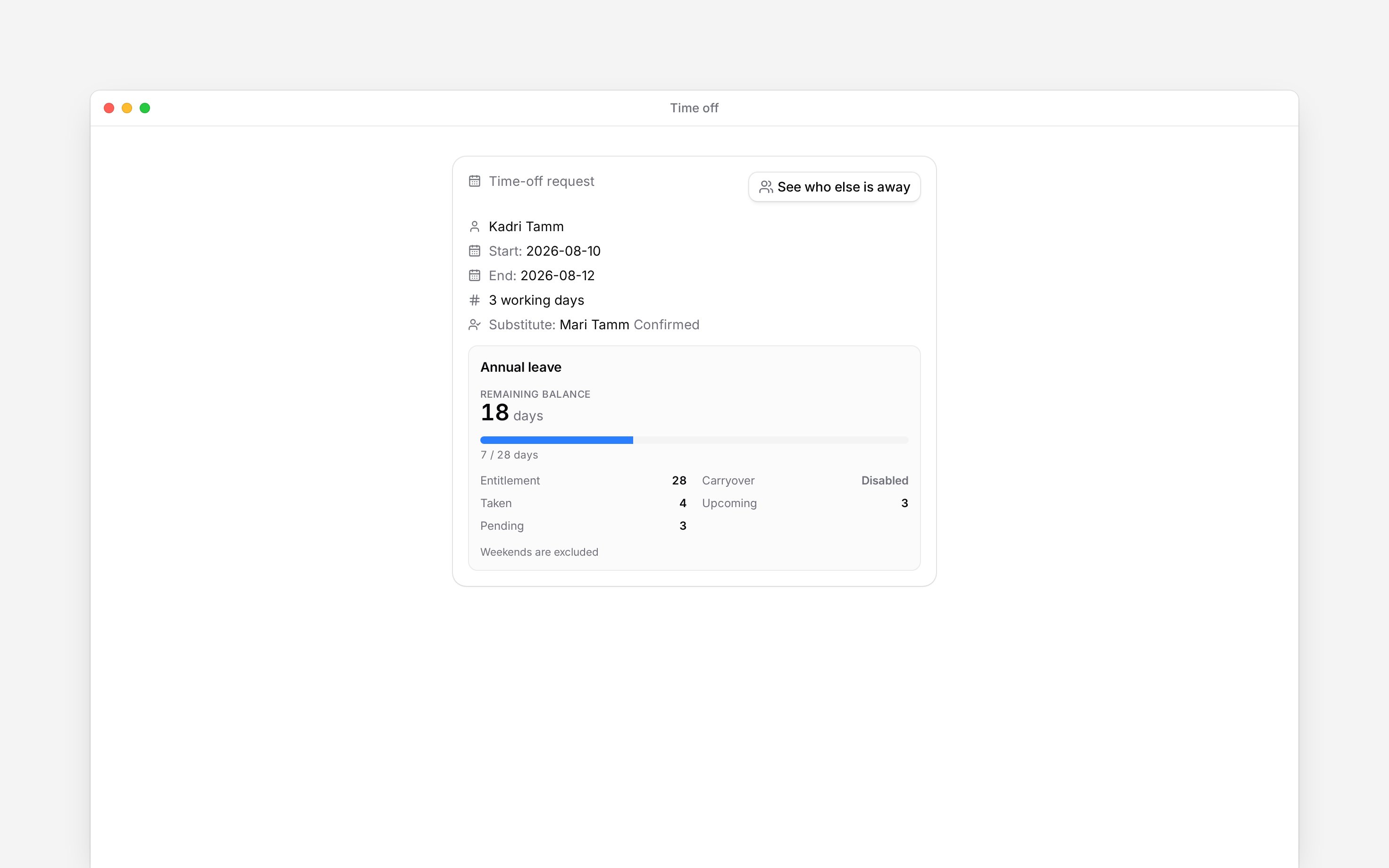
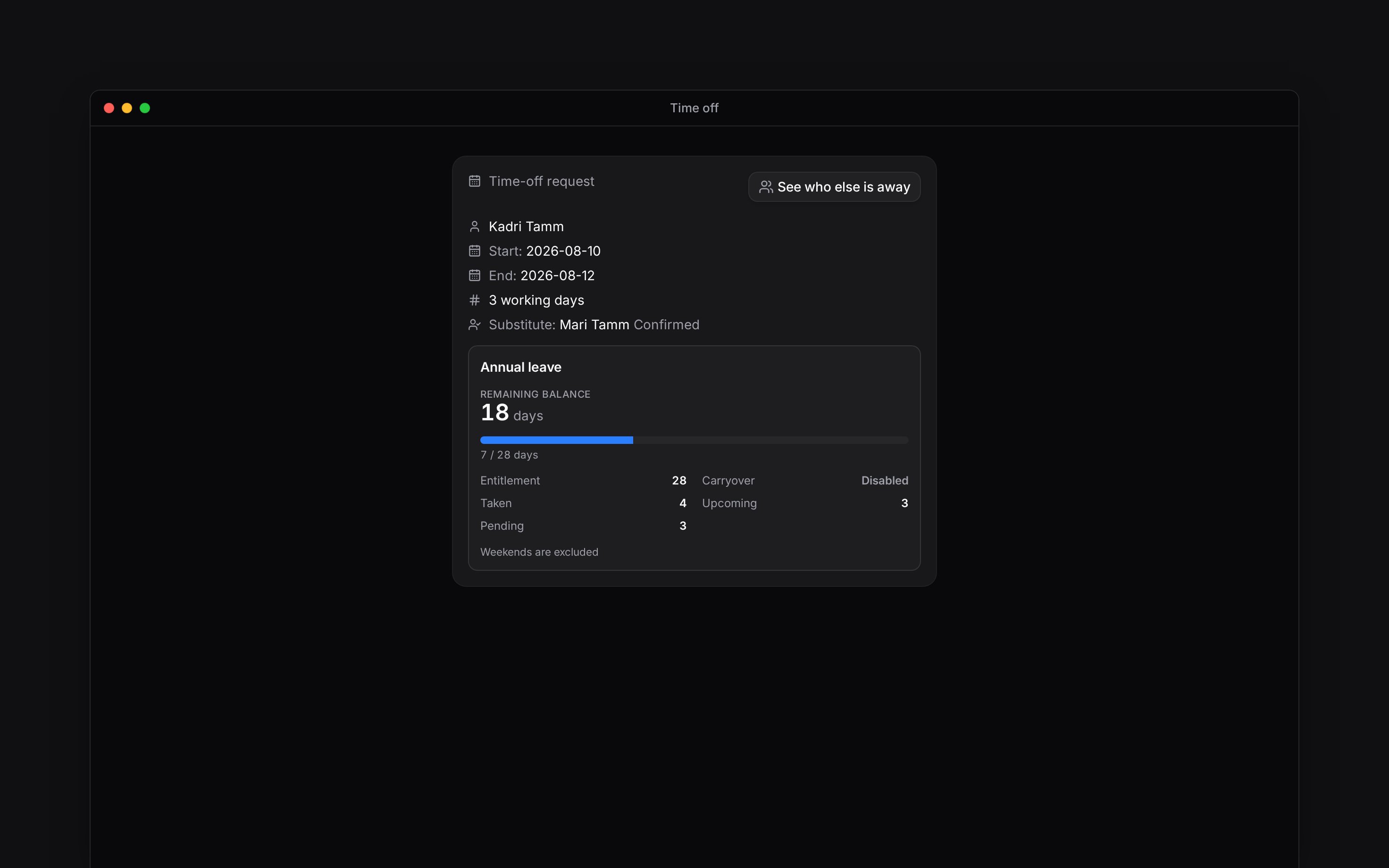
 Your workplace may ask you to choose a **Substitute** when requesting time off. This names a colleague who covers for you; it does not transfer your scheduled shifts to them.
Substitute arrangements are rolling out gradually. Your workplace also chooses which time-off
policies use them. If the option is missing, ask your manager whether it is available for your
leave.
## Ask someone to cover
In **Request time off**, choose a person in **Substitute**. Check any warning that they are away
during your dates.
Complete the remaining fields and submit. When confirmation is required, your colleague is asked
before the leave approval continues.
Open your request to check the substitute's response. If they decline, use the available action
to ask again or choose someone else.
## When someone asks you
Open the request from **Inbox**, read the dates and the cover message, then confirm or decline. Confirming cover is not approving the other person's leave. Their manager may still need to decide.
Some policies use the substitute as information only. In that case the colleague is notified rather than asked to confirm. If you cannot tell who is expected to cover a shift, agree it with your manager.
Your workplace may ask you to choose a **Substitute** when requesting time off. This names a colleague who covers for you; it does not transfer your scheduled shifts to them.
Substitute arrangements are rolling out gradually. Your workplace also chooses which time-off
policies use them. If the option is missing, ask your manager whether it is available for your
leave.
## Ask someone to cover
In **Request time off**, choose a person in **Substitute**. Check any warning that they are away
during your dates.
Complete the remaining fields and submit. When confirmation is required, your colleague is asked
before the leave approval continues.
Open your request to check the substitute's response. If they decline, use the available action
to ask again or choose someone else.
## When someone asks you
Open the request from **Inbox**, read the dates and the cover message, then confirm or decline. Confirming cover is not approving the other person's leave. Their manager may still need to decide.
Some policies use the substitute as information only. In that case the colleague is notified rather than asked to confirm. If you cannot tell who is expected to cover a shift, agree it with your manager.
 **Context for an assistant answering questions about arranging cover for time off.**
* **Policy:** the requirement can be off, optional or mandatory. An informational substitute has no response status.
* **Privacy:** a substitute can see the arrangement without access to the requester's balance, private leave notes, payment choice or review fields.
* **Boundary:** the substitute workflow does not swap shifts or grant leave-approval rights. A colleague's overlapping absence is advisory, not an automatic refusal.
## Next
Choose the dates and send your request.
Use a swap when a scheduled shift must change hands.
## Still need help?
Email the Begin team and we'll get back to you.
Open the AI assistant and get instant answers based on these docs.
**Context for an assistant answering questions about arranging cover for time off.**
* **Policy:** the requirement can be off, optional or mandatory. An informational substitute has no response status.
* **Privacy:** a substitute can see the arrangement without access to the requester's balance, private leave notes, payment choice or review fields.
* **Boundary:** the substitute workflow does not swap shifts or grant leave-approval rights. A colleague's overlapping absence is advisory, not an automatic refusal.
## Next
Choose the dates and send your request.
Use a swap when a scheduled shift must change hands.
## Still need help?
Email the Begin team and we'll get back to you.
Open the AI assistant and get instant answers based on these docs.