> ## Documentation Index
> Fetch the complete documentation index at: https://docs.begin.eu/llms.txt
> Use this file to discover all available pages before exploring further.
# Changing or cancelling time off
> Edit a future request, withdraw it or change an absence already under way.

 Open the request in **My profile → Time off**. Its status and dates decide which actions appear. A pending future request opens as an editable form; other requests have an actions menu.
## Before your leave starts
Use **Edit request** to change dates, times or notes, then **Save changes**. An approved request can go back for approval. A denied request can be edited and resubmitted. To change the policy itself, arrange a new request instead.
Use **Cancel request** to withdraw pending or approved leave, then confirm. The absence is removed from your schedule. Denied requests cannot be cancelled; cancelled requests stay in your history.
## While your leave is running
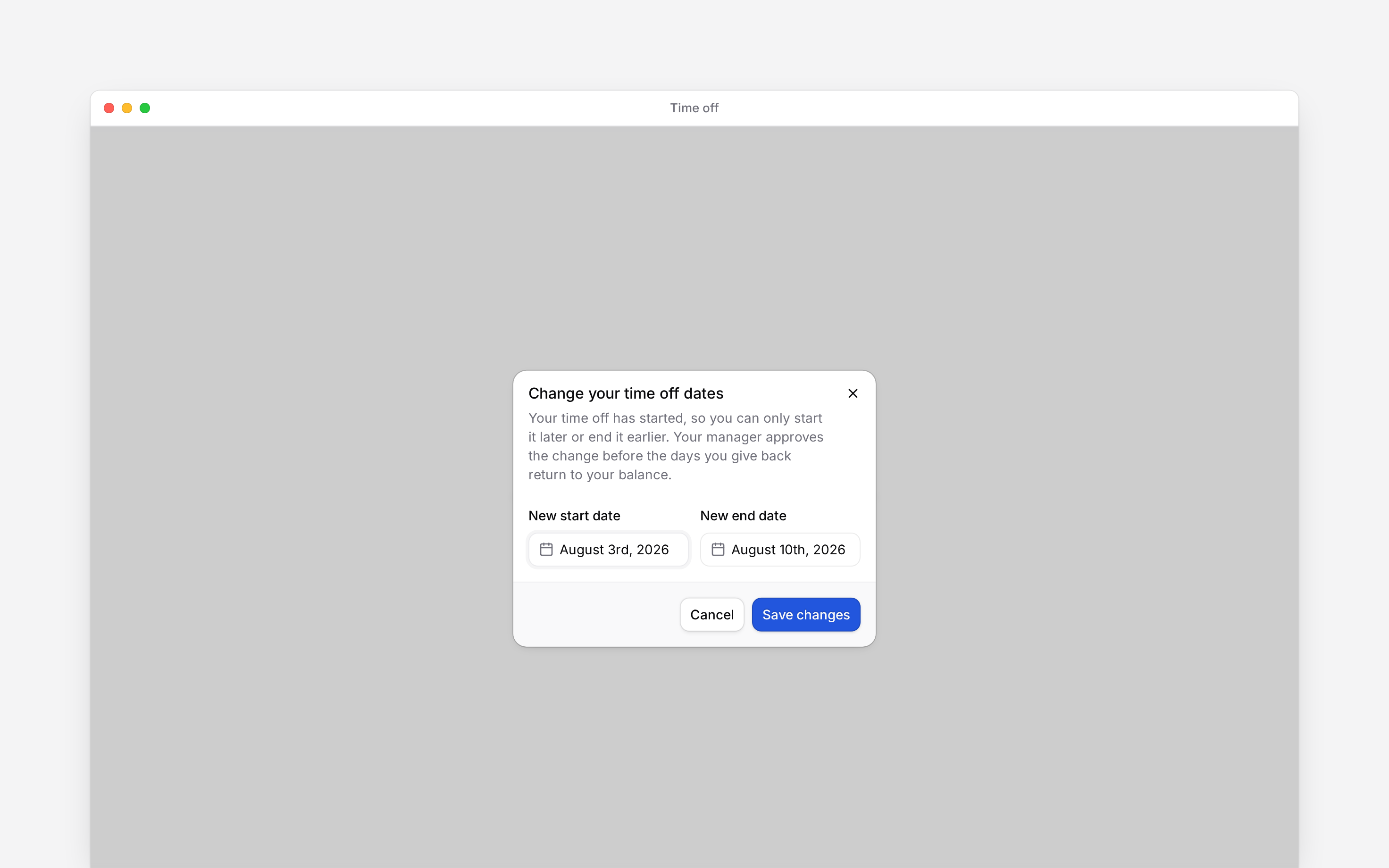
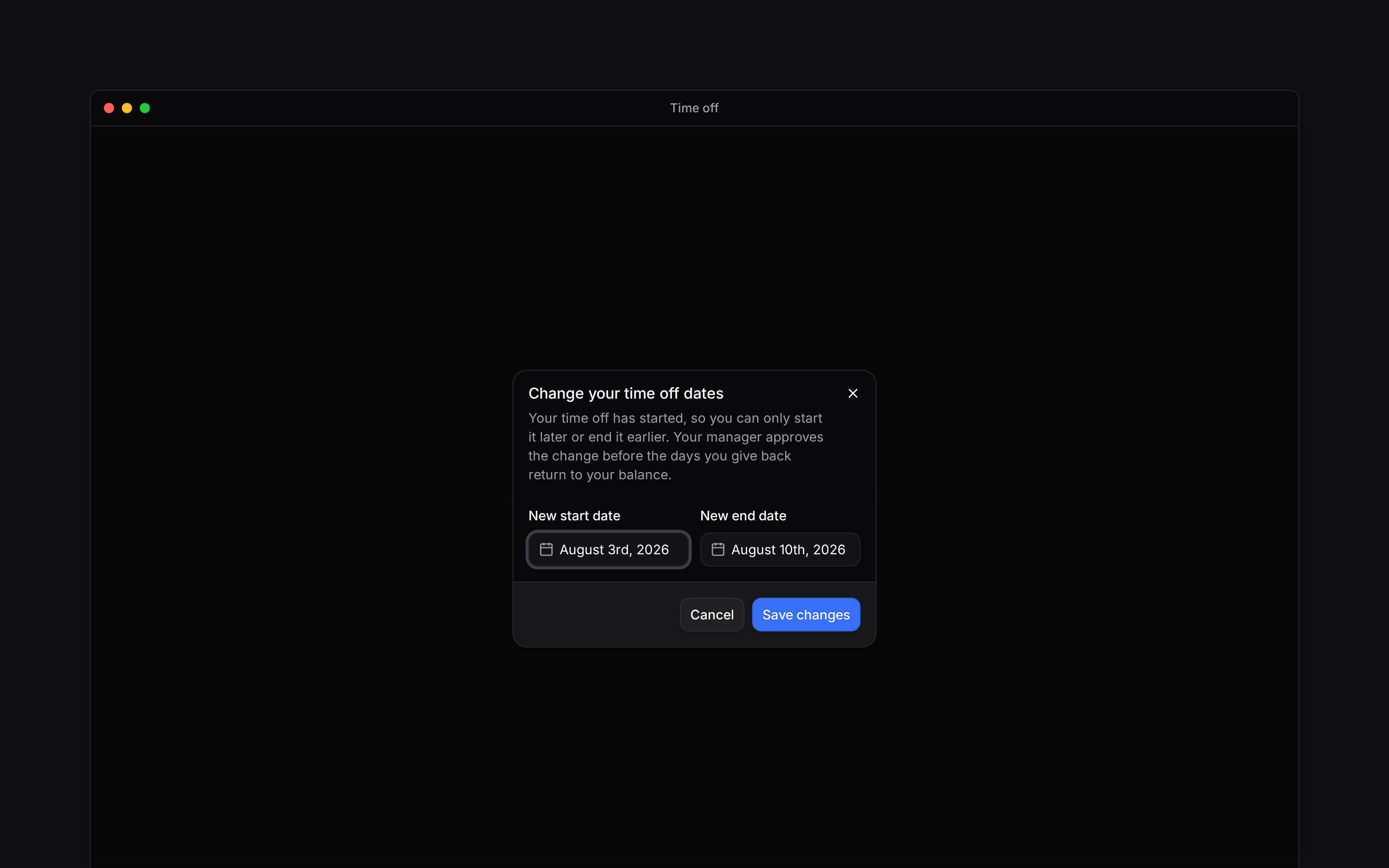
For approved leave spanning several dates, open its detail actions and choose **End early or start later**. Move the start later, the end earlier, or both, then **Save changes**. Keep at least one date within the original window. Your workplace may require approval before the returned leave becomes available.
For approved leave on one calendar date, **Cancel request** remains available while it is still running. There is no smaller date range to choose.
## If no action appears
You cannot use ordinary editing after leave starts, or change finished leave through these self-service actions. Ask your manager about corrections to completed leave or an absence they placed directly on your schedule.
Open the request in **My profile → Time off**. Its status and dates decide which actions appear. A pending future request opens as an editable form; other requests have an actions menu.
## Before your leave starts
Use **Edit request** to change dates, times or notes, then **Save changes**. An approved request can go back for approval. A denied request can be edited and resubmitted. To change the policy itself, arrange a new request instead.
Use **Cancel request** to withdraw pending or approved leave, then confirm. The absence is removed from your schedule. Denied requests cannot be cancelled; cancelled requests stay in your history.
## While your leave is running
For approved leave spanning several dates, open its detail actions and choose **End early or start later**. Move the start later, the end earlier, or both, then **Save changes**. Keep at least one date within the original window. Your workplace may require approval before the returned leave becomes available.
For approved leave on one calendar date, **Cancel request** remains available while it is still running. There is no smaller date range to choose.
## If no action appears
You cannot use ordinary editing after leave starts, or change finished leave through these self-service actions. Ask your manager about corrections to completed leave or an absence they placed directly on your schedule.
 **Context for an assistant answering questions about changing or cancelling time off.**
* **Running gate:** the exception requires approved leave with a live policy-backed block whose start has passed and end has not. Multiple-date leave can only narrow; single-date leave can cancel.
* **Bounds:** narrowing changes dates, preserves the request's times and cannot extend or empty the original range.
* **Menu:** the narrowing action lives in the request-detail actions, not the row's right-click edit/cancel menu.
* **Legacy:** a request without a linked block cannot be edited; a future pending/approved legacy request can cancel only before its start date in workspace timezone.
* **Rights:** own mutations still require permission to request time off.
## Next
See what is available before choosing dates.
Choose the dates and send your request.
## Still need help?
Email the Begin team and we'll get back to you.
Open the AI assistant and get instant answers based on these docs.
**Context for an assistant answering questions about changing or cancelling time off.**
* **Running gate:** the exception requires approved leave with a live policy-backed block whose start has passed and end has not. Multiple-date leave can only narrow; single-date leave can cancel.
* **Bounds:** narrowing changes dates, preserves the request's times and cannot extend or empty the original range.
* **Menu:** the narrowing action lives in the request-detail actions, not the row's right-click edit/cancel menu.
* **Legacy:** a request without a linked block cannot be edited; a future pending/approved legacy request can cancel only before its start date in workspace timezone.
* **Rights:** own mutations still require permission to request time off.
## Next
See what is available before choosing dates.
Choose the dates and send your request.
## Still need help?
Email the Begin team and we'll get back to you.
Open the AI assistant and get instant answers based on these docs.