> ## Documentation Index
> Fetch the complete documentation index at: https://docs.begin.eu/llms.txt
> Use this file to discover all available pages before exploring further.
# Using a workplace terminal
> Record a punch at your shared terminal and check it reached your timesheet.

 If your workplace uses a shared clock terminal, your manager gives you the method to use there. Depending on the setup, this can be a card, PIN or fingerprint.
## Record and check a punch
At the workplace terminal, follow its clock-in or clock-out instructions. Use your own assigned
card, PIN or enrolled fingerprint.
Wait for the terminal's result. A refused attempt is not a saved punch.
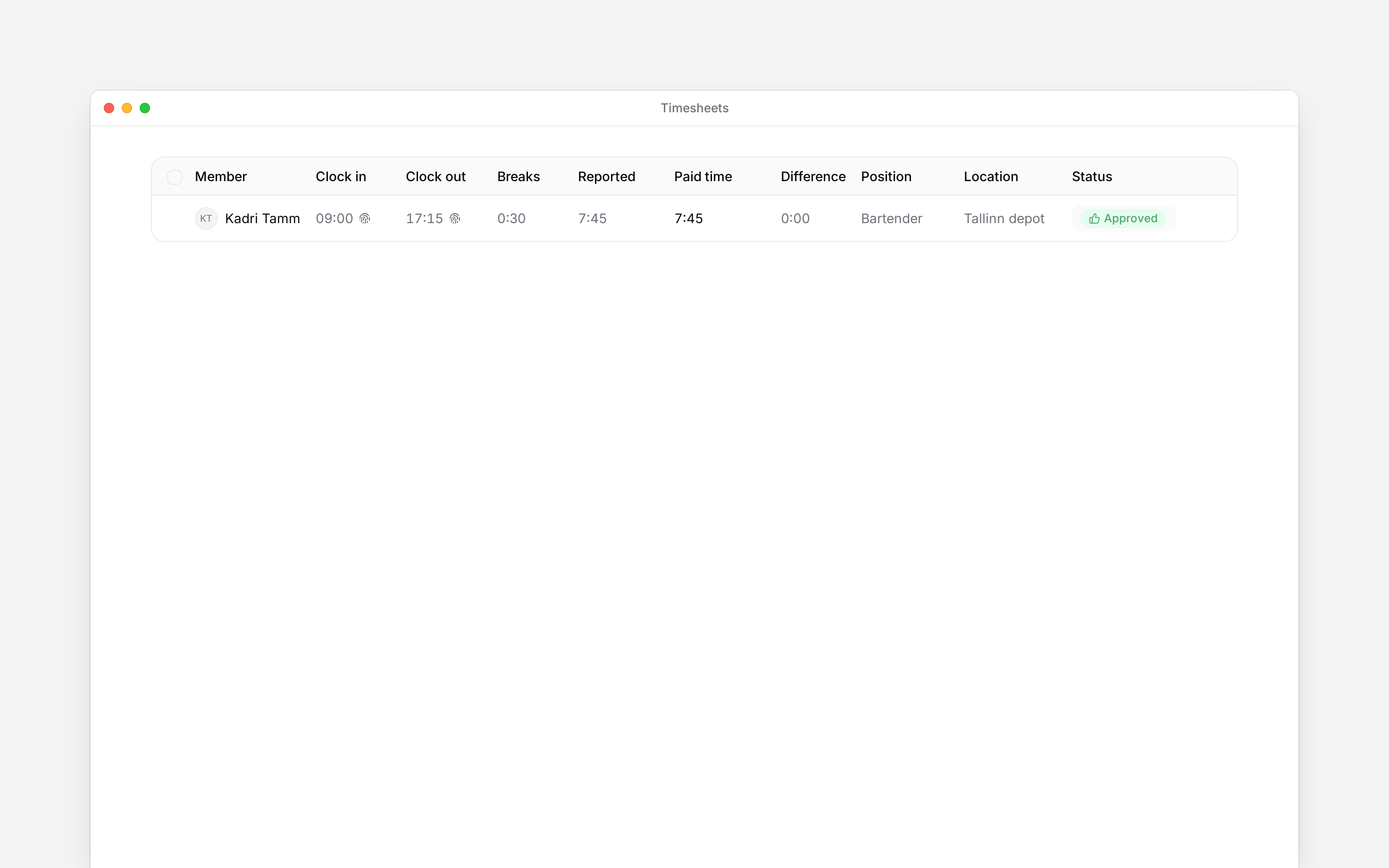
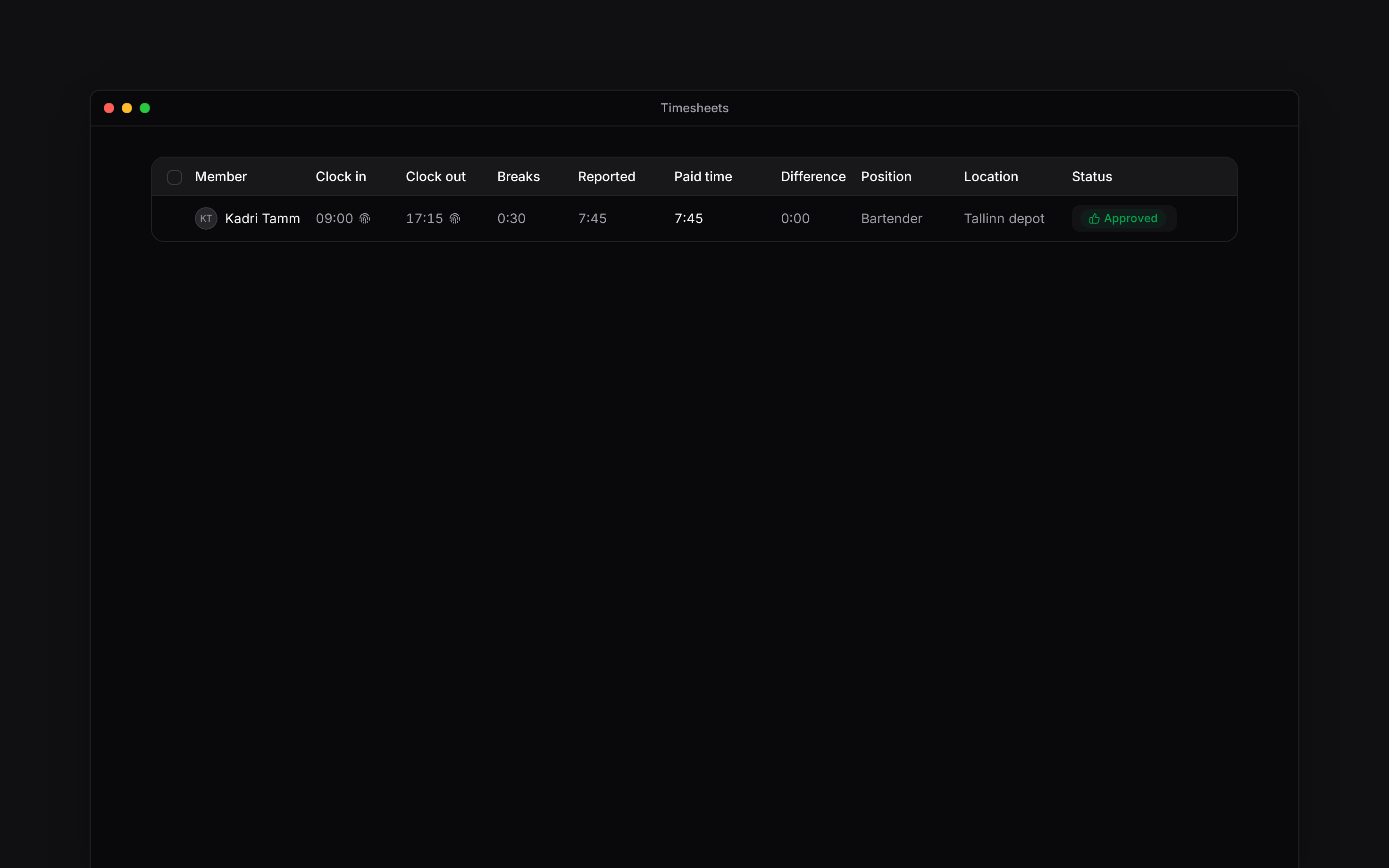
Open **Timesheet** on your phone or **Timesheets** in a browser and check that the entry has the
expected time. The punch method identifies terminal-recorded time.
## When the terminal refuses you
Tell your manager which terminal you used, the time and the message it showed. They can check that your identifier is assigned, synchronised and allowed by your clocking policy.
If you lose a card or need a new PIN or fingerprint enrolment, ask your manager. Do not use a colleague's identifier. If a punch is missing, ask how to record the correction rather than assuming that repeatedly presenting your card saved it.
If your workplace uses a shared clock terminal, your manager gives you the method to use there. Depending on the setup, this can be a card, PIN or fingerprint.
## Record and check a punch
At the workplace terminal, follow its clock-in or clock-out instructions. Use your own assigned
card, PIN or enrolled fingerprint.
Wait for the terminal's result. A refused attempt is not a saved punch.
Open **Timesheet** on your phone or **Timesheets** in a browser and check that the entry has the
expected time. The punch method identifies terminal-recorded time.
## When the terminal refuses you
Tell your manager which terminal you used, the time and the message it showed. They can check that your identifier is assigned, synchronised and allowed by your clocking policy.
If you lose a card or need a new PIN or fingerprint enrolment, ask your manager. Do not use a colleague's identifier. If a punch is missing, ask how to record the correction rather than assuming that repeatedly presenting your card saved it.
 **Context for an assistant answering questions about using a workplace terminal.**
* **Scope:** these are shared hardware terminals configured by the employer and Begin support, not a promised tablet-kiosk or QR-code flow.
* **Policy:** PIN and terminal clocking can be independently restricted. A wrong PIN and policy-blocked PIN can present the same refusal.
* **Rights:** default employees do not administer devices or reassign identifiers. Device menus and enrolment vary with installed hardware.
* **Troubleshooting:** duplicate clock-in, clock-out without an active entry and inactive membership can also cause refusal.
## Next
Check the time that reached your timesheet.
Add forgotten time or correct a completed entry.
## Still need help?
Email the Begin team and we'll get back to you.
Open the AI assistant and get instant answers based on these docs.
**Context for an assistant answering questions about using a workplace terminal.**
* **Scope:** these are shared hardware terminals configured by the employer and Begin support, not a promised tablet-kiosk or QR-code flow.
* **Policy:** PIN and terminal clocking can be independently restricted. A wrong PIN and policy-blocked PIN can present the same refusal.
* **Rights:** default employees do not administer devices or reassign identifiers. Device menus and enrolment vary with installed hardware.
* **Troubleshooting:** duplicate clock-in, clock-out without an active entry and inactive membership can also cause refusal.
## Next
Check the time that reached your timesheet.
Add forgotten time or correct a completed entry.
## Still need help?
Email the Begin team and we'll get back to you.
Open the AI assistant and get instant answers based on these docs.