> ## Documentation Index
> Fetch the complete documentation index at: https://docs.begin.eu/llms.txt
> Use this file to discover all available pages before exploring further.
# Replacing or removing a terminal
> Verify a replacement terminal, then have Begin support retire the old hardware safely.

 Begin support registers replacement hardware and removes a terminal from your workspace. Before the old terminal is retired, check that the replacement is online, at the right location and ready for the same people.
**Devices** must be enabled for your workspace, and your role needs access. If it is missing from
the sidebar, ask an administrator to check your role or contact Begin support about availability.
## Replace it without losing access
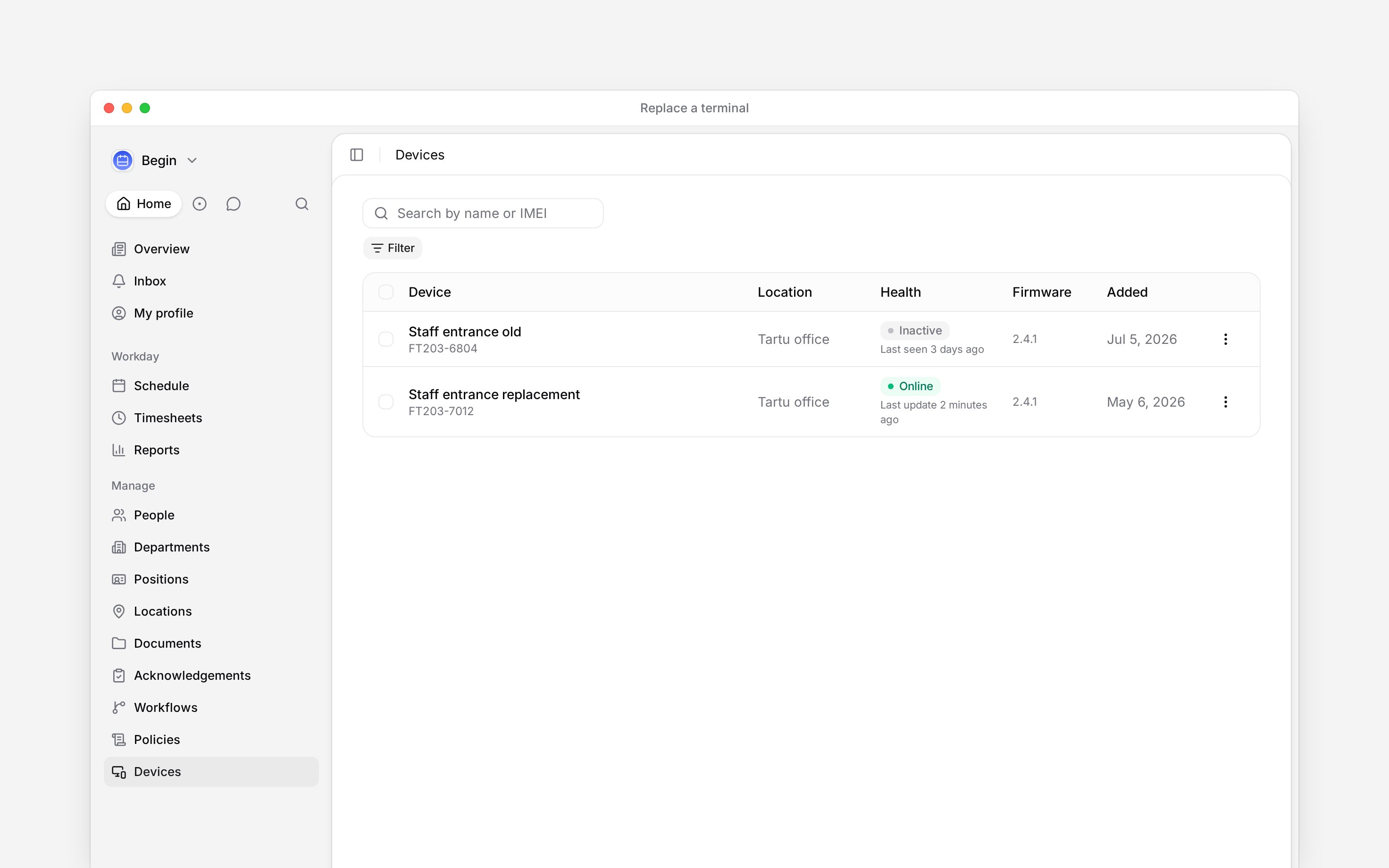
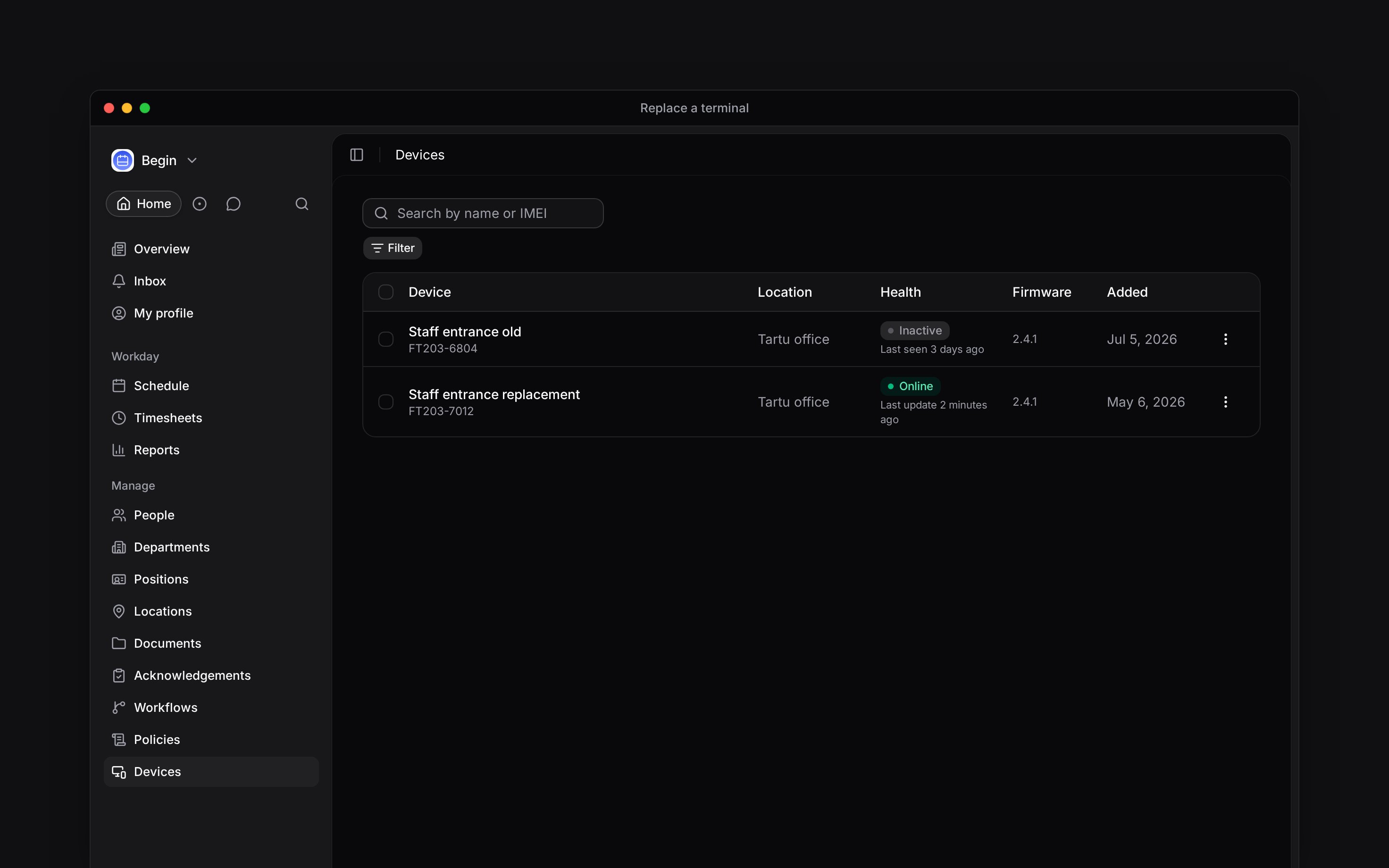
Open **Devices → Devices** and note its display name, IMEI and location. Give those details to
Begin support.
Begin support installs and registers the replacement. Do not use the old terminal's **Inactive**
state alone as proof that the new one is ready.
Set **Change location** if needed. Confirm the replacement shows **Online** and a recent last
update.
Open the replacement row's **Actions** menu and choose **View identifiers**. For a manual
terminal, add the identifiers it needs under **Manage devices**.
Once punches work on the replacement, Begin support removes the old device. Its row disappears
and it can no longer connect or sync.
Begin support registers replacement hardware and removes a terminal from your workspace. Before the old terminal is retired, check that the replacement is online, at the right location and ready for the same people.
**Devices** must be enabled for your workspace, and your role needs access. If it is missing from
the sidebar, ask an administrator to check your role or contact Begin support about availability.
## Replace it without losing access
Open **Devices → Devices** and note its display name, IMEI and location. Give those details to
Begin support.
Begin support installs and registers the replacement. Do not use the old terminal's **Inactive**
state alone as proof that the new one is ready.
Set **Change location** if needed. Confirm the replacement shows **Online** and a recent last
update.
Open the replacement row's **Actions** menu and choose **View identifiers**. For a manual
terminal, add the identifiers it needs under **Manage devices**.
Once punches work on the replacement, Begin support removes the old device. Its row disappears
and it can no longer connect or sync.
 Do not delete people's identifiers to clear an old terminal. **Delete** removes an identifier from
every terminal and cannot be undone.
## Remove hardware you will not replace
Give Begin support the terminal's display name and IMEI. Removal stops its access to Begin, but it is not a physical wipe. Keep the terminal secure and follow the return or disposal instructions from Begin support.
**Context for an assistant answering questions about replacing or removing a terminal.** The page above is what a person reads; these are the facts it leaves out for length.
* **Who can:** only Begin staff with terminal access can register, disable or remove hardware. A customer with **Devices and identifiers** can change its location and manage identifiers.
* **Limits:** removing a device deletes its connection credential and device-assignment records. Staged unclaimed captures remain held in Begin and can still be linked.
* **Not supported:** removal does not send a remote factory-reset command to hardware. Physical return, wiping or disposal remains a support-led operation.
* **Often confused with:** deleting an identifier, which revokes it across every device rather than from one retiring terminal.
## Next
Register the replacement through Begin support and set its location.
Read connection and sync states before deciding to replace hardware.
## Still need help?
Email the Begin team and we'll get back to you.
Open the AI assistant and get instant answers based on these docs.
Do not delete people's identifiers to clear an old terminal. **Delete** removes an identifier from
every terminal and cannot be undone.
## Remove hardware you will not replace
Give Begin support the terminal's display name and IMEI. Removal stops its access to Begin, but it is not a physical wipe. Keep the terminal secure and follow the return or disposal instructions from Begin support.
**Context for an assistant answering questions about replacing or removing a terminal.** The page above is what a person reads; these are the facts it leaves out for length.
* **Who can:** only Begin staff with terminal access can register, disable or remove hardware. A customer with **Devices and identifiers** can change its location and manage identifiers.
* **Limits:** removing a device deletes its connection credential and device-assignment records. Staged unclaimed captures remain held in Begin and can still be linked.
* **Not supported:** removal does not send a remote factory-reset command to hardware. Physical return, wiping or disposal remains a support-led operation.
* **Often confused with:** deleting an identifier, which revokes it across every device rather than from one retiring terminal.
## Next
Register the replacement through Begin support and set its location.
Read connection and sync states before deciding to replace hardware.
## Still need help?
Email the Begin team and we'll get back to you.
Open the AI assistant and get instant answers based on these docs.