> ## Documentation Index
> Fetch the complete documentation index at: https://docs.begin.eu/llms.txt
> Use this file to discover all available pages before exploring further.
# Reading notifications
> Open an update, inspect what changed and follow it to the next action.
export const BetaCallout = ({children}) => ;

 Open a notification to see what happened and the item it concerns. Its detail view depends on the subject: a shift change, a post and a document each offer different ways to follow up.
## Open an update
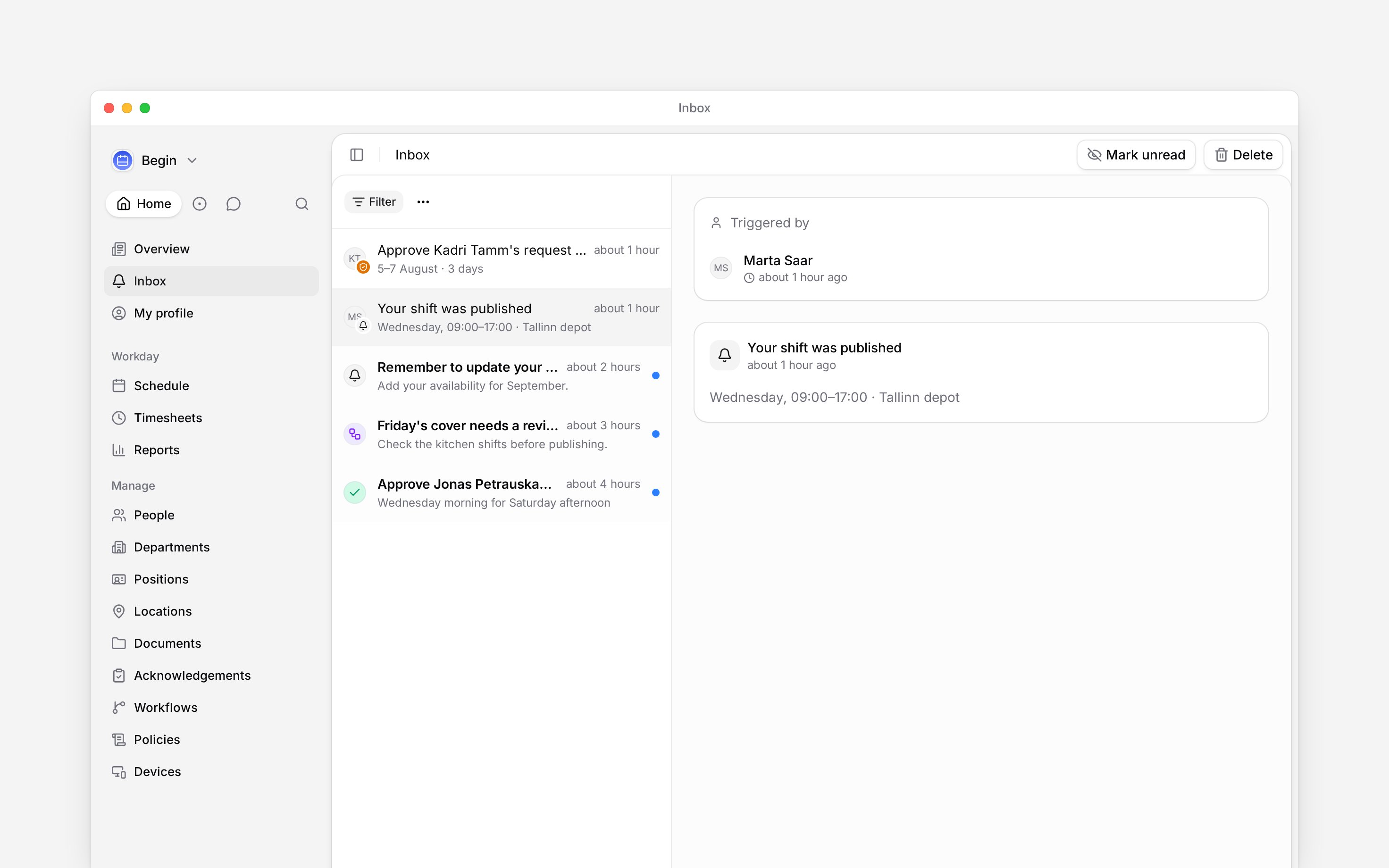
Open **Inbox** and select a row. On a computer, its details appear beside the list.
Check who triggered it and the affected dates or records. A grouped shift notification lists its
shifts; select the one you need.
Use the card's action or link to continue. On a phone, use the back arrow to return to the inbox
list.
The item becomes read when you open it. That does not approve a request or answer an offer.
Open a notification to see what happened and the item it concerns. Its detail view depends on the subject: a shift change, a post and a document each offer different ways to follow up.
## Open an update
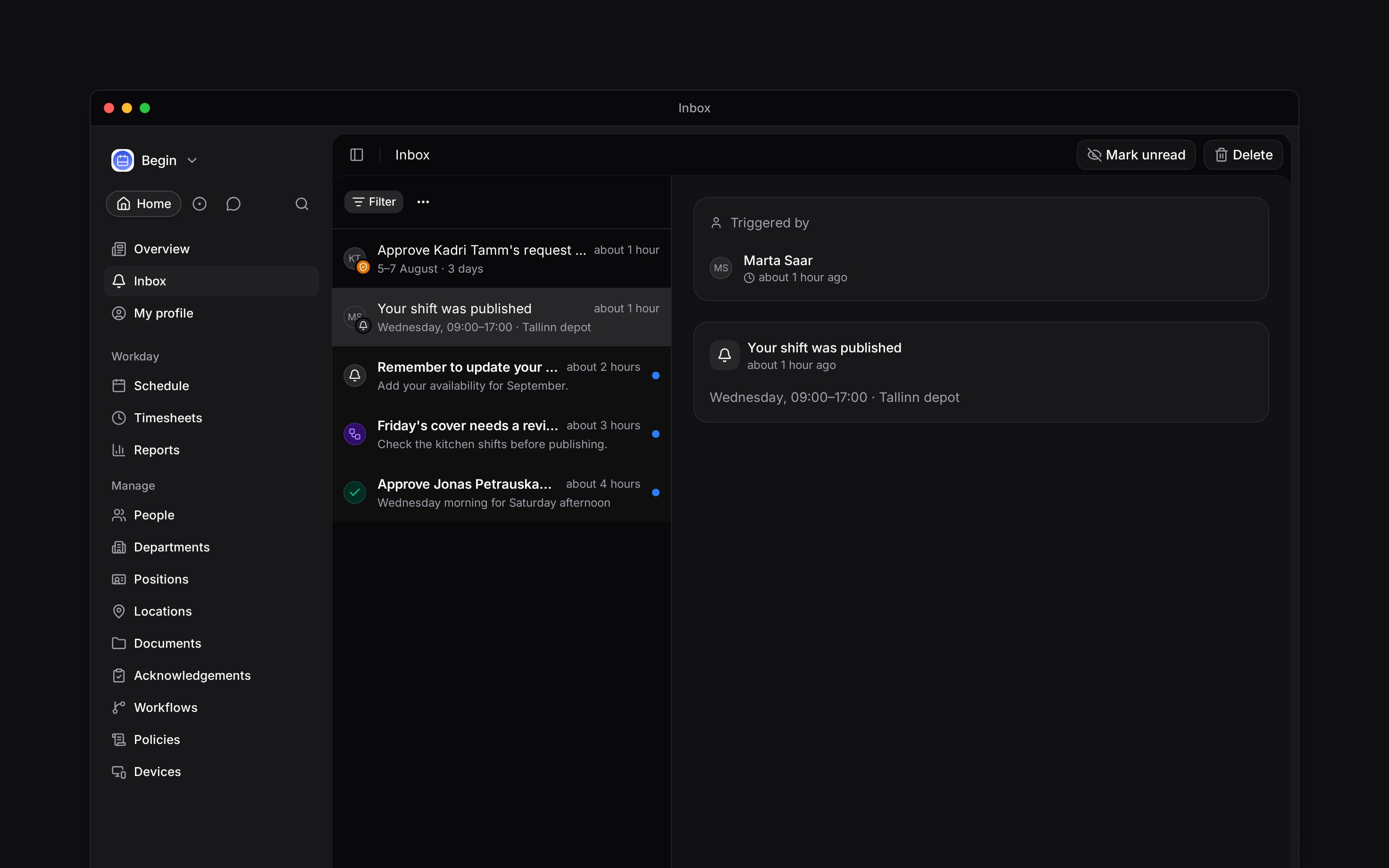
Open **Inbox** and select a row. On a computer, its details appear beside the list.
Check who triggered it and the affected dates or records. A grouped shift notification lists its
shifts; select the one you need.
Use the card's action or link to continue. On a phone, use the back arrow to return to the inbox
list.
The item becomes read when you open it. That does not approve a request or answer an offer.
 ## Check the details before acting
Shift notifications can show the previous and changed values. The linked shift's properties stay up to date, so check them before making a further change. A deleted shift has no live shift to edit.
Where **Comments** and **Activity** appear, use them to follow the discussion and the record of changes. Editable properties depend on your permissions; seeing a notification does not grant permission to edit its subject.
A pending review may appear inside a shift or time-entry notification. Follow [Approving requests](/for-managers/inbox/approving-requests) when you see review controls.
## Use the action on the card
A post opens its content; a document card takes you to its document. People cards lead to the person's record. A data-deletion request can be answered in Inbox: choose the available outcome, then **Confirm**. Its **Open People** link opens the people list.
A support-access request offers **Allow access** or **Decline**. A loop result offers **Open result**, or **Open loop** when the run could not complete.
An open-shift offer asks for your own response. It is different from a manager reviewing someone else's claim: use the offer's action rather than treating it as an approval.
Open-shift offers are rolling out gradually. If open shifts are not available in your workspace,
ask us to turn them on.
**Context for notification details.**
* **Limits:** A comment notification shows the comment's context; it does not expose the linked shift's approval controls as part of that comment.
* **Often confused with:** Notes on a leave request are the requester's reason, not a shift-notes field for the reviewer to edit.
## Next
Make a decision when a card asks for review.
Snooze an item or clear it after following up.
## Still need help?
Email the Begin team and we'll get back to you.
Open the AI assistant and get instant answers based on these docs.
## Check the details before acting
Shift notifications can show the previous and changed values. The linked shift's properties stay up to date, so check them before making a further change. A deleted shift has no live shift to edit.
Where **Comments** and **Activity** appear, use them to follow the discussion and the record of changes. Editable properties depend on your permissions; seeing a notification does not grant permission to edit its subject.
A pending review may appear inside a shift or time-entry notification. Follow [Approving requests](/for-managers/inbox/approving-requests) when you see review controls.
## Use the action on the card
A post opens its content; a document card takes you to its document. People cards lead to the person's record. A data-deletion request can be answered in Inbox: choose the available outcome, then **Confirm**. Its **Open People** link opens the people list.
A support-access request offers **Allow access** or **Decline**. A loop result offers **Open result**, or **Open loop** when the run could not complete.
An open-shift offer asks for your own response. It is different from a manager reviewing someone else's claim: use the offer's action rather than treating it as an approval.
Open-shift offers are rolling out gradually. If open shifts are not available in your workspace,
ask us to turn them on.
**Context for notification details.**
* **Limits:** A comment notification shows the comment's context; it does not expose the linked shift's approval controls as part of that comment.
* **Often confused with:** Notes on a leave request are the requester's reason, not a shift-notes field for the reviewer to edit.
## Next
Make a decision when a card asks for review.
Snooze an item or clear it after following up.
## Still need help?
Email the Begin team and we'll get back to you.
Open the AI assistant and get instant answers based on these docs.