> ## Documentation Index
> Fetch the complete documentation index at: https://docs.begin.eu/llms.txt
> Use this file to discover all available pages before exploring further.
# Data deletion requests
> Review a person’s request and choose what happens to their workspace record.

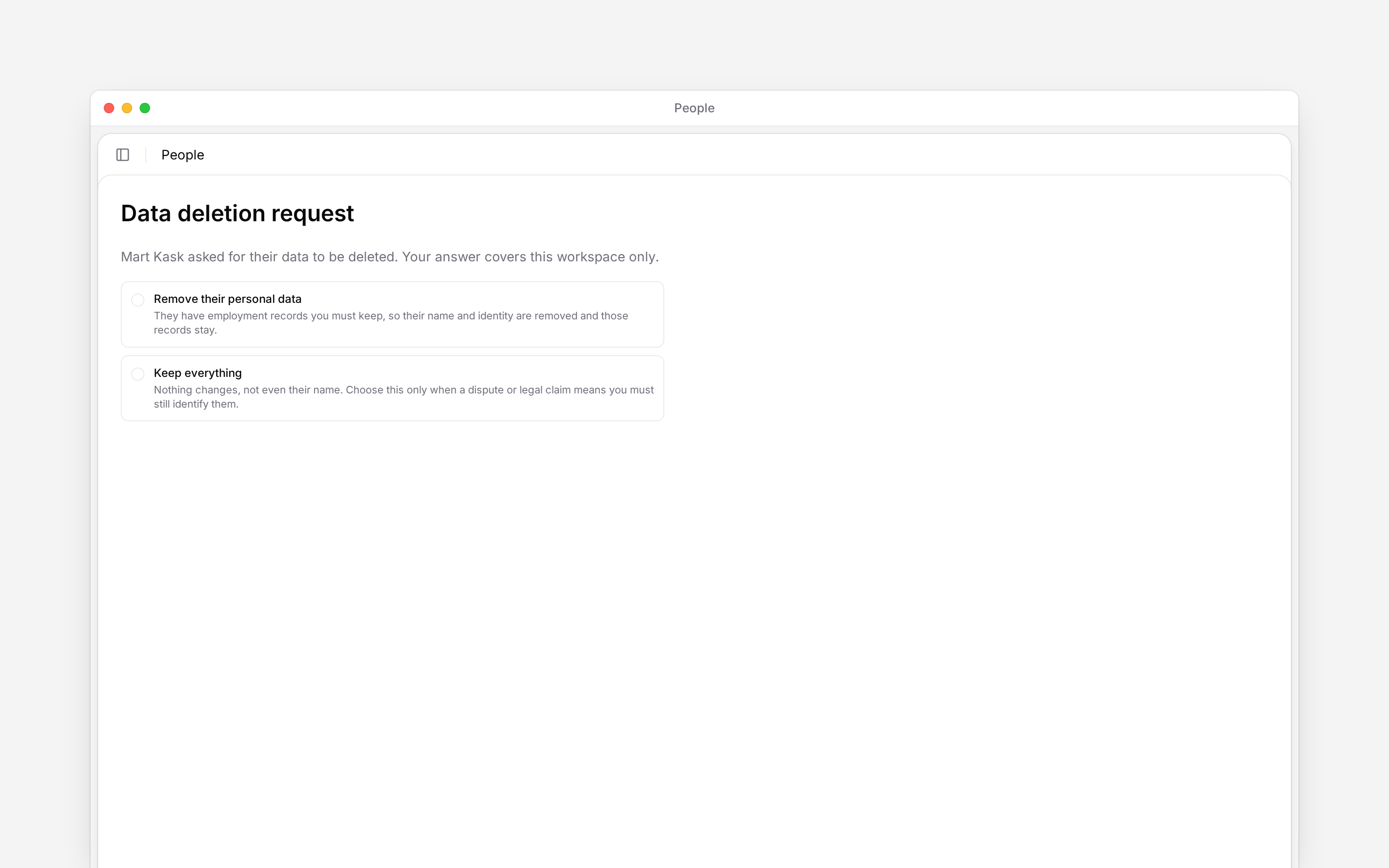
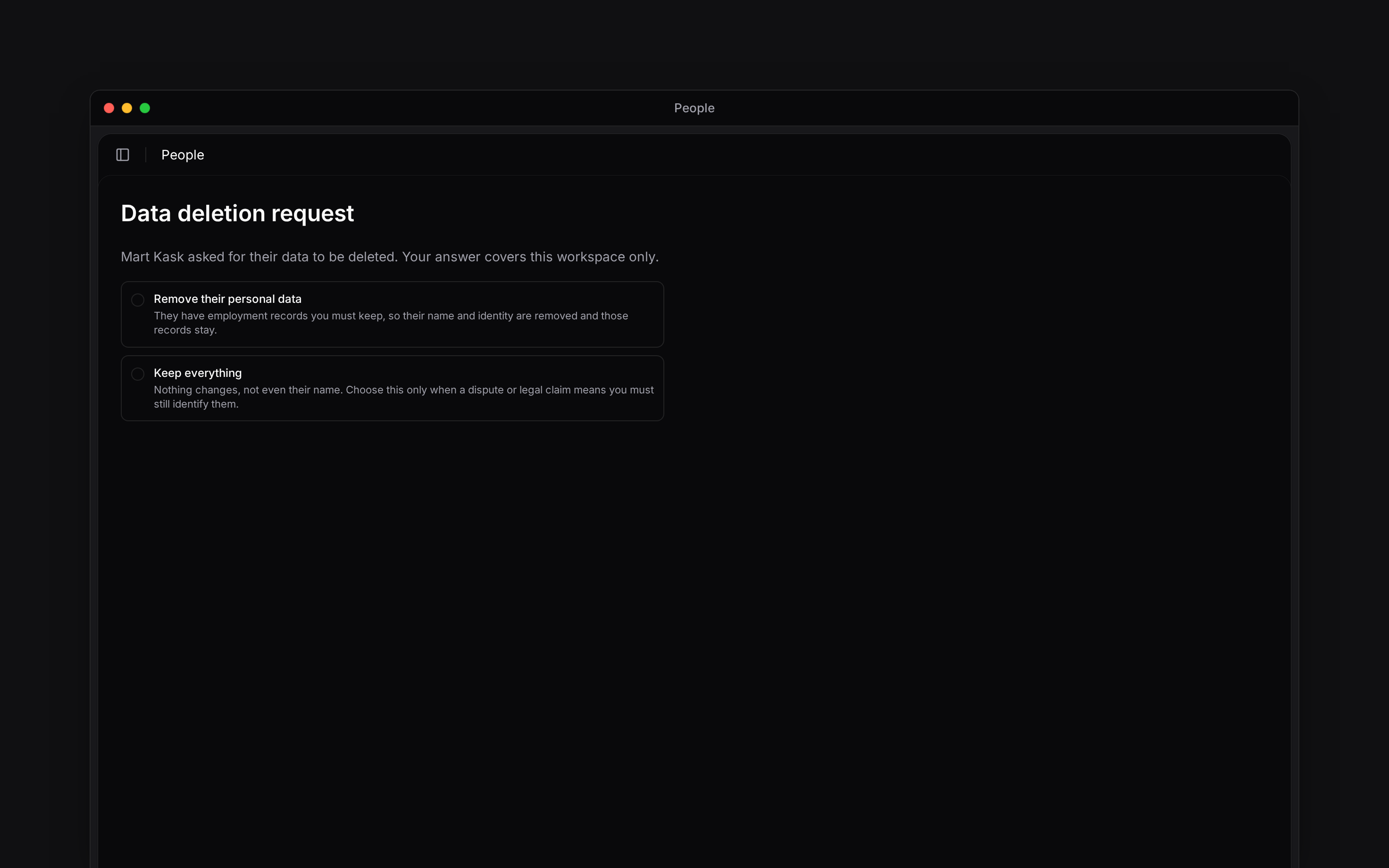
 A person can ask for their data to be removed when leaving a workspace or deleting their Begin account. Answer the request in **People** or through its **Inbox** card. Your answer covers this workspace only.
You need permission to delete people, and the person must be within your permitted scope, to
answer their request.
## Review the request
If several requests are waiting, choose whose request to answer. The others remain pending.
The card says whether the person left this workspace or deleted their Begin account.
Read the explanation under **Remove their personal data**, or choose **Keep everything** when
you need to retain their identity.
The result states whether the record was deleted, anonymised or kept. The request is then
answered.
A person can ask for their data to be removed when leaving a workspace or deleting their Begin account. Answer the request in **People** or through its **Inbox** card. Your answer covers this workspace only.
You need permission to delete people, and the person must be within your permitted scope, to
answer their request.
## Review the request
If several requests are waiting, choose whose request to answer. The others remain pending.
The card says whether the person left this workspace or deleted their Begin account.
Read the explanation under **Remove their personal data**, or choose **Keep everything** when
you need to retain their identity.
The result states whether the record was deleted, anonymised or kept. The request is then
answered.
 ## Understand the two choices
| Choice | What happens |
| ------------------------------ | ------------------------------------------------------------------------------------------------------------------------------------------------------------------------------------------------------- |
| **Remove their personal data** | Begin shows the outcome for this person before you confirm. A record without employment history moves to Recently deleted for erasure; a record with retained employment history is anonymised instead. |
| **Keep everything** | The record, including the person's name, remains. The form identifies this as the choice when a dispute or legal claim requires you to retain their identity. |
You choose whether to remove personal data. Begin determines which removal outcome applies to the records it holds; you do not select anonymisation as a separate option.
Removing personal information is not a temporary suspension. An erased identity cannot be
recovered by restoring an employment record.
## Check the result
A deleted record waits in **Recently deleted** for the erasure countdown. An anonymised record stays as a former employee so its retained employment records remain usable. **Keep everything** closes the request without changing the record.
Use [Deactivating and removing people](/for-managers/people/deactivating-and-removing-people) for ordinary access and deletion actions. Those actions do not replace answering a pending request.
**Context for an assistant answering questions about data deletion requests.**
* **Where:** The People request dialog and the Inbox card answer the same workspace request.
* **Limits:** The People list returns up to 100 pending requests at a time. Answering them reveals further requests if more are waiting.
* **Often confused with:** One workspace's answer does not remove records held by other workspaces. A completed personal-data erasure can block restoration even during the normal deletion countdown.
## Next
Understand account access and the deletion countdown.
Find the records held for a person.
## Still need help?
Email the Begin team and we'll get back to you.
Open the AI assistant and get instant answers based on these docs.
## Understand the two choices
| Choice | What happens |
| ------------------------------ | ------------------------------------------------------------------------------------------------------------------------------------------------------------------------------------------------------- |
| **Remove their personal data** | Begin shows the outcome for this person before you confirm. A record without employment history moves to Recently deleted for erasure; a record with retained employment history is anonymised instead. |
| **Keep everything** | The record, including the person's name, remains. The form identifies this as the choice when a dispute or legal claim requires you to retain their identity. |
You choose whether to remove personal data. Begin determines which removal outcome applies to the records it holds; you do not select anonymisation as a separate option.
Removing personal information is not a temporary suspension. An erased identity cannot be
recovered by restoring an employment record.
## Check the result
A deleted record waits in **Recently deleted** for the erasure countdown. An anonymised record stays as a former employee so its retained employment records remain usable. **Keep everything** closes the request without changing the record.
Use [Deactivating and removing people](/for-managers/people/deactivating-and-removing-people) for ordinary access and deletion actions. Those actions do not replace answering a pending request.
**Context for an assistant answering questions about data deletion requests.**
* **Where:** The People request dialog and the Inbox card answer the same workspace request.
* **Limits:** The People list returns up to 100 pending requests at a time. Answering them reveals further requests if more are waiting.
* **Often confused with:** One workspace's answer does not remove records held by other workspaces. A completed personal-data erasure can block restoration even during the normal deletion countdown.
## Next
Understand account access and the deletion countdown.
Find the records held for a person.
## Still need help?
Email the Begin team and we'll get back to you.
Open the AI assistant and get instant answers based on these docs.