> ## Documentation Index
> Fetch the complete documentation index at: https://docs.begin.eu/llms.txt
> Use this file to discover all available pages before exploring further.
# Recording pay changes
> Set pay and contracted hours with the date they take effect.
export const BetaCallout = ({children}) => ;
export const Beta = () => Beta;

 Record a pay change from **Job & pay** on a person's profile. Each change has an effective date, so you can keep the previous terms and enter a future change without replacing today's rate. A job with no recorded pay is missing compensation; it does not mean the agreed rate is zero.
Pay has separate read and edit permissions. Administrator has them by default; the standard
Manager role does not. Permission to edit a job is not enough to edit its pay.
## Record the new terms
They need a job record first. If none exists, [add the
job](/for-managers/people/employment-details).
If the job has no pay yet, use the add-pay action in its empty state.
Choose the pay type, amount, currency and frequency. Enter contracted hours with their period.
The workload percentage is calculated from those hours.
Choose when these terms start, add a reason and any useful notes, then choose **Record change**.
Notes can contain up to 500 characters.
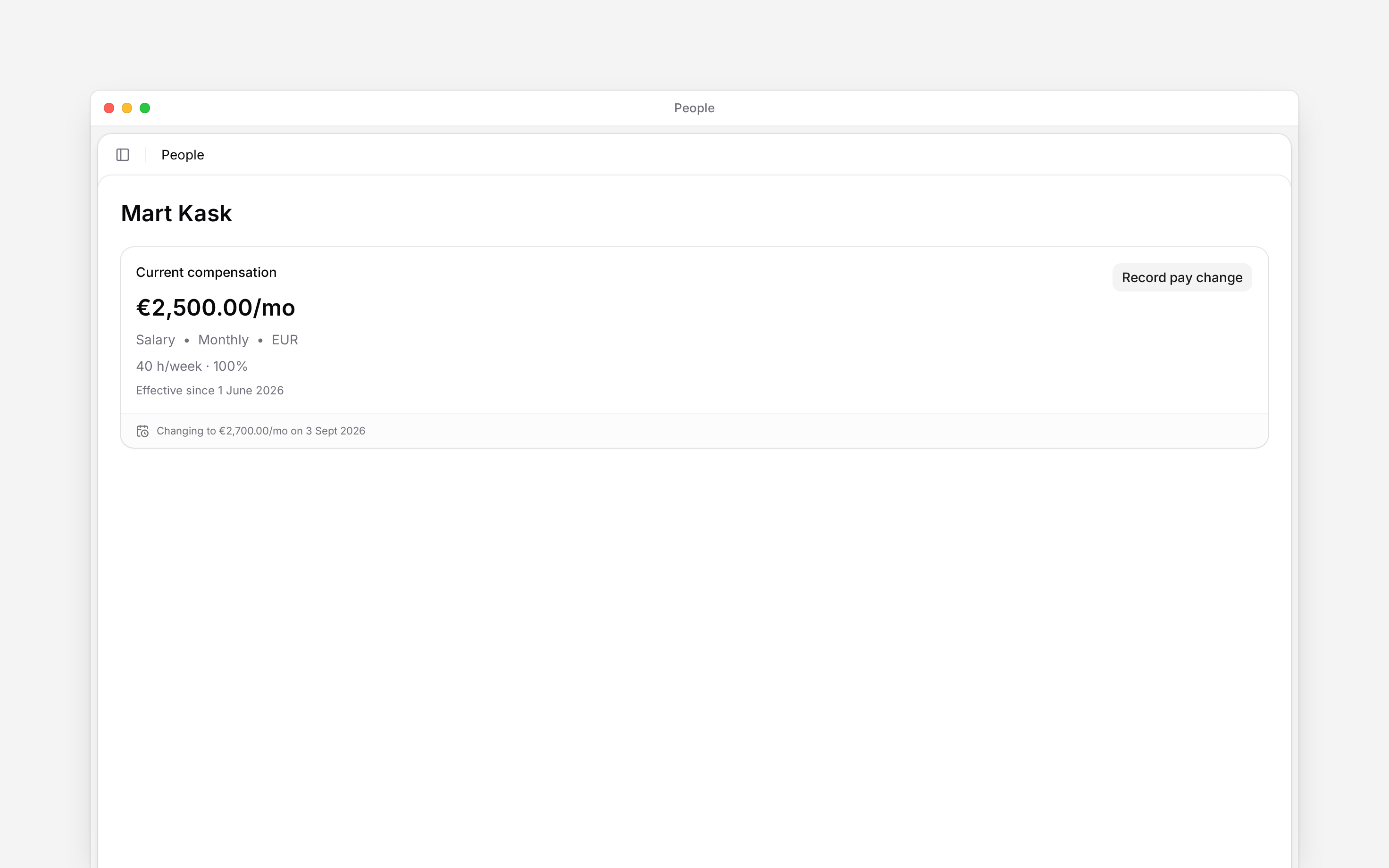
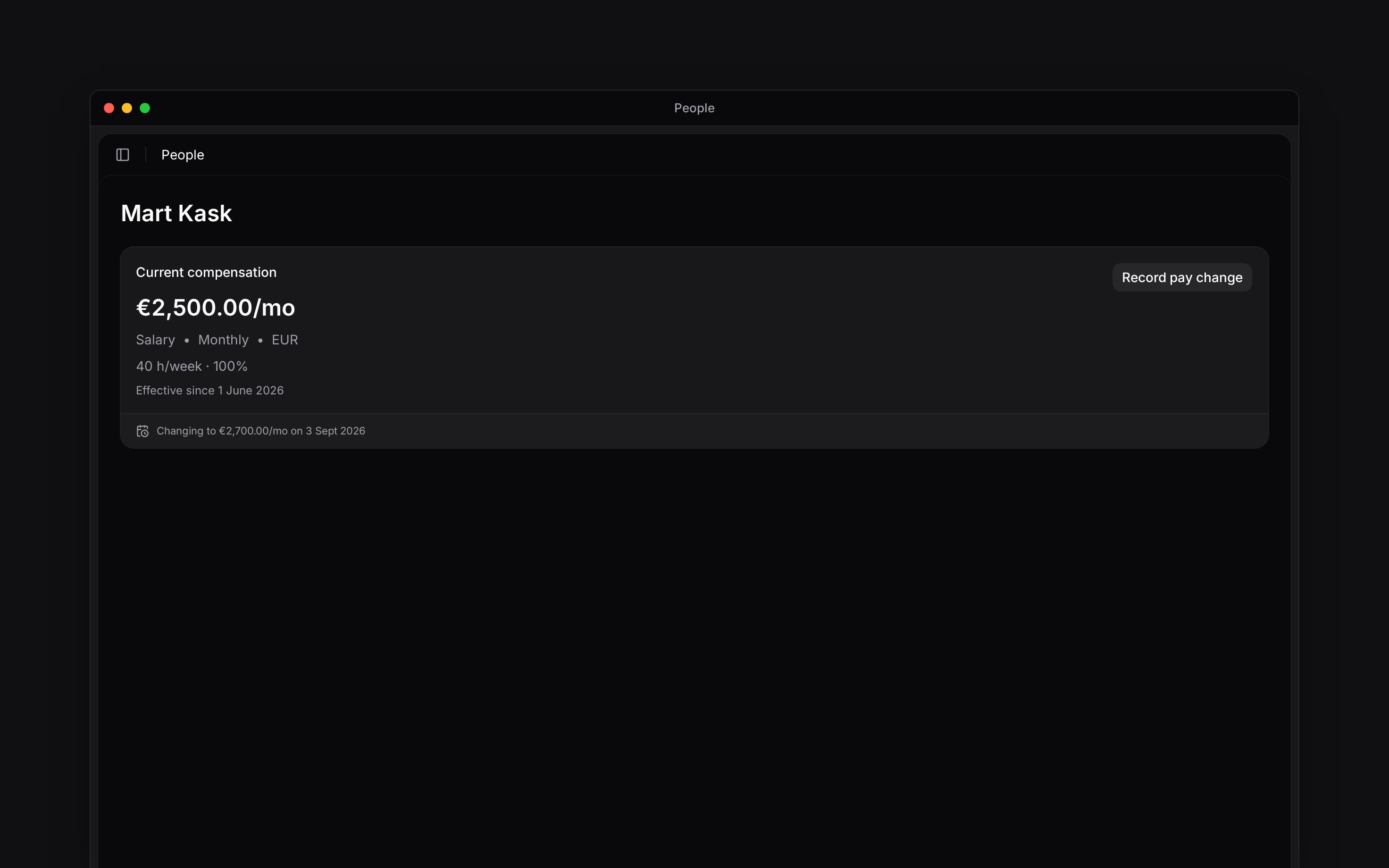
The change appears in **Compensation history**. Terms already in force appear on the current compensation card; a later change is shown as upcoming.
Record a pay change from **Job & pay** on a person's profile. Each change has an effective date, so you can keep the previous terms and enter a future change without replacing today's rate. A job with no recorded pay is missing compensation; it does not mean the agreed rate is zero.
Pay has separate read and edit permissions. Administrator has them by default; the standard
Manager role does not. Permission to edit a job is not enough to edit its pay.
## Record the new terms
They need a job record first. If none exists, [add the
job](/for-managers/people/employment-details).
If the job has no pay yet, use the add-pay action in its empty state.
Choose the pay type, amount, currency and frequency. Enter contracted hours with their period.
The workload percentage is calculated from those hours.
Choose when these terms start, add a reason and any useful notes, then choose **Record change**.
Notes can contain up to 500 characters.
The change appears in **Compensation history**. Terms already in force appear on the current compensation card; a later change is shown as upcoming.
 ## Correct a record
Use the record's edit action in **Compensation history** when the saved information was wrong. Record a new change when the person's terms actually change. Removing a history record is different from entering a later rate.
Contracted hours and their period determine workload. Check the displayed percentage before saving.
## Correct a record
Use the record's edit action in **Compensation history** when the saved information was wrong. Record a new change when the person's terms actually change. Removing a history record is different from entering a later rate.
Contracted hours and their period determine workload. Check the displayed percentage before saving.
Check the contract too
Contracts are rolling out gradually. If your workspace has no contract actions, ask us to check
whether the feature is enabled for you.
Saving a pay change does not rewrite a signed contract. If the person has a contract in force, Begin shows a notice with **View documents** so you can prepare the required new document.
Use [Creating and signing contracts](/for-managers/documents/creating-and-signing-contracts) for that document workflow.
**Context for an assistant answering questions about recording pay changes.**
* **Limits:** Currency and pay frequency are stored with each compensation record.
* **Terms:** **Workload** is derived from contracted hours; it is not an independent percentage input.
## Next
Maintain the job the pay belongs to.
Record agreed terms in a document.
## Still need help?
Email the Begin team and we'll get back to you.
Open the AI assistant and get instant answers based on these docs.