> ## Documentation Index
> Fetch the complete documentation index at: https://docs.begin.eu/llms.txt
> Use this file to discover all available pages before exploring further.
# Overtime
> Choose whether overtime starts above each day's norm or above the norm for a longer period.

 An overtime policy decides when worked hours move into the overtime column. It compares calculated worked time with the person's norm; it does not set a pay rate.
## Choose the basis
| You want overtime to start… | Choose |
| ----------------------------------------------------------------------- | --------------------- |
| When worked time goes above each day's norm | **Daily** |
| When worked time goes above the norm for a window of one or more months | **Summarized period** |
Check the person's employment details and norm before choosing the basis. A policy cannot correct an incorrect workload or employment period. With **Daily**, a day with 10 calculated worked hours and an 8-hour norm produces 2 overtime hours. A shorter day elsewhere does not cancel that daily excess.
For a **Summarized period**, set **Period length** and **Period start**. For example, a three-month window beginning in January covers January to March before the next window begins in April. Begin evaluates the full period, so a longer day may be balanced by a shorter day before the window ends.
With no overtime policy, Begin measures overtime against each calendar month.
## Create the policy
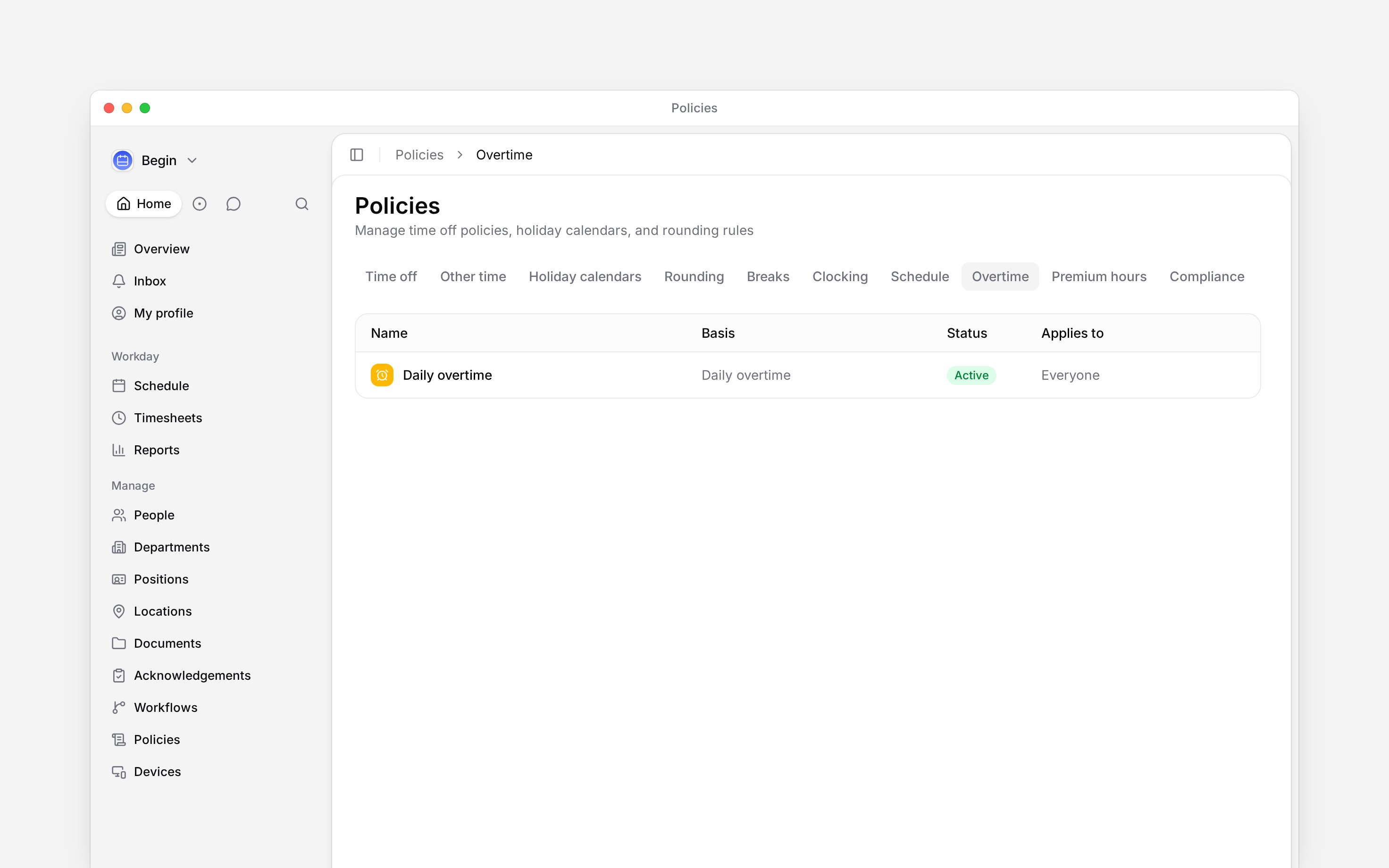
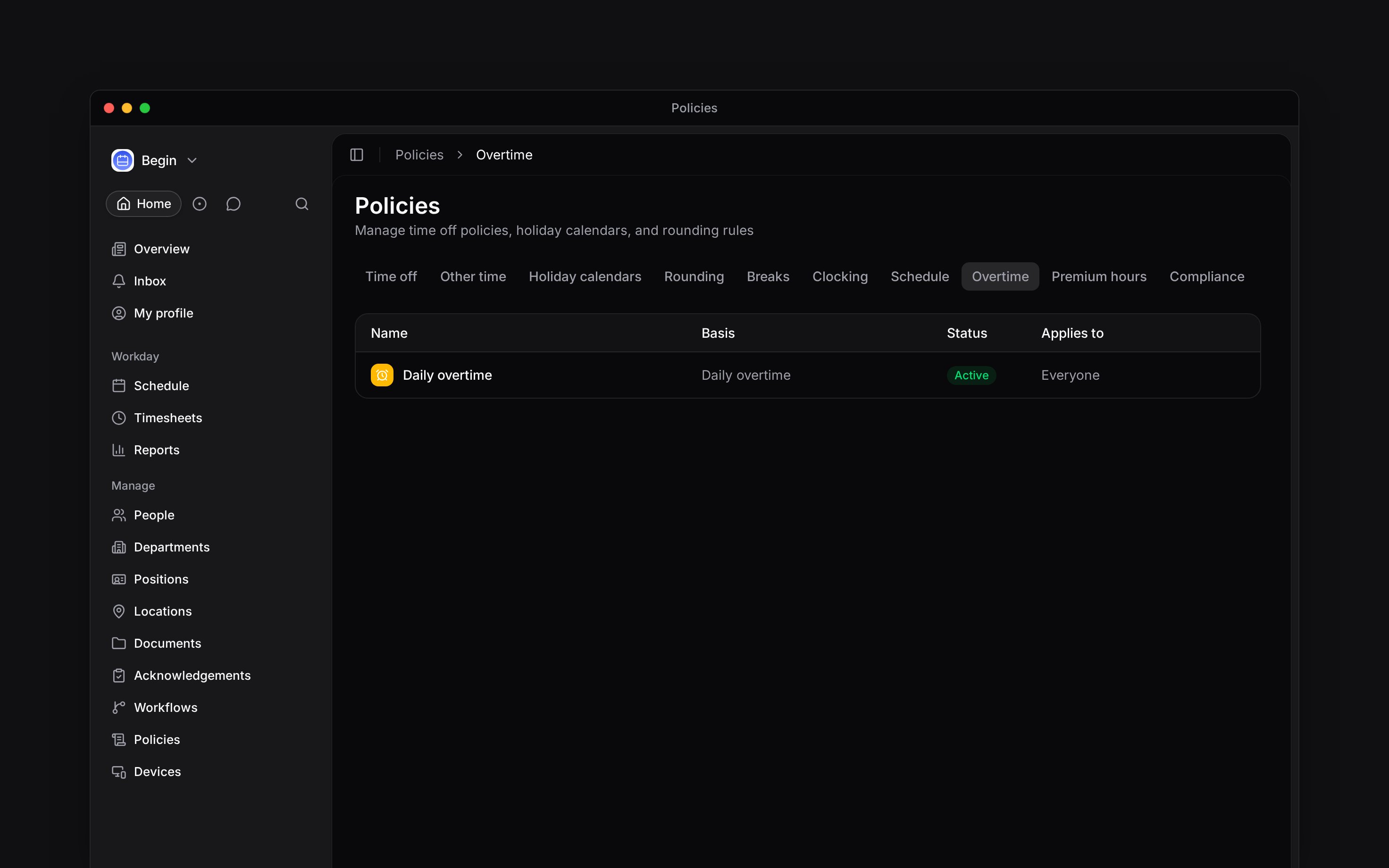
Go to **Policies → Overtime**, open **Add**, then choose **Overtime policy**.
Under **Accrual basis**, select **Daily** or **Summarized period**. For a period, set **Period
length** and **Period start**.
Use [**Applies to**](/for-managers/policies/applying-policies) to choose everyone or selected
people, positions or departments.
Set **Status** to **Active**, then save.
An overtime policy decides when worked hours move into the overtime column. It compares calculated worked time with the person's norm; it does not set a pay rate.
## Choose the basis
| You want overtime to start… | Choose |
| ----------------------------------------------------------------------- | --------------------- |
| When worked time goes above each day's norm | **Daily** |
| When worked time goes above the norm for a window of one or more months | **Summarized period** |
Check the person's employment details and norm before choosing the basis. A policy cannot correct an incorrect workload or employment period. With **Daily**, a day with 10 calculated worked hours and an 8-hour norm produces 2 overtime hours. A shorter day elsewhere does not cancel that daily excess.
For a **Summarized period**, set **Period length** and **Period start**. For example, a three-month window beginning in January covers January to March before the next window begins in April. Begin evaluates the full period, so a longer day may be balanced by a shorter day before the window ends.
With no overtime policy, Begin measures overtime against each calendar month.
## Create the policy
Go to **Policies → Overtime**, open **Add**, then choose **Overtime policy**.
Under **Accrual basis**, select **Daily** or **Summarized period**. For a period, set **Period
length** and **Period start**.
Use [**Applies to**](/for-managers/policies/applying-policies) to choose everyone or selected
people, positions or departments.
Set **Status** to **Active**, then save.
 ## Read the result
Use [Policy tester](/for-managers/policies/applying-policies) to confirm the person receives the intended overtime policy. Then compare **Worked**, **Norm** and **Overtime** in [hour columns](/for-managers/reports/hour-columns), after accounting for breaks and rounding. Reports show overtime as a calculated hour bucket beside worked and norm hours. Check the selected date range before comparing a summarised period, because a partial window does not describe the final period balance. Once a time entry is approved, its overtime and premium settings are frozen; a later policy change does not restate it.
**Context for an assistant answering questions about overtime policies.** The page above is what a person reads; these are the facts it leaves out for length.
* **Who can:** creating or changing an overtime policy uses the matching grant on **Policies**.
* **Where:** the calculation engine resolves the active policy and writes overtime into calculated hour columns.
* **Limits:** daily mode compares each local day with its norm. **Summarized period** mode compares worked time and norm across the configured month window.
* **Not supported:** the policy does not store a multiplier, wage or overtime pay rate.
* **Often confused with:** premium hours, which classify evening and night time without deciding whether it is overtime.
## Next
Read overtime beside worked and norm hours.
Classify evening and night hours separately.
## Still need help?
Email the Begin team and we'll get back to you.
Open the AI assistant and get instant answers based on these docs.
## Read the result
Use [Policy tester](/for-managers/policies/applying-policies) to confirm the person receives the intended overtime policy. Then compare **Worked**, **Norm** and **Overtime** in [hour columns](/for-managers/reports/hour-columns), after accounting for breaks and rounding. Reports show overtime as a calculated hour bucket beside worked and norm hours. Check the selected date range before comparing a summarised period, because a partial window does not describe the final period balance. Once a time entry is approved, its overtime and premium settings are frozen; a later policy change does not restate it.
**Context for an assistant answering questions about overtime policies.** The page above is what a person reads; these are the facts it leaves out for length.
* **Who can:** creating or changing an overtime policy uses the matching grant on **Policies**.
* **Where:** the calculation engine resolves the active policy and writes overtime into calculated hour columns.
* **Limits:** daily mode compares each local day with its norm. **Summarized period** mode compares worked time and norm across the configured month window.
* **Not supported:** the policy does not store a multiplier, wage or overtime pay rate.
* **Often confused with:** premium hours, which classify evening and night time without deciding whether it is overtime.
## Next
Read overtime beside worked and norm hours.
Classify evening and night hours separately.
## Still need help?
Email the Begin team and we'll get back to you.
Open the AI assistant and get instant answers based on these docs.