> ## Documentation Index
> Fetch the complete documentation index at: https://docs.begin.eu/llms.txt
> Use this file to discover all available pages before exploring further.
# Rounding time
> Round clock-in, clock-out and period totals without losing the original punch.

 A rounding policy changes the time Begin records for calculations while keeping the original punch in the entry's activity. Clock-in, clock-out and period totals are three independent choices.
## Choose how each side rounds
For clock-in and clock-out, choose one mode:
| You want to… | Choose |
| ------------------------------------------------------ | ---------------------------------------------------------------- |
| Keep the punch unchanged | **Off** |
| Round to a fixed number of minutes | **Round to interval**, then **Nearest**, **Up** or **Down** |
| Use the scheduled start or end when the punch is close | **Snap to scheduled shift**, then set the early and late windows |
**Up** means a later clock time; **Down** means an earlier clock time. The same direction therefore has different effects at clock-in and clock-out. For example, a clock-in at 08:57 with a 15-minute **Nearest** interval becomes 09:00. Leave clock-out **Off** if only the start should change.
Snapping needs an entry linked to a shift. Without one, Begin leaves the punch unrounded. Set early and late windows separately: these are the tolerated distances from the scheduled time, not a rounding interval.
## Create the policy
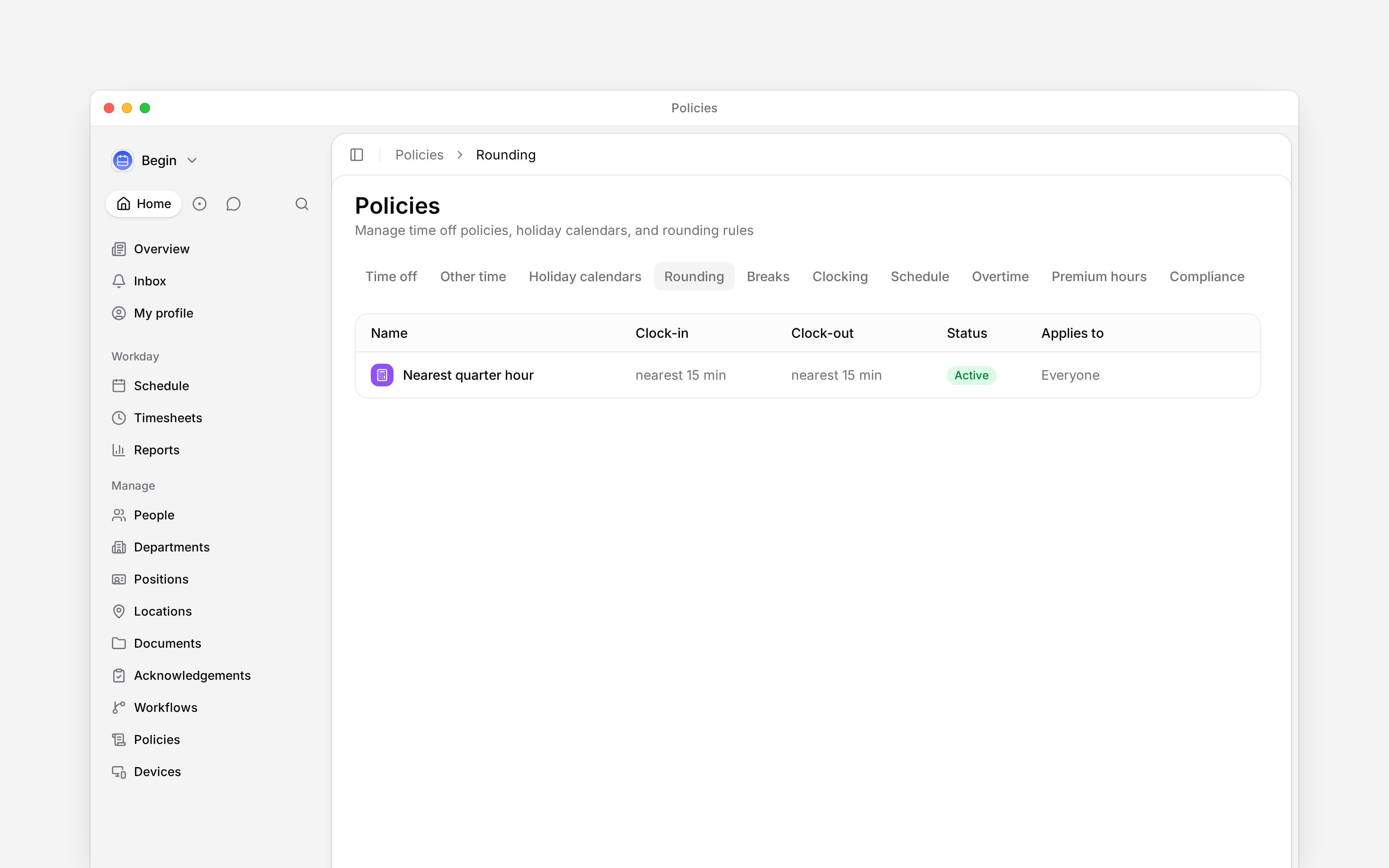
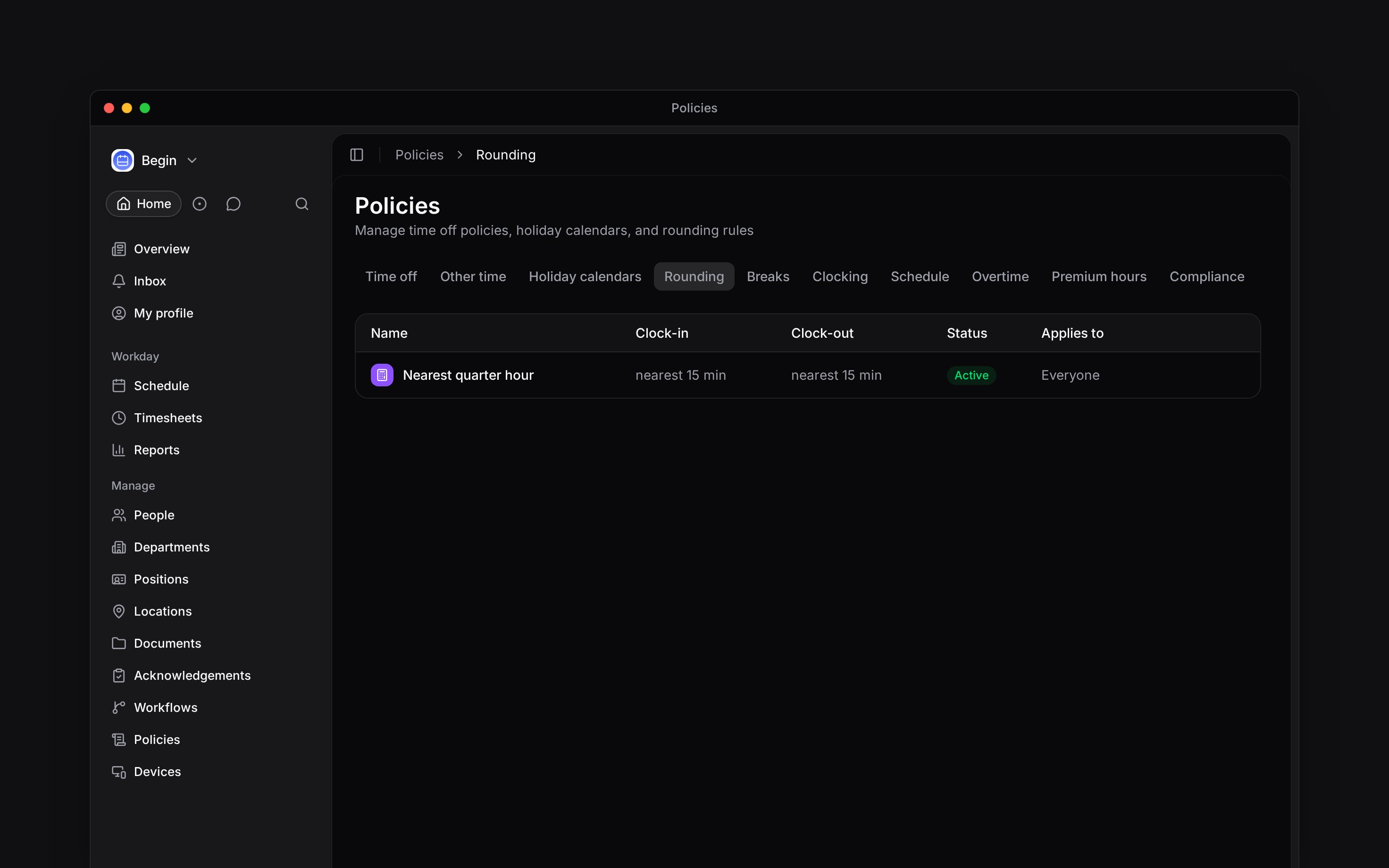
Go to **Policies → Rounding**, open **Add**, then choose **Rounding policy**.
Choose the mode and values for each side.
Use **Totals rounding** only when timesheet and report totals should also move to a fixed
interval.
Choose [**Applies to**](/for-managers/policies/applying-policies), set **Status** to **Active**,
then save.
A rounding policy changes the time Begin records for calculations while keeping the original punch in the entry's activity. Clock-in, clock-out and period totals are three independent choices.
## Choose how each side rounds
For clock-in and clock-out, choose one mode:
| You want to… | Choose |
| ------------------------------------------------------ | ---------------------------------------------------------------- |
| Keep the punch unchanged | **Off** |
| Round to a fixed number of minutes | **Round to interval**, then **Nearest**, **Up** or **Down** |
| Use the scheduled start or end when the punch is close | **Snap to scheduled shift**, then set the early and late windows |
**Up** means a later clock time; **Down** means an earlier clock time. The same direction therefore has different effects at clock-in and clock-out. For example, a clock-in at 08:57 with a 15-minute **Nearest** interval becomes 09:00. Leave clock-out **Off** if only the start should change.
Snapping needs an entry linked to a shift. Without one, Begin leaves the punch unrounded. Set early and late windows separately: these are the tolerated distances from the scheduled time, not a rounding interval.
## Create the policy
Go to **Policies → Rounding**, open **Add**, then choose **Rounding policy**.
Choose the mode and values for each side.
Use **Totals rounding** only when timesheet and report totals should also move to a fixed
interval.
Choose [**Applies to**](/for-managers/policies/applying-policies), set **Status** to **Active**,
then save.
 ## Check a rounded entry
Open a matching entry in **Timesheets** and compare its start and end with the original times in its activity. Confirm which policy applied and which side changed. If snapping did nothing, check the linked shift and the early or late window before changing the policy. A policy change applies to clock-outs from now on. Entries already closed keep their rounded times.
Changing **Totals rounding** can move the worked and paid totals shown on timesheets and reports.
It does not change the punch-rounding choices above it.
**Context for an assistant answering questions about rounding policies.** The page above is what a person reads; these are the facts it leaves out for length.
* **Who can:** creating or changing a rounding policy uses the matching grant on **Policies**.
* **Where:** an entry's activity names the policy and shows the original time when rounding was applied.
* **Limits:** early and late snap windows use whole minutes. Setting one side to zero skips snapping on that side.
* **Not supported:** rounding does not edit the raw punch or create a linked shift.
* **Often confused with:** time-off entitlement rounding, which rounds leave days inside a time-off policy.
## Next
Trace why a time entry differs from its punch.
Read the calculated totals that rounding changes.
## Still need help?
Email the Begin team and we'll get back to you.
Open the AI assistant and get instant answers based on these docs.
## Check a rounded entry
Open a matching entry in **Timesheets** and compare its start and end with the original times in its activity. Confirm which policy applied and which side changed. If snapping did nothing, check the linked shift and the early or late window before changing the policy. A policy change applies to clock-outs from now on. Entries already closed keep their rounded times.
Changing **Totals rounding** can move the worked and paid totals shown on timesheets and reports.
It does not change the punch-rounding choices above it.
**Context for an assistant answering questions about rounding policies.** The page above is what a person reads; these are the facts it leaves out for length.
* **Who can:** creating or changing a rounding policy uses the matching grant on **Policies**.
* **Where:** an entry's activity names the policy and shows the original time when rounding was applied.
* **Limits:** early and late snap windows use whole minutes. Setting one side to zero skips snapping on that side.
* **Not supported:** rounding does not edit the raw punch or create a linked shift.
* **Often confused with:** time-off entitlement rounding, which rounds leave days inside a time-off policy.
## Next
Trace why a time entry differs from its punch.
Read the calculated totals that rounding changes.
## Still need help?
Email the Begin team and we'll get back to you.
Open the AI assistant and get instant answers based on these docs.