> ## Documentation Index
> Fetch the complete documentation index at: https://docs.begin.eu/llms.txt
> Use this file to discover all available pages before exploring further.
# Configure dashboard posts
> Organise post categories and choose which team milestones appear automatically.

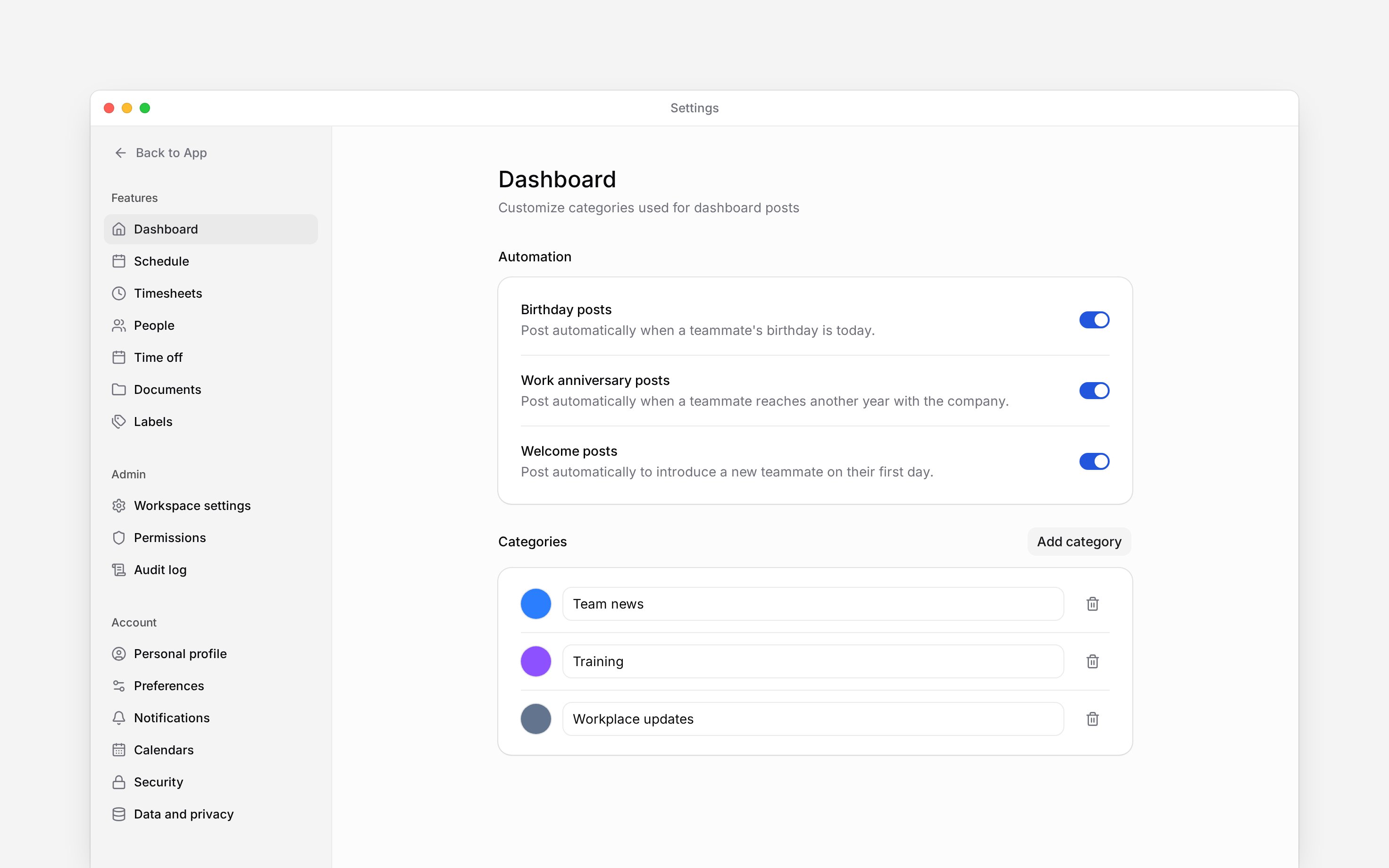
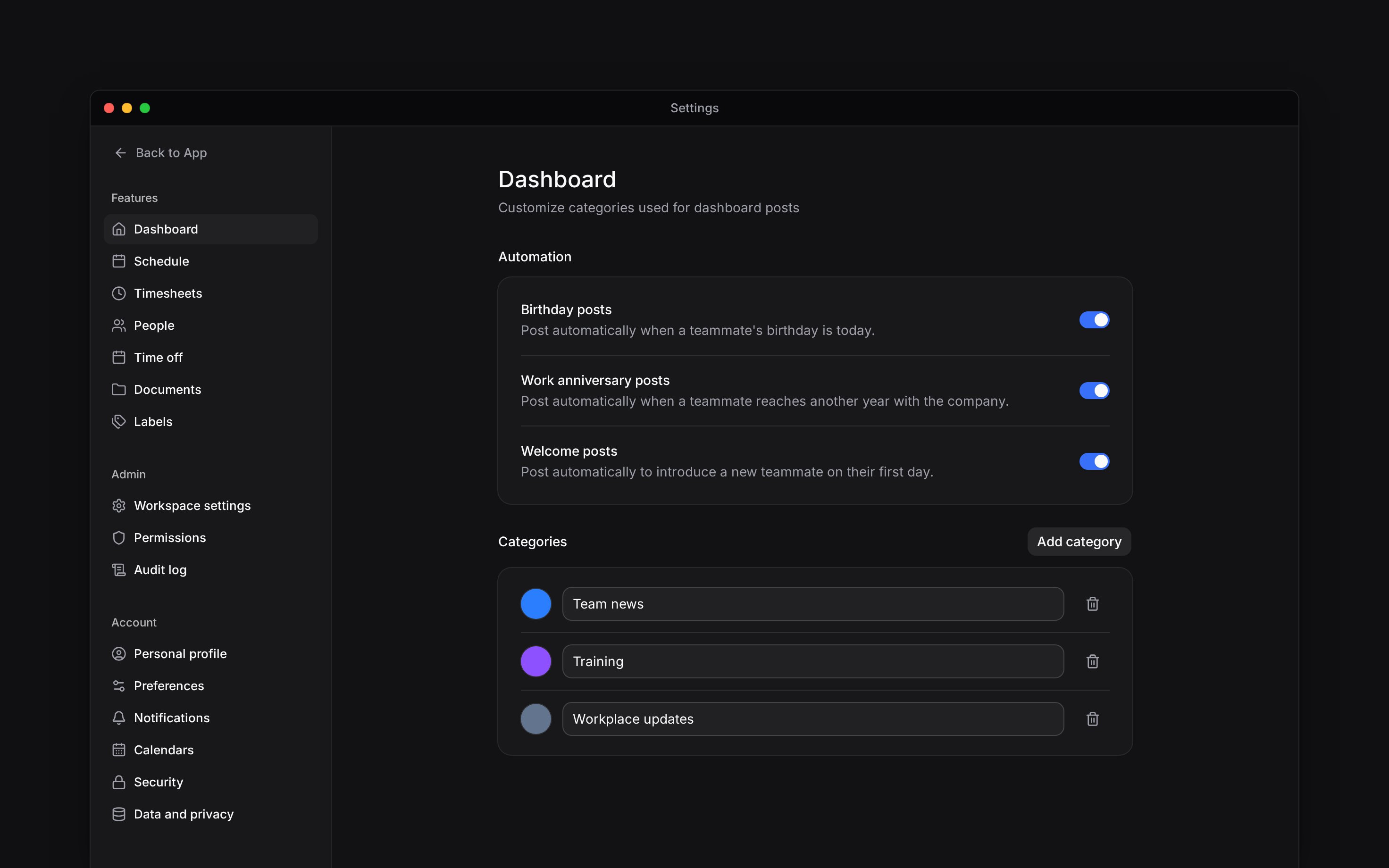
 Use **Settings → Dashboard** to organise the posts your team reads on Overview and choose which milestones Begin posts automatically. These settings apply to the workspace you have open.
You need access to **Dashboard settings**. Creating, editing and deleting categories each need
their own post-category permission. If you do not see **Automation**, your role lacks **Manage
workspace settings**.
## Organise posts by topic
Under **Categories**, choose **Add category**. Begin adds a row named **New category**.
Replace the name with a topic your team recognises, such as `Team news`. Choose the colour
beside it. Edits save automatically; there is no separate Save button.
Open **Overview**, create or edit a post and select the category. Readers can use categories to
narrow the feed.
Rename or recolour a category in the same row. These are workspace-wide changes to the category, so use a name that still makes sense for existing posts.
To remove one, choose its trash button and confirm **Remove**. The posts remain, but no longer show that category. Removing a category does not delete the conversation beneath its posts.
## Choose automatic milestones
Under **Automation**, set **Birthday posts**, **Work anniversary posts** and **Welcome posts** independently. The switches save as you change them.
* **Birthday posts** use a teammate's birthday.
* **Work anniversary posts** mark another year with the company.
* **Welcome posts** introduce a teammate on their first day.
Keep the relevant dates on people's profiles accurate. A switch does not supply a missing birthday or employment start date. Turning a milestone off stops that kind of future automatic post; it does not remove posts already published.
These switches control automatic posts for everyone in the workspace. They do not change your own notification preferences or stop colleagues from publishing posts themselves.
Use **Settings → Dashboard** to organise the posts your team reads on Overview and choose which milestones Begin posts automatically. These settings apply to the workspace you have open.
You need access to **Dashboard settings**. Creating, editing and deleting categories each need
their own post-category permission. If you do not see **Automation**, your role lacks **Manage
workspace settings**.
## Organise posts by topic
Under **Categories**, choose **Add category**. Begin adds a row named **New category**.
Replace the name with a topic your team recognises, such as `Team news`. Choose the colour
beside it. Edits save automatically; there is no separate Save button.
Open **Overview**, create or edit a post and select the category. Readers can use categories to
narrow the feed.
Rename or recolour a category in the same row. These are workspace-wide changes to the category, so use a name that still makes sense for existing posts.
To remove one, choose its trash button and confirm **Remove**. The posts remain, but no longer show that category. Removing a category does not delete the conversation beneath its posts.
## Choose automatic milestones
Under **Automation**, set **Birthday posts**, **Work anniversary posts** and **Welcome posts** independently. The switches save as you change them.
* **Birthday posts** use a teammate's birthday.
* **Work anniversary posts** mark another year with the company.
* **Welcome posts** introduce a teammate on their first day.
Keep the relevant dates on people's profiles accurate. A switch does not supply a missing birthday or employment start date. Turning a milestone off stops that kind of future automatic post; it does not remove posts already published.
These switches control automatic posts for everyone in the workspace. They do not change your own notification preferences or stop colleagues from publishing posts themselves.
 * **Permissions:** opening Dashboard settings and managing post categories are separate grants. A
role can open this page without permission to create or delete categories.
* **Scope:** these
categories belong to feed posts. They are separate from labels on shifts and time entries and from
absence groups.
* **Limits:** names cannot be blank and run to 100 characters; a workspace holds up to 500 categories. This page has no category reordering control.
* **Not supported:** the milestone switches do not schedule arbitrary announcements.
## Next
Choose a category, audience and message.
Choose how you receive updates yourself.
## Still need help?
Email the Begin team and we'll get back to you.
Open the AI assistant and get instant answers based on these docs.
* **Permissions:** opening Dashboard settings and managing post categories are separate grants. A
role can open this page without permission to create or delete categories.
* **Scope:** these
categories belong to feed posts. They are separate from labels on shifts and time entries and from
absence groups.
* **Limits:** names cannot be blank and run to 100 characters; a workspace holds up to 500 categories. This page has no category reordering control.
* **Not supported:** the milestone switches do not schedule arbitrary announcements.
## Next
Choose a category, audience and message.
Choose how you receive updates yourself.
## Still need help?
Email the Begin team and we'll get back to you.
Open the AI assistant and get instant answers based on these docs.