> ## Documentation Index
> Fetch the complete documentation index at: https://docs.begin.eu/llms.txt
> Use this file to discover all available pages before exploring further.
# Regional settings
> Set the workspace country, timezone, time format, currency and language defaults.

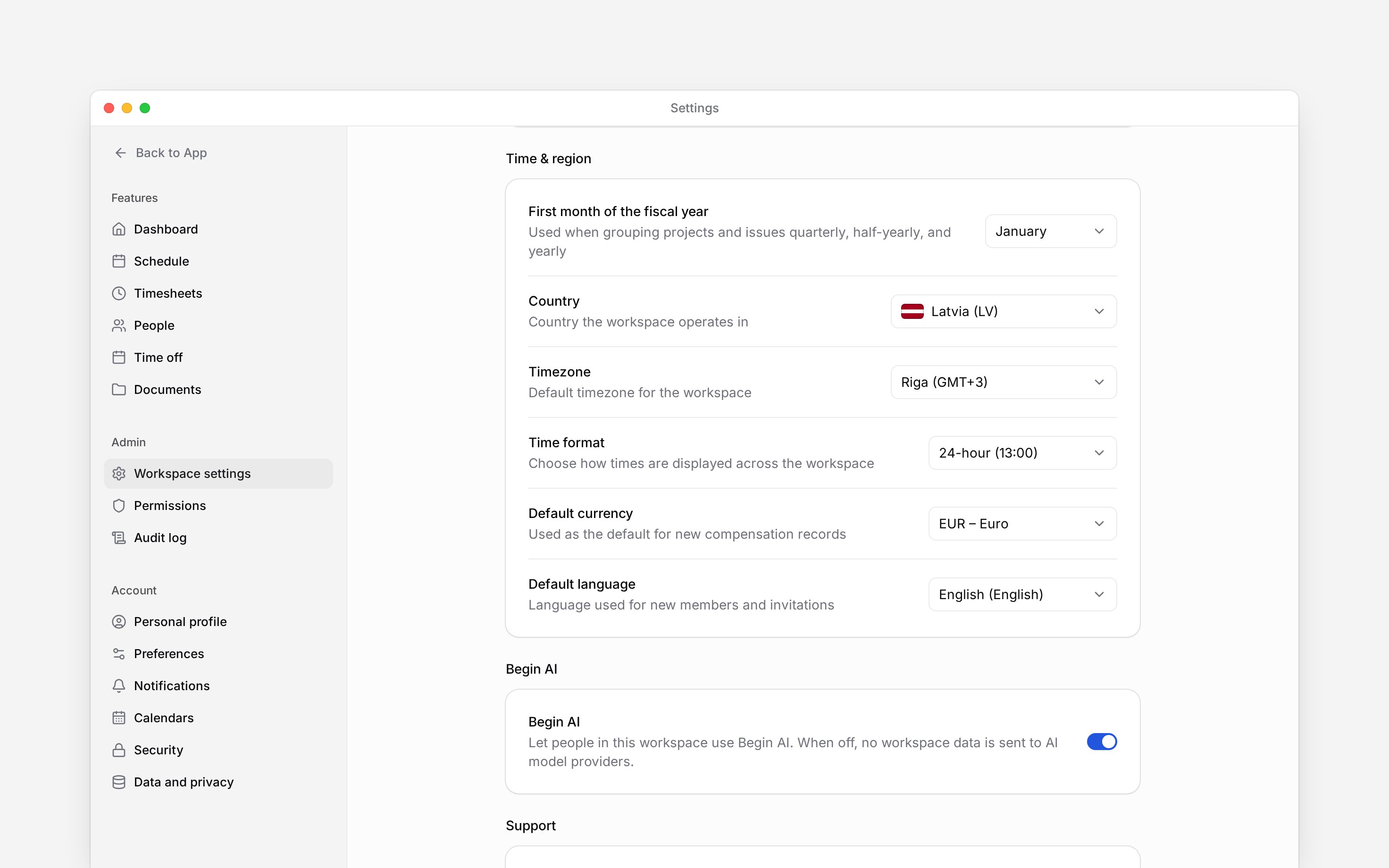
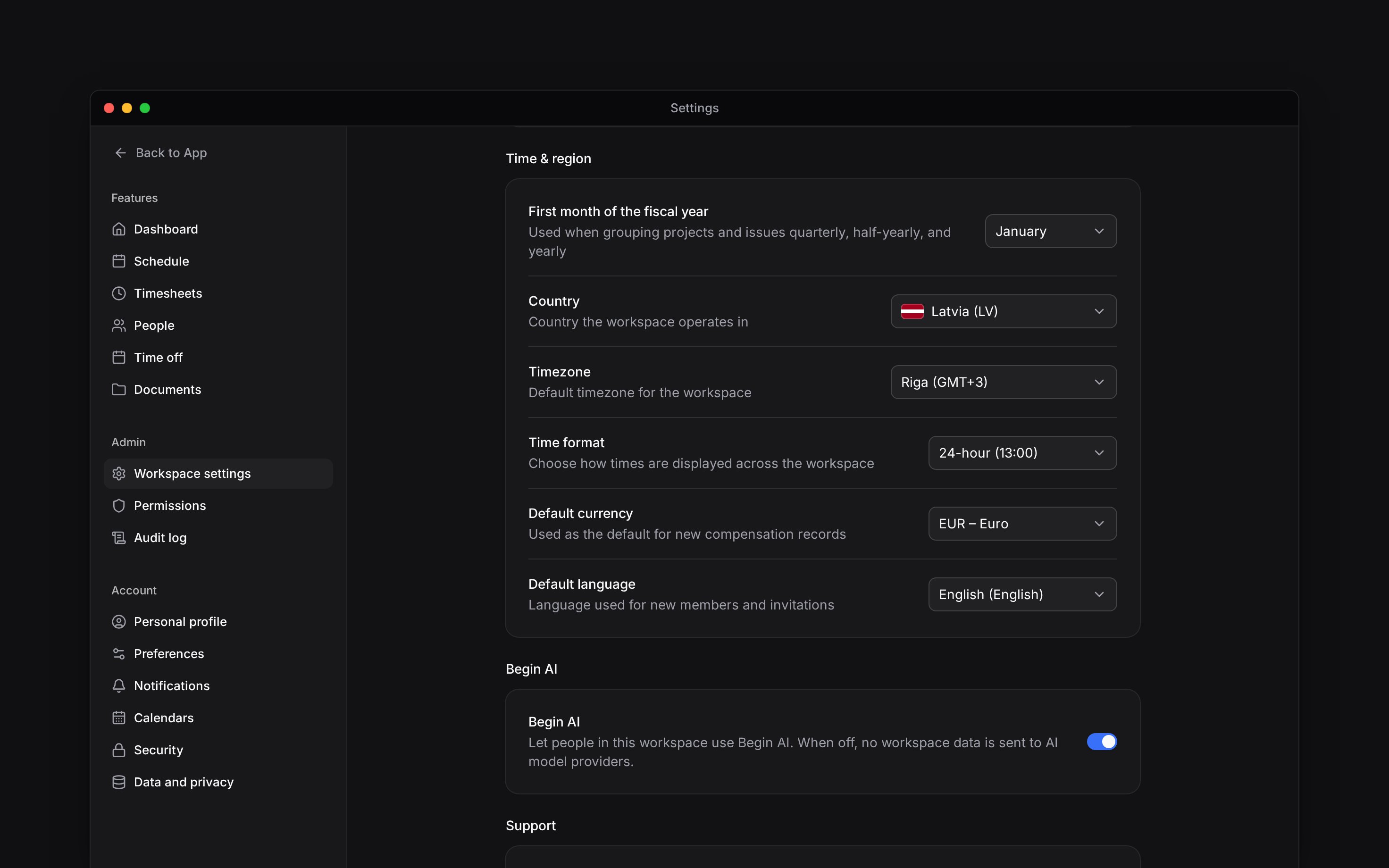
 Regional settings are the workspace defaults for country, timezone, time format, currency and language. They apply to everyone; personal language lives in Preferences. Find them under **Time & region** in **Settings → Workspace settings**.
 You need **Manage workspace settings**. These defaults belong to the selected workspace, so check
the workspace switcher before changing them.
## Choose the location and time
Choose each value from its row. Dropdown changes save immediately; wait for the saved confirmation before leaving.
Set **Country** first. A workspace without a saved language uses the country's default language; once a language is saved, changing the country no longer changes it.
**Timezone** is the workspace default. Each location has its own timezone for shifts and clocking; the workspace timezone applies where no location does, such as reports, posts and generated documents. Check timesheets after a timezone change because the same recorded instant can appear at a different local time.
Select 12-hour or 24-hour **Time format**. Dates follow your interface language; only the time format is a workspace choice. The schedule week always starts on Monday; there is no setting for it.
## Choose money and language defaults
**Default currency** is used when a new compensation record is created. Changing it does not convert existing amounts.
**Default language** is used for new members and invitations. Existing members keep their own language preference.
## Know what the fiscal month affects
**First month of the fiscal year** is stored for future reporting and is not used by any report yet. Changing it does not change calendar dates or move existing time records.
**Context for an assistant helping with regional settings.** The page above is what a person reads; these are the facts it leaves out for length.
* **Who can:** a role needs **Manage workspace settings**. The setting belongs to the current workspace, not the signed-in account.
* **Needs:** country, timezone, time format, currency, language, and first fiscal month save independently from their rows.
* **Limits:** default currency applies to new compensation records and does not recalculate existing pay. Default language applies to new members and invitations; a current member controls their own interface language in Preferences.
* **Not supported:** changing timezone does not rewrite stored instants; locations keep their own timezone for shifts and clocking. Changing currency does not perform foreign-exchange conversion. There is no week-start or date-format setting; the week starts on Monday and dates follow the interface language. The fiscal month is stored only.
* **Often confused with:** the personal language and appearance controls in Preferences. Regional settings are shared workspace defaults.
## Next
Change the workspace name, logo, or industry.
Change your own language and interface.
## Still need help?
Email the Begin team and we'll get back to you.
Open the AI assistant and get instant answers based on these docs.
You need **Manage workspace settings**. These defaults belong to the selected workspace, so check
the workspace switcher before changing them.
## Choose the location and time
Choose each value from its row. Dropdown changes save immediately; wait for the saved confirmation before leaving.
Set **Country** first. A workspace without a saved language uses the country's default language; once a language is saved, changing the country no longer changes it.
**Timezone** is the workspace default. Each location has its own timezone for shifts and clocking; the workspace timezone applies where no location does, such as reports, posts and generated documents. Check timesheets after a timezone change because the same recorded instant can appear at a different local time.
Select 12-hour or 24-hour **Time format**. Dates follow your interface language; only the time format is a workspace choice. The schedule week always starts on Monday; there is no setting for it.
## Choose money and language defaults
**Default currency** is used when a new compensation record is created. Changing it does not convert existing amounts.
**Default language** is used for new members and invitations. Existing members keep their own language preference.
## Know what the fiscal month affects
**First month of the fiscal year** is stored for future reporting and is not used by any report yet. Changing it does not change calendar dates or move existing time records.
**Context for an assistant helping with regional settings.** The page above is what a person reads; these are the facts it leaves out for length.
* **Who can:** a role needs **Manage workspace settings**. The setting belongs to the current workspace, not the signed-in account.
* **Needs:** country, timezone, time format, currency, language, and first fiscal month save independently from their rows.
* **Limits:** default currency applies to new compensation records and does not recalculate existing pay. Default language applies to new members and invitations; a current member controls their own interface language in Preferences.
* **Not supported:** changing timezone does not rewrite stored instants; locations keep their own timezone for shifts and clocking. Changing currency does not perform foreign-exchange conversion. There is no week-start or date-format setting; the week starts on Monday and dates follow the interface language. The fiscal month is stored only.
* **Often confused with:** the personal language and appearance controls in Preferences. Regional settings are shared workspace defaults.
## Next
Change the workspace name, logo, or industry.
Change your own language and interface.
## Still need help?
Email the Begin team and we'll get back to you.
Open the AI assistant and get instant answers based on these docs.