> ## Documentation Index
> Fetch the complete documentation index at: https://docs.begin.eu/llms.txt
> Use this file to discover all available pages before exploring further.
# Workspace details
> Set the workspace name, logo and company details used in generated documents.

 Set up the shared identity that helps your team recognise the workspace. Company details, where available, also supply information for generated documents.
You need **Manage workspace settings**. Check the workspace switcher before editing: these changes
affect everyone in the selected workspace.
Set up the shared identity that helps your team recognise the workspace. Company details, where available, also supply information for generated documents.
You need **Manage workspace settings**. Check the workspace switcher before editing: these changes
affect everyone in the selected workspace.
 ## Set the name and branding
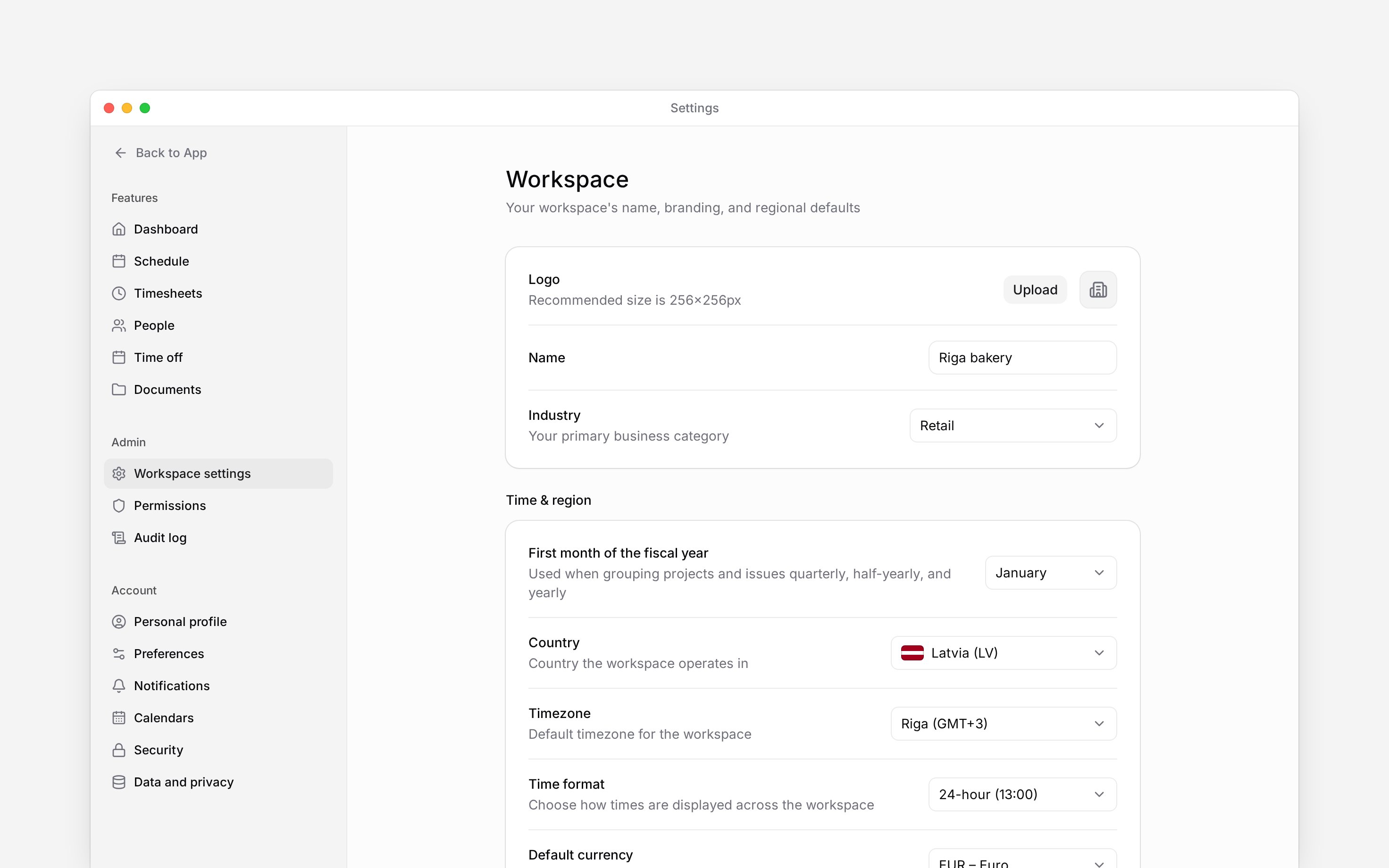
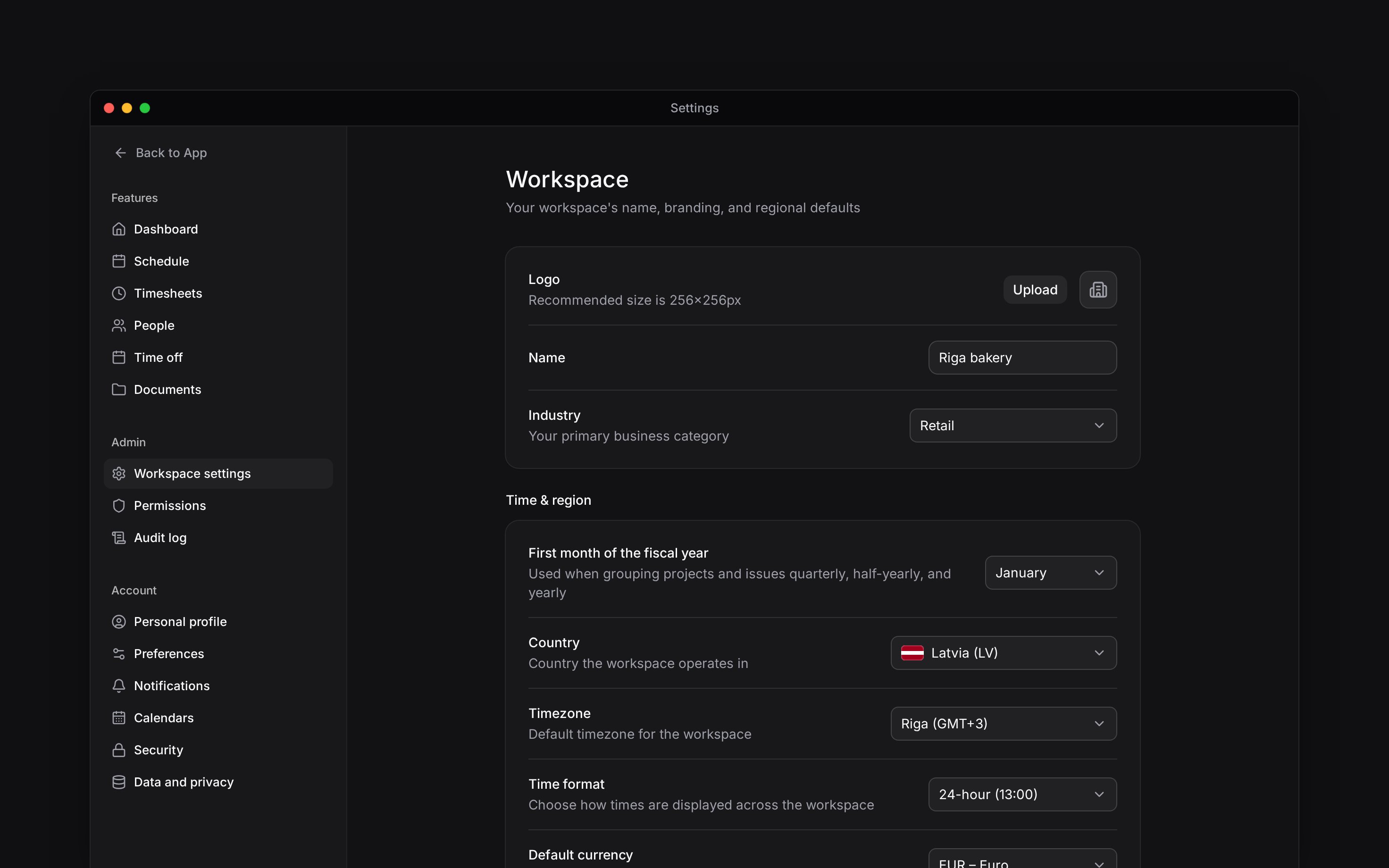
Go to **Settings → Workspace settings**. The first group holds the workspace identity.
Edit **Name**. Use a name your team will recognise in the workspace switcher, especially if you
manage several workplaces. Wait for the saved confirmation after typing.
Select **Upload** beside **Logo**, or **Change** when a logo already exists. Choose a square
image; 256 × 256 pixels is the recommended size. Use a PNG or JPEG under 5 MB; SVG files are not
accepted. Use **Remove** if the workspace should have no logo.
Select the industry that best describes your organisation. The choice saves when selected.
Each row saves independently. There is no page-wide save action. If a save fails, check the error and try that change again before leaving.
## Add company details
If contracts are enabled for your workspace (see [Creating and signing contracts](/for-managers/documents/creating-and-signing-contracts)), the same group also shows **Legal name**, **Registry code** and **Company address**. Enter the registered company details used in generated documents, rather than the short workspace name your team uses.
These fields save after you finish typing. If they are missing, the capability is not available in this workspace; changing your industry or name does not enable it.
Workspace identity and invoice details have different purposes. To change the billing contact or
details on invoices, use [Billing](/for-managers/billing/billing-details-and-invoices).
## Finish shared setup
Check [Regional settings](/for-managers/settings/regional-settings) before inviting people. Country, timezone, language and currency defaults affect how your team sees and uses workspace data.
To keep a full copy of the records, use [Export workspace data](/for-managers/workspace/exporting-workspace-data). To close the workspace, follow [Delete a workspace](/for-managers/workspace/deleting-a-workspace).
* The route is `/settings/workspace`. General edits require Manage workspace settings; ownership is not required for these identity fields.
* Name and company text fields save after a short typing pause. Dropdowns save on selection. Logo upload and removal use separate file actions.
* Company fields depend on contract-management availability. Their values are used in generated-document variables; this guide does not promise that editing them revises already generated or signed documents.
* Industry is a workspace attribute, not a permissions or billing-plan selector.
* Export and deletion perform their own owner checks even if someone can edit workspace details.
## Next
Set shared country, time, language, and currency defaults.
Check which features your plan includes.
## Still need help?
Email the Begin team and we'll get back to you.
Open the AI assistant and get instant answers based on these docs.
## Set the name and branding
Go to **Settings → Workspace settings**. The first group holds the workspace identity.
Edit **Name**. Use a name your team will recognise in the workspace switcher, especially if you
manage several workplaces. Wait for the saved confirmation after typing.
Select **Upload** beside **Logo**, or **Change** when a logo already exists. Choose a square
image; 256 × 256 pixels is the recommended size. Use a PNG or JPEG under 5 MB; SVG files are not
accepted. Use **Remove** if the workspace should have no logo.
Select the industry that best describes your organisation. The choice saves when selected.
Each row saves independently. There is no page-wide save action. If a save fails, check the error and try that change again before leaving.
## Add company details
If contracts are enabled for your workspace (see [Creating and signing contracts](/for-managers/documents/creating-and-signing-contracts)), the same group also shows **Legal name**, **Registry code** and **Company address**. Enter the registered company details used in generated documents, rather than the short workspace name your team uses.
These fields save after you finish typing. If they are missing, the capability is not available in this workspace; changing your industry or name does not enable it.
Workspace identity and invoice details have different purposes. To change the billing contact or
details on invoices, use [Billing](/for-managers/billing/billing-details-and-invoices).
## Finish shared setup
Check [Regional settings](/for-managers/settings/regional-settings) before inviting people. Country, timezone, language and currency defaults affect how your team sees and uses workspace data.
To keep a full copy of the records, use [Export workspace data](/for-managers/workspace/exporting-workspace-data). To close the workspace, follow [Delete a workspace](/for-managers/workspace/deleting-a-workspace).
* The route is `/settings/workspace`. General edits require Manage workspace settings; ownership is not required for these identity fields.
* Name and company text fields save after a short typing pause. Dropdowns save on selection. Logo upload and removal use separate file actions.
* Company fields depend on contract-management availability. Their values are used in generated-document variables; this guide does not promise that editing them revises already generated or signed documents.
* Industry is a workspace attribute, not a permissions or billing-plan selector.
* Export and deletion perform their own owner checks even if someone can edit workspace details.
## Next
Set shared country, time, language, and currency defaults.
Check which features your plan includes.
## Still need help?
Email the Begin team and we'll get back to you.
Open the AI assistant and get instant answers based on these docs.