> ## Documentation Index
> Fetch the complete documentation index at: https://docs.begin.eu/llms.txt
> Use this file to discover all available pages before exploring further.
# Delete a workspace
> Close a workspace after resolving its subscription and downloading the records you need.

 Delete a workspace only when everyone should lose access to it. If you only want to leave it yourself, use [Leave a workspace](/for-managers/account/leave-a-workspace) instead.
 Only the workspace owner can delete it. You must resolve any active subscription before deletion
can continue.
## Prepare before closing
Tell the people who use this workspace that you are closing it. Check the workspace name in the switcher, especially if your account belongs to more than one workspace.
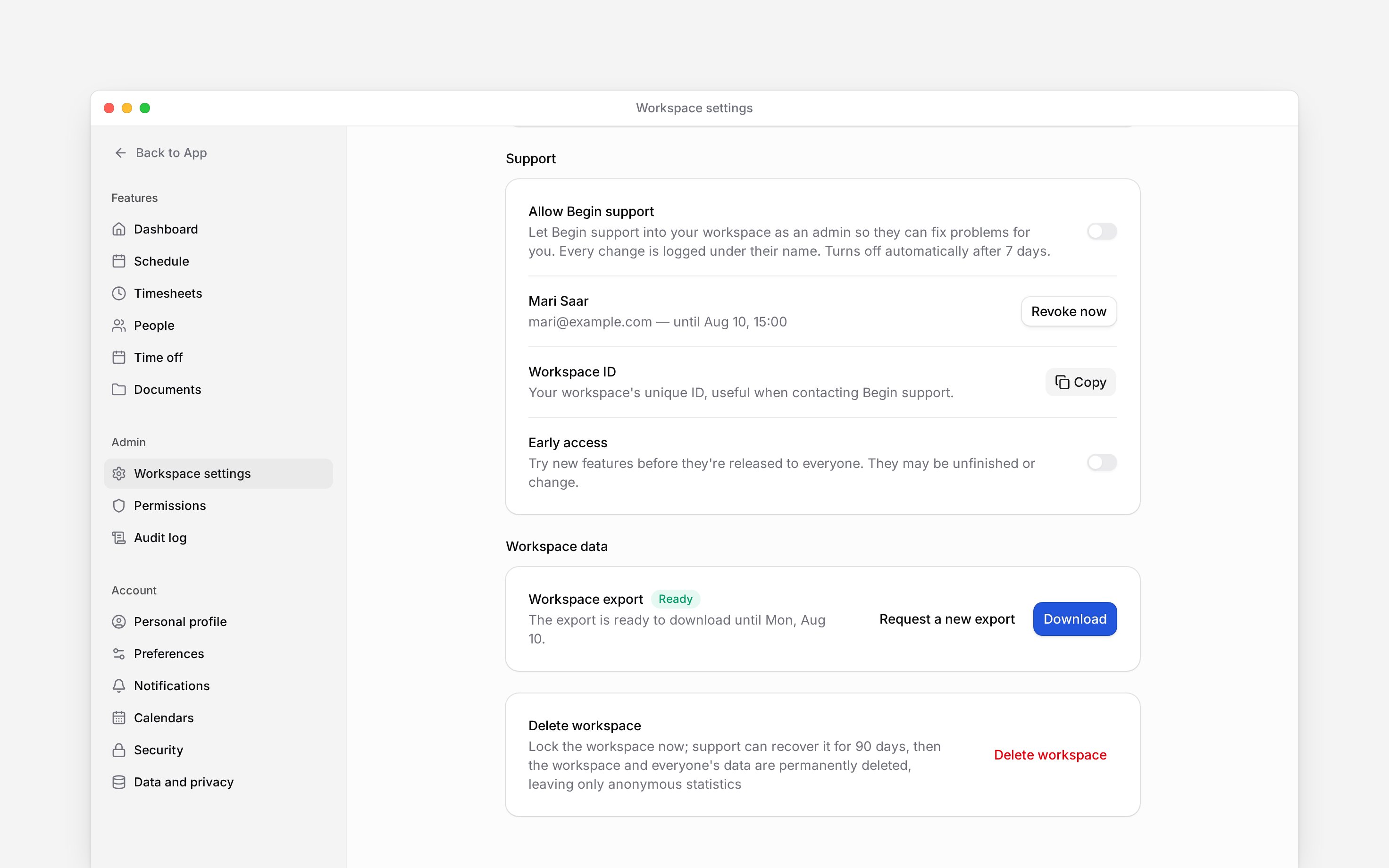
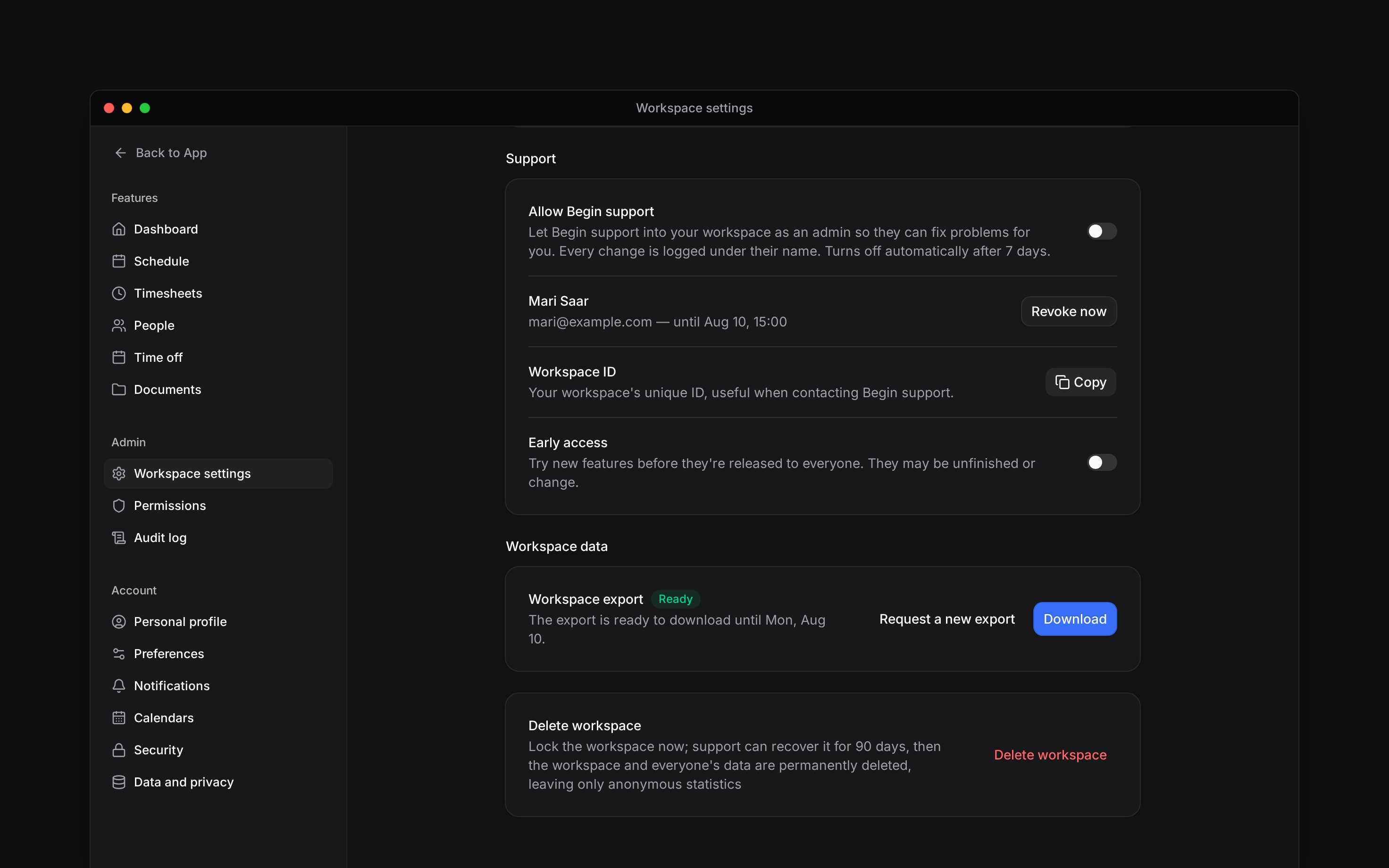
[Request a workspace export](/for-managers/workspace/exporting-workspace-data), wait until it is ready, and download it. Save any records you need before removing access.
If **Cancel your subscription first** appears, use **Go to billing** and [cancel the subscription](/for-managers/billing/changing-your-subscription). If you cannot manage billing, ask an administrator who can. Return to Workspace settings after the cancellation is confirmed.
## Delete the workspace
Go to **Settings → Workspace settings** and scroll to **Delete workspace**.
Select **Delete workspace**. Check the workspace name and the export notice. If your export is
still being prepared, cancel and wait for it.
Type the exact name shown in the confirmation. The final action remains unavailable until it
matches.
Select **Delete workspace** again. The workspace locks immediately and you move to another
available workspace, or to the workspace creation page if none remains.
## Understand recovery
All members lose access immediately. You cannot undo deletion yourself. Contact Begin support
within 90 days if you need the workspace recovered.
Begin does not notify members: the workspace disappears from their switcher, and anyone who had it open moves to another workspace. After the recovery period, the workspace and everyone's data are permanently deleted. Anonymous statistics and Begin's own accounting and audit records remain. Do not rely on the recovery period as a substitute for downloading your export.
Deleting this workspace does not delete your personal account or your other workspaces.
* The backend checks workspace ownership separately from Manage workspace settings. An administrator role alone is insufficient.
* An uncancelled billable subscription blocks removal, including trialling and past-due subscriptions. A subscription already scheduled to cancel does not block removal; deletion is not a refund action.
* The deletion instant sets a fixed 90-day purge deadline. Restoration is a support operation, not a customer-facing undo button, and is refused once purge is underway or complete.
* Members receive no notification. Each member's active workspace moves to an available active membership; a support visit is not a fallback membership.
* The export notice warns but does not require a completed export. Downloading before confirmation is the owner's responsibility.
## Next
Save the records you need first.
Resolve subscription prerequisites.
## Still need help?
Email the Begin team and we'll get back to you.
Open the AI assistant and get instant answers based on these docs.
Only the workspace owner can delete it. You must resolve any active subscription before deletion
can continue.
## Prepare before closing
Tell the people who use this workspace that you are closing it. Check the workspace name in the switcher, especially if your account belongs to more than one workspace.
[Request a workspace export](/for-managers/workspace/exporting-workspace-data), wait until it is ready, and download it. Save any records you need before removing access.
If **Cancel your subscription first** appears, use **Go to billing** and [cancel the subscription](/for-managers/billing/changing-your-subscription). If you cannot manage billing, ask an administrator who can. Return to Workspace settings after the cancellation is confirmed.
## Delete the workspace
Go to **Settings → Workspace settings** and scroll to **Delete workspace**.
Select **Delete workspace**. Check the workspace name and the export notice. If your export is
still being prepared, cancel and wait for it.
Type the exact name shown in the confirmation. The final action remains unavailable until it
matches.
Select **Delete workspace** again. The workspace locks immediately and you move to another
available workspace, or to the workspace creation page if none remains.
## Understand recovery
All members lose access immediately. You cannot undo deletion yourself. Contact Begin support
within 90 days if you need the workspace recovered.
Begin does not notify members: the workspace disappears from their switcher, and anyone who had it open moves to another workspace. After the recovery period, the workspace and everyone's data are permanently deleted. Anonymous statistics and Begin's own accounting and audit records remain. Do not rely on the recovery period as a substitute for downloading your export.
Deleting this workspace does not delete your personal account or your other workspaces.
* The backend checks workspace ownership separately from Manage workspace settings. An administrator role alone is insufficient.
* An uncancelled billable subscription blocks removal, including trialling and past-due subscriptions. A subscription already scheduled to cancel does not block removal; deletion is not a refund action.
* The deletion instant sets a fixed 90-day purge deadline. Restoration is a support operation, not a customer-facing undo button, and is refused once purge is underway or complete.
* Members receive no notification. Each member's active workspace moves to an available active membership; a support visit is not a fallback membership.
* The export notice warns but does not require a completed export. Downloading before confirmation is the owner's responsibility.
## Next
Save the records you need first.
Resolve subscription prerequisites.
## Still need help?
Email the Begin team and we'll get back to you.
Open the AI assistant and get instant answers based on these docs.