

Automatic breaks
Begin can now add breaks for you. Turn automatic breaks on in a break policy and you start with a sensible default — an unpaid 30-minute break after six hours of work. Adjust it in seconds, or open the advanced editor for breaks at a fixed time of day, repeating or paid breaks, and grouping nearby shifts into one day. If someone logs a break themselves, their entry wins, with Auto and Manual badges showing which is which. Every entry shows the policy behind its breaks, and if the policy changes later, recalculating takes one click.Multi-select shifts
On desktop, drag a box across the schedule to select several shifts at once, the same way you select files on your computer. A running count follows your cursor, and the grid keeps scrolling when you reach an edge, so you can sweep across weeks or whole months. A plain drag starts a new selection, or holdShift or ⌘ to add to what you already picked. Press Escape to cancel. When you let go, the bulk-actions bar takes over, so you can copy or move them all in one go. It works in the Week and Month views.Little big updates
A round-up of what shipped this month: inline document previews, refreshed timesheets, faster people management, and a batch of fixes and smaller improvements.Document previews
Word, Excel, and CSV files now preview inline in a message or post, so you no longer download a file just to see what’s in it. The .docx, .xlsx, and .csv formats are covered; older .doc and .xls files still download.Timesheets, refreshed
Timesheets scroll smoothly with sticky day and group headers, so you keep your bearings in a long list. Press1, 2, or 3 to switch between Day, Week, and Month, and the clearer Day and Week labels make it obvious which view you’re in.Faster people management
The People list has an always-visible select-all row and a bulk-actions bar, so acting on several people at once is easy to find. Searching the command palette (⌘K) now shows names instantly instead of waiting on slower results.Schedule colours
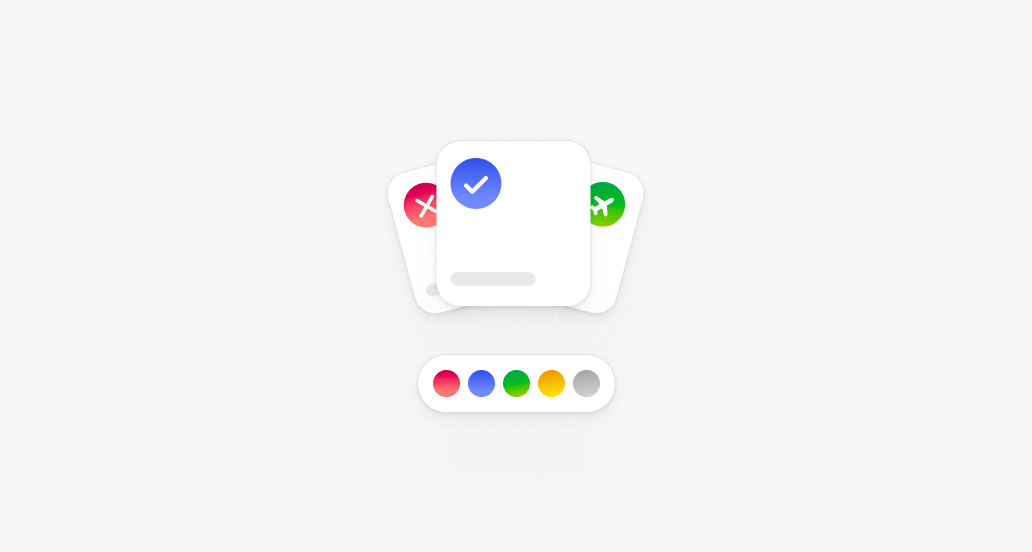
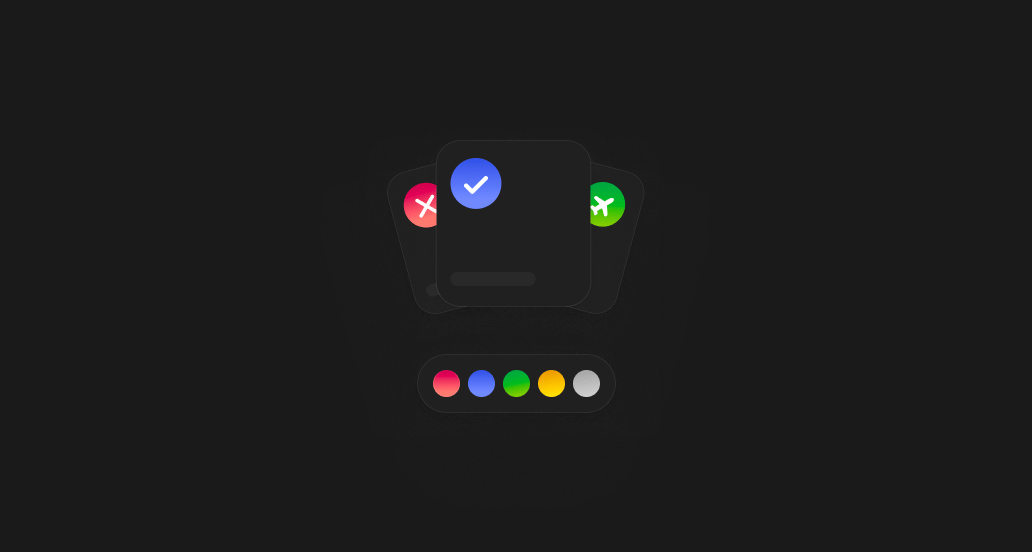
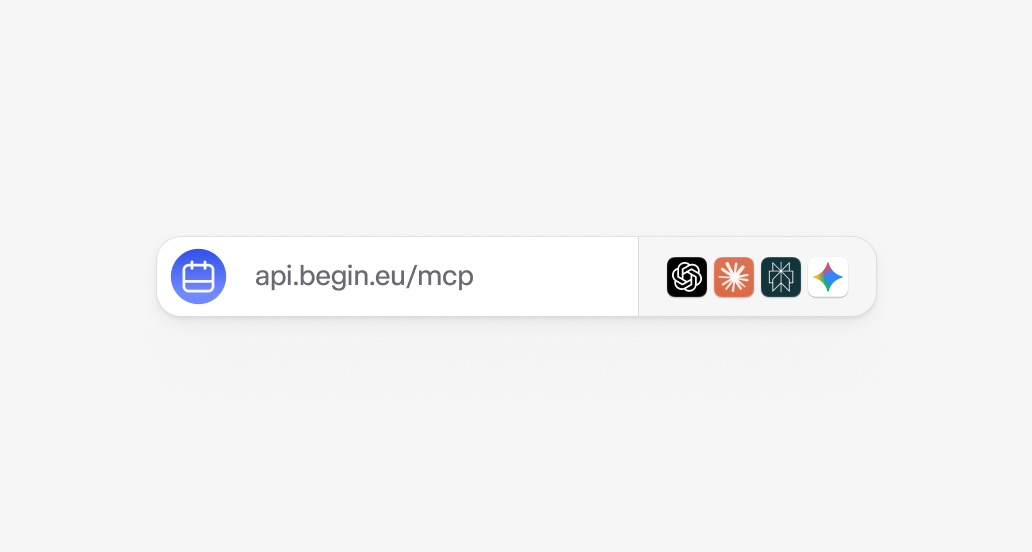
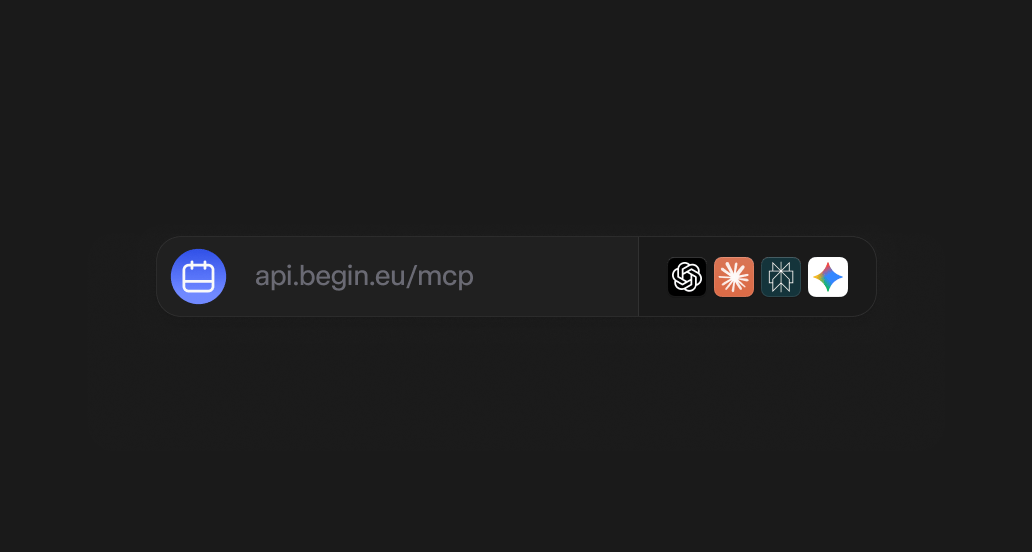
Begin MCP
Still need help?
Contact support
Email the Begin team and we’ll get back to you.
Ask Begin AI
Open the AI assistant and get instant answers based on these docs.