


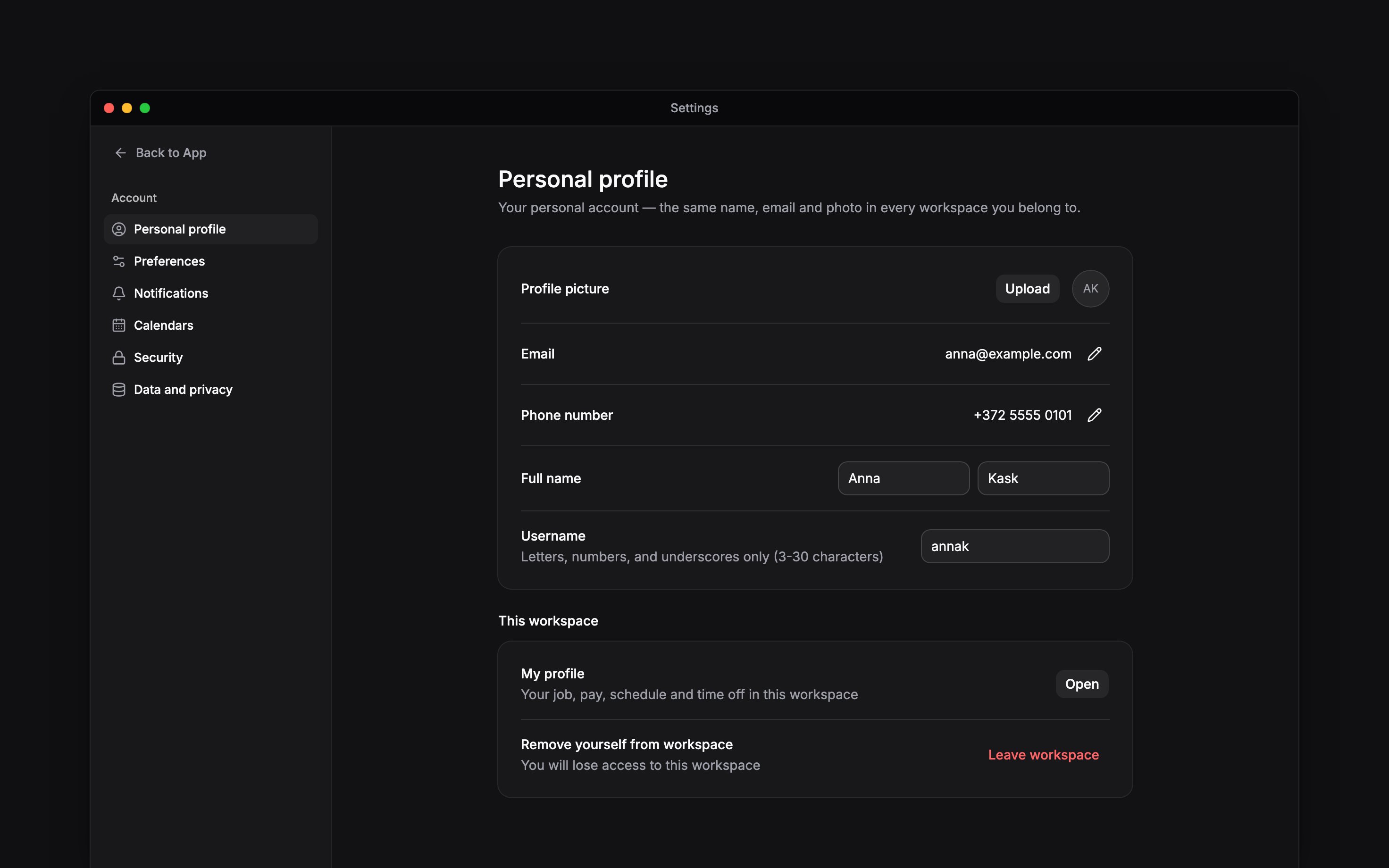
 Your Begin account follows you across workspaces. On a phone, open More → Profile & settings → Personal profile, then use the top-left settings navigation button. The Account section contains your personal profile, preferences, calendar connections, security and data controls.
Choose the right profile
Personal profile holds your account name, photo, username, email and phone. My profile shows your employment information in the current workspace, including your job, schedule and time off. Use Update your employee details for personal, contact and banking details your employer lets you edit. Ask your manager about employment details you cannot change. Updating your account photo or sign-in address does not change your job or pay.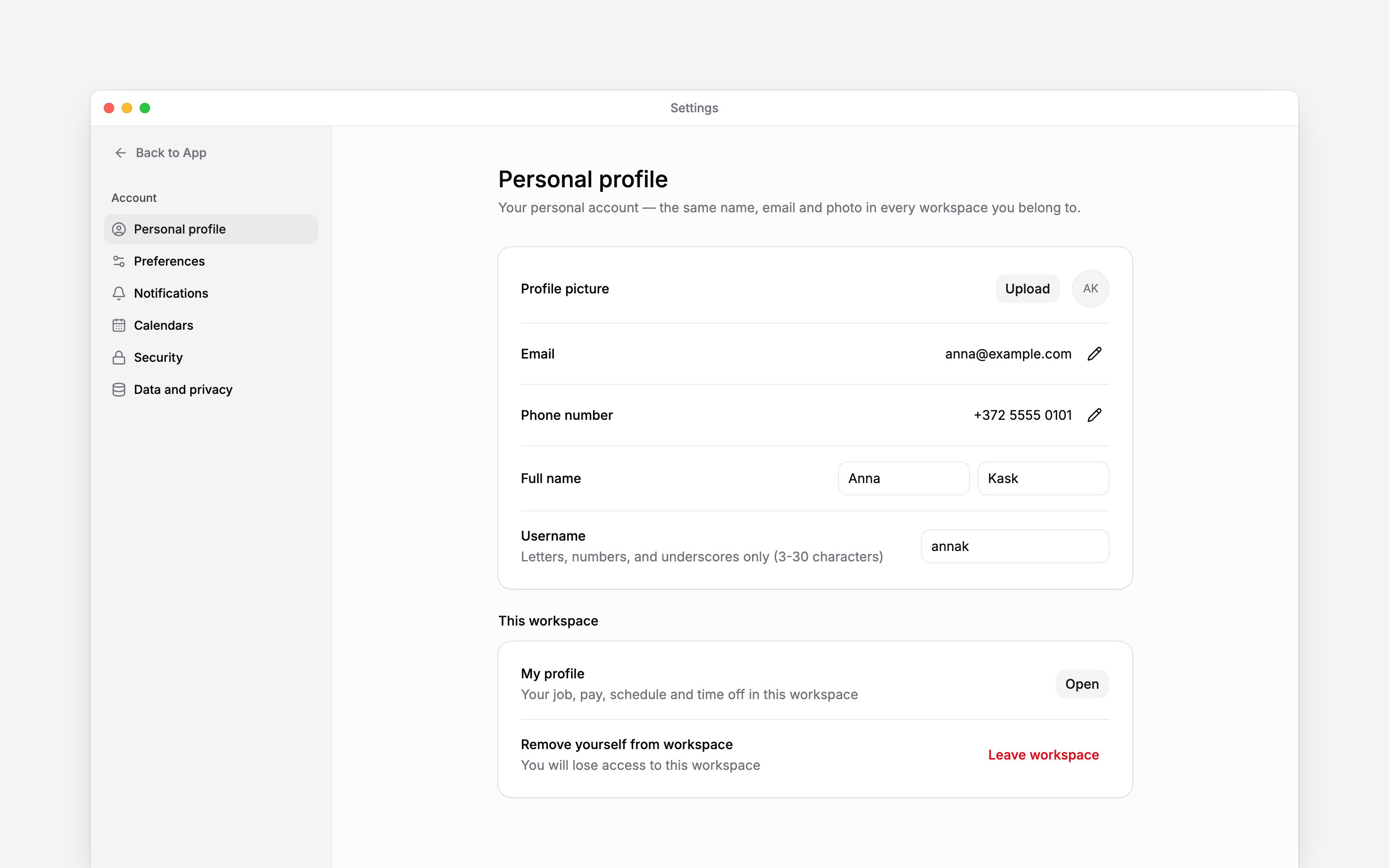
Control what reaches you
Open Settings → Notifications to choose your notification preferences. See Notification settings for delivery channels and troubleshooting. Calendar connections and personal exports apply to the current workspace, so check which workspace is selected first.Next
Update your personal profile
Keep your sign-in details current.
Secure your account
Review access to your account.
Still need help?
Contact support
Email the Begin team and we’ll get back to you.
Ask Begin AI
Open the AI assistant and get instant answers based on these docs.