


 If you missed a clock-in or recorded the wrong time, correct your own entry in Timesheet on your phone or Timesheets in a browser. Your employer can change whether you are allowed to add or edit time.
Add forgotten time
1
Open the right date
Open your timesheet and find the day you worked.
2
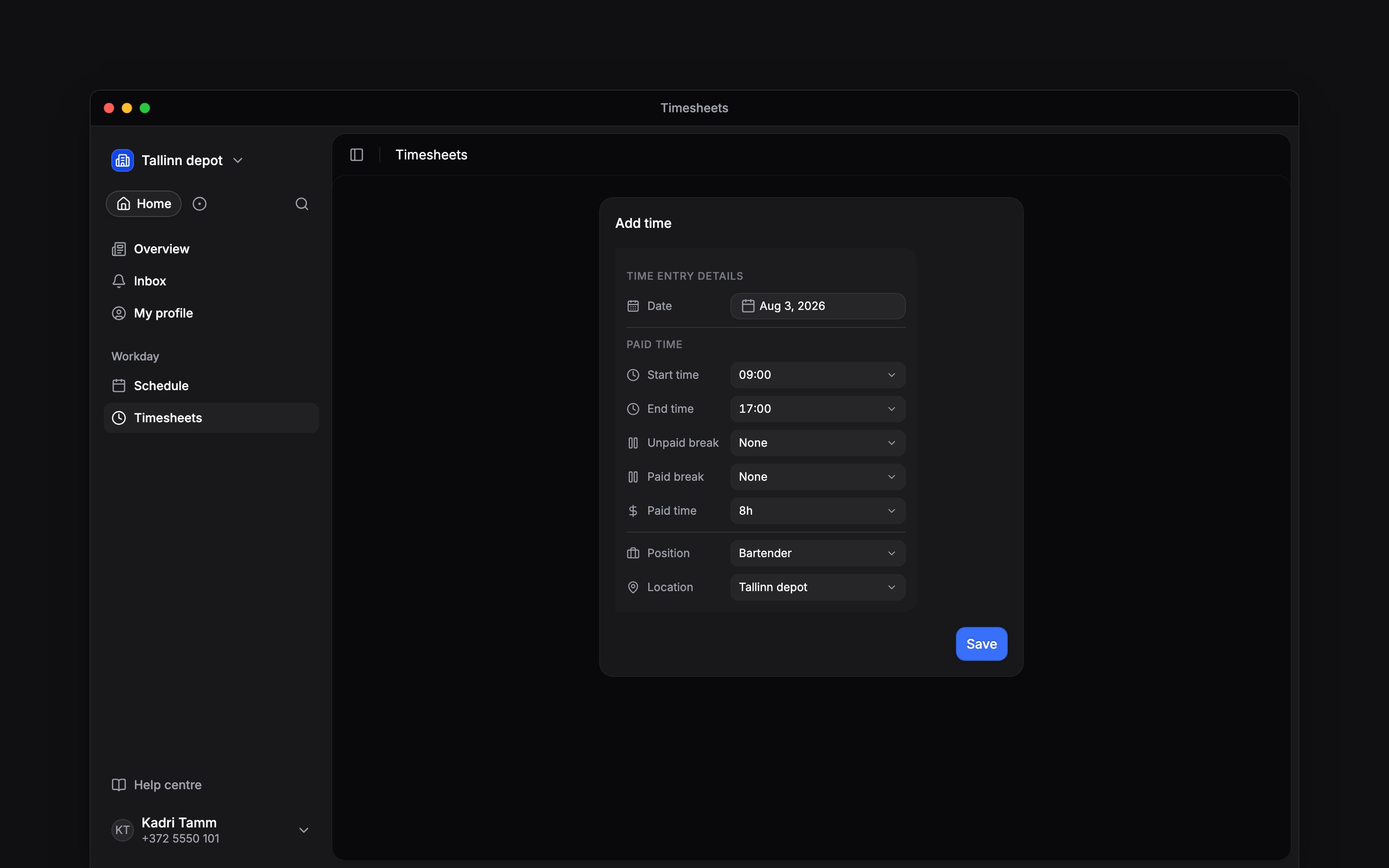
Choose Add time
Enter the actual start and end times, with any required work details and breaks.
3
Save and check
Save the entry and check its duration and status. Your manager may need to review it.
Correct an existing entry
Open the completed entry and change the incorrect fields. Check both the date and time for work crossing midnight. Review breaks before saving so the same break is not counted twice. If Clients has a star, pick at least one client when adding time or changing that field. Time added from a shift keeps its clients. You can correct other fields on an older entry individually, but clearing its required clients is refused. The default employee role cannot delete entries or approve its own time. For an accidental duplicate, a missing edit control or a rejected correction, contact your manager.Forgot to clock out?
While the timer is running, only the clock-in can be corrected, if your permissions allow it. It cannot be later than now or than a break you have already taken, and the entry keeps the punch you made as the original reported time. Clock-out and breaks open once you finish the timer. If you are still clocked in by mistake, finish the timer, then correct the completed entry. Ask your manager if you cannot finish or edit it.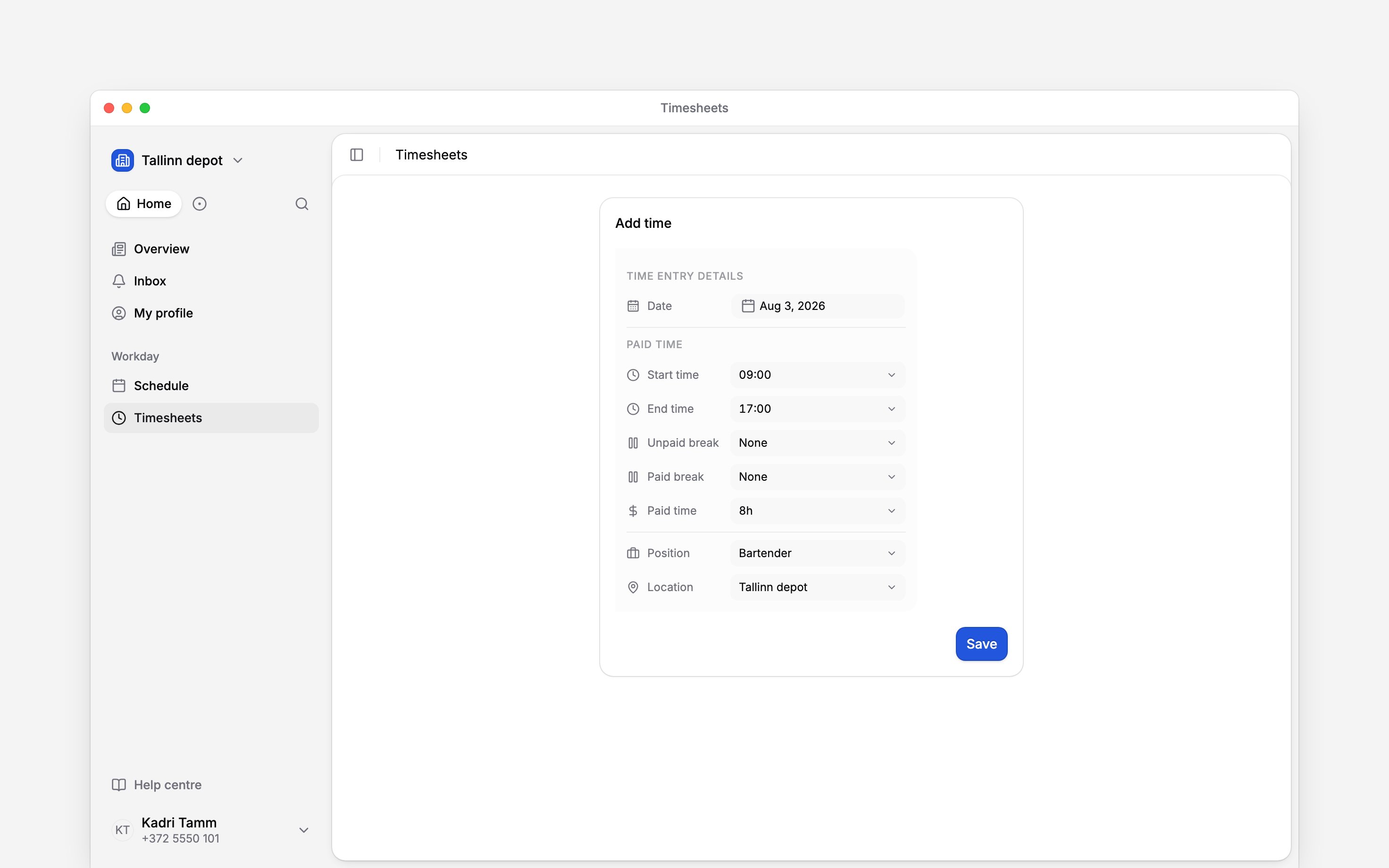
Next
Your hours
Check the time that reached your timesheet.
Clocking problems
Resolve the cause of a missing punch.
Still need help?
Contact support
Email the Begin team and we’ll get back to you.
Ask Begin AI
Open the AI assistant and get instant answers based on these docs.