


 Your balances are in My profile → Time off. Each policy has its own balance in days or hours. Check the leave type and unit shown before you request time off.
Read the balance
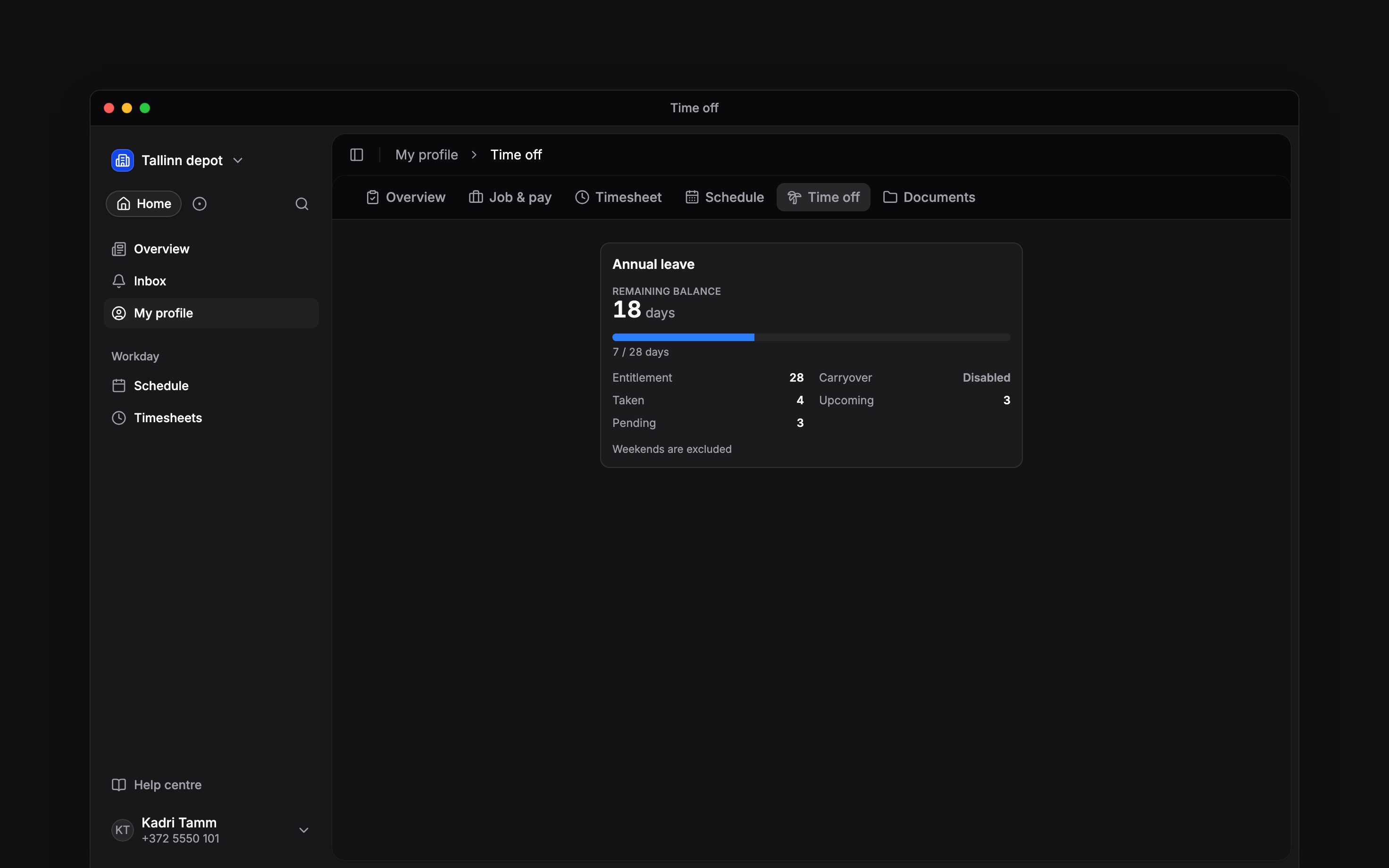
Open a policy’s balance breakdown to see where its figures come from. Taken is leave already used, Upcoming is approved leave ahead, and Pending is awaiting a decision. Your entitlement can also include carried-over leave or an adjustment from your manager. The request form shows Remaining balance and This request together. Use that preview when choosing dates: the dates alone do not tell you how many days or hours will be deducted. Weekends, holidays and part-day leave follow your policy and working-day settings. During probation, Probation end moved shows how many days the request adds to your last day of probation; its info button shows the date before and after.If the number looks wrong
Check the policy and request status first. Review the request list for approved, pending and cancelled leave. If a balance is marked out of date, use its refresh action. Ask your manager about an entitlement, carryover or adjustment that still looks wrong. You can view your own balance; you cannot change the allowance yourself. A policy with no balance limit does not mean every request is approved.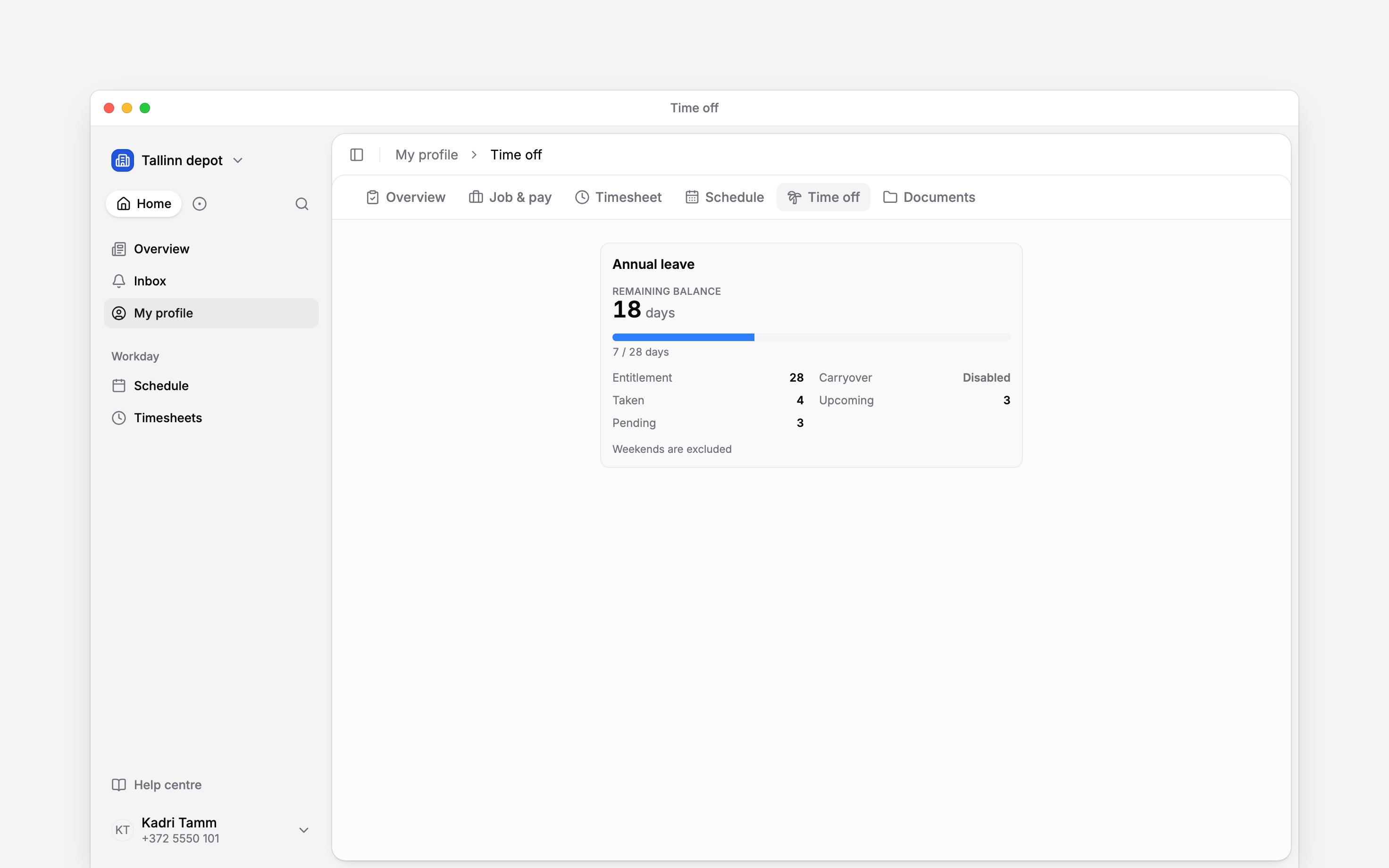
Next
Request time off
Choose the dates and send your request.
Change or cancel time off
Find the action available for your request.
Still need help?
Contact support
Email the Begin team and we’ll get back to you.
Ask Begin AI
Open the AI assistant and get instant answers based on these docs.