


 On a phone, open Messages from your navigation or More. On a computer, choose Messages to talk to your team. Channels collect a topic or team in one place; conversations let you talk directly to one colleague or a selected group.
Join a team channel
Choose a channel from the list. You can read a public channel before joining; click Join channel to send messages in it. Private channels are visible only to invited members. Ask a channel member with invitation rights to add you if you need access. Your team may add you through a role, department, position or location. Changes to those assignments can change which channels you belong to. Use Leave channel in the channel menu when you no longer need it. You can rejoin a public channel, but a private channel needs another invitation.Talk to a colleague
1
Start a message
Choose New → New message in Messages.
2
Select the people
Choose one colleague for a direct message, or several for a group chat.
3
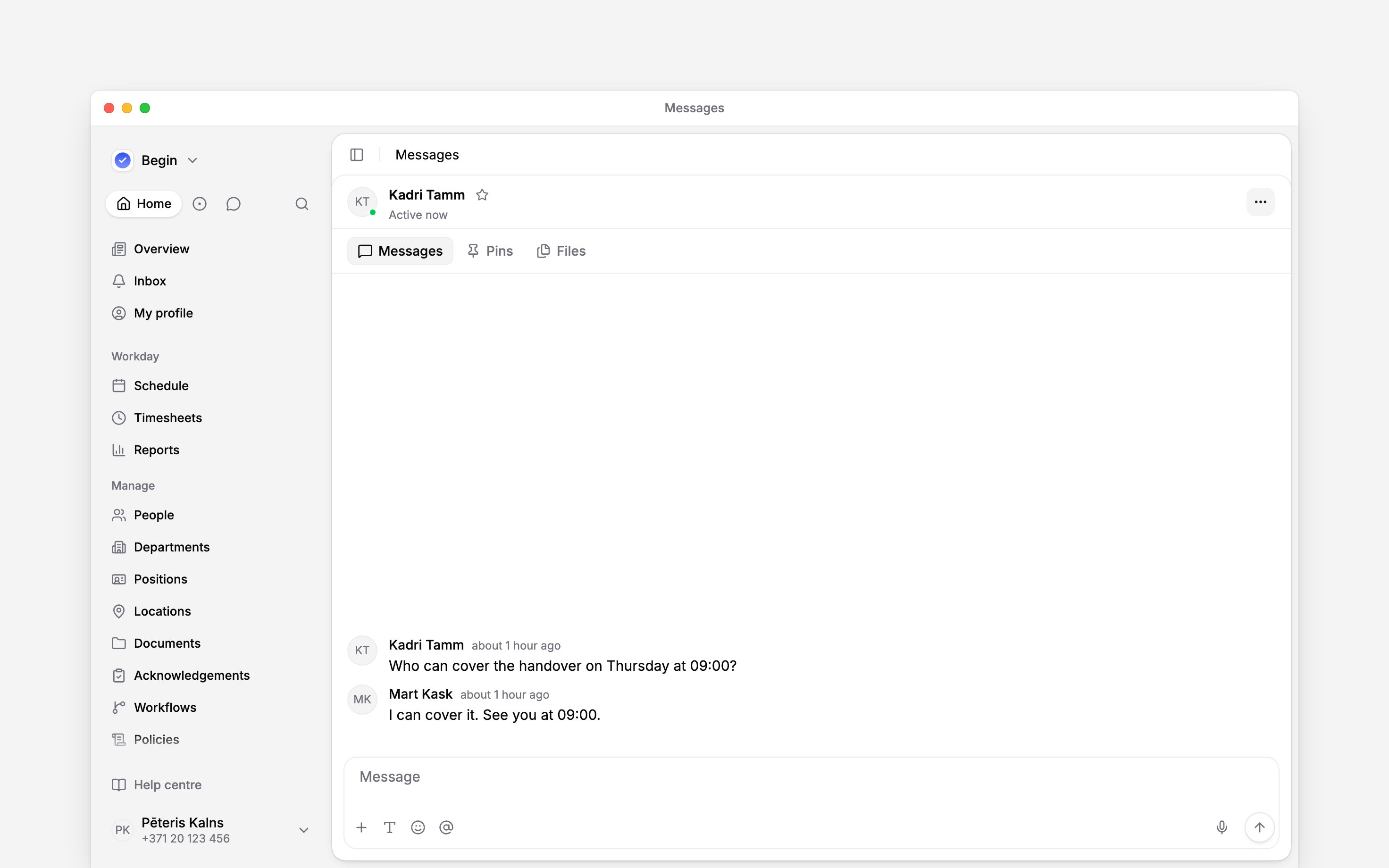
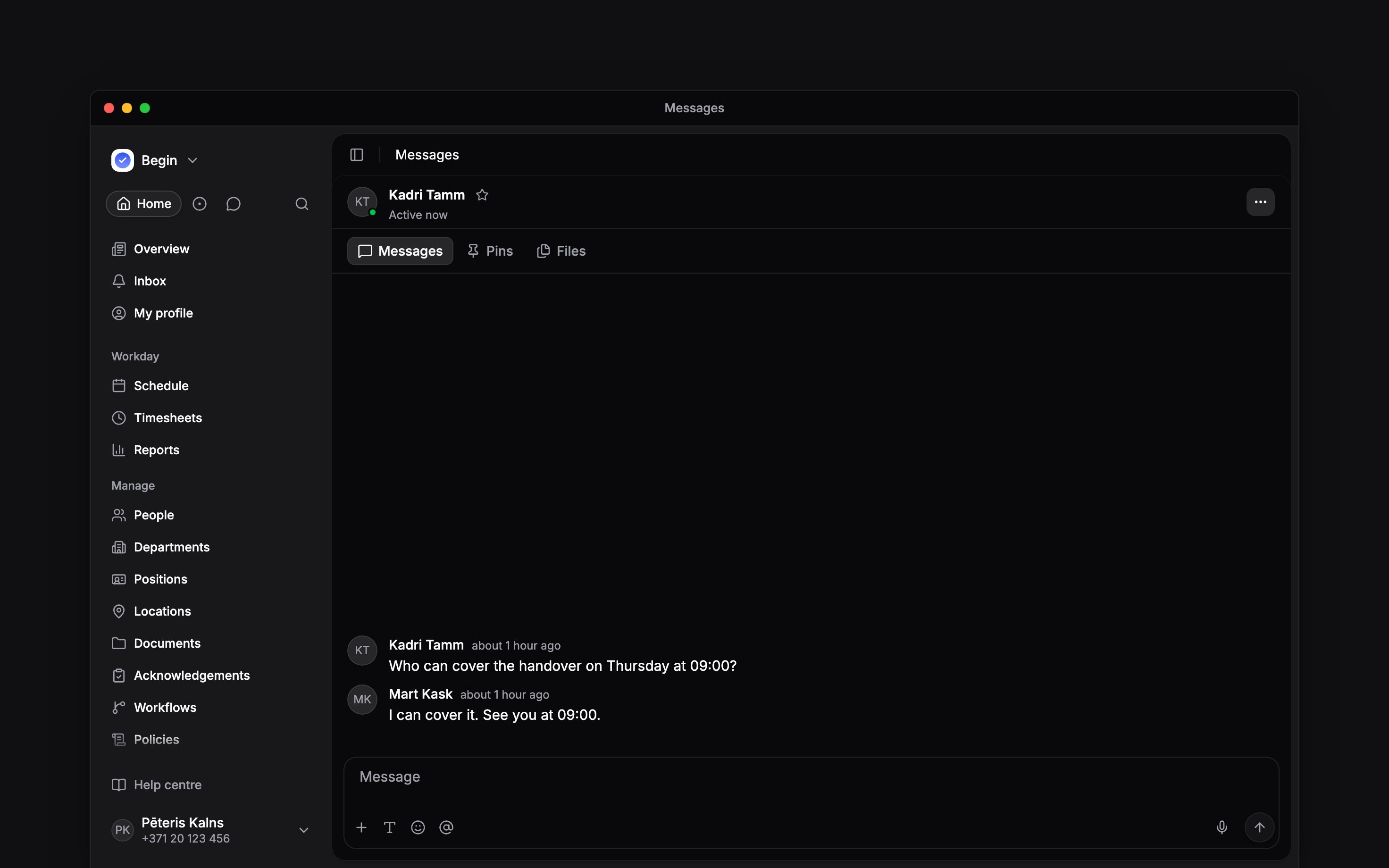
Open and send
Click Start chat or Create group, then write and send your message. The chat appears
under Conversations.
When an action is missing
Your employee role normally lets you read messages, send them, start conversations and edit your own messages. Creating channels and managing or deleting conversations need extra permissions. Ask an administrator if you cannot open Messages, view people or send. If Begin shows an add-on requirement instead of the message box, ask the person who manages your workspace subscription. Joining another channel does not remove that requirement. An archived conversation keeps its history but cannot accept new messages. Ask someone with management permission to restore it. Leave group removes you from a group chat; another member must add you back to rejoin. The group’s owner cannot leave through this action. On a phone, open a conversation from the list and use the back arrow to return to it.Next
Replies and reactions
Send a message, keep a reply with its question, and correct what you wrote.
Message alerts
Choose which channel messages notify you and troubleshoot missing chat alerts.
Still need help?
Contact support
Email the Begin team and we’ll get back to you.
Ask Begin AI
Open the AI assistant and get instant answers based on these docs.