


 Open Timesheet on your phone or Timesheets in a browser to review your recorded time. For your own entries one week at a time, use My profile → Timesheet. With the default employee role, you see your own hours.
Check an entry
Open an entry to check the start, end, breaks and the method used to record it. Comments and activity explains changes, including rounding and automatic break adjustments. Use Original reported time when you need to compare the recorded punch with an adjusted time.Compare the totals
Check the selected period first. Worked and paid hours can differ because of breaks, rounding and your workplace’s calculation rules. A total based on approved work does not include every pending, needs-review, rejected or cancelled row you can see. Your timesheet records work; it is not a payslip. If an entry is wrong, correct the entry. Ask your manager about an approval or calculation that still does not match your expectations.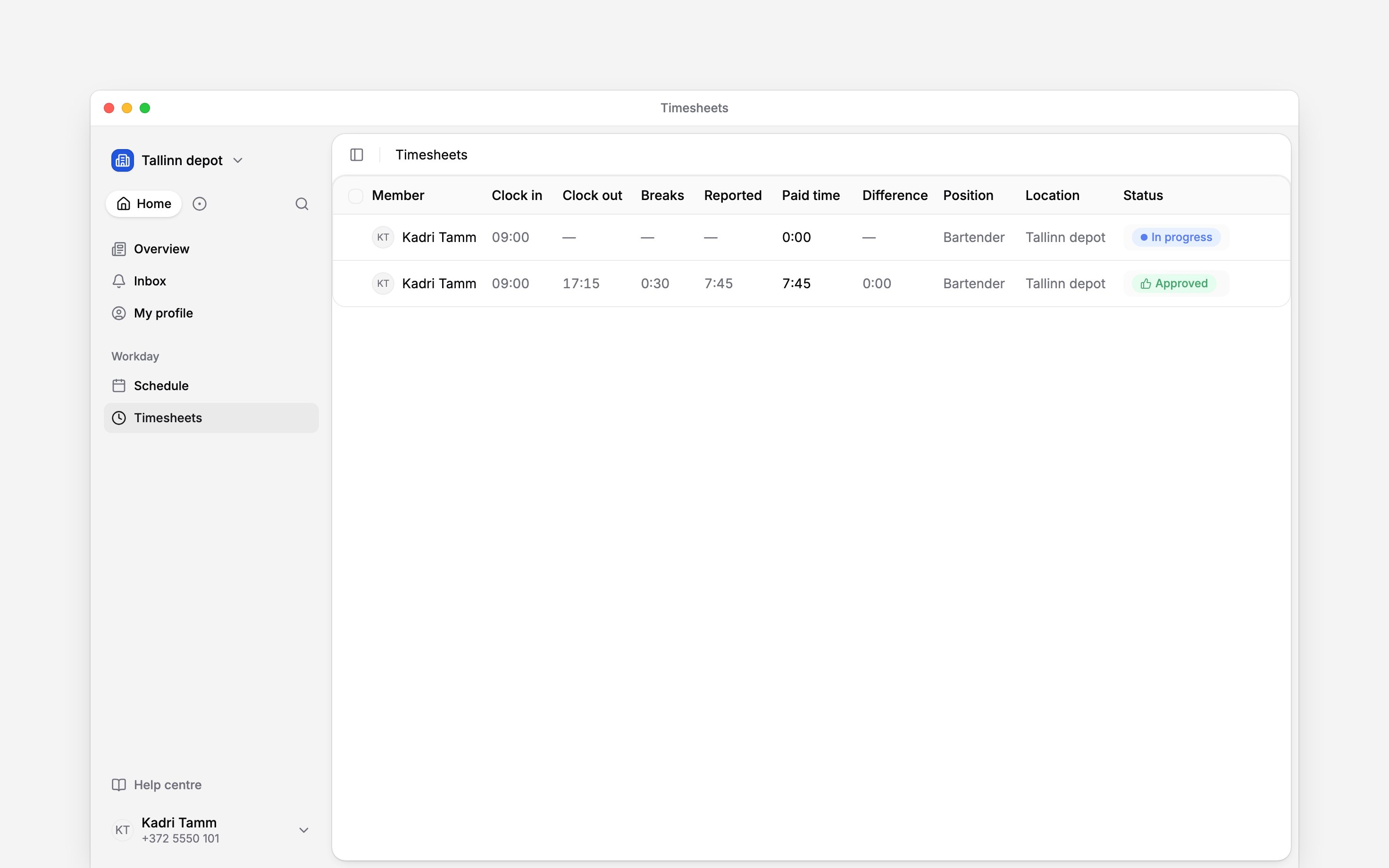
Next
Correct a time entry
Add forgotten time or correct a completed entry.
Record a break
Check how breaks affect the work recorded.
Still need help?
Contact support
Email the Begin team and we’ll get back to you.
Ask Begin AI
Open the AI assistant and get instant answers based on these docs.