


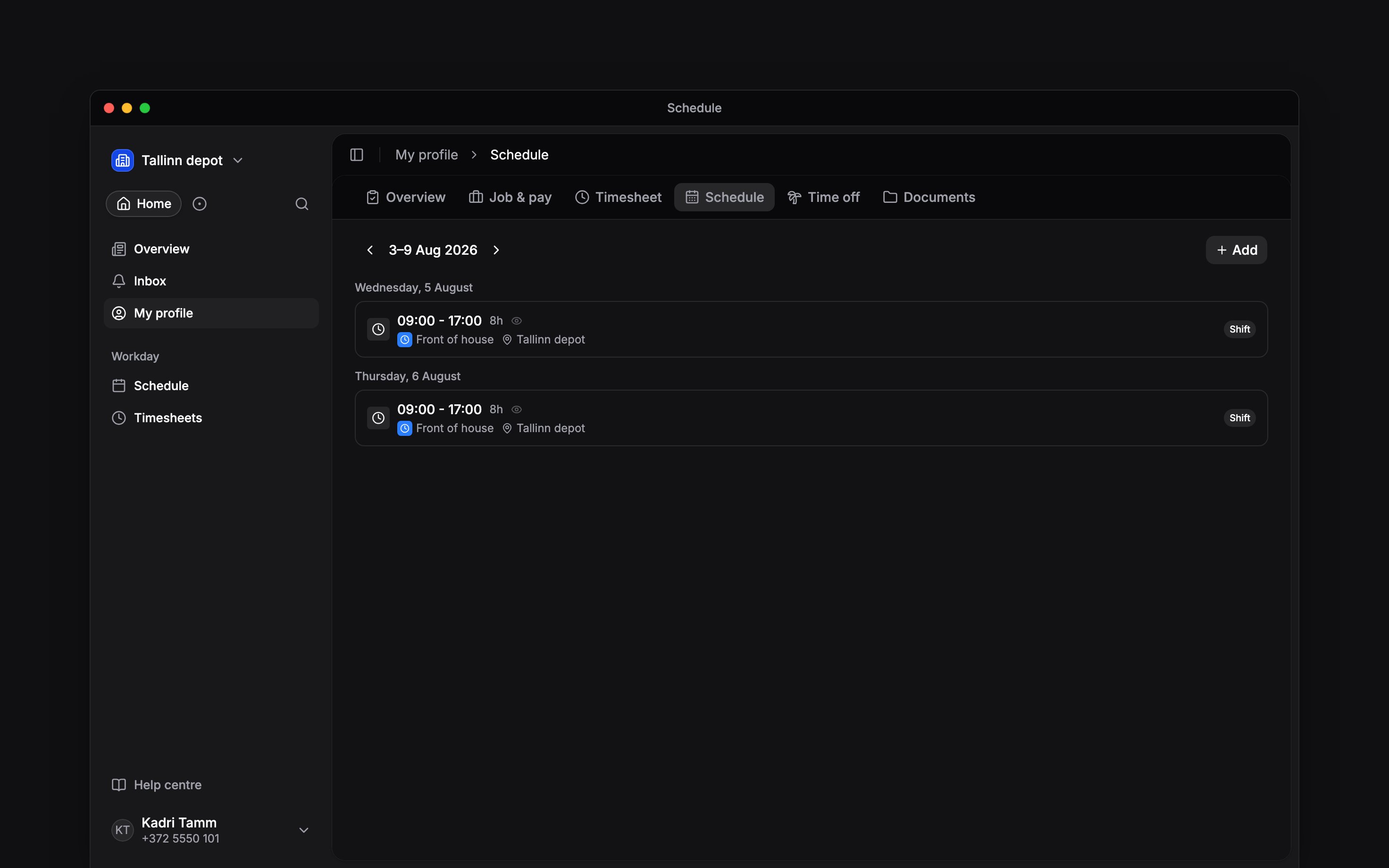
 Your published shifts tell you when and where to work. Start with your own week, then use the pages below when you want to offer availability, take extra work or arrange a change.
Find your next step
When plans change
An Available block tells your manager when you can work; it does not book a shift. An Unavailable block is also separate from an approved absence. For holiday or other leave, use Time off. Your manager controls your shifts and when they are published. If a shift is missing or incorrect, ask them to check it.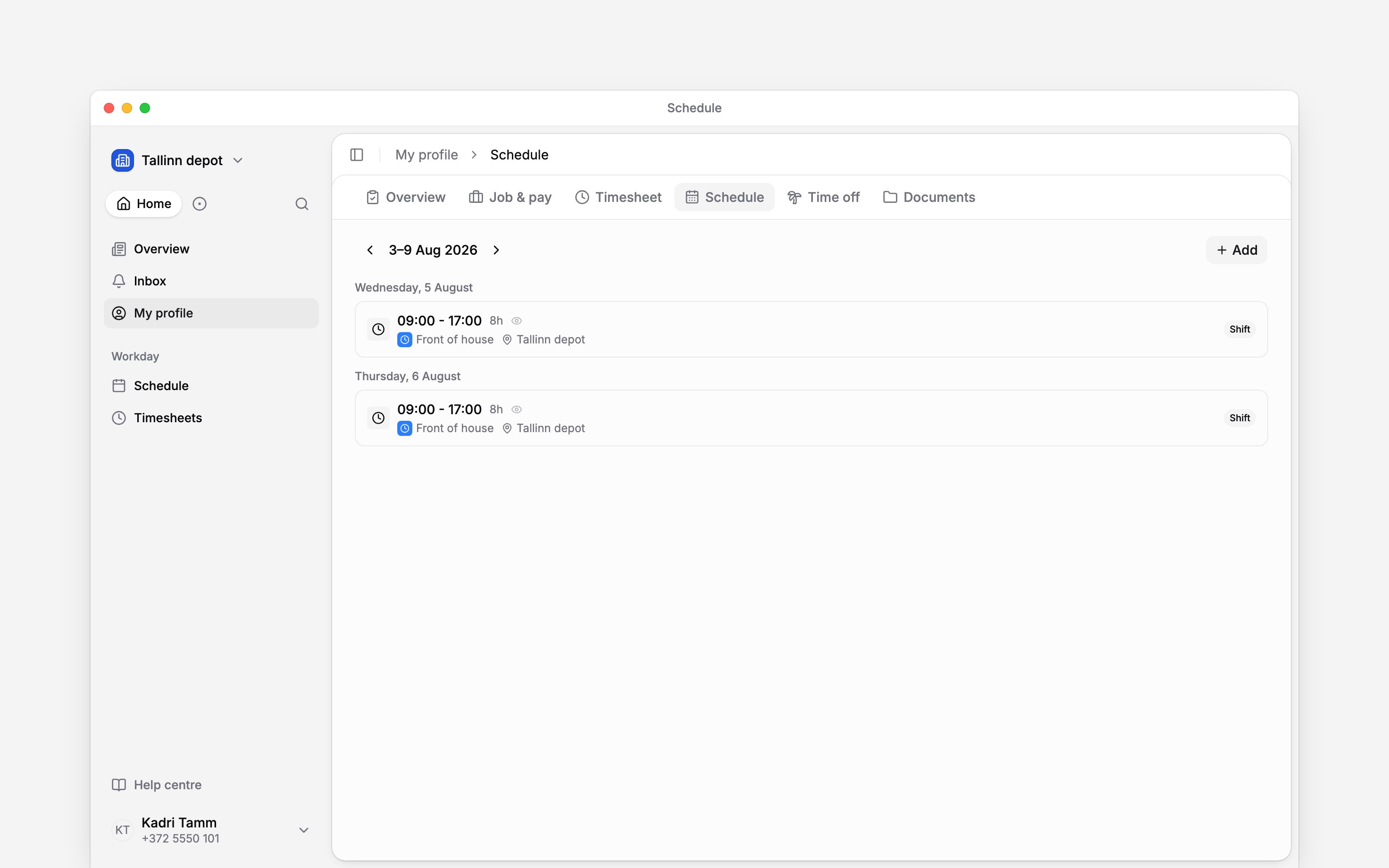
Next
Your shifts
Check the time and place of your next shift.
Set your availability
Tell your manager when you can work.
Still need help?
Contact support
Email the Begin team and we’ll get back to you.
Ask Begin AI
Open the AI assistant and get instant answers based on these docs.