


 A post can ask you to vote in a poll, say whether you are attending, or both. Answer each question in the post: a comment or reaction does not count as a vote or attendance response.
Answer a poll
1
Open the post
Find it in Home on a phone or Overview on a computer, follow its Inbox notification, or
open the post attached to a schedule date.
2
Choose your answer
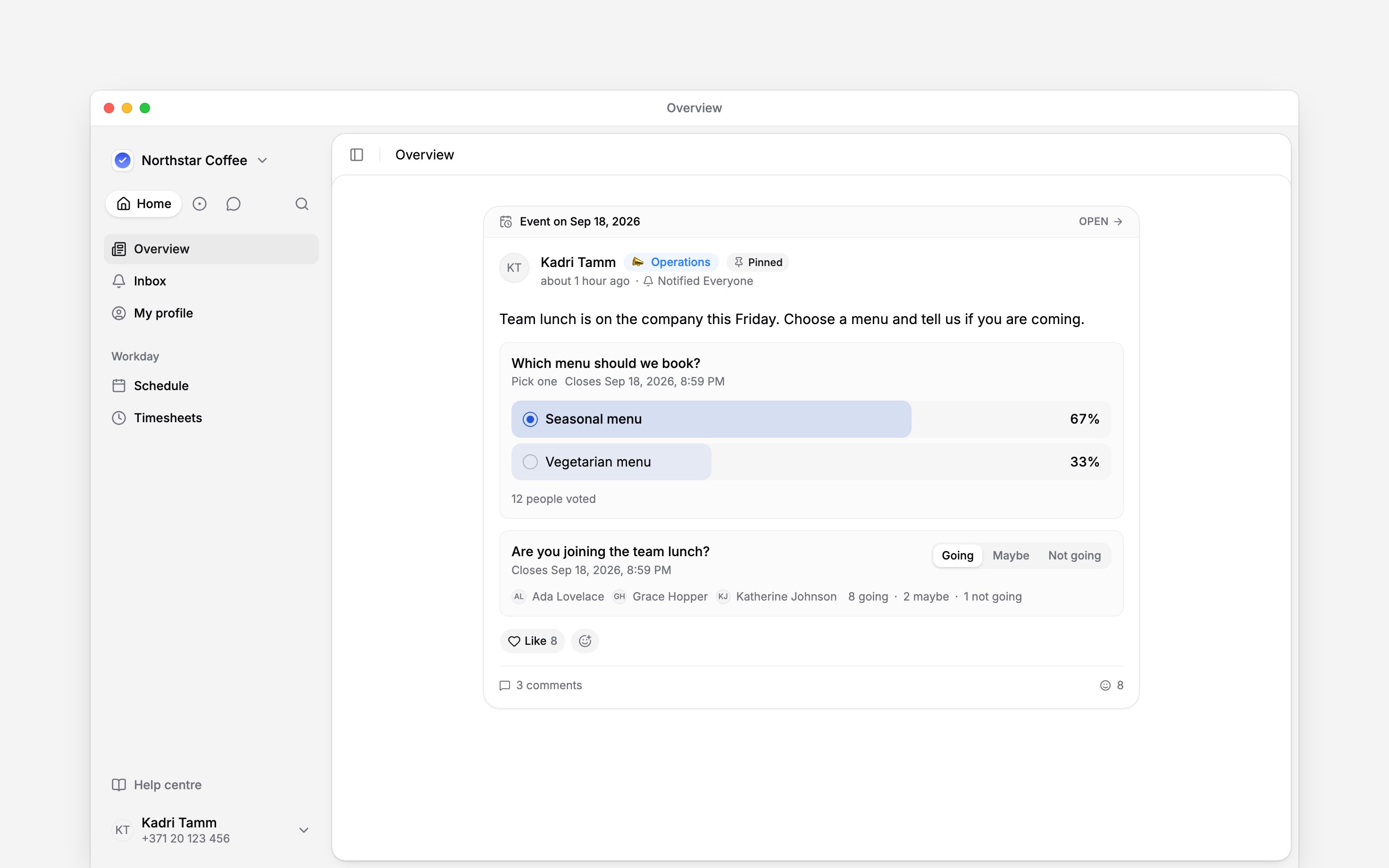
Select the option you want. When the poll allows multiple answers, select all the options that
apply.
3
Check your response
Your selection is marked and the result appears. You can change your choices while the poll
remains open.
Say whether you are coming
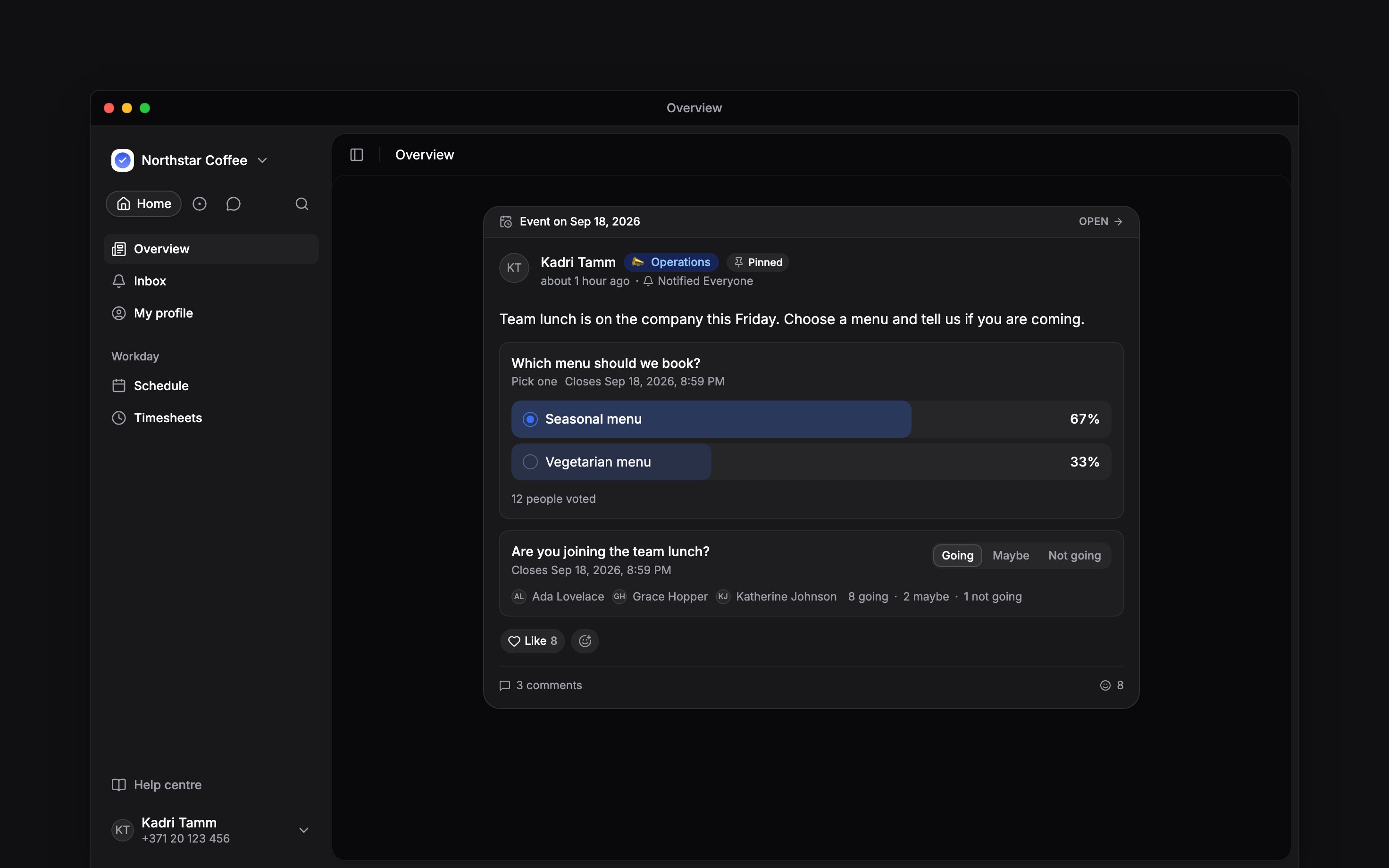
Under Attending, choose Going, Maybe or Not going. Your chosen response is highlighted. Change it before the attendance question closes if your plans change. A post can have an event date on the schedule. That date makes the post easier to find; choosing Going does not create a work shift or change your availability.Mention the people who answered
In a comment or reply on the post, type@ and choose from Responses to notify everyone who gave an answer, such as Going, or everyone who voted for a poll option. These choices appear where group mentions are available, which is rolling out gradually.
When the question has closed
A closed poll or attendance question no longer accepts changes. Contact the author if you need to correct your answer after the deadline. An event-linked attendance question closes at the end of the event day in the workspace’s timezone.Next
Reading company updates
Keep the discussion with its announcement.
Notification settings
Choose how updates reach you.
Still need help?
Contact support
Email the Begin team and we’ll get back to you.
Ask Begin AI
Open the AI assistant and get instant answers based on these docs.