


 You can ask to trade your shift for a colleague’s, or give yours to them with nothing coming back. Agree the arrangement with your colleague first: they are not asked to accept the swap in Begin.
Your workplace needs shift-swap approval enabled, and your role must allow swap requests. Ask your
manager if you cannot submit one.
Request a swap or move
1
Open your shift
On your phone, open the shift on Schedule and use its actions menu. On a computer, you can
also right-click it. Choose Request swap.
2
Choose your colleague
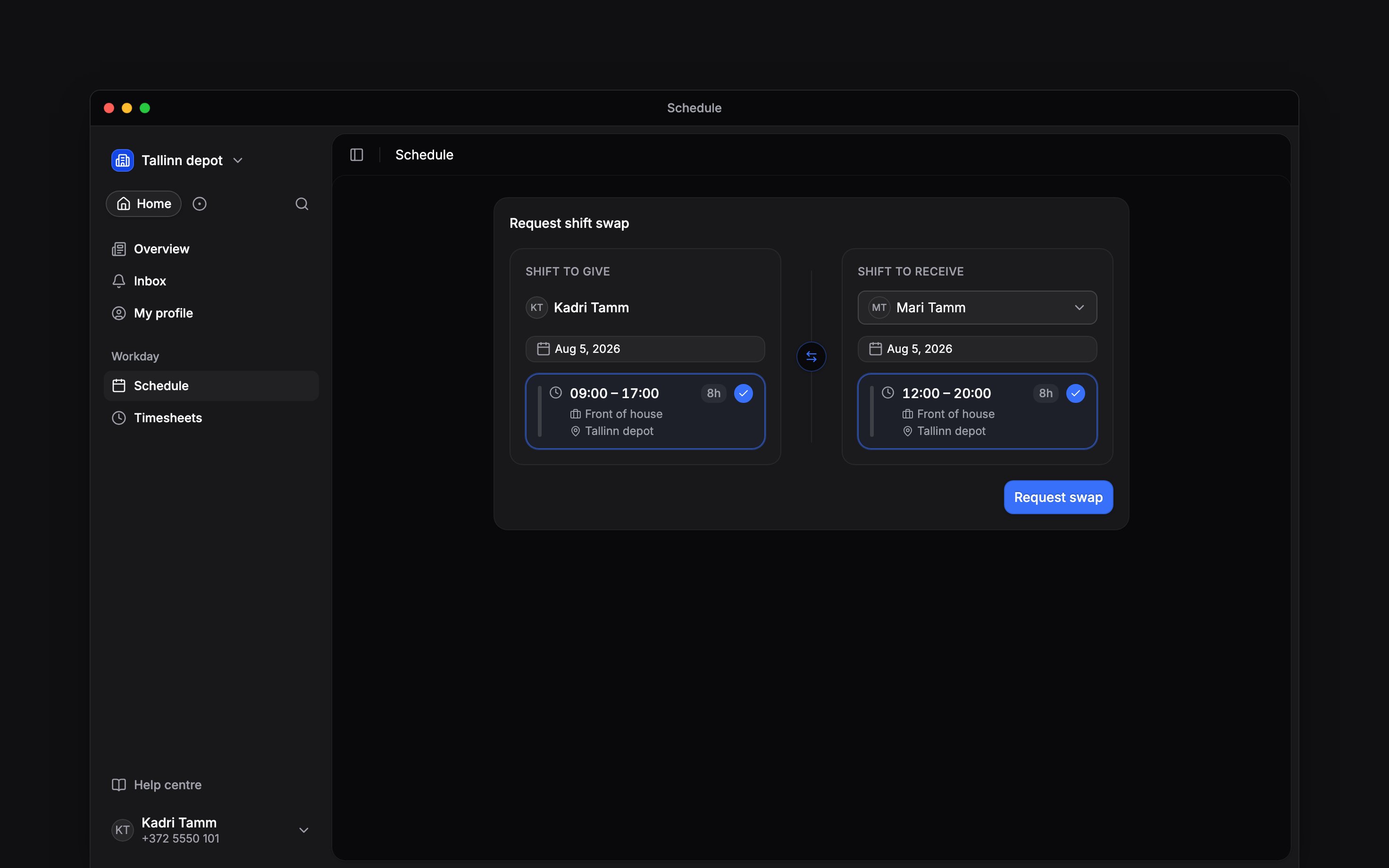
Choose the person under Swap with.
3
Choose the return shift
Pick their shift under Shift to receive. Each side has its own date picker. Leave that side
empty if you only want to give them your shift.
4
Send the request
Choose Request swap, or Request move for a one-way handover. Wait for the approval
decision before treating the change as agreed.
Check the decision
An approved request changes who holds the shifts. A rejected request leaves them with their original assignees. A request nobody decides before your shift starts closes on its own, and the shift stays yours. Check your updated schedule before your next shift. Only shifts can be swapped. Time off, availability and open shifts use their own flows. A request names one colleague; it does not advertise your shift to everyone.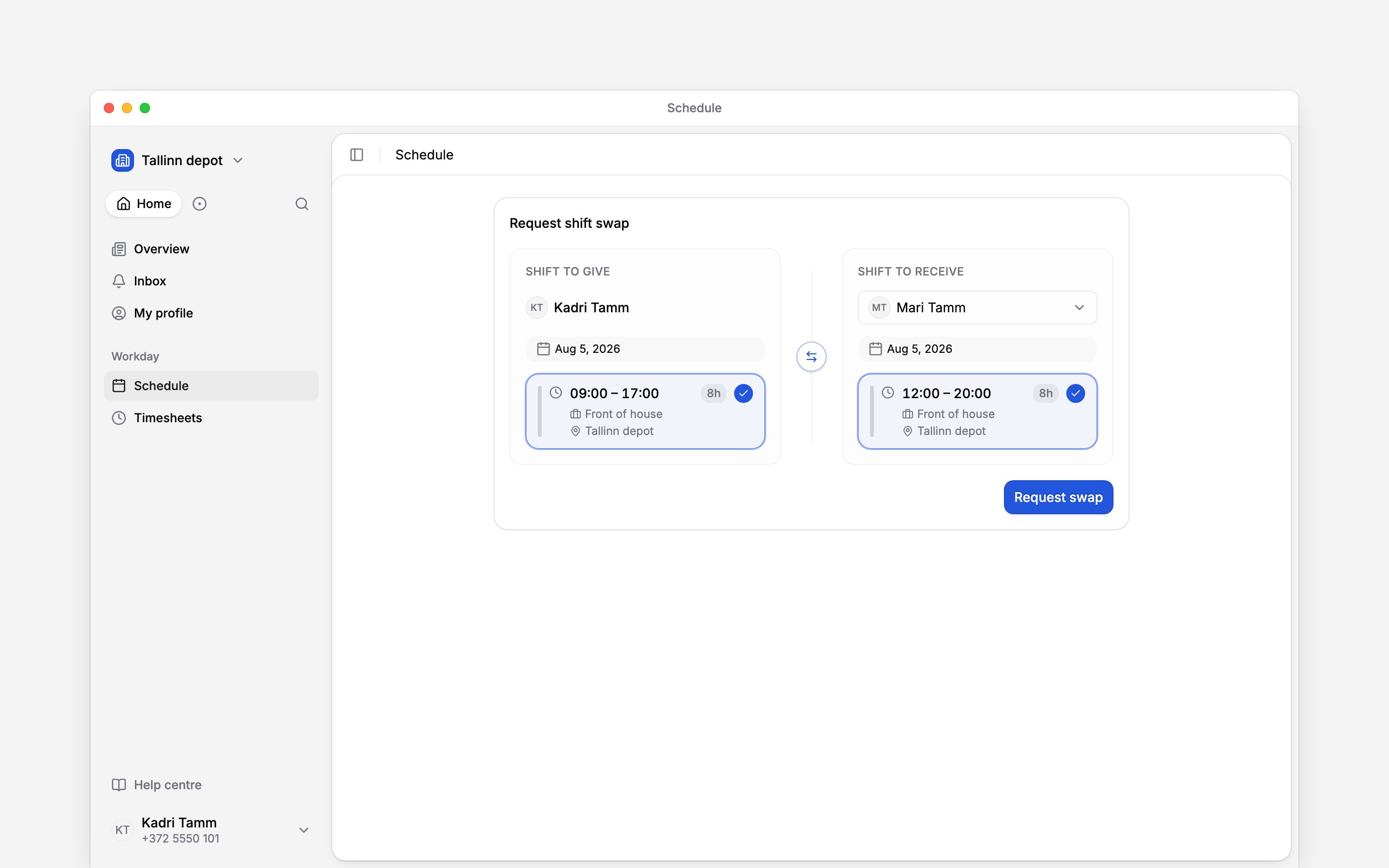
Next
Your shifts
Check the time and place of your next shift.
Take an open shift
Pick up work that has no assignee yet.
Still need help?
Contact support
Email the Begin team and we’ll get back to you.
Ask Begin AI
Open the AI assistant and get instant answers based on these docs.