


 Open the request in My profile → Time off. Its status and dates decide which actions appear. A pending future request opens as an editable form; other requests have an actions menu.
Before your leave starts
Use Edit request to change dates, times or notes, then Save changes. An approved request can go back for approval. A denied request can be edited and resubmitted. To change the policy itself, arrange a new request instead. Use Cancel request to withdraw pending or approved leave, then confirm. The absence is removed from your schedule. Denied requests cannot be cancelled; cancelled requests stay in your history.While your leave is running
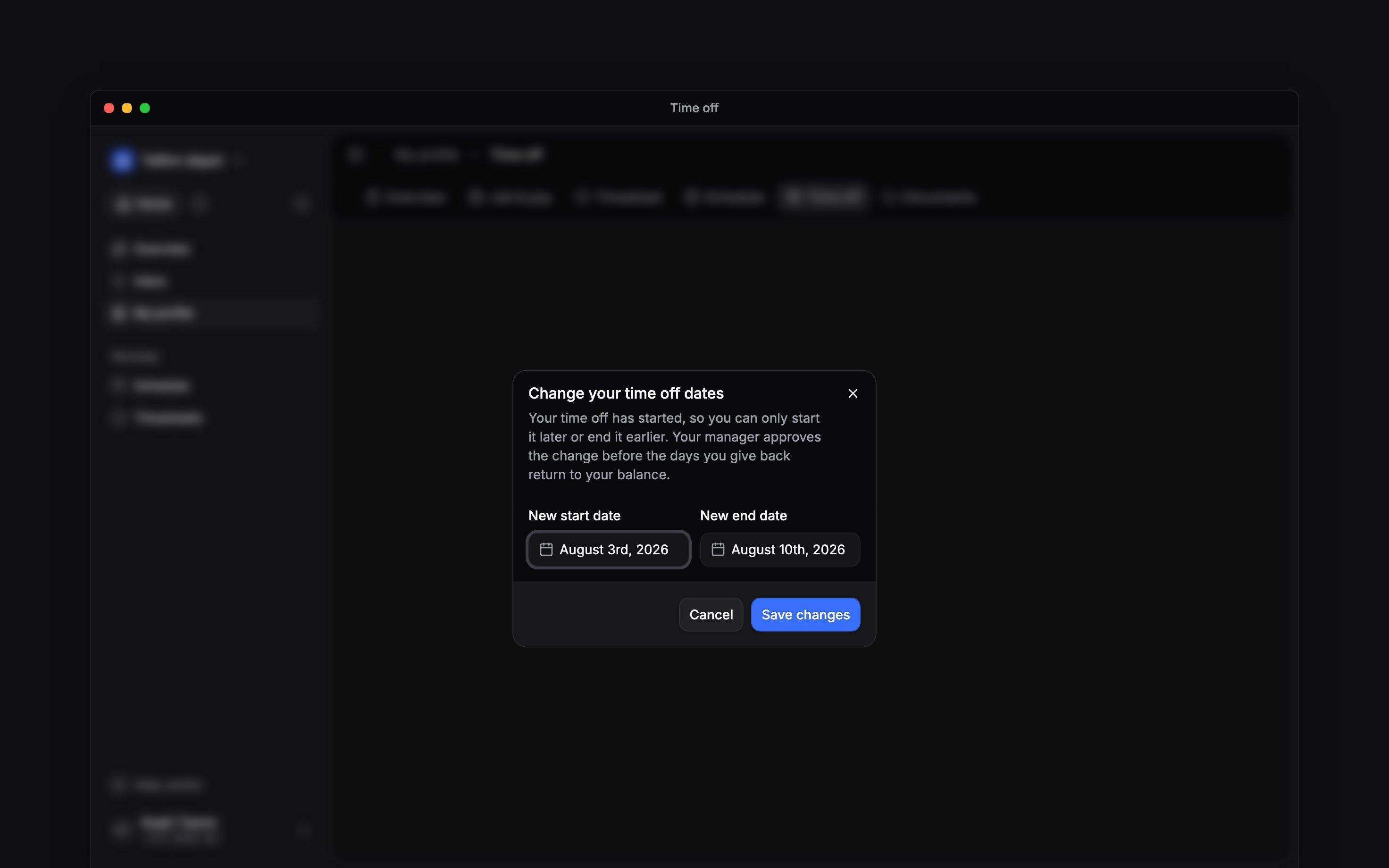
For approved leave spanning several dates, open its detail actions and choose End early or start later. Move the start later, the end earlier, or both, then Save changes. Keep at least one date within the original window. Your workplace may require approval before the returned leave becomes available. For approved leave on one calendar date, Cancel request remains available while it is still running. There is no smaller date range to choose.If no action appears
You cannot use ordinary editing after leave starts, or change finished leave through these self-service actions. Ask your manager about corrections to completed leave or an absence they placed directly on your schedule.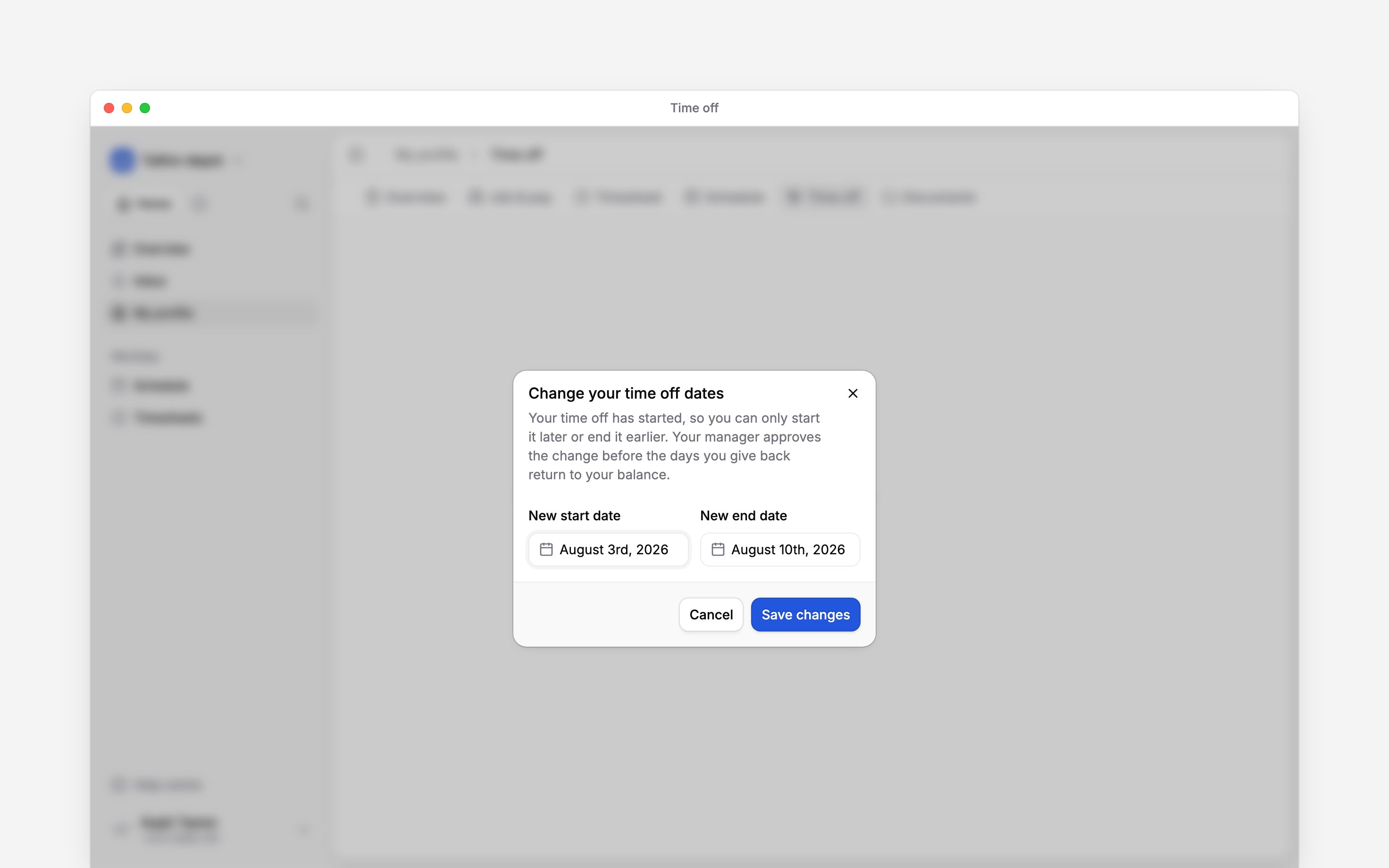
Next
Your time-off balance
See what is available before choosing dates.
Request time off
Choose the dates and send your request.
Still need help?
Contact support
Email the Begin team and we’ll get back to you.
Ask Begin AI
Open the AI assistant and get instant answers based on these docs.