


 Record a break from your running timer when your workplace shows break controls. A break belongs to the same time entry; you do not need to clock out and start a new shift for it.
Take a break
1
Open your running timer
Go to Timesheet on your phone, Timesheets in a browser or your home page’s time-tracking
card.
2
Choose the break
Tap Pause and choose Paid break or Unpaid break from the options your workplace
allows.
3
Resume work
When you return, tap Resume. Check that the ongoing break has ended before continuing.
If the controls look different
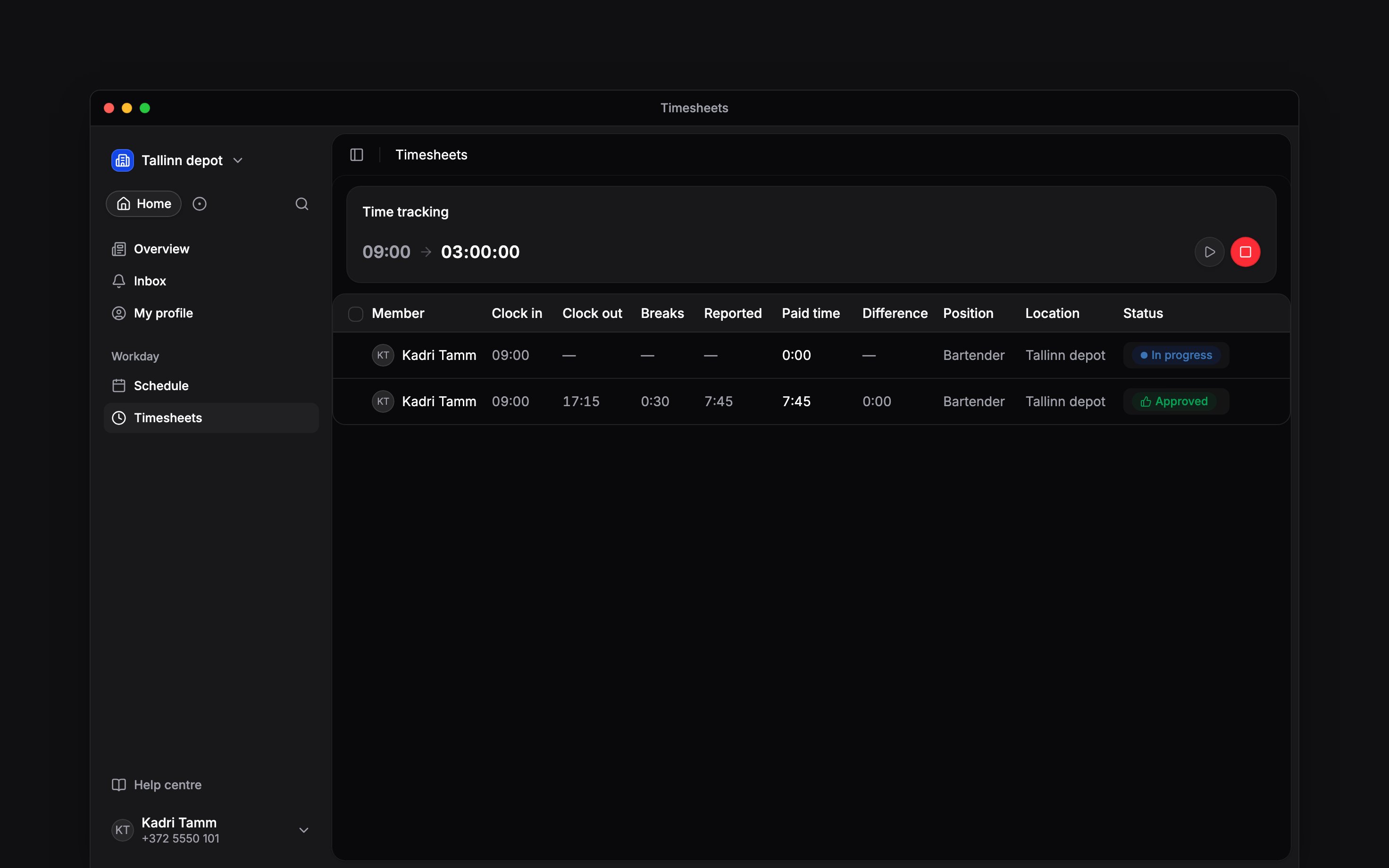
Your employer decides which break types you can report. Some workplaces apply breaks automatically or use scheduled breaks. Ask your manager how your breaks should be recorded if Pause is missing; do not create a second deduction for a break already recorded. Open the completed entry to check its breaks. Times and breaks can be edited only after clocking out and when your role allows it. See Correcting time entries for a missing or incorrect break.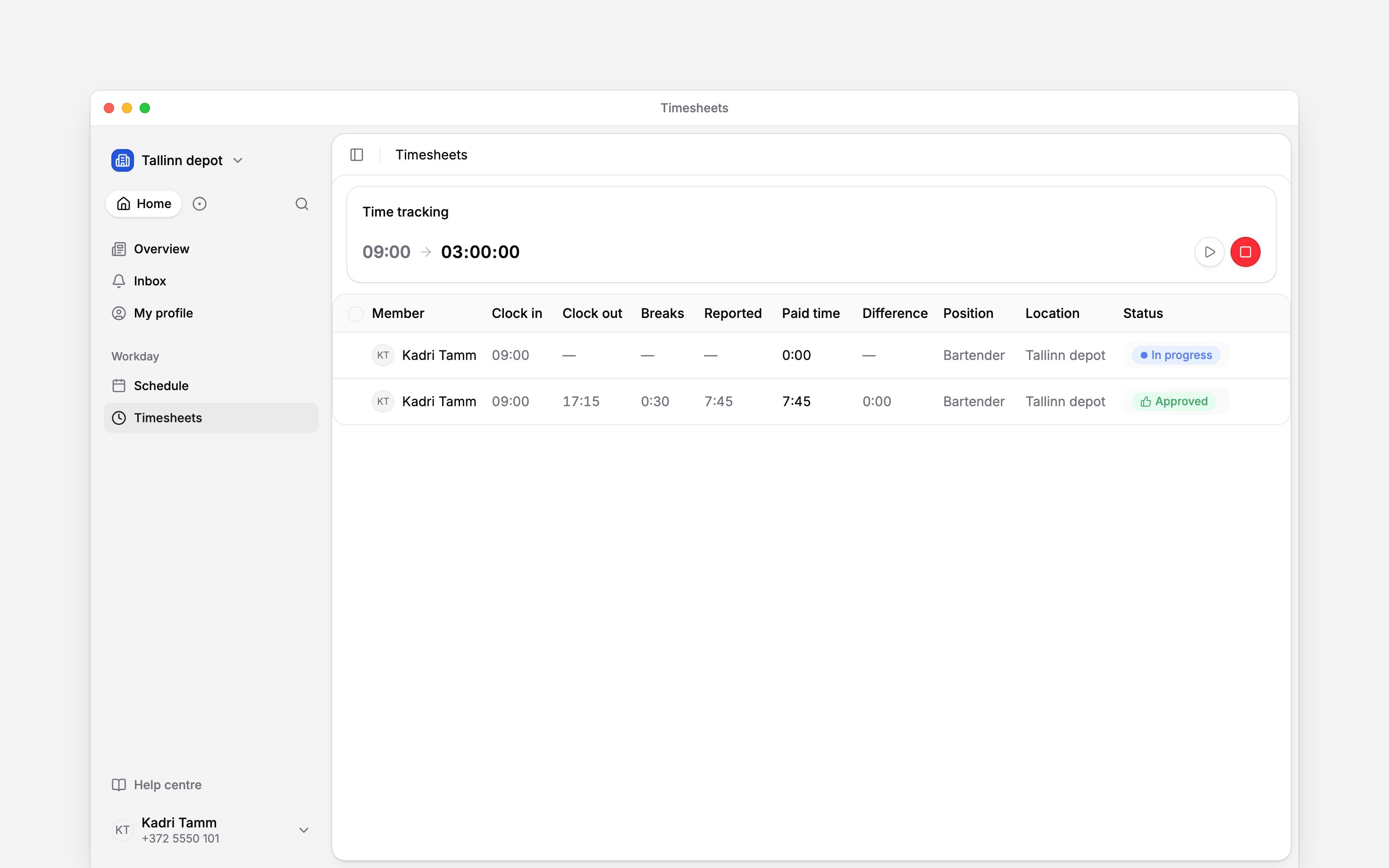
Next
Your hours
Check the time that reached your timesheet.
Correct a time entry
Add forgotten time or correct a completed entry.
Still need help?
Contact support
Email the Begin team and we’ll get back to you.
Ask Begin AI
Open the AI assistant and get instant answers based on these docs.