


 Read the message shown when you try to clock in or out. Your employer’s rules decide which device, location and work details are needed.
Match the message
Beta
Clients are rolling out gradually, so your workplace may not use them yet. If you have no Select
clients when you clock in, that message does not apply to you.
If it still fails
Check whether the timer or saved entry changed before making another attempt. Send your manager the time, selected workplace, device and exact message. A missing control can be an employer restriction, not an app fault. For a missing record, use Correcting time entries. For arrival/departure behaviour, check Automatic clocking.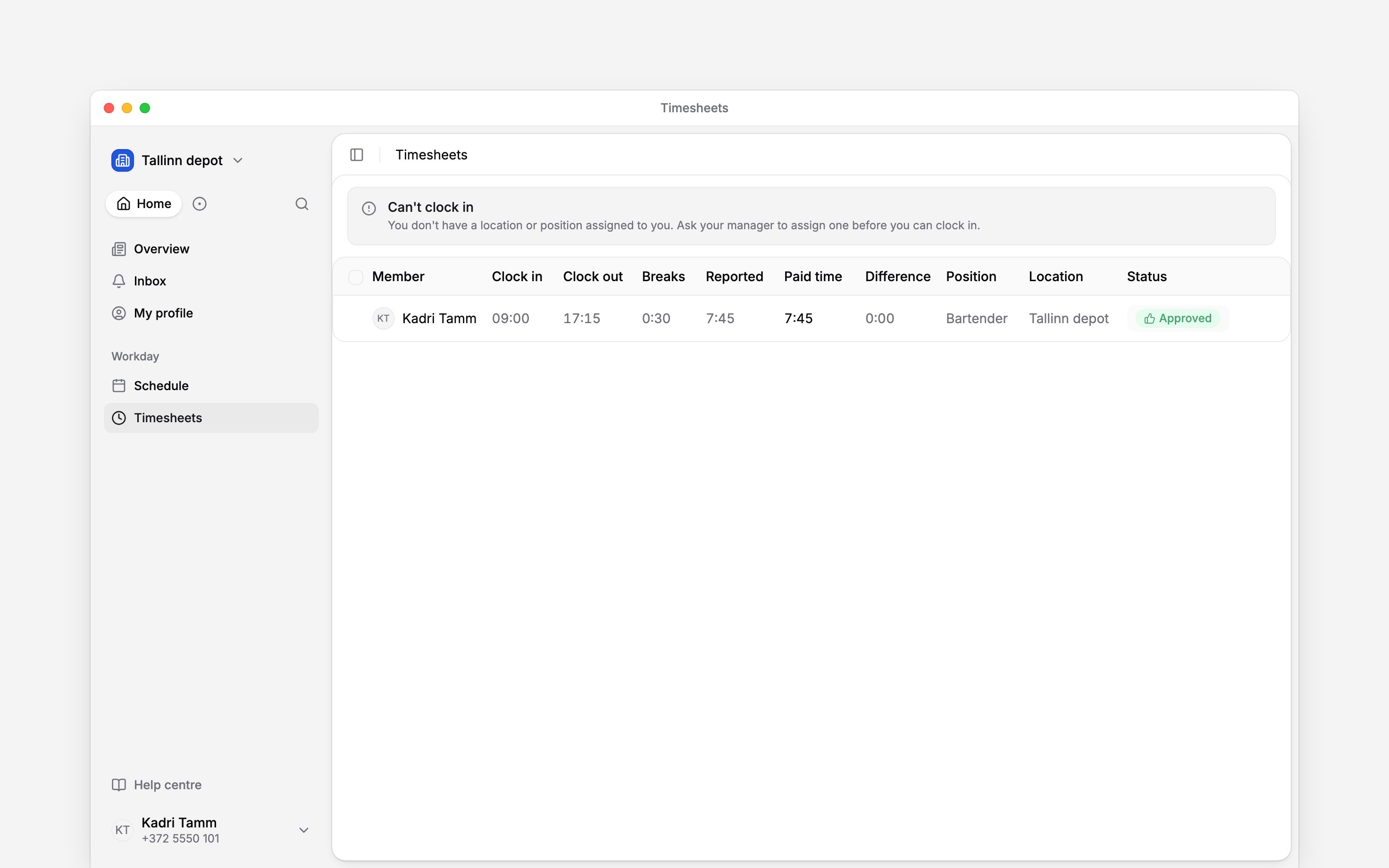
Next
Clock in and out
Try the normal recording flow once the cause is resolved.
Correct a time entry
Add forgotten time or correct a completed entry.
Still need help?
Contact support
Email the Begin team and we’ll get back to you.
Ask Begin AI
Open the AI assistant and get instant answers based on these docs.