


 Begin AI can answer questions about work you can access and make changes your role allows. Open Begin AI from your navigation or More on a phone. On a computer, you can also press Cmd / Ctrl + J.
Start in the right workspace
Check the workspace name before asking a question. Use “my shifts” or “my approved timesheet hours” and name the period you want. Your account’s access still applies: asking AI does not unlock someone else’s private records.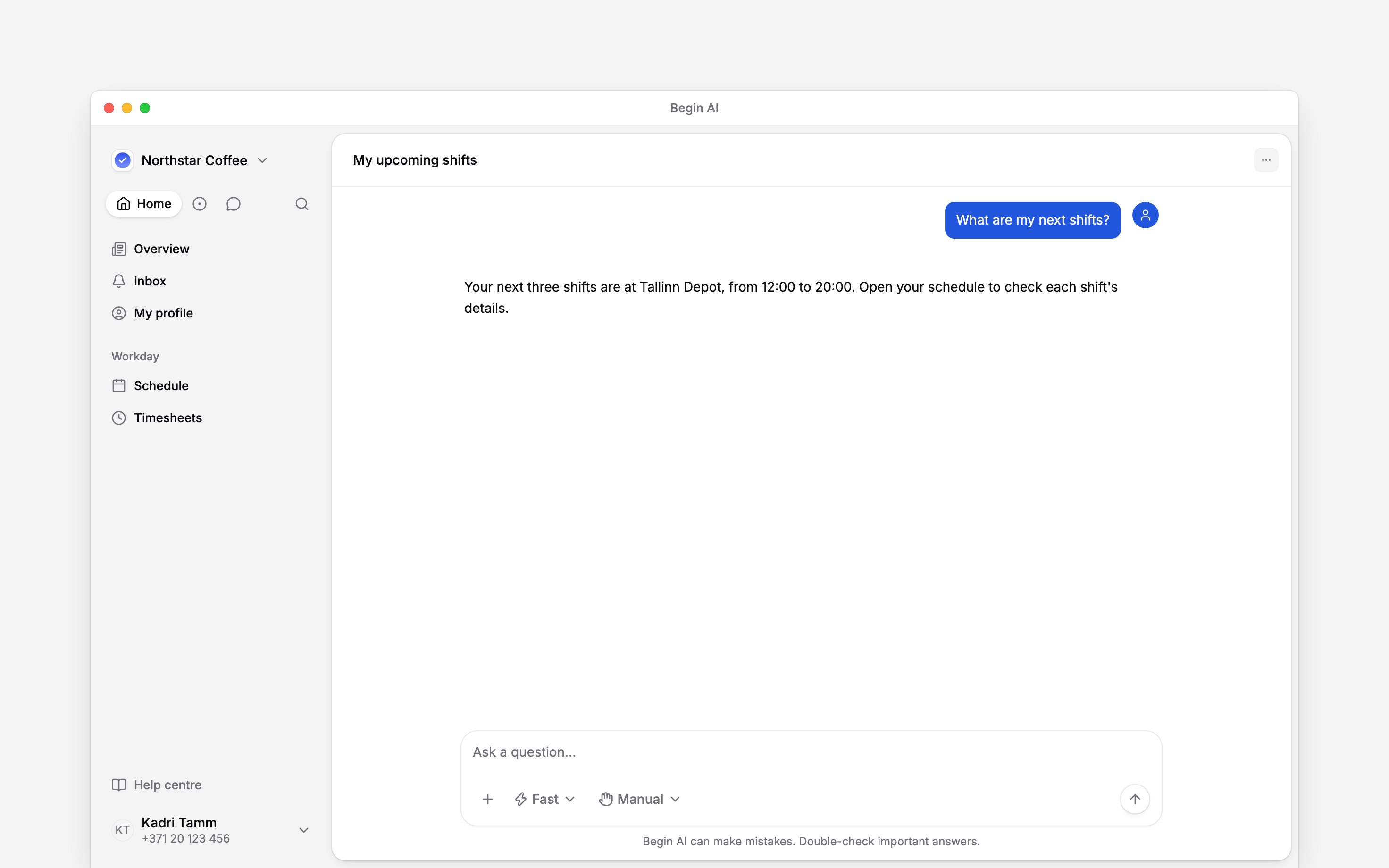
When the assistant is unavailable
An administrator can switch Begin AI off for the whole workspace. If you see Begin AI is turned off, ask your administrator whether your employer makes it available. The workspace also has a shared AI-token allowance. If Begin says You’re out of AI tokens, ask the person who manages the workspace subscription. You can still open your schedule, timesheet and other permitted pages directly.Next
Asking about your work
Ask a clear question about your own work.
Reviewing and confirming
Check what a proposed action will do.
Still need help?
Contact support
Email the Begin team and we’ll get back to you.
Ask Begin AI
Open the AI assistant and get instant answers based on these docs.