


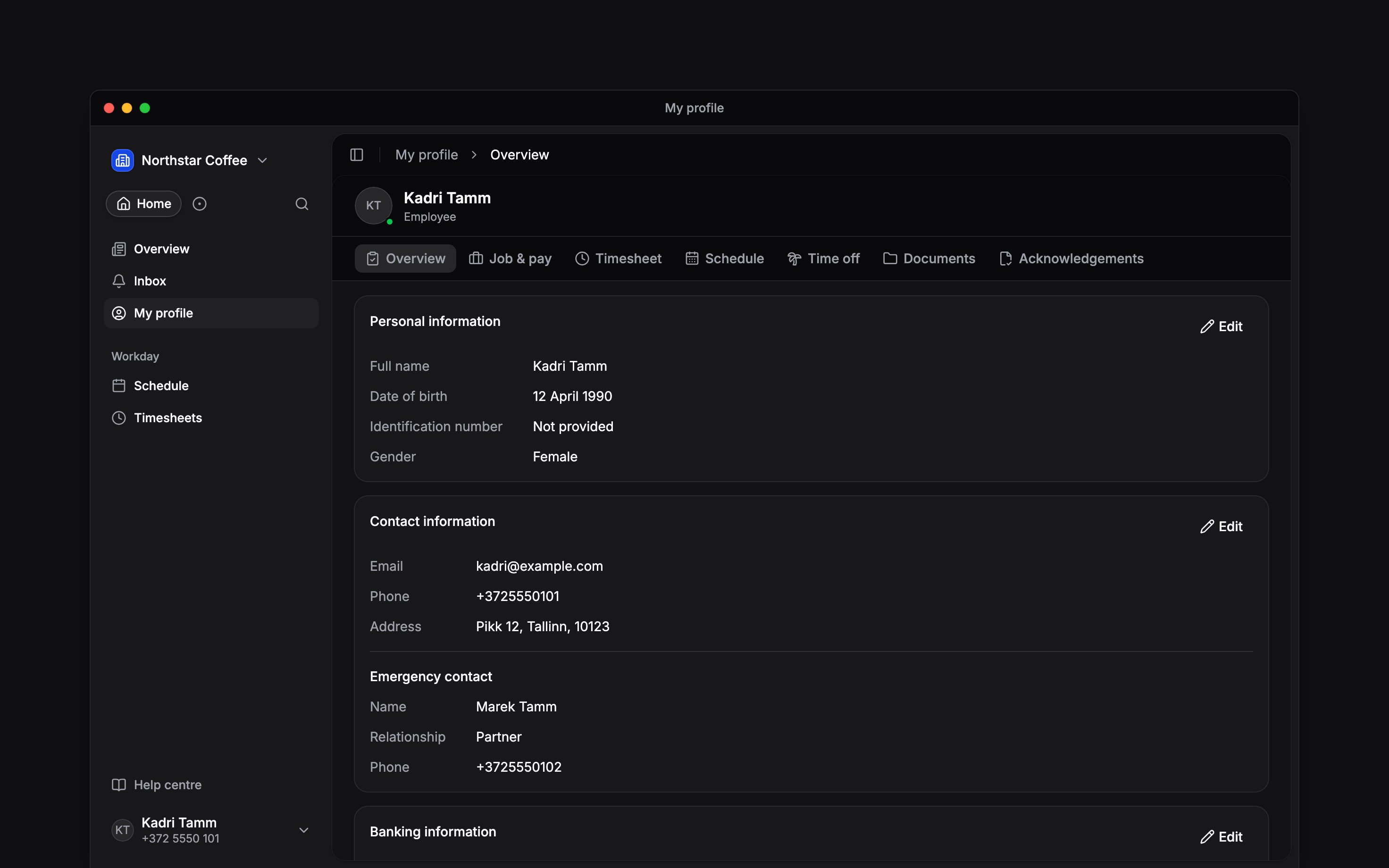
 My profile brings together your own records in the current workspace. Open it from the sidebar, or from More on your phone. For your account photo and sign-in details, use More → Profile & settings → Personal profile on your phone, or Settings → Personal profile on a computer.
Find your work alongside your details
The Schedule tab shows your own week. Timesheet shows your entries, and Time off holds your leave balances and requests. Follow Viewing your shifts, Viewing your hours or Requesting time off for those tasks.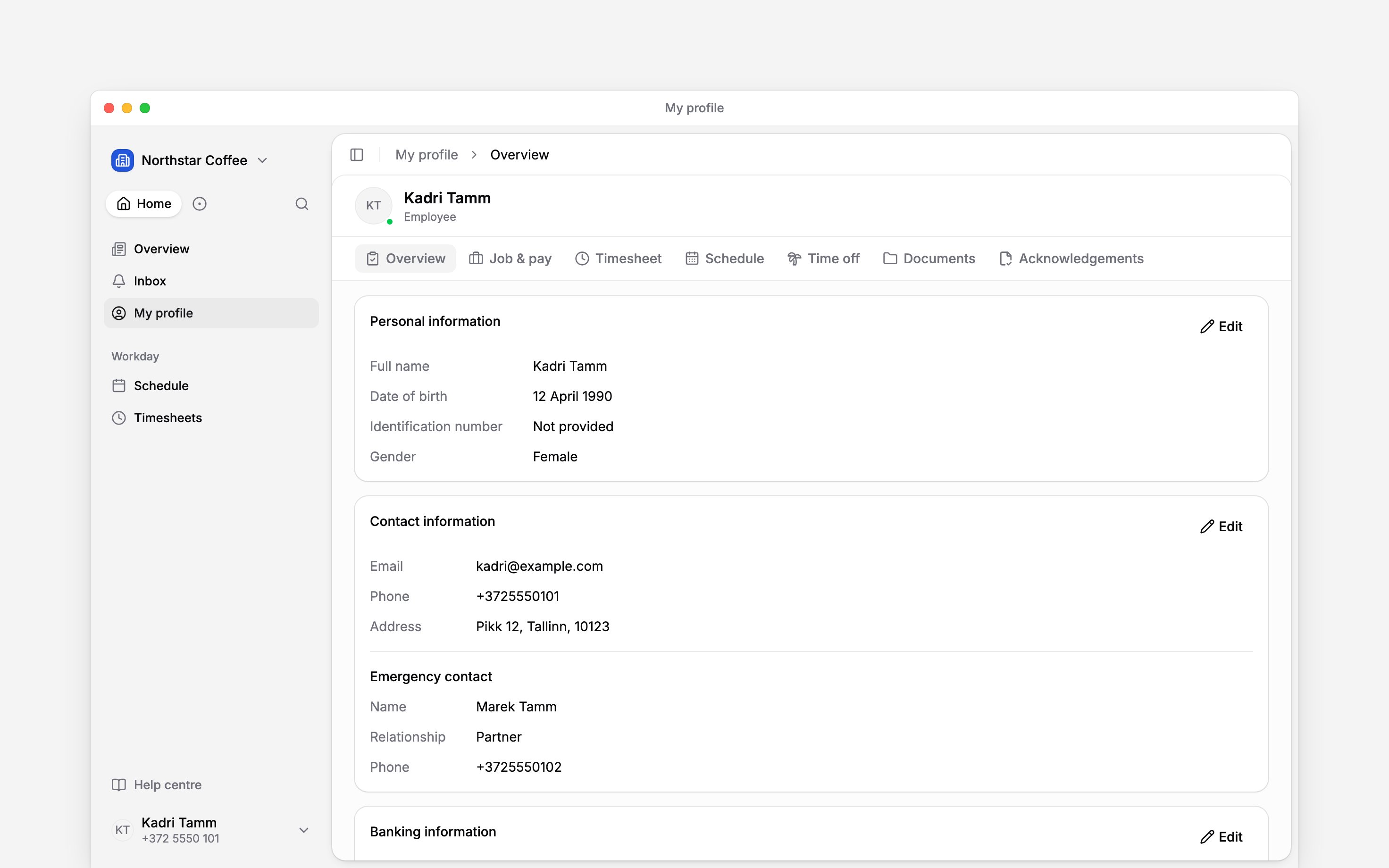
Choose who sees your birthday
Your birthday, work anniversary and contact details are hidden from teammates in Settings → Preferences, under Privacy. Each switch applies to every workspace you belong to. Turn on Hide my birthday or Hide my work anniversary and that date leaves the posts on Overview, the Birthdays list and the reminders your teammates get. People who can see personal details, such as admins and HR, still see the date, and workflow reminders still reach them.Check the workspace first
Your employer-held records belong to this workspace. Switching workspaces changes the job, hours and documents you are looking at. A missing record is a reason to check the workspace and ask your manager, not to create another account. The tabs and editing controls you see depend on your access and the features your employer uses.Next
Employee details
Keep the information your employer uses current.
Finding documents
Open your files and personal records.
Still need help?
Contact support
Email the Begin team and we’ll get back to you.
Ask Begin AI
Open the AI assistant and get instant answers based on these docs.