


 Start with the link your employer sent. An offer, a form for your starter details and an invitation to Begin do different jobs. You may receive only an invitation if your employer already has the information they need.
Follow the link you received
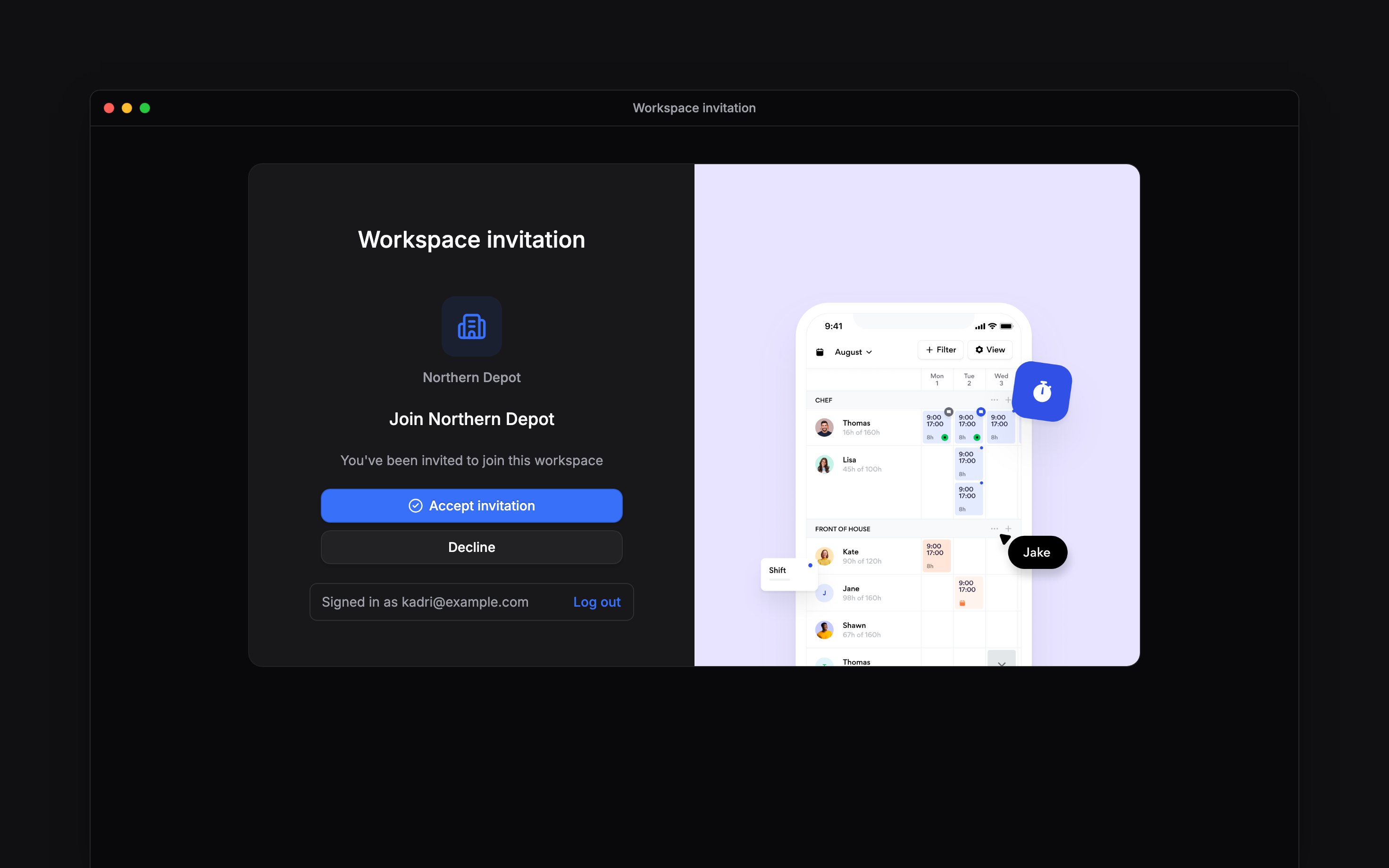
Your offer asks whether you accept the role. The starter-details form collects information such as your address and bank details. A separate signing link asks you to sign a document. None of these is the workspace invitation that gives you access to your schedule and hours.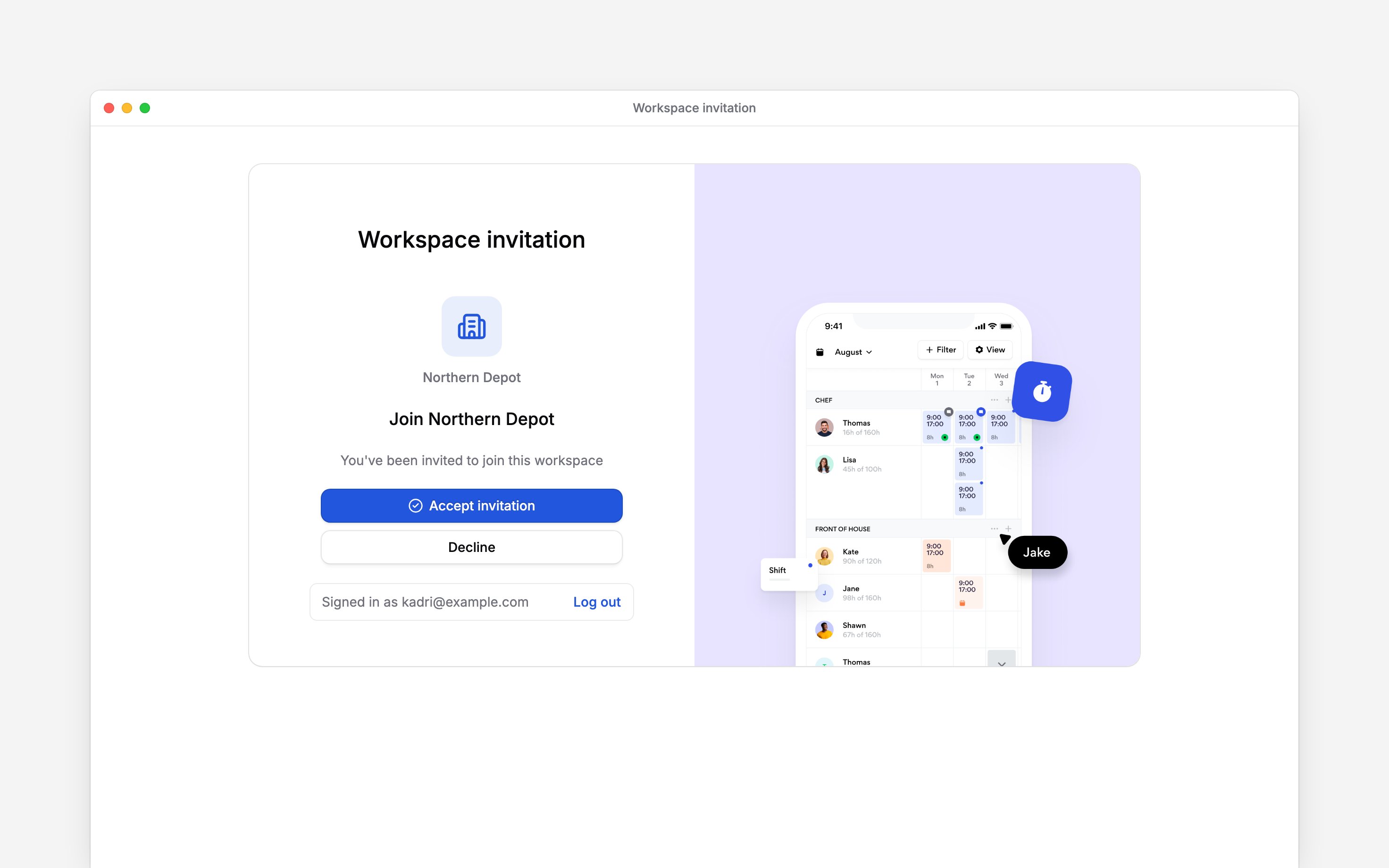
If you are waiting for access
Ask the person arranging your start to check the invitation. Your employer may wait for your details or a contract signature before sending it. Completing one step does not mean every later step is complete. If you already use Begin with the same email address, select Sign in at the top of your starter-details form and enter the code sent to you. Sending your details then also joins the workspace, with no invitation to accept. If you have a contract to sign, you join from the signing page once you have signed it. Once you are signed in, check your employee details and find your next shift.Next
Joining a workspace
Accept the invitation that opens your workplace.
Finding your way
Find the pages you need on your first day.
Still need help?
Contact support
Email the Begin team and we’ll get back to you.
Ask Begin AI
Open the AI assistant and get instant answers based on these docs.