


 If your workplace uses a shared clock terminal, your manager gives you the method to use there. Depending on the setup, this can be a card, PIN or fingerprint.
Record and check a punch
1
Use your assigned method
At the workplace terminal, follow its clock-in or clock-out instructions. Use your own assigned
card, PIN or enrolled fingerprint.
2
Read the response
Wait for the terminal’s result. A refused attempt is not a saved punch.
3
Check your hours
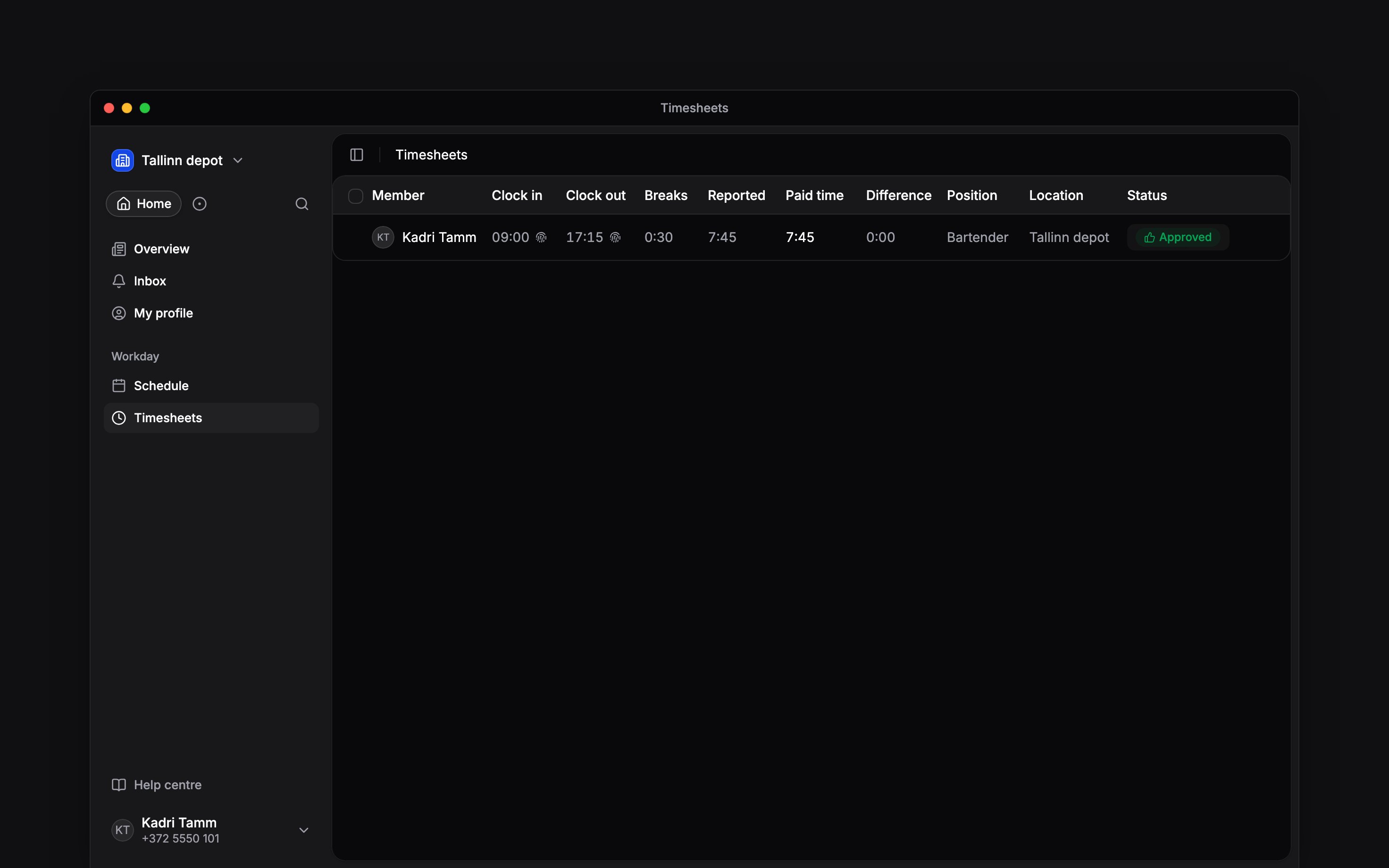
Open Timesheet on your phone or Timesheets in a browser and check that the entry has the
expected time. The punch method identifies terminal-recorded time.
When the terminal refuses you
Tell your manager which terminal you used, the time and the message it showed. They can check that your identifier is assigned, synchronised and allowed by your clocking policy. If you lose a card or need a new PIN or fingerprint enrolment, ask your manager. Do not use a colleague’s identifier. If a punch is missing, ask how to record the correction rather than assuming that repeatedly presenting your card saved it.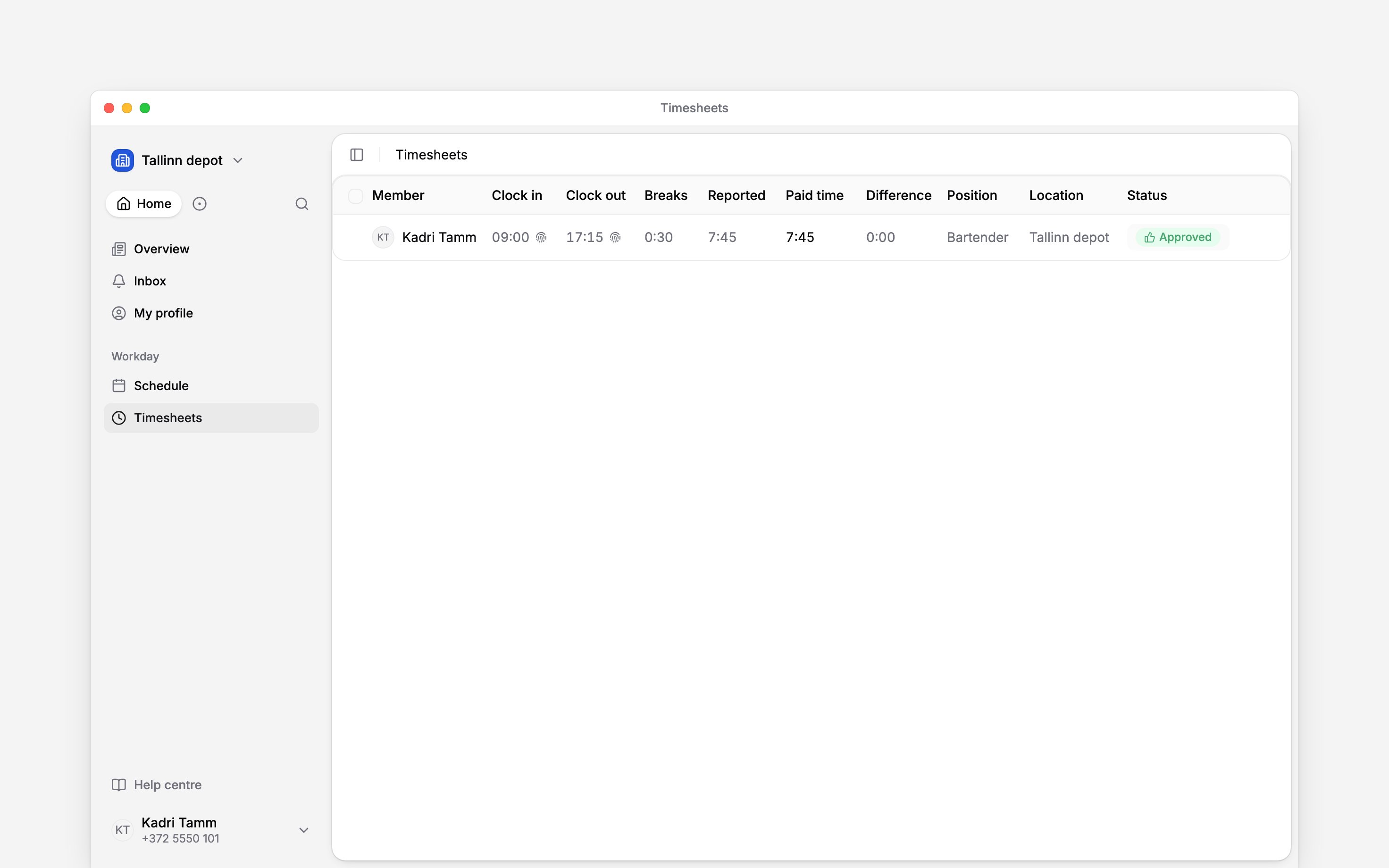
Next
Your hours
Check the time that reached your timesheet.
Correct a time entry
Add forgotten time or correct a completed entry.
Still need help?
Contact support
Email the Begin team and we’ll get back to you.
Ask Begin AI
Open the AI assistant and get instant answers based on these docs.