


 Delete your Begin account only when you want to stop using it across every workspace. For one employer, use Leave a workspace instead.
Prepare before deleting
Download any personal data you need from each workspace before continuing. You cannot use the account to retrieve it afterwards. If you own any workspace, transfer ownership first. The deletion dialog lists the workspaces that block deletion. Being in a different active workspace does not remove this requirement. Arrange the handover with another administrator before returning to delete your account.Delete the account
1
Open data settings
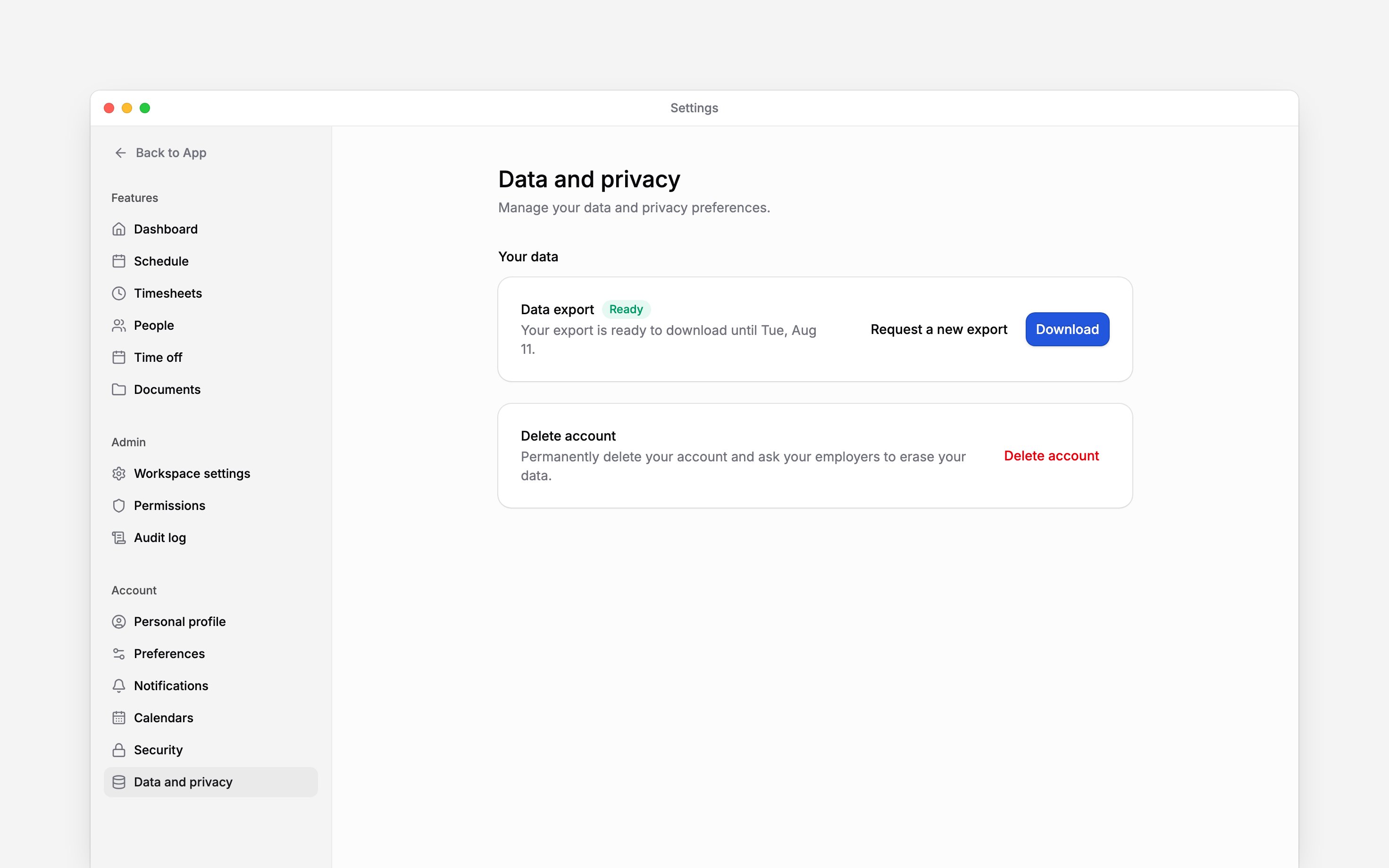
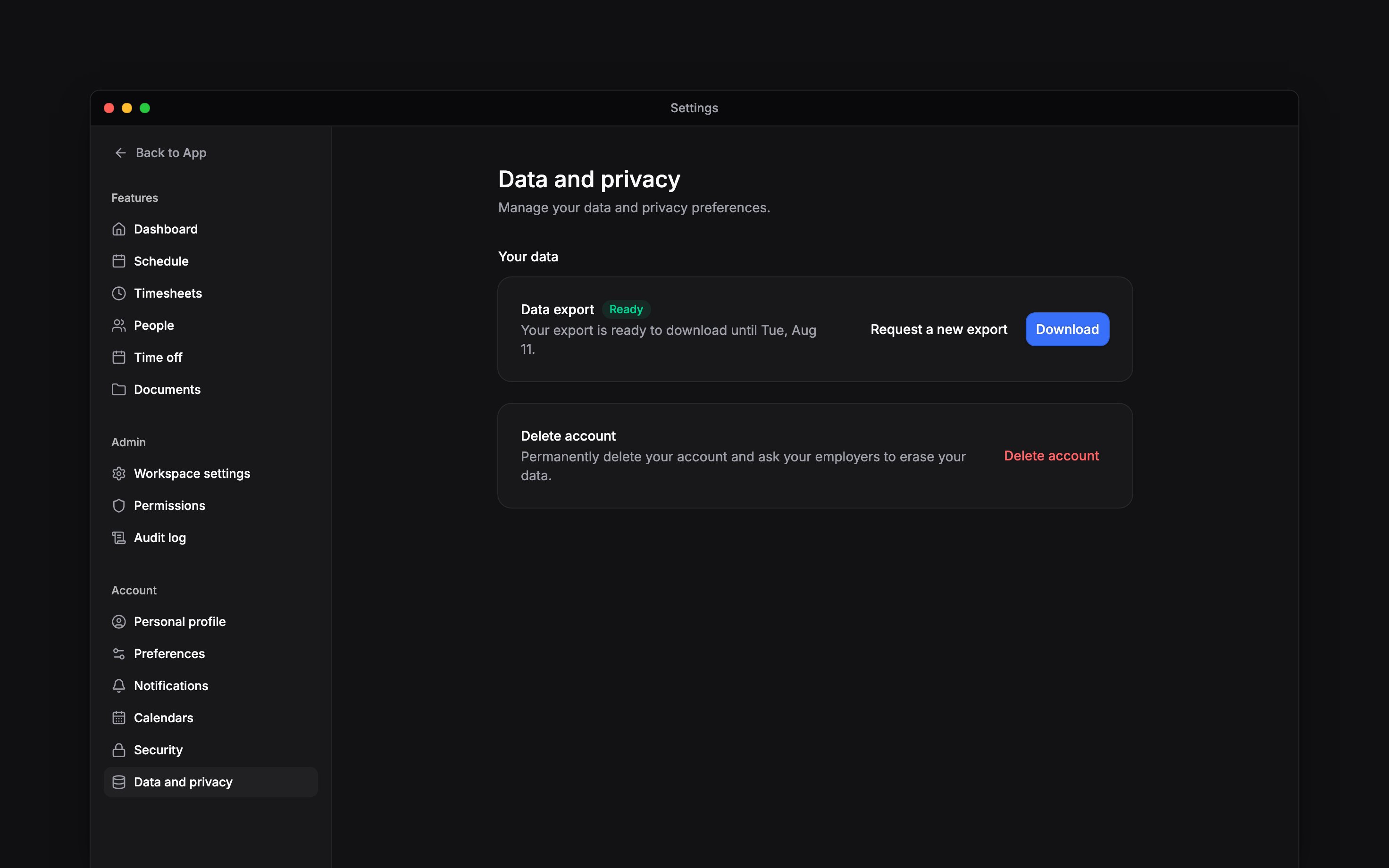
Go to Settings → Data and privacy and choose Delete account.
2
Read the consequences
Check that you want account-wide deletion, including the requests sent to your employers.
3
Confirm your name
Type your full name exactly as shown in the dialog.
4
Confirm deletion
Choose Delete account. After deletion succeeds, Begin signs you out and returns you to
sign-in.
Understand employer-held records
Deleting the account also asks each employer to erase your personal data from their workspace. This is a request to each employer, not a promise that every employment record disappears immediately. Employers may retain records where the law requires it. Support cannot restore a deleted account. An employer can invite you again later, but an invitation does not undo the deleted account. If you only want to stop using a particular device, revoke its session instead.Next
Download your personal data
Download your data before deleting.
Leave a workspace
Keep your account and leave only one workspace.
Still need help?
Contact support
Email the Begin team and we’ll get back to you.
Ask Begin AI
Open the AI assistant and get instant answers based on these docs.