


 Messages keeps your team’s conversations alongside the working day. Use channels for a topic or team, and direct messages or group chats for a selected audience.
Start here
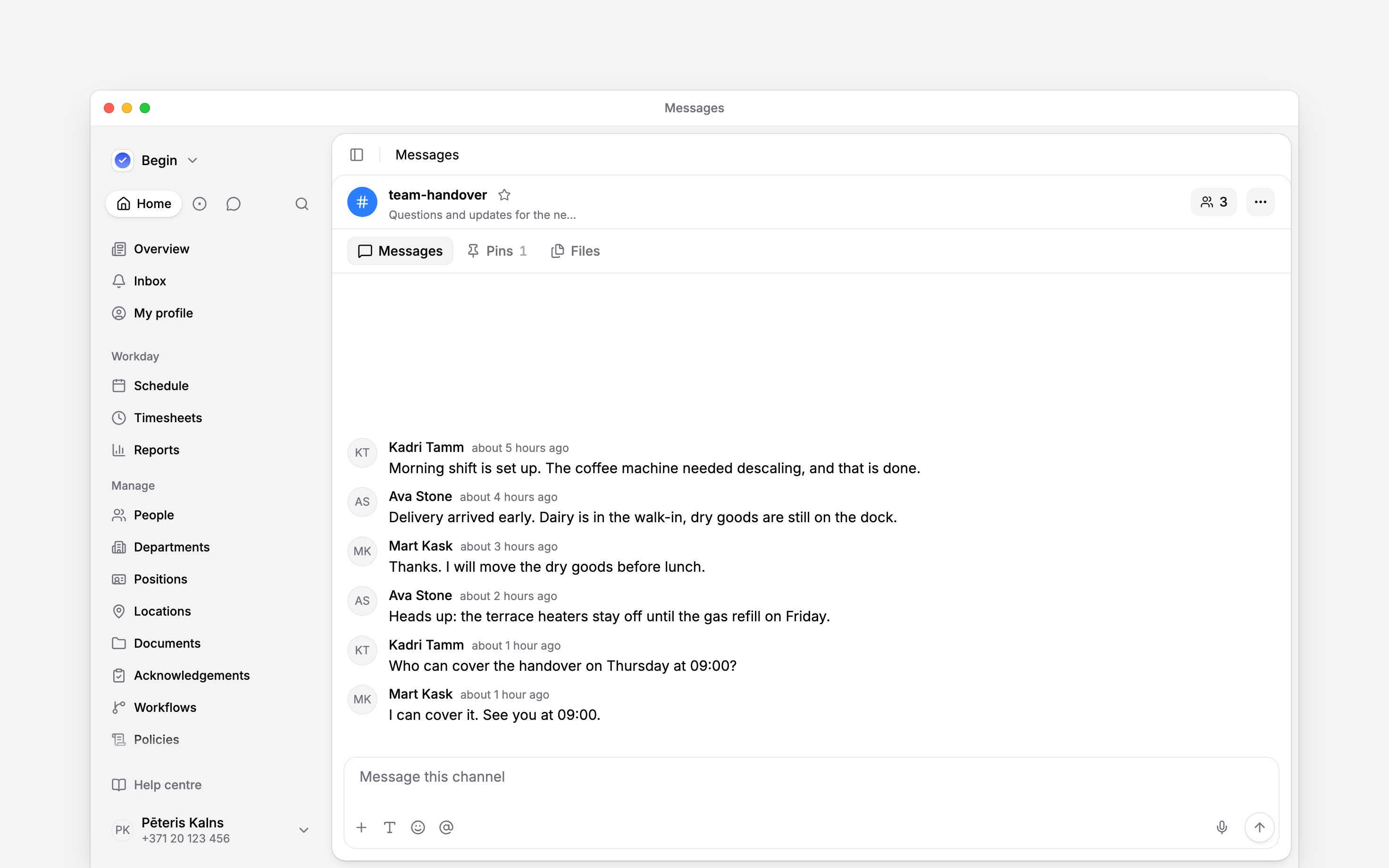
Choose the audience before sending
A Public channel can be found and read by people in the workspace. They join before posting. A Private channel is for invited members. A direct conversation or group chat is for its participants. A thread keeps replies under an existing message; it does not create a separate private audience. Pins keeps important messages together, and Files collects shared material for that conversation. Managers can create channels and manage conversations when their role allows it. Your employee colleagues can normally read and send messages, but do not have the same channel-management controls.When Messages is unavailable
If Messages or its controls are missing, ask an administrator to check your role. If the message box is replaced by an add-on requirement, ask the person who manages the workspace subscription to enable Messages. Existing history can remain readable while sending is blocked.Next
Channels
Create a channel for your team and choose who can read and join it.
Direct messages
Start a private conversation with one person or a small group.
Still need help?
Contact support
Email the Begin team and we’ll get back to you.
Ask Begin AI
Open the AI assistant and get instant answers based on these docs.