


 An acknowledgement records that somebody read and understood a document. You choose the documents, the audience, the deadline and how each person confirms. Begin then keeps one live view of the response.
Beta
Acknowledgements are rolling out gradually, so your workspace may not have them yet. If
Acknowledgements is missing from the sidebar, ask an administrator to check your role, then
ask us to turn the feature on.
Start here
What you can see
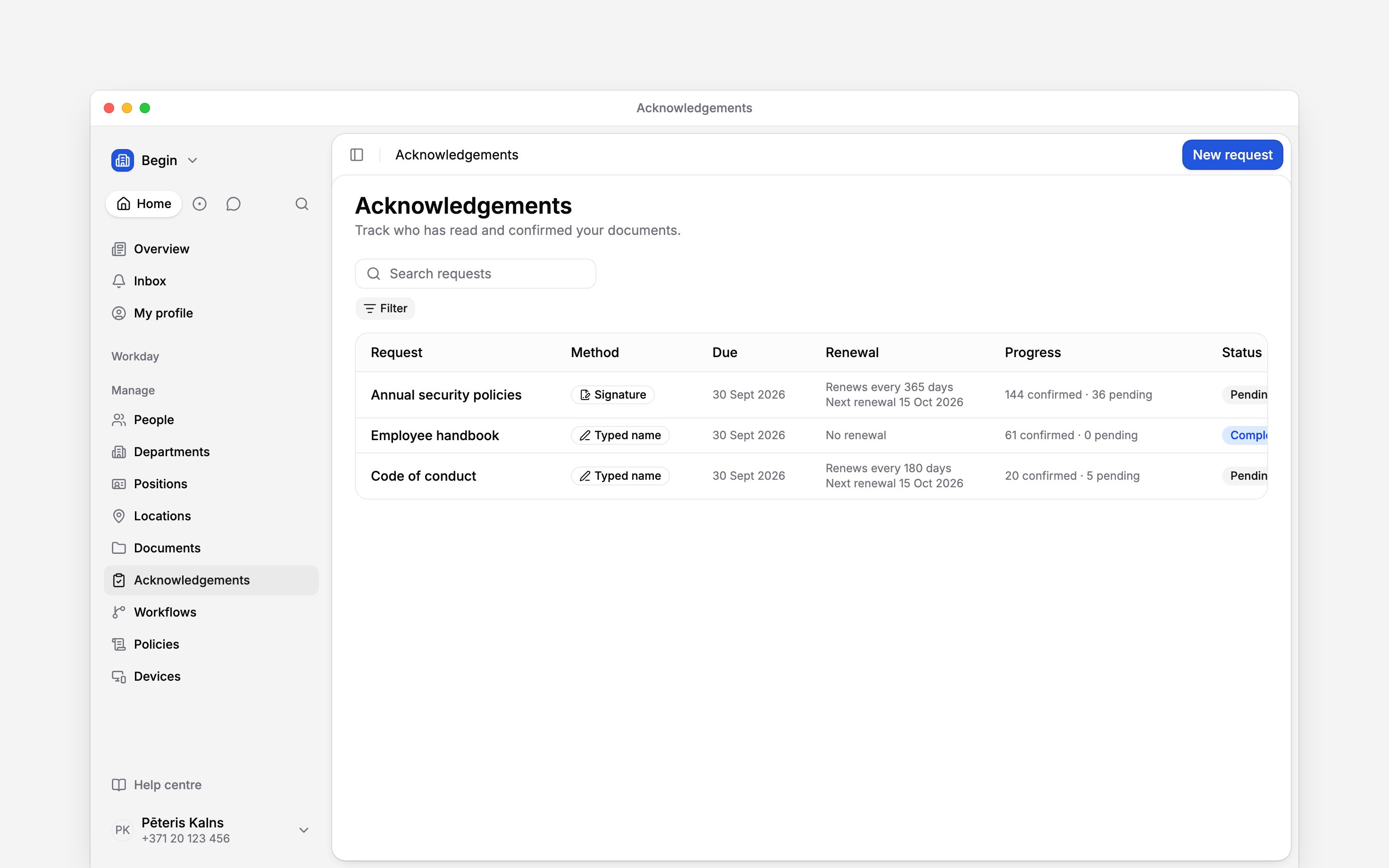
Open Acknowledgements in the sidebar. Begin chooses the scope from your role; there is no scope switch.- A manager sees requests involving their direct reports. Every progress figure is narrowed to those people.
- An administrator, owner or role with workspace-wide acknowledgement access sees the whole workspace.
- A person who only needs to respond finds their pending items under My profile → Acknowledgements and confirms each one on the document.
Read and confirm is not contract signing
The standard attestation is Typed name. A person reads to the end, types their full name and selects I have read and understood this document. If contracts are enabled for your workspace, E-signature can record the same acknowledgement with a qualified signature; each one uses one of your plan’s monthly e-signatures. Neither method creates or sends a contract. Contract signing is a separate workflow with its own parties and signing state. A post’s seen count also differs: it records a view, without an explicit confirmation.Next
Requesting acknowledgements
Build and send a request for one document or a pack.
Tracking completion
Read progress and inspect each person’s response.
Still need help?
Contact support
Email the Begin team and we’ll get back to you.
Ask Begin AI
Open the AI assistant and get instant answers based on these docs.