


 Use filters to narrow the tab you have open, Priority or Other. For decisions still waiting on you, choose Approval → Pending on Priority rather than Status → Unread: a request can be read and still need a decision.
Narrow the list
1
Add a filter
Open the filter control above the inbox list and choose the kind of filter you need.
2
Choose its value
Select a status, category, position, location or person. Available choices reflect your inbox.
3
Combine filters
Add another filter to narrow the result further. Open a filter chip to change its selection.
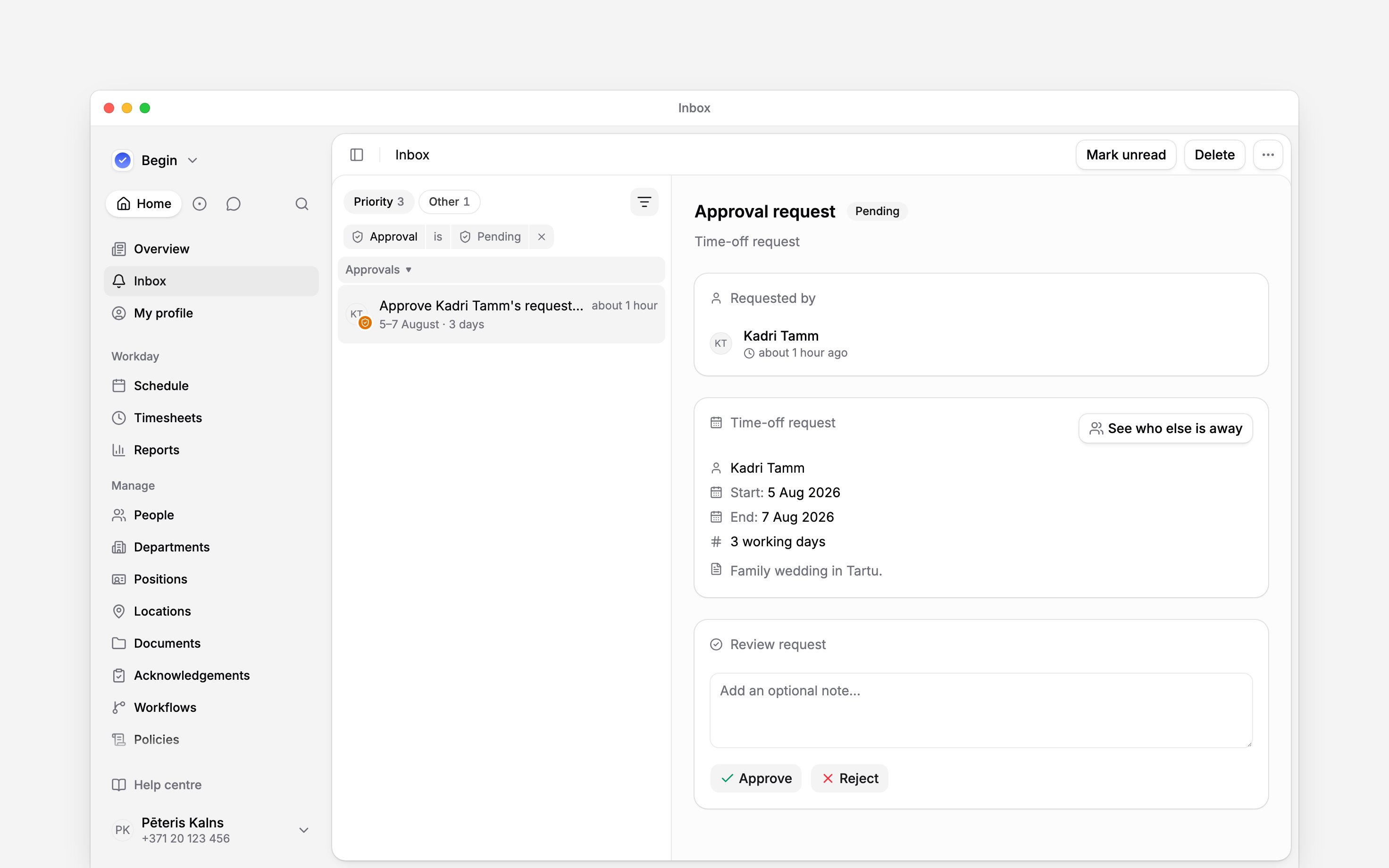
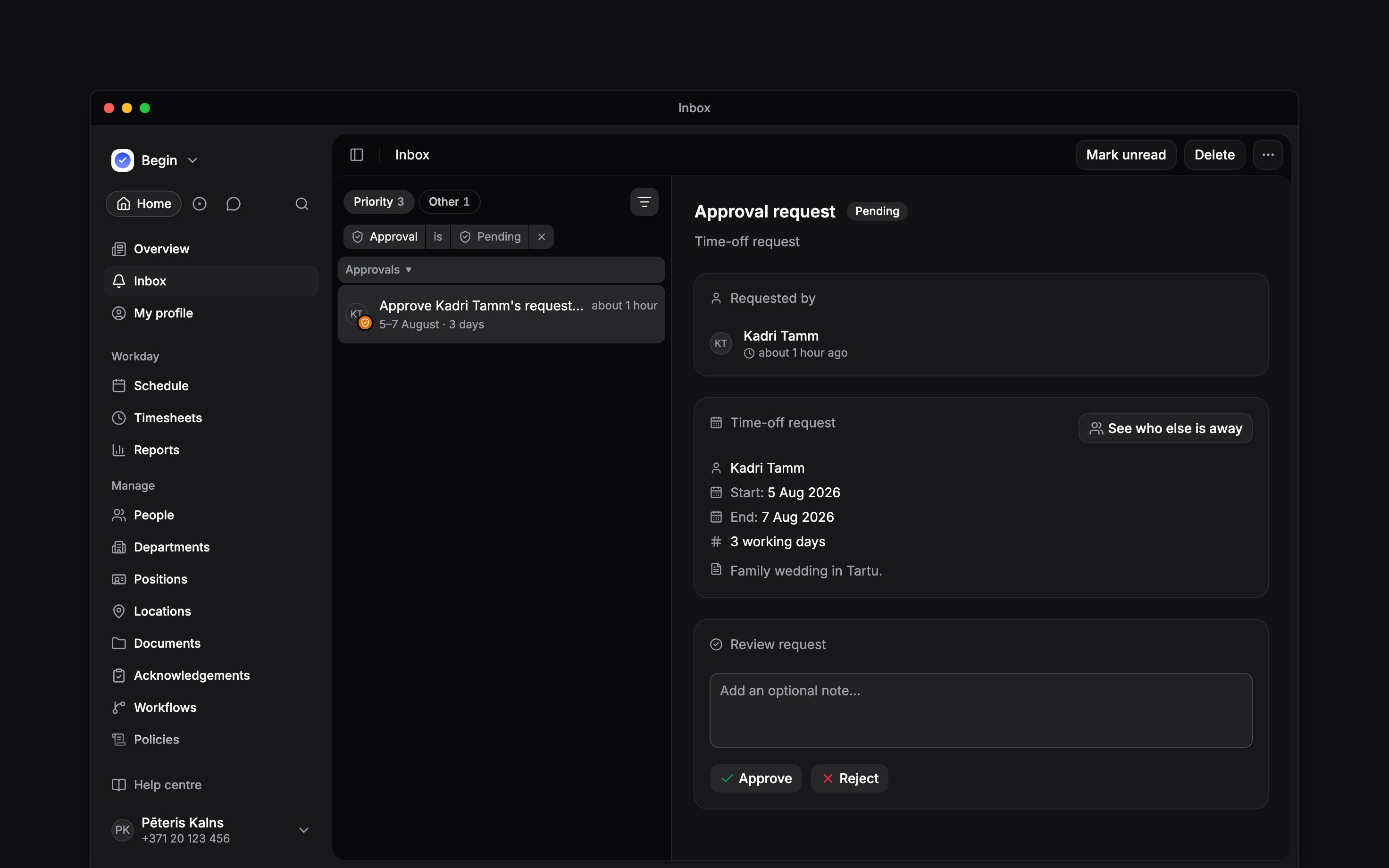
Pending includes requests you have already read.
Return to your selection
Your filters stay applied when you open an item or switch tab, and are remembered when you leave Inbox and return in the same browser and workspace. You do not need to save or name a view. The tab is not remembered: Inbox opens on Priority. To start again, open More actions beside the Inbox title and choose Reset filters, which keeps the tab you are on. If the list looks empty, reset the filters before assuming nothing has arrived.Next
Approving requests
Review the pending requests you found.
Managing your inbox
Manage read status, snoozing and deletion.
Still need help?
Contact support
Email the Begin team and we’ll get back to you.
Ask Begin AI
Open the AI assistant and get instant answers based on these docs.