


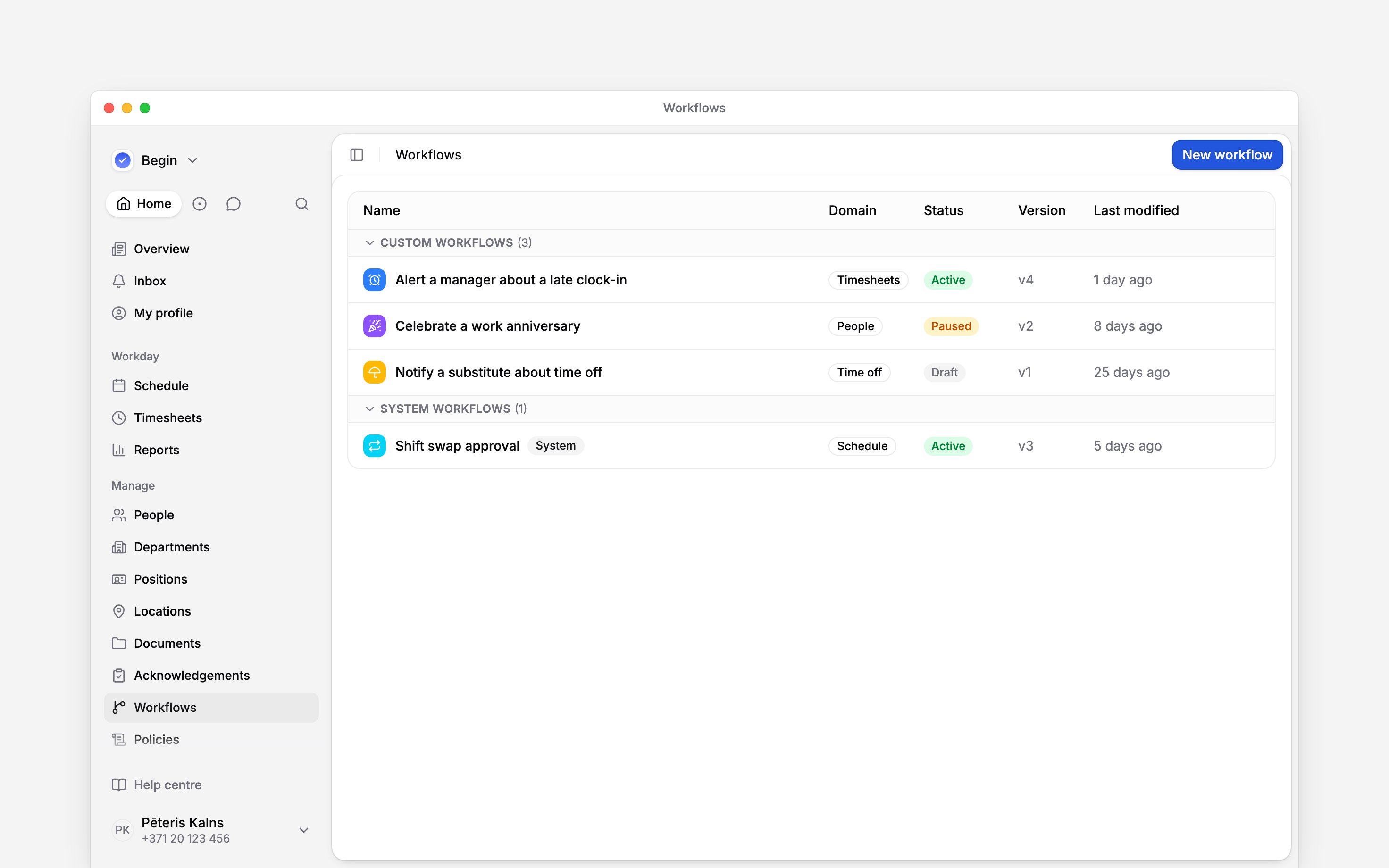
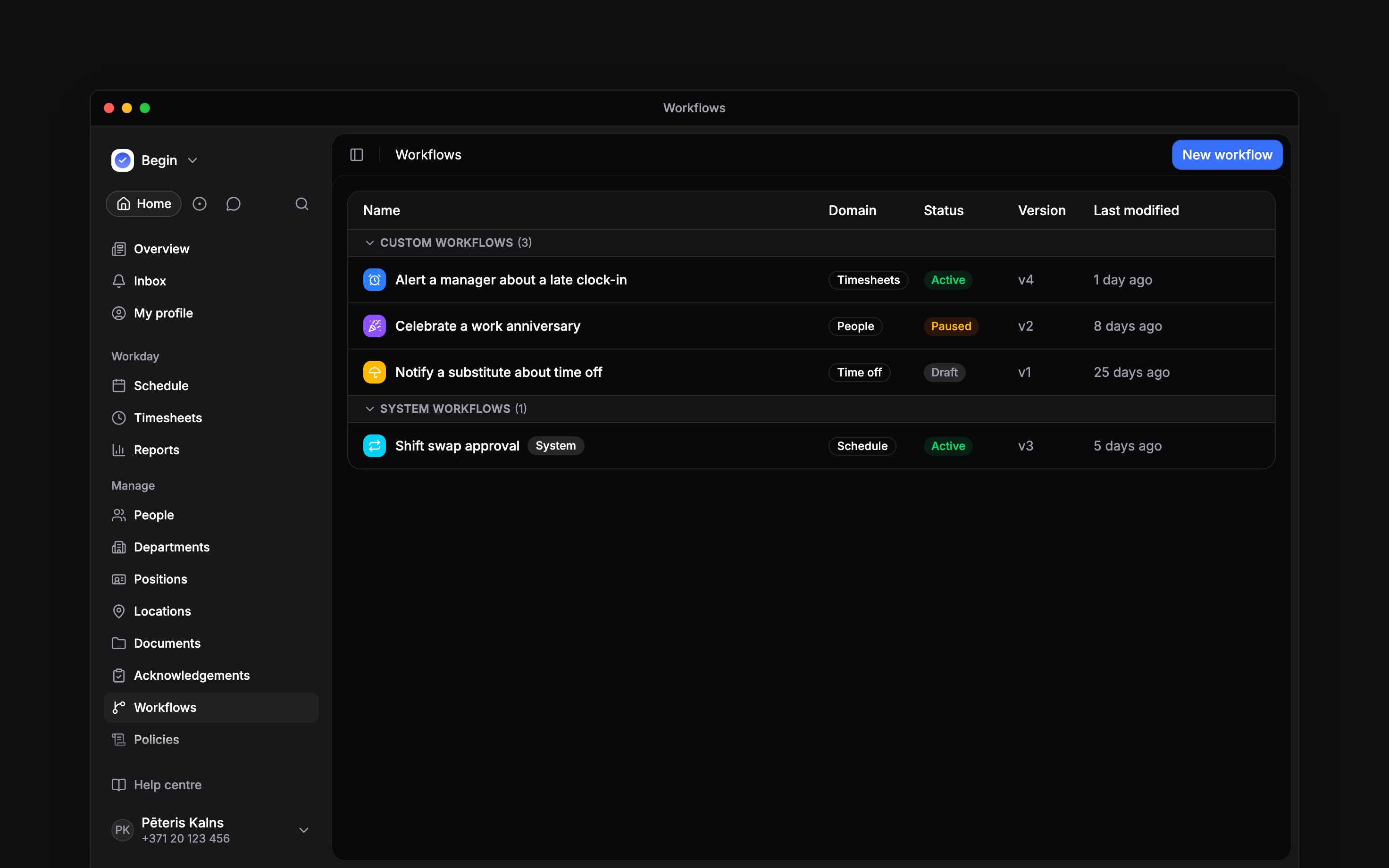
 A workflow waits for an event in Begin, checks any rules you add, then takes an action. Use one when a routine decision or notification should happen without somebody watching the schedule, timesheets, time off or people pages.
Workflows sits under Manage and has its own role permissions. If you cannot see the page,
ask an administrator to give your role access.
Start here
Know which version runs
Building and running are separate. Your changes save to a draft. Publish workflow turns that draft into a numbered version, and Activate lets new matching events use the latest published version.
Built-in workflows appear under System workflows. Those that start switched off wait in the library until someone picks one from New workflow; it then joins the list as a draft. You can adjust their settings, but their protected trigger and action blocks keep the product flow they belong to.
Next
Building and activating
Create the draft, connect its blocks, publish a version and turn it on.
Triggers and conditions
Choose the event that starts the workflow and the rules that narrow it.
Still need help?
Contact support
Email the Begin team and we’ll get back to you.
Ask Begin AI
Open the AI assistant and get instant answers based on these docs.