


 Your inbox brings together the updates and requests sent to you in the current workspace. It opens on Priority, which holds what needs you or is about you; Other holds the rest. Open an item to see its details, follow up on a change or make a decision.
Start here
Or ask Begin AI (Cmd / Ctrl + J):What's in my priority inbox?
Find where an item sits
Each tab shows how many unread items it holds. Inside a tab, items sit in sections, and a section appears only while it holds something. Each tab ends with Read, which holds its read items, newest first.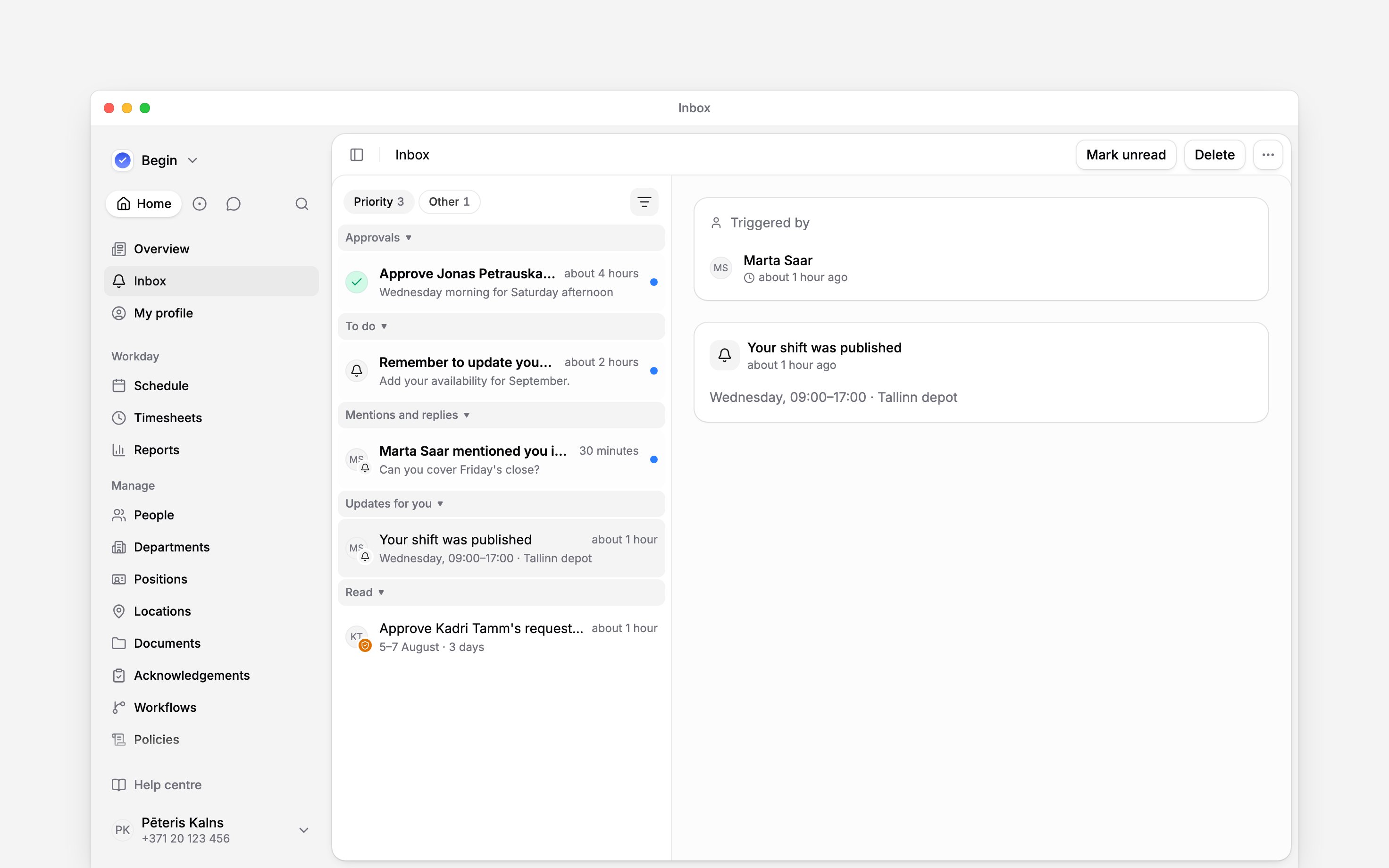
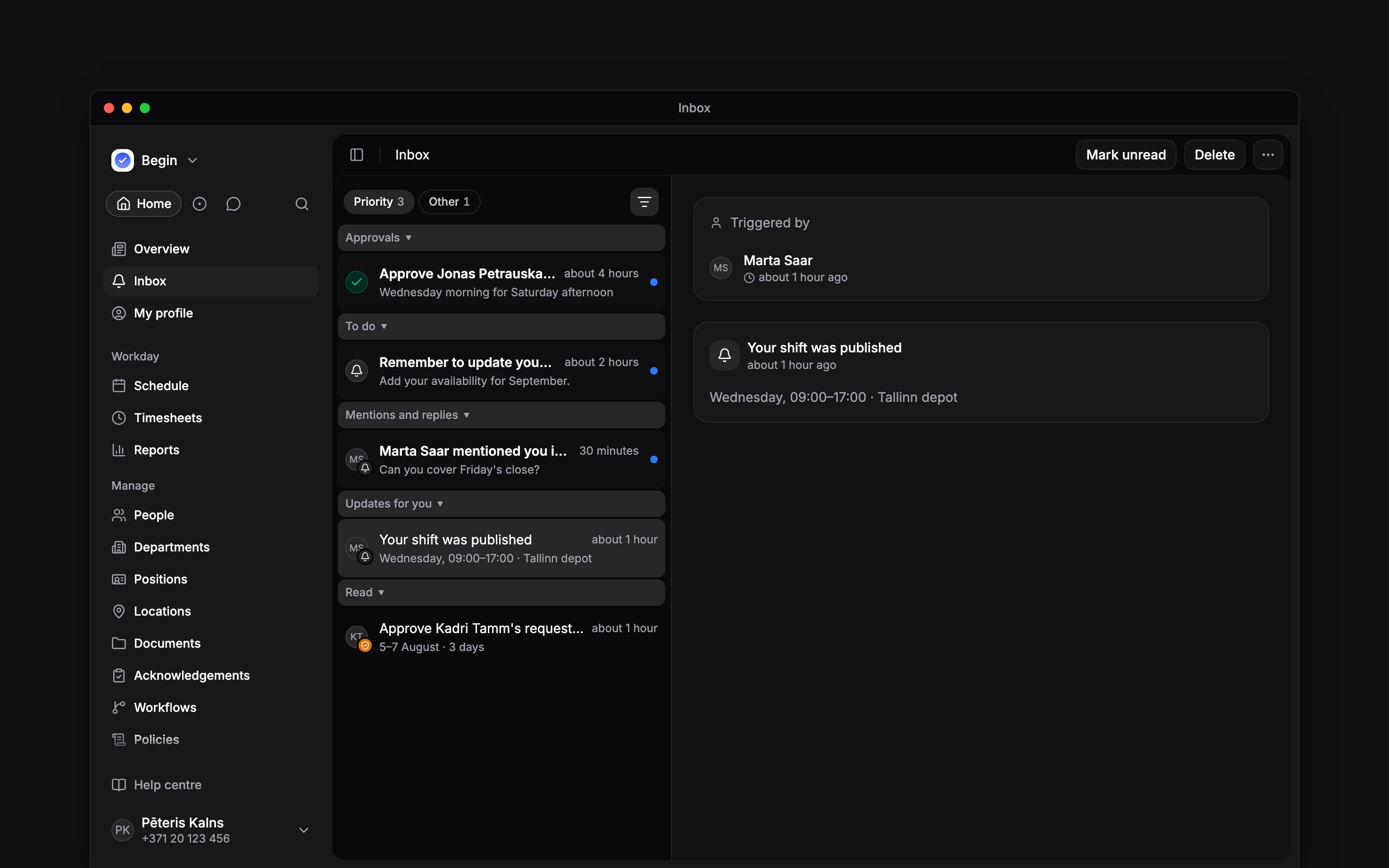
Priority is open: its sections run in order, Read comes last, and the selected item opens beside the list.
Read does not mean decided
Opening an item marks it read. A request can still be Pending after you have read it: only a review changes its decision. With sections on, a request you have read moves from Approvals to Read. Use Approval → Pending on Priority to find outstanding decisions, including ones you have already opened. Your inbox is personal. Clearing it does not clear another person’s inbox, and a filter cannot show requests that were never sent to you.Next
Reading notifications
Read a change and find the action it needs.
Approving requests
Review a pending request and understand the result.
Still need help?
Contact support
Email the Begin team and we’ll get back to you.
Ask Begin AI
Open the AI assistant and get instant answers based on these docs.