


 Choose Assistant mode in the composer before you send a request. Fast is the default for everyday work, Smart favours capability for harder reasoning, and Custom lets you pick one supported model and effort level.
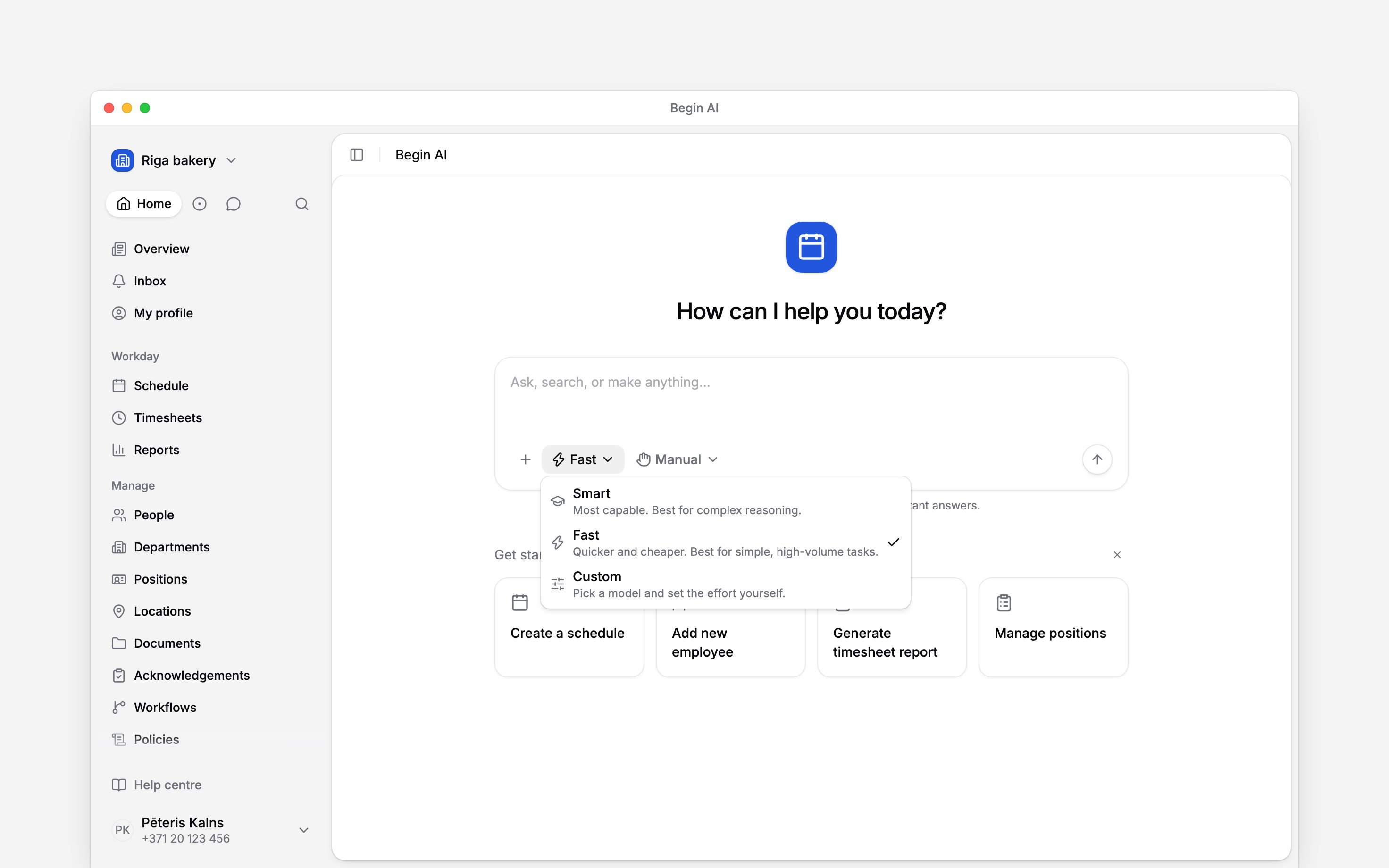
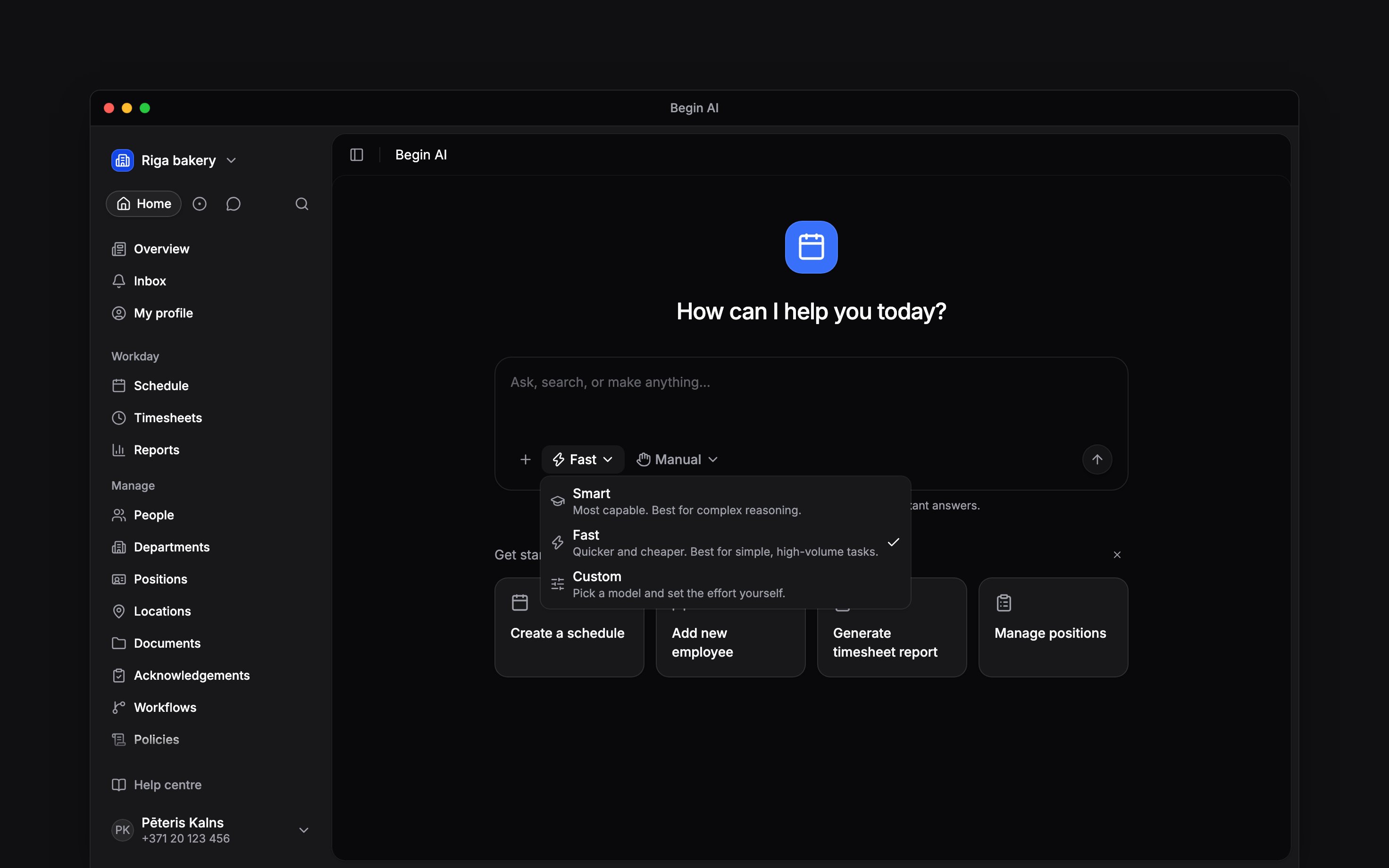
Assistant mode describes the trade-off before you choose it.
Choose for the work ahead
The mode changes how Begin AI handles the request, not what workspace data it can see. Your role and the workspace’s Begin AI switch still set that boundary.
Set a model and effort
Choose Custom, then use the model pill that appears beside it. Models are grouped by provider in the picker. The available catalogue can change, so choose by the capability you need rather than relying on one model always being present.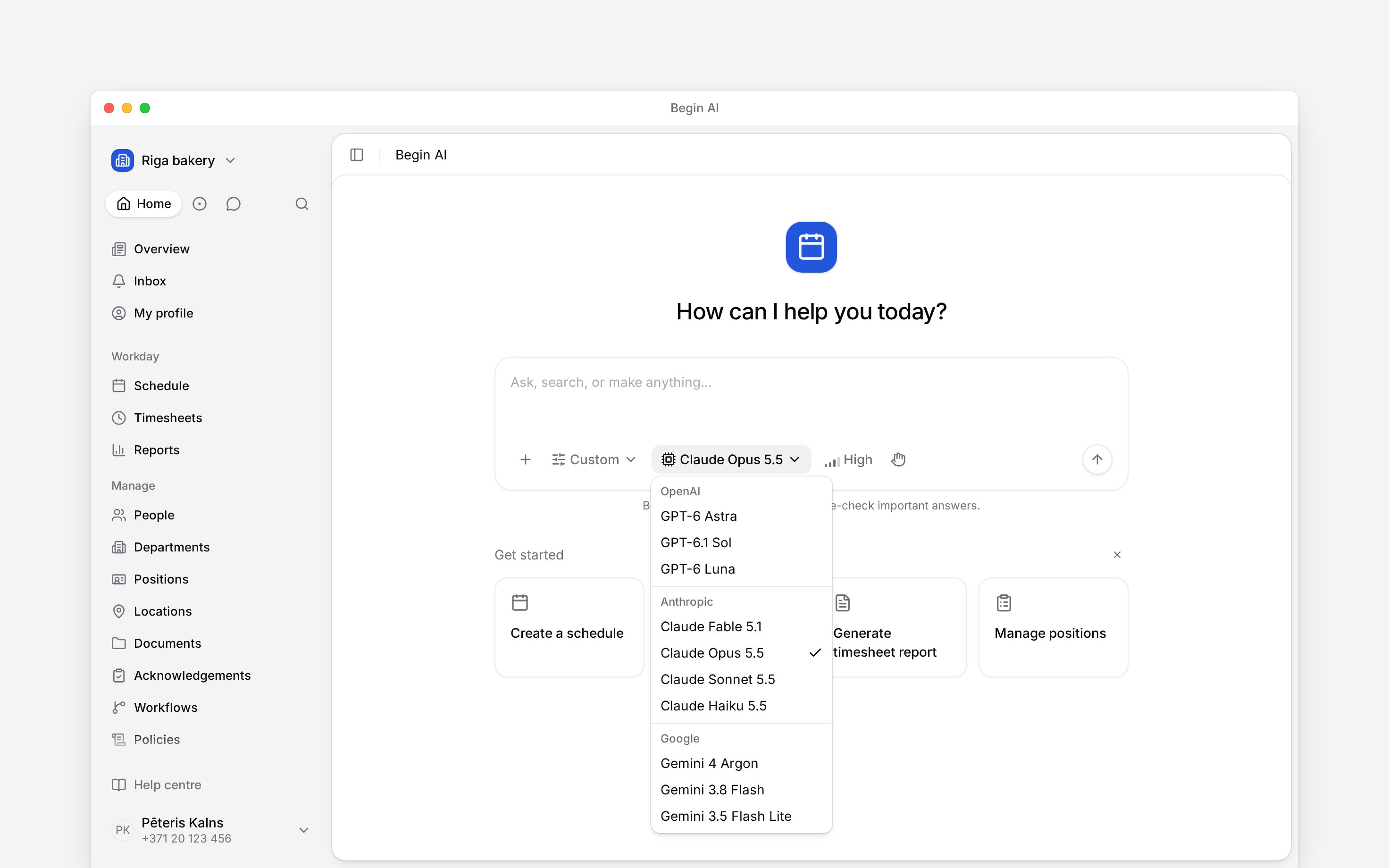
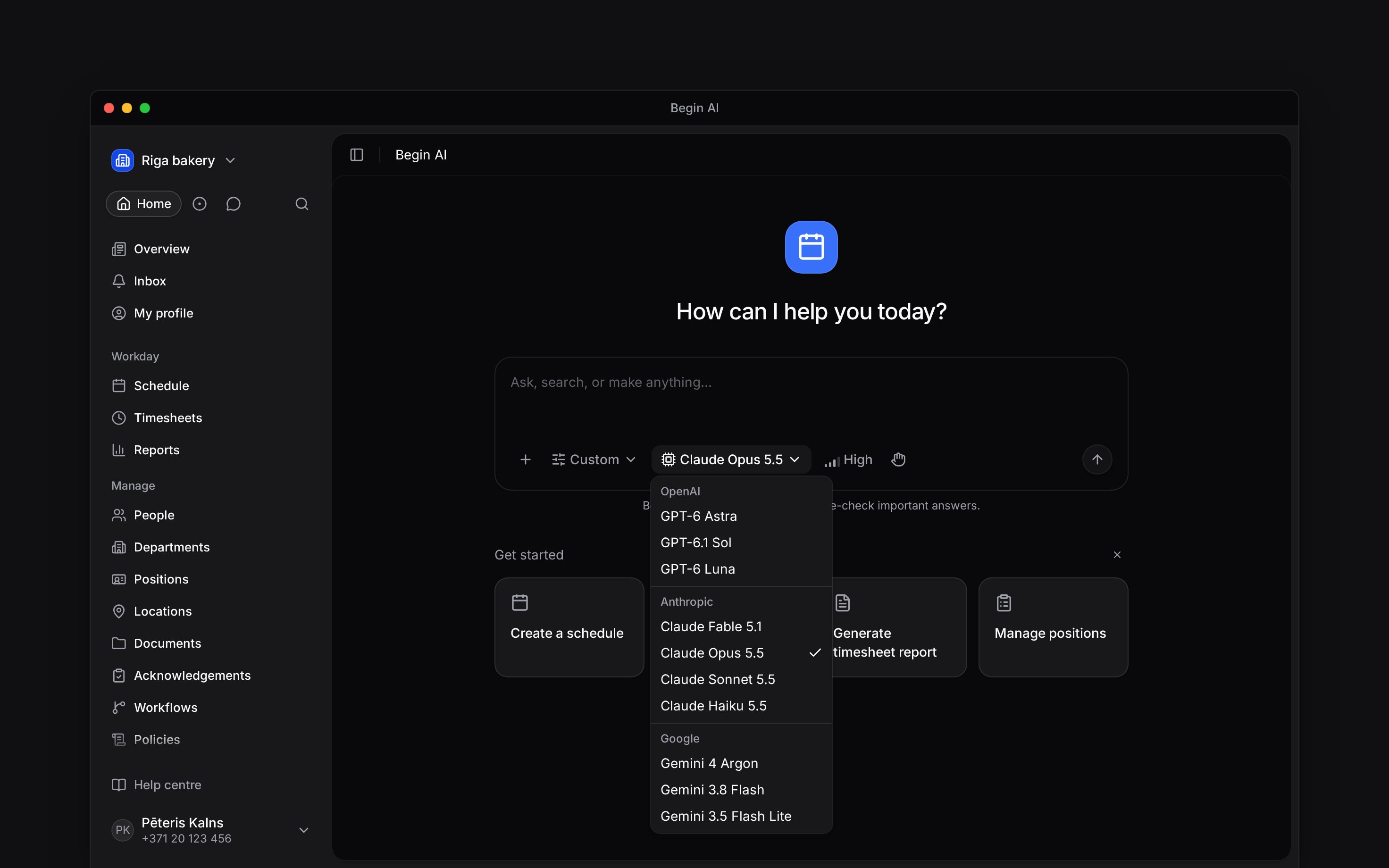
Custom adds a model picker and, when supported, an effort control to the composer.
Know where the choice applies
The mode applies when you send the next message. Begin remembers your latest assistant selection for this workspace in this browser. Another workspace, browser or device keeps its own choice.Next
Asking questions
Send a clear request with the right period and measure.
Using skills in a chat
Add reusable instructions before sending.
Still need help?
Contact support
Email the Begin team and we’ll get back to you.
Ask Begin AI
Open the AI assistant and get instant answers based on these docs.