


 A skill is a saved set of instructions for work you repeat. Attach one to a message when you want Begin AI to follow that workflow without rewriting its method each time.
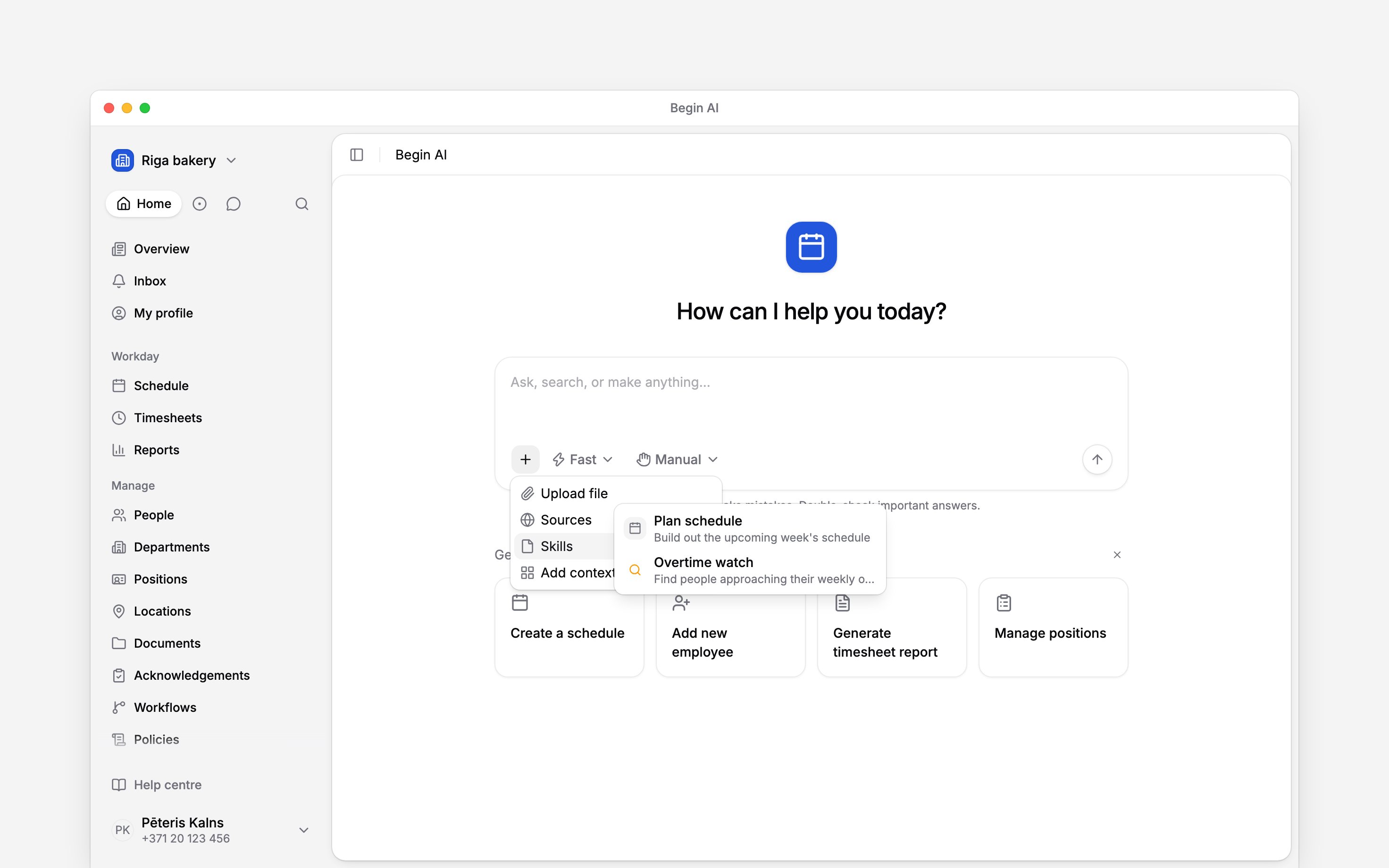
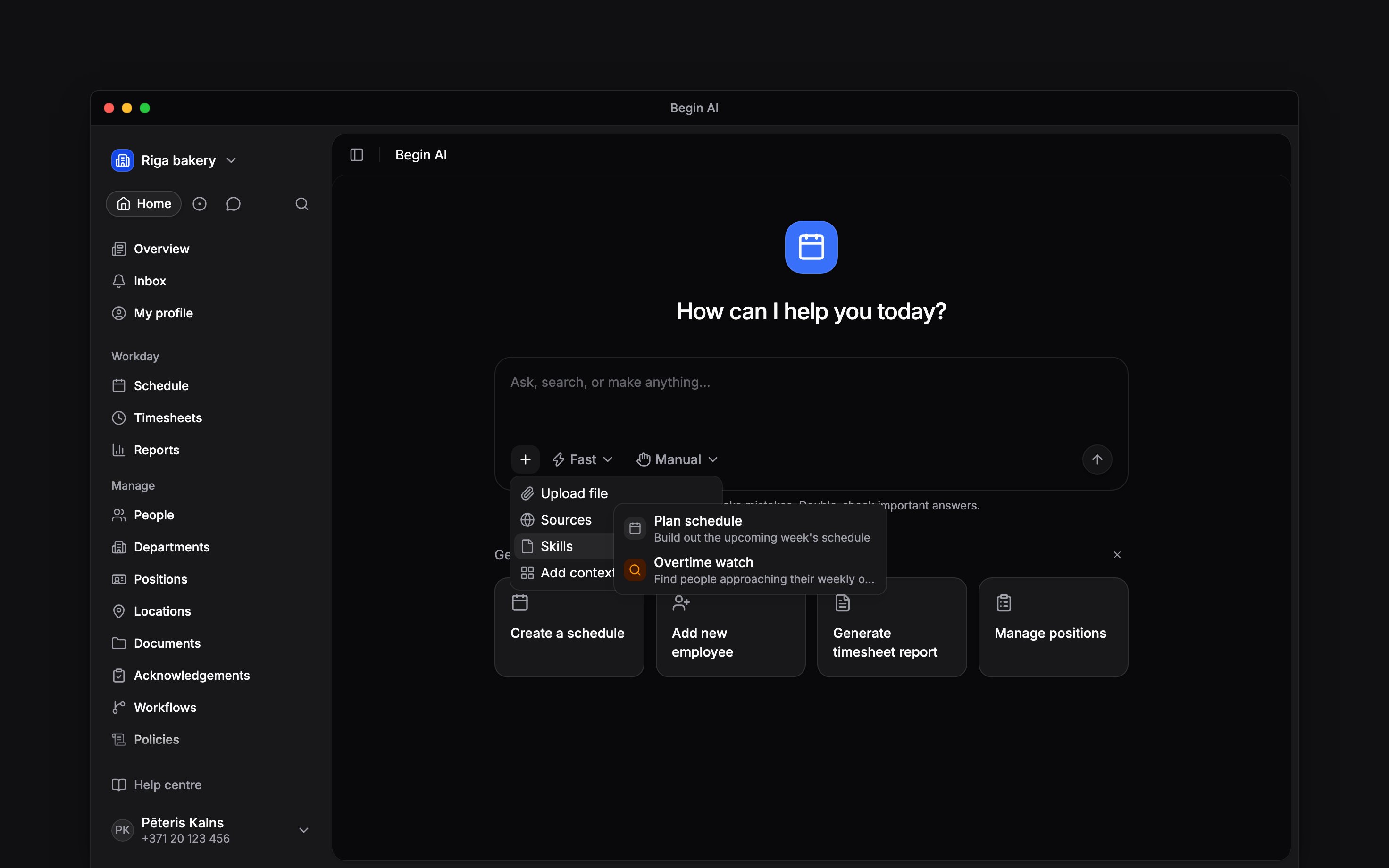
The Skills submenu shows the enabled workflows available to you.
Add a skill to your message
1
Open the skills list
In the composer, select Files, skills and sources → Skills.
2
Choose a workflow
Select the skill whose description matches the work. You can also open Skills from the AI
sidebar, choose a skill, then select Add to chat.
3
Add the request
Check the skill chip above the composer, add any dates, people or outcome it needs, then send.
The chip clears after the message is sent.
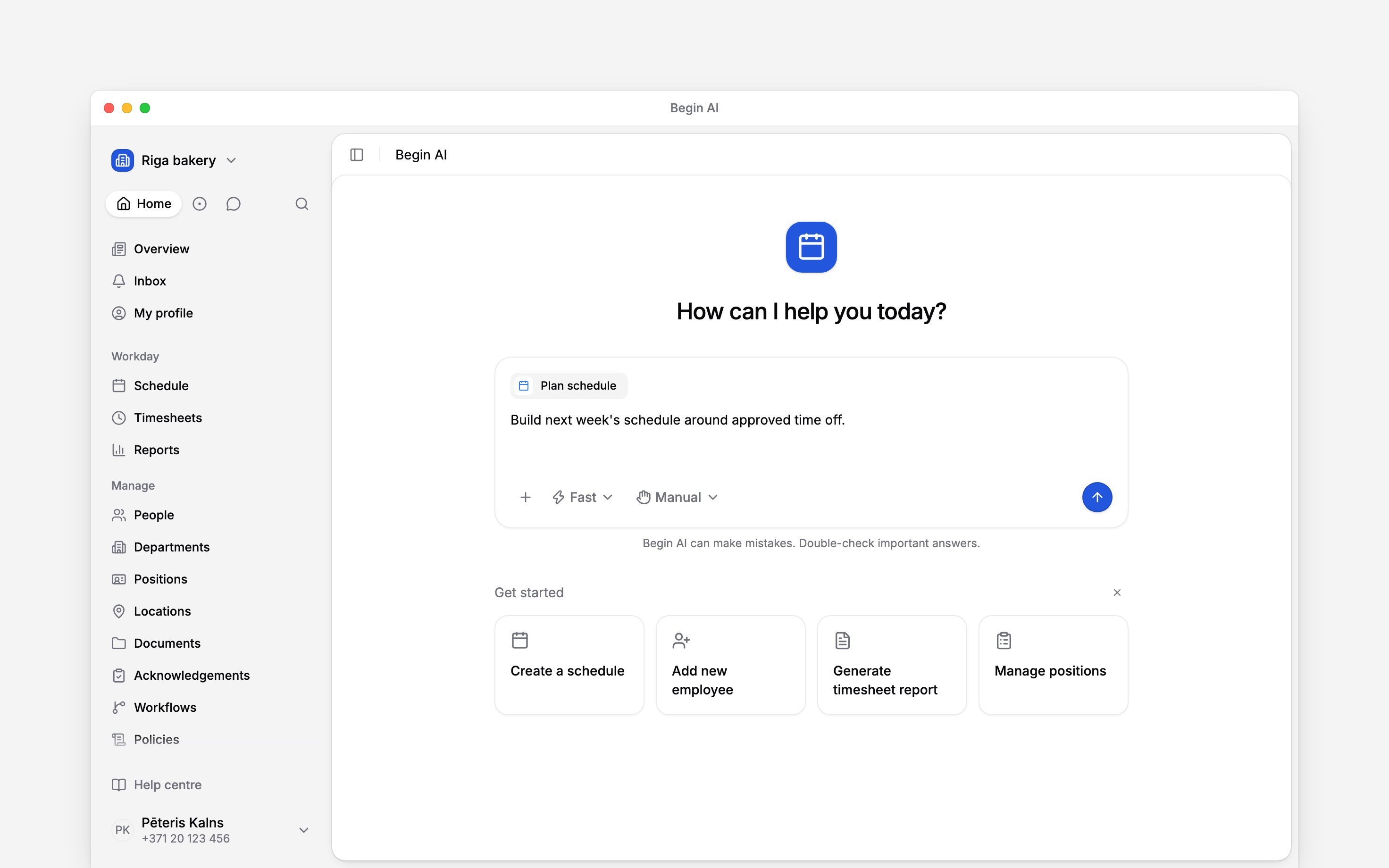
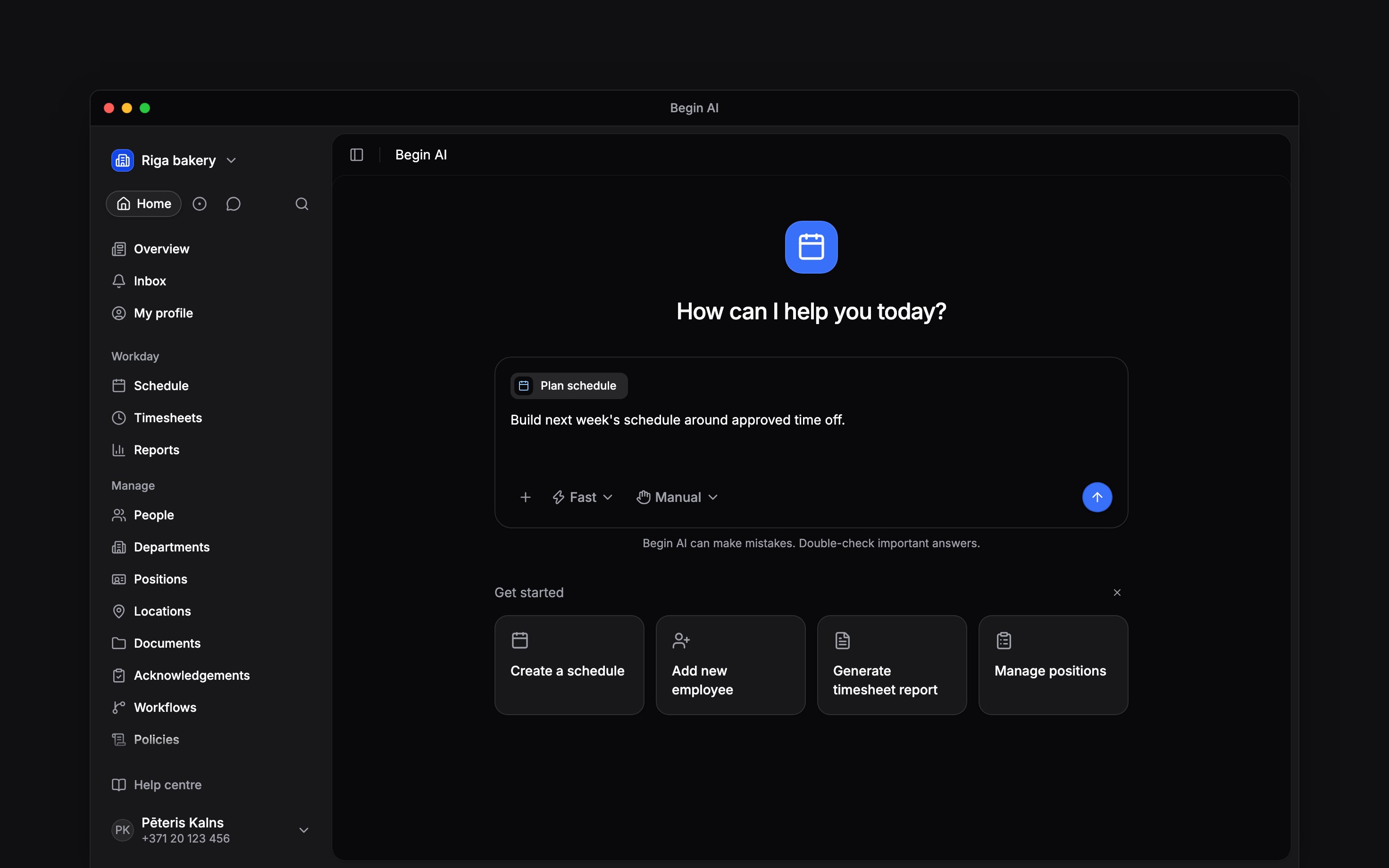
The attached chip confirms which instructions will wrap the next message.
Know which skills appear
The chat menu shows enabled skills that are visible to you. System skills are supplied by Begin; custom skills are written for your own work, for chosen people and roles, or for the whole workspace. A disabled skill stays out of the menu until somebody with permission enables it.Share a skill with chosen people
On the Skills page, choose Specific people under Visibility and add the people and roles who should use the skill. Each one gets Can view, which lets them use it, or Can edit, which also lets them change it and turn it on or off. Only the owner, or someone whose role may change skills, can change who a skill is shared with. Deleting it takes the owner or a role that may delete skills. You can also ask Begin AI, for example “share the handover skill with Kadri and the Shift lead role”. It asks which person you mean when a name matches more than one, and its card lists each person and role before you confirm. A skill is shared with people and roles only, not with a department or location. You can use an available skill even when your role cannot open the Skills management page. Attaching one does not grant extra access: Begin AI still reads and changes only what your role allows. When a skill another member wrote asks for a change, Begin AI tells you so before it prepares the change for your confirmation.Change a skill from the chat
Ask Begin AI to rename a skill, rewrite its instructions, change its tools or who can see it, turn it on or off, or delete it. Begin AI shows a card naming the skill and listing what will change, and nothing changes until you confirm. Settings you do not mention stay as they are. You can change your own skills, and a skill shared with you for editing. Changing or deleting any other skill needs the matching permission. Built-in skills can only be turned on or off.A skill affects one message. Attach it again when a later message should start the saved workflow
again.
Next
Loops
Put recurring instructions into work that runs on its own.
Sources and web access
Choose what Begin AI may read alongside the skill.
Still need help?
Contact support
Email the Begin team and we’ll get back to you.
Ask Begin AI
Open the AI assistant and get instant answers based on these docs.