


 Add someone to People before you invite them. You can schedule them and record their hours without a Begin account; an invitation lets them sign in to your workspace.
Adding a person counts towards the workspace plan even when you do not invite them. If your plan’s employee limit is reached, Begin refuses to add the person until someone with billing access upgrades or you deactivate someone. Revoking an invitation does not deactivate their member record.
Add someone to People before you invite them. You can schedule them and record their hours without a Begin account; an invitation lets them sign in to your workspace.
Adding a person counts towards the workspace plan even when you do not invite them. If your plan’s employee limit is reached, Begin refuses to add the person until someone with billing access upgrades or you deactivate someone. Revoking an invitation does not deactivate their member record.
Adding people and inviting them are separate permissions. Administrator and Manager have both by
default.
Add someone
1
Open People and choose Add person
If your workspace has guided onboarding, choose Quick add for this form. New
hire is the longer setup flow.
2
Enter their name and role
Add their positions, departments and locations while you are here, or set these later from their
profile.
3
Decide whether to invite them
Enter Email under Contact information. Leave Send invite email ticked to send an
invitation as you save, or untick it to add them without sending one.
4
Choose Add person
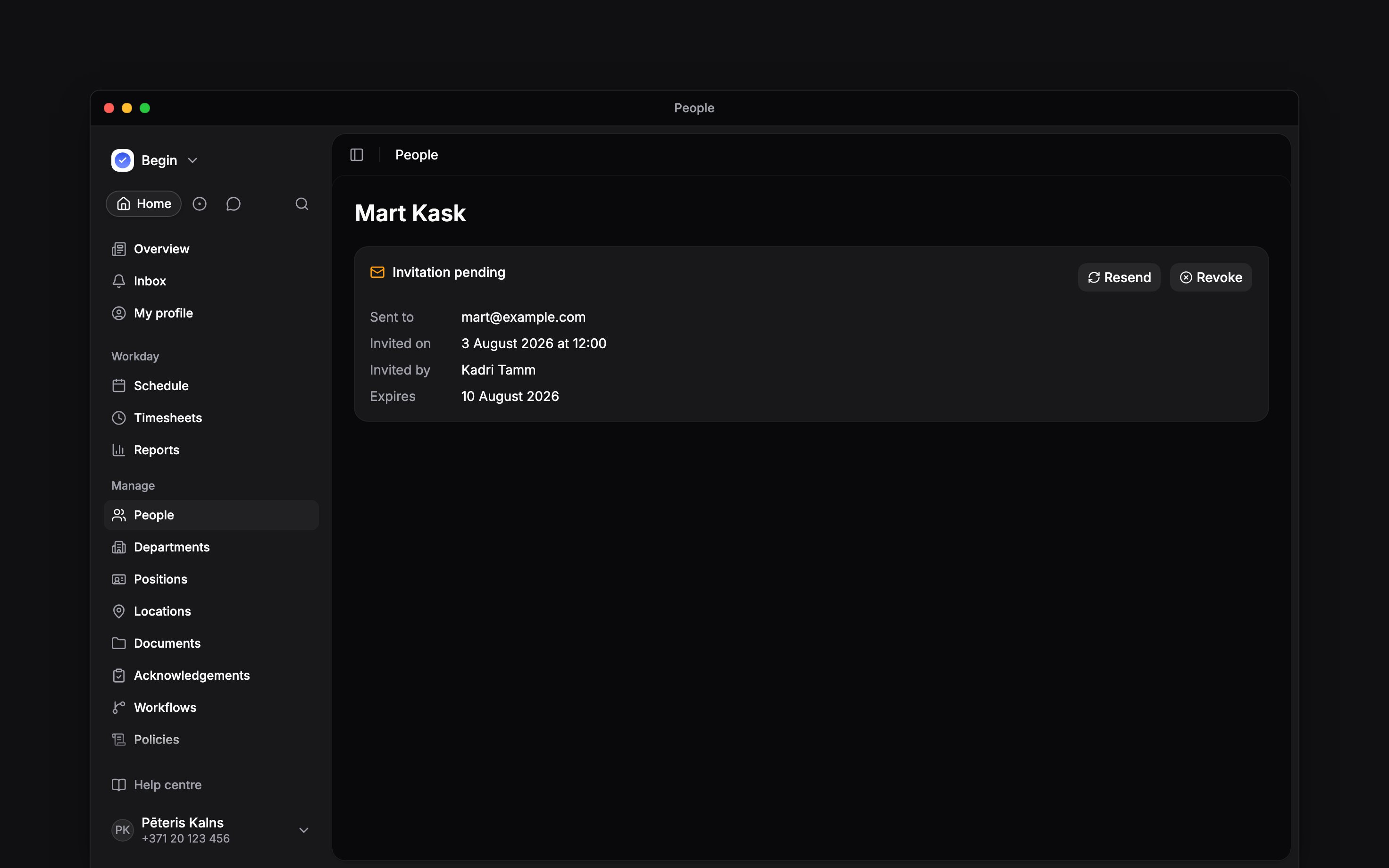
Their row appears in People. A sent invitation gives it the Invitation pending status.
Send or replace an invitation
Right-click their row, or open … on their profile, and choose Send invite. For several people, select their rows and choose Send invites to selected. The confirmation names people it will skip because they have no email address. An invitation lasts seven days. Resend invite replaces it and starts those seven days again. Revoke invite cancels a pending invitation. Inviting a deactivated or departed person reactivates them and takes a seat on your plan again. Only a workspace administrator can invite someone on the Administrator role, by email or by link, because whoever accepts the invitation takes that seat. When anyone else sends invitations to several people, Begin skips the administrators and sends the rest. A workspace can issue twenty invitations per minute. In a Begin demo, you can invite only addresses at your company’s email domain, up to ten a day; your Begin contact can invite anyone else. For a large batch, check the result and send any remaining invitations after the limit resets. This flow has no spreadsheet import, custom invitation-message field or QR invitation.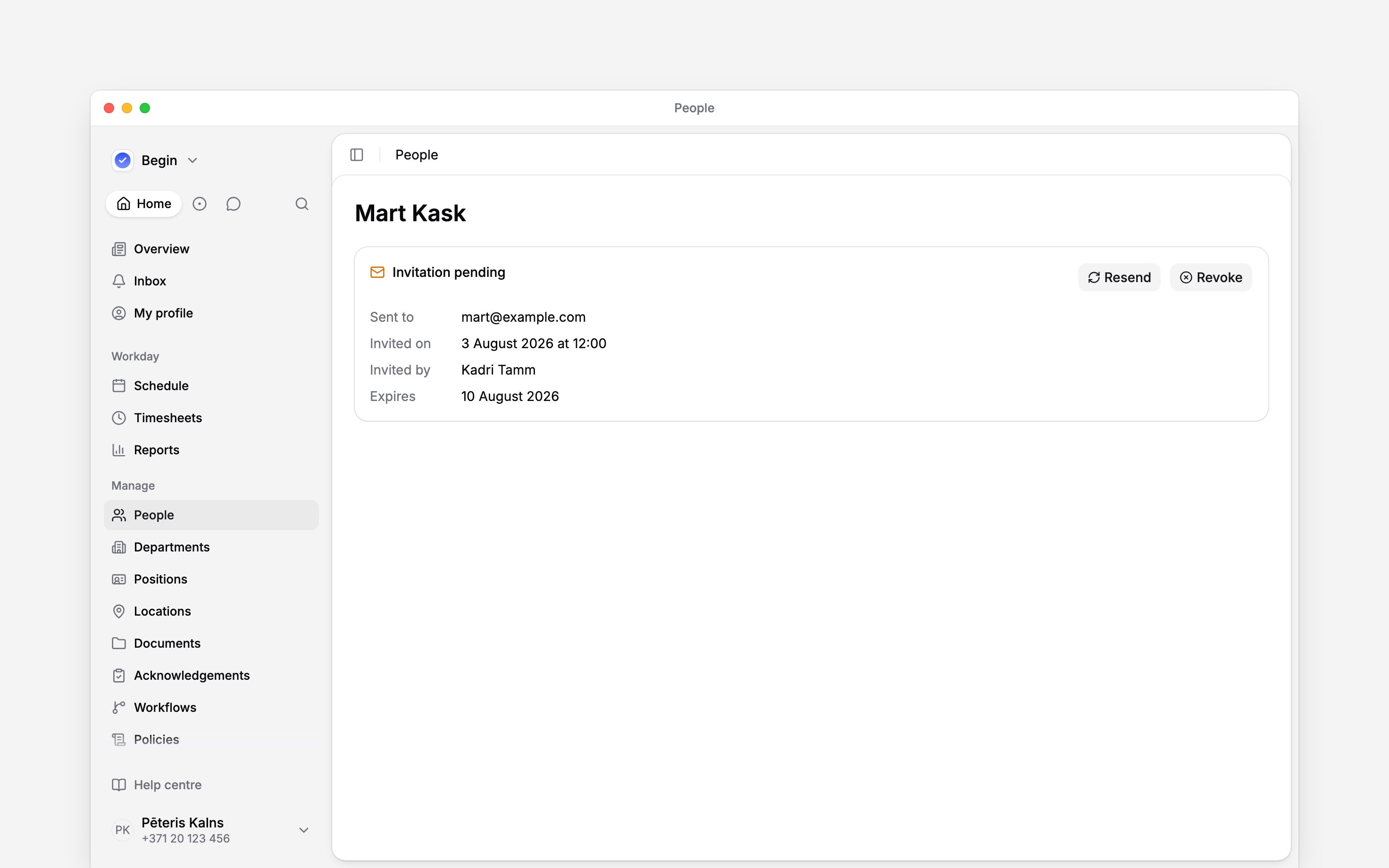
Share the link yourself
Choose Copy invite link if you want to send the invitation through your own chat or email. Creating a fresh link replaces the previous invitation, so use the newest link.Invitations are tied to an email address. If you correct the address, issue a fresh invitation. An
address already used by another person in the workspace is refused. A phone number on the profile
does not send an SMS invitation.
Next
Onboarding a new hire
Collect details and follow a new starter’s progress.
Roles and permissions
Check the access their role grants.
Still need help?
Contact support
Email the Begin team and we’ll get back to you.
Ask Begin AI
Open the AI assistant and get instant answers based on these docs.