


 Assign a position to each person who holds that job. A person can hold more than one position. This does not create a shift or change their access role.
You need permission to edit people to change their assignments.
Assign a position to each person who holds that job. A person can hold more than one position. This does not create a shift or change their access role.
You need permission to edit people to change their assignments.
Add a position to a person
1
Open the person
Go to People, open the member, and select Overview.
2
Open their positions
Under Assigned positions, click Add position.
3
Choose the job
Search for the position and select it. Its chip appears under Assigned positions
immediately. Select another position if the person holds more than one.
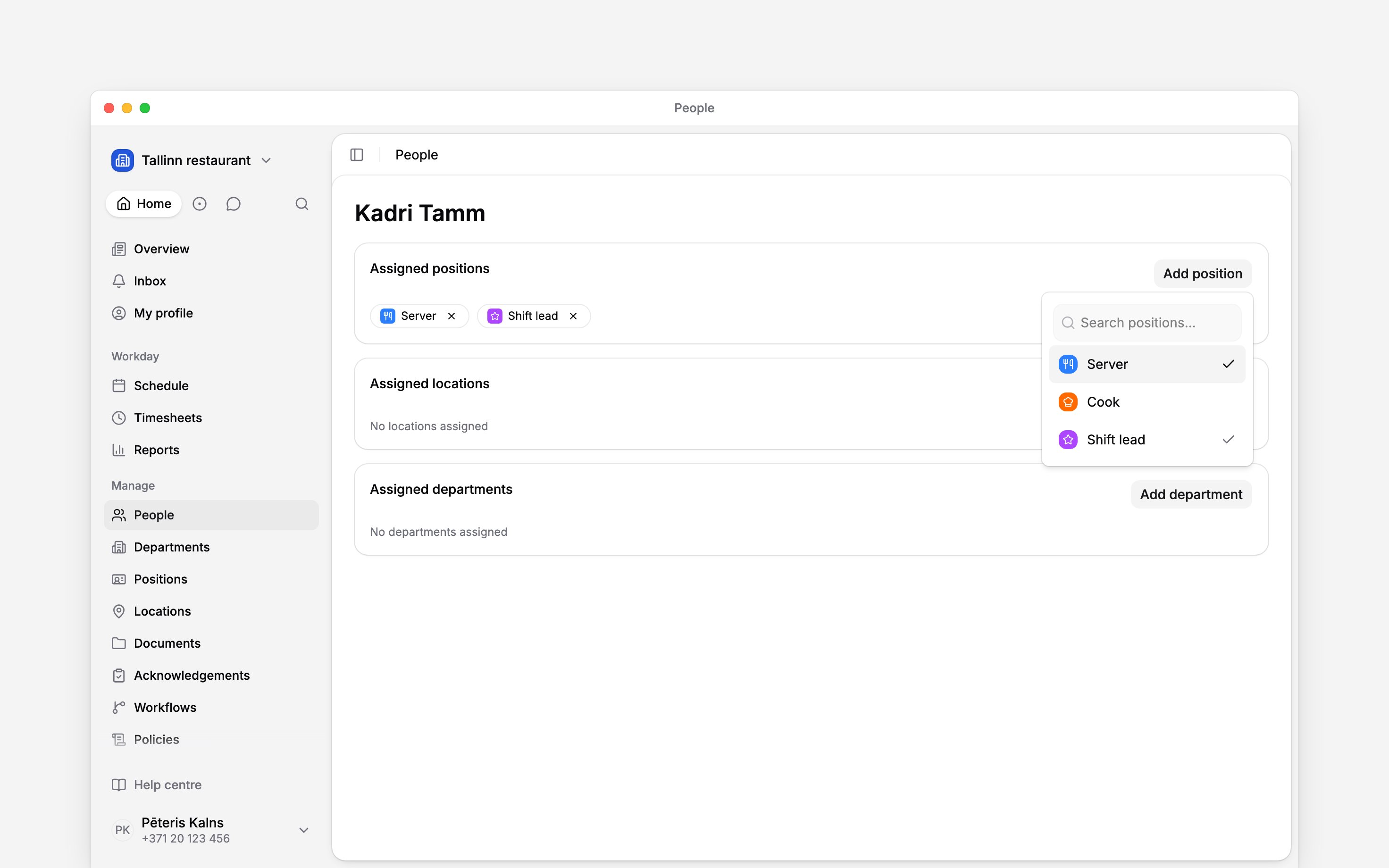
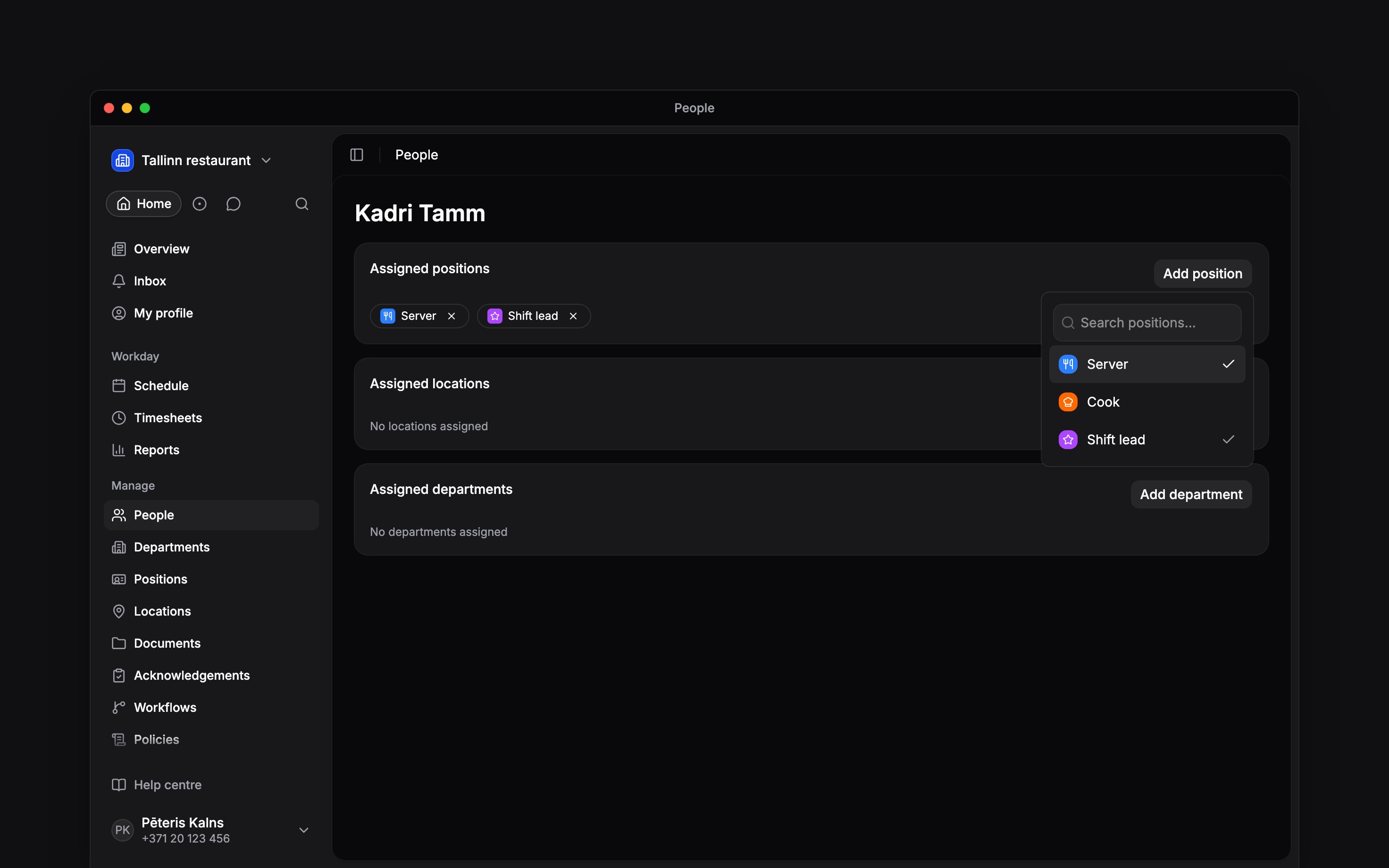
A checkmark shows which positions the person already holds.
Remove one assignment
Click the remove button on the position’s chip, or select the checked position again in the picker. The chip disappears. The position still exists for everyone else. Department membership is separate: assigning a position linked to a department does not add the person to that department.Find everyone in a position
Open Positions, open the position’s action menu, and choose See people. People opens with that position filter applied. You can also right-click the position row to open the menu.Next
Managing positions
Keep the jobs and department links current.
Reading the schedule
See your team grouped by position.
Still need help?
Contact support
Email the Begin team and we’ll get back to you.
Ask Begin AI
Open the AI assistant and get instant answers based on these docs.