


 The Acknowledgements overview updates as people respond. Its progress is always scoped to the people your role can see, so a manager and administrator can open the same request and see different counts.
Acknowledgements must be enabled for your workspace and your role needs access (Acknowledgements overview).
The Acknowledgements overview updates as people respond. Its progress is always scoped to the people your role can see, so a manager and administrator can open the same request and see different counts.
Acknowledgements must be enabled for your workspace and your role needs access (Acknowledgements overview).
Find the request
Search by request or document name. You can also filter the overview:
Completion is derived from the current audience. A completed request can become outstanding again when somebody joins its audience, a renewal starts or a document changes.
Inspect the evidence
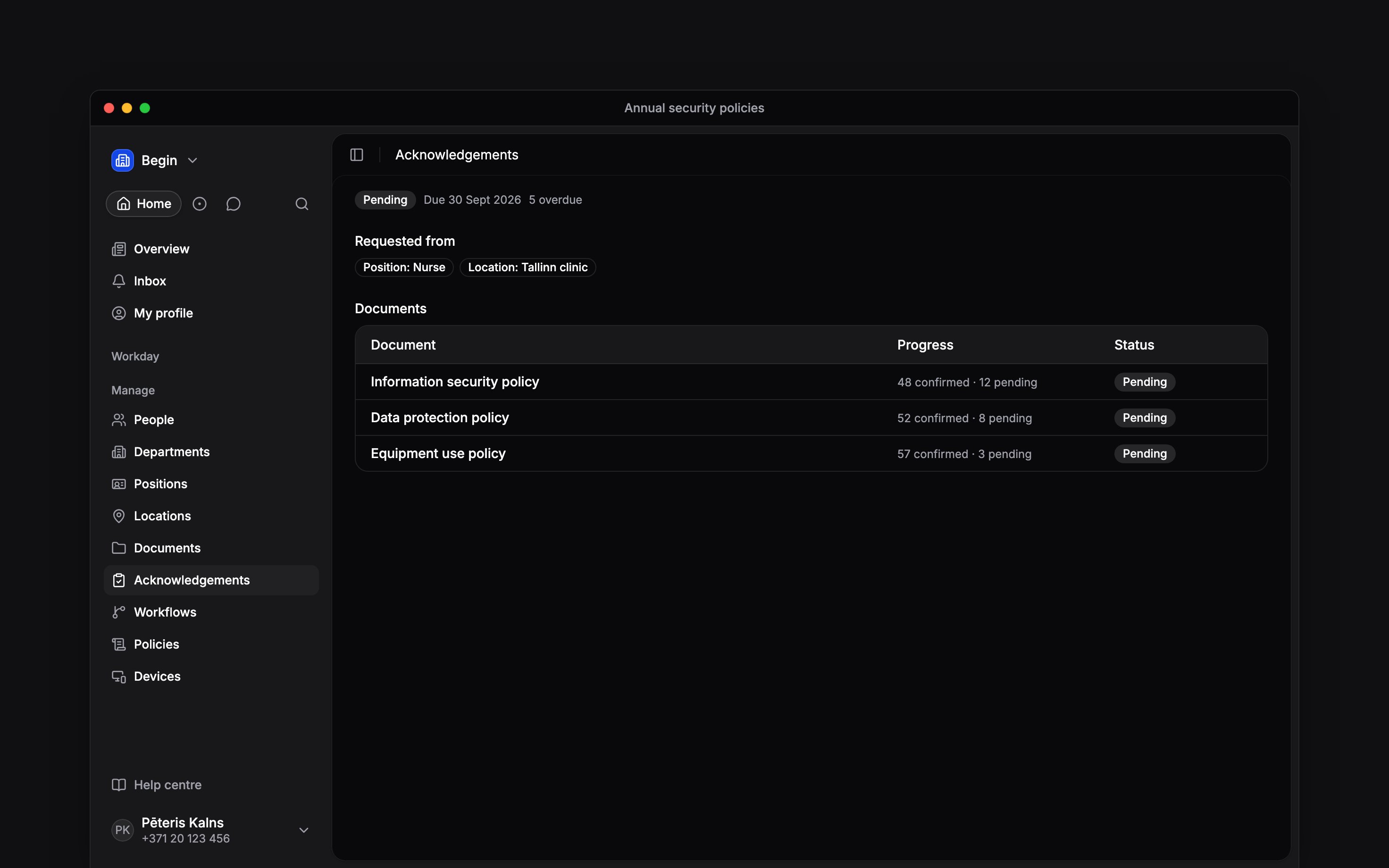
Open the request to see its audience, due date and progress for each document. Select a document row to open its people list. Each person is Pending, Overdue or Confirmed, with the applicable due or confirmation date.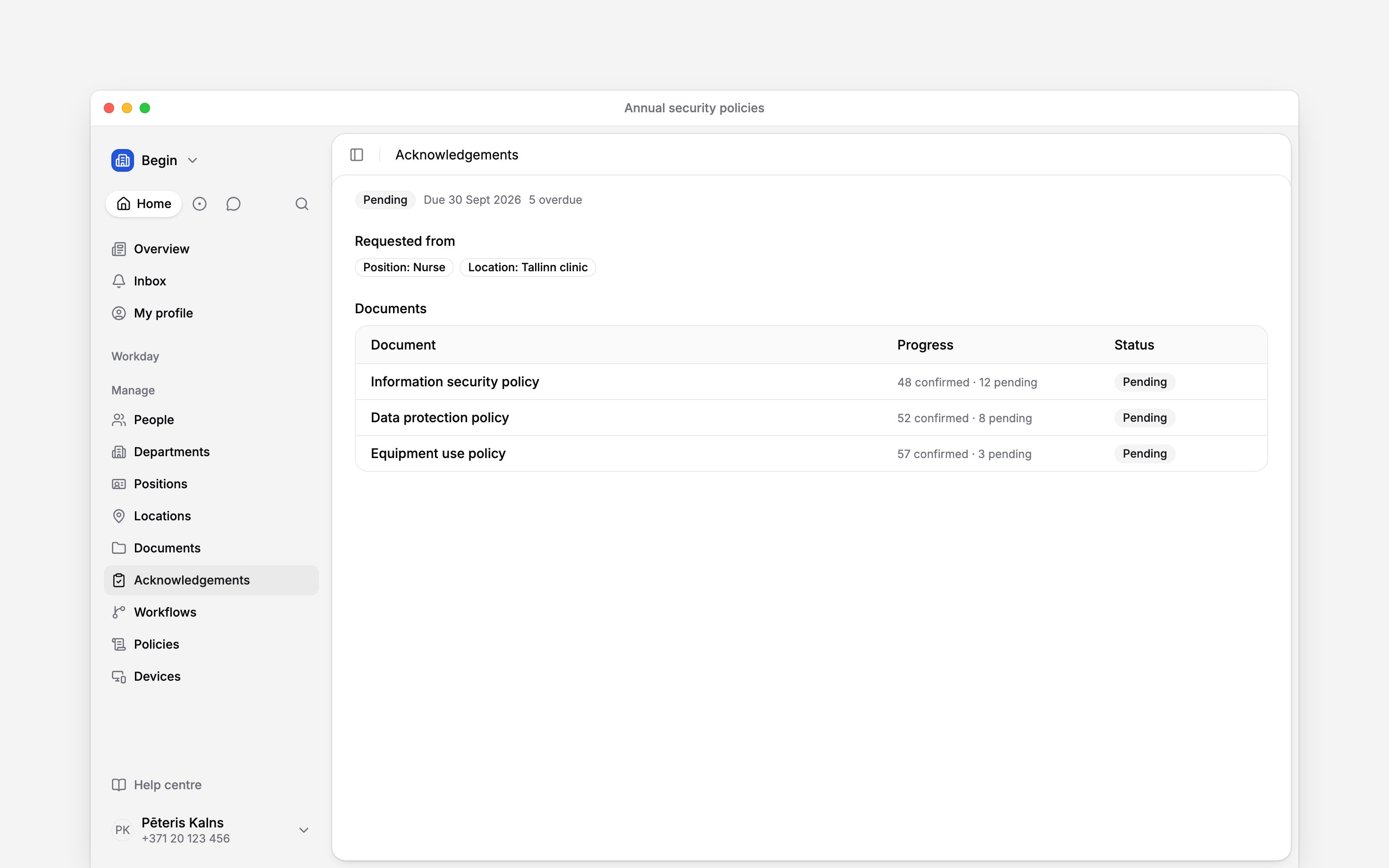
Check one person
Open People → person → Acknowledgements to see that person’s pending and confirmed items across every request, with history and signed files where they exist. A signed file of a document carrying a pay figure also needs View pay data for the person it is about, and one carrying a national ID, bank details or birthday needs View private details. You need workspace-wide acknowledgement read access, or acknowledgement access for a direct report. When two requests ask for the same document, one confirmation satisfies both. The person sees how many pending items it covers before they confirm.Next
Following up on requests
Remind pending people and understand requests that reopen.
Audiences and deadlines
See why somebody joined the request and when they are due.
Still need help?
Contact support
Email the Begin team and we’ll get back to you.
Ask Begin AI
Open the AI assistant and get instant answers based on these docs.