


 Create one position for each job you need to distinguish, such as Server. You can assign it to several people, so you do not need a separate position for every person.
You need permission to create positions. Linking a position to departments also needs permission
to update positions.
Add a position
1
Open Positions
Click Add position.
2
Name the job
Enter a Position name. Click the swatch beside the name to choose its colour and icon.
3
Choose its departments
In Departments, select any departments the position belongs to. You can leave this empty or
select more than one.
4
Save it
Click Add position. The position appears in the list.
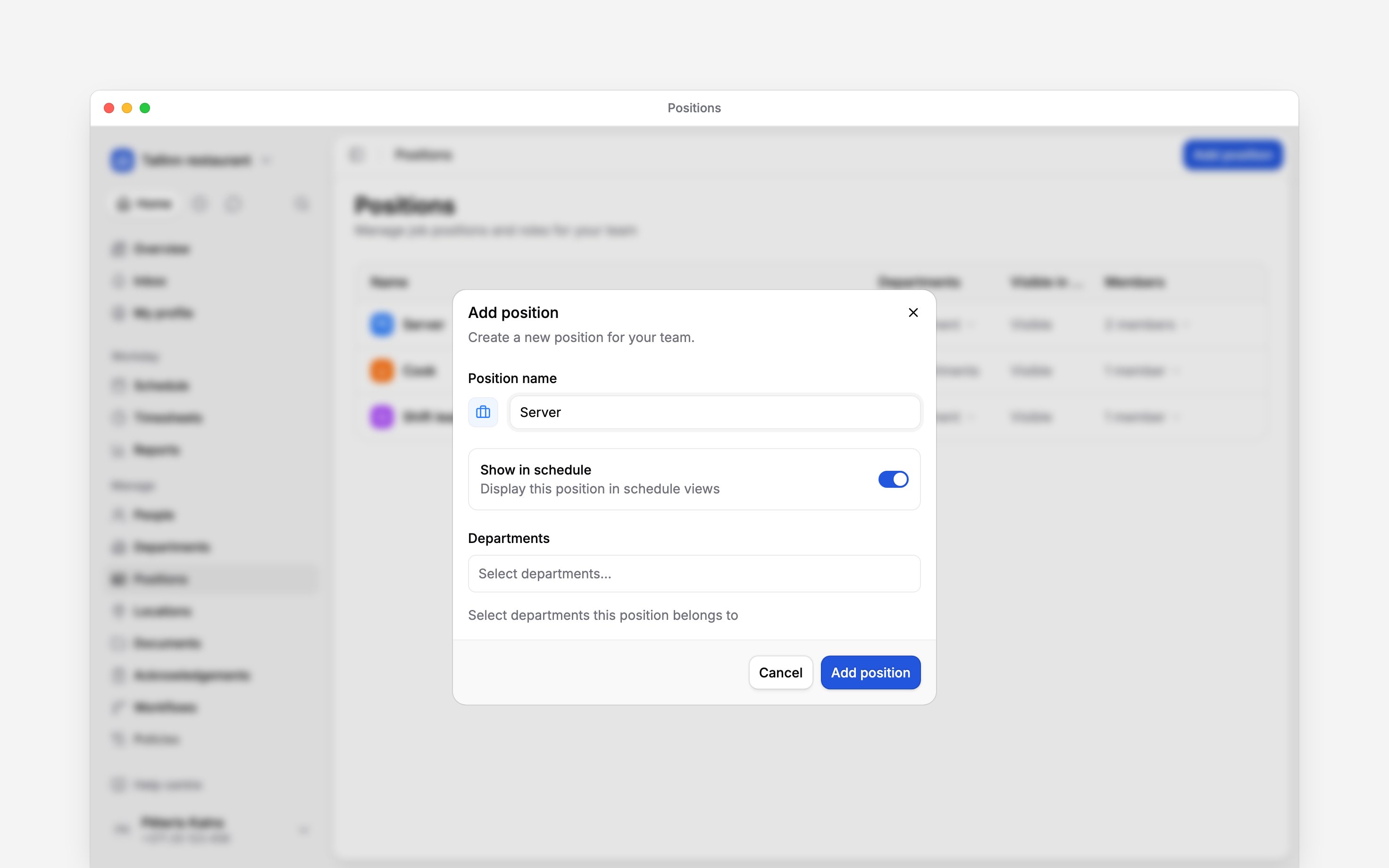
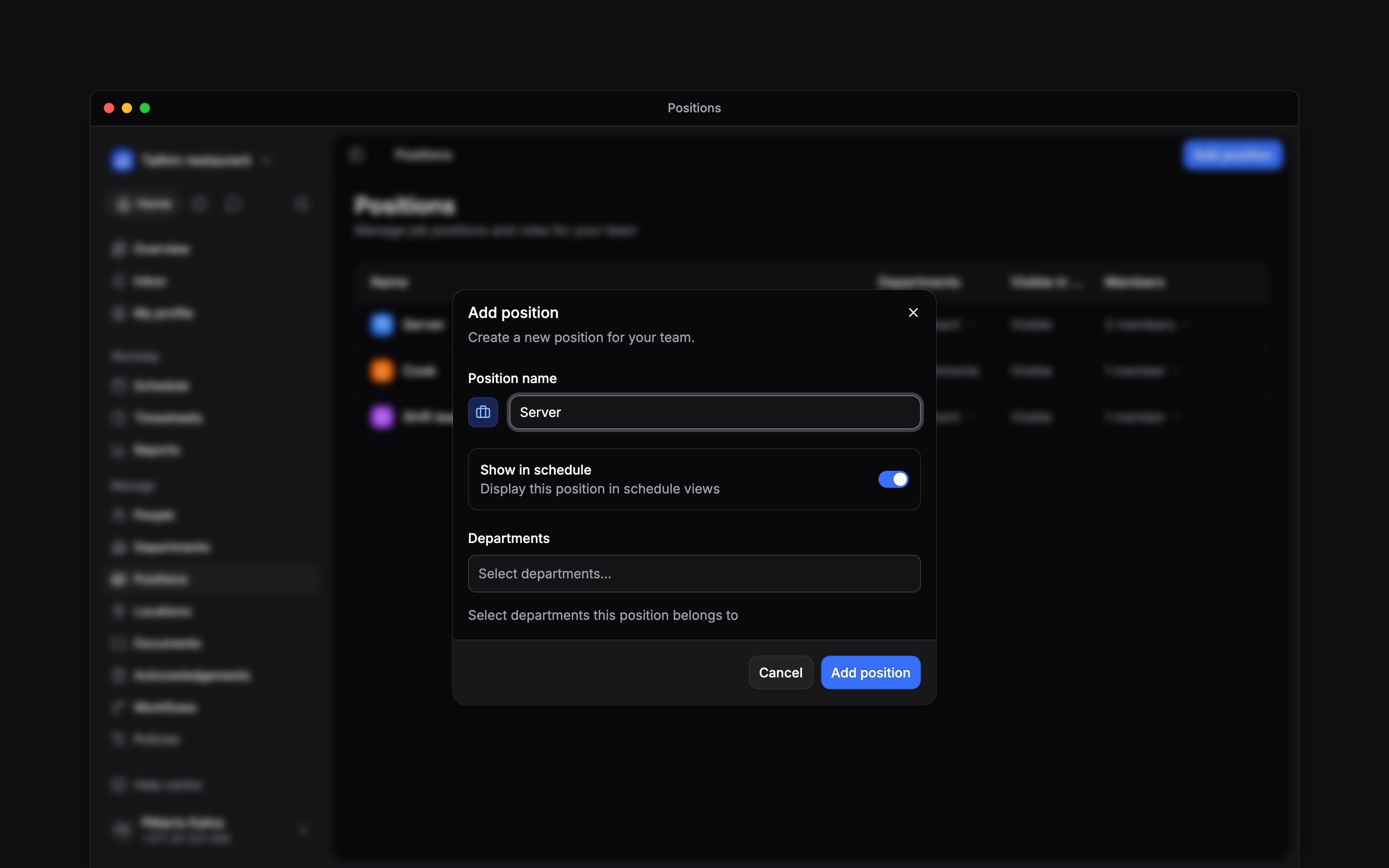
Name the job and choose its appearance before adding it.
Connect your team
The new position starts without members. Assign it to people who hold that job. Selecting departments in the form does not assign their members to the position. If you created the wrong position, click Undo in the success message while it is visible. Undo is available only when you also have permission to delete positions.Next
Assigning members
Give the new position to your team.
Managing positions
Change its details and department links.
Still need help?
Contact support
Email the Begin team and we’ll get back to you.
Ask Begin AI
Open the AI assistant and get instant answers based on these docs.