


 Open a location’s row to update its details. Its row menu also lets you change its order, set its private status or delete it.
Update details and list order
Open Locations, select the site and edit the details. Check Timezone and the address when a site moves. Use Add or Edit below the address to open its city, State / Province, postcode and country. Check the map pin as well, then save your changes. Use Move up or Move down in the row menu to change where the location appears in the list. Use See people to check who is assigned before making a change that affects the team.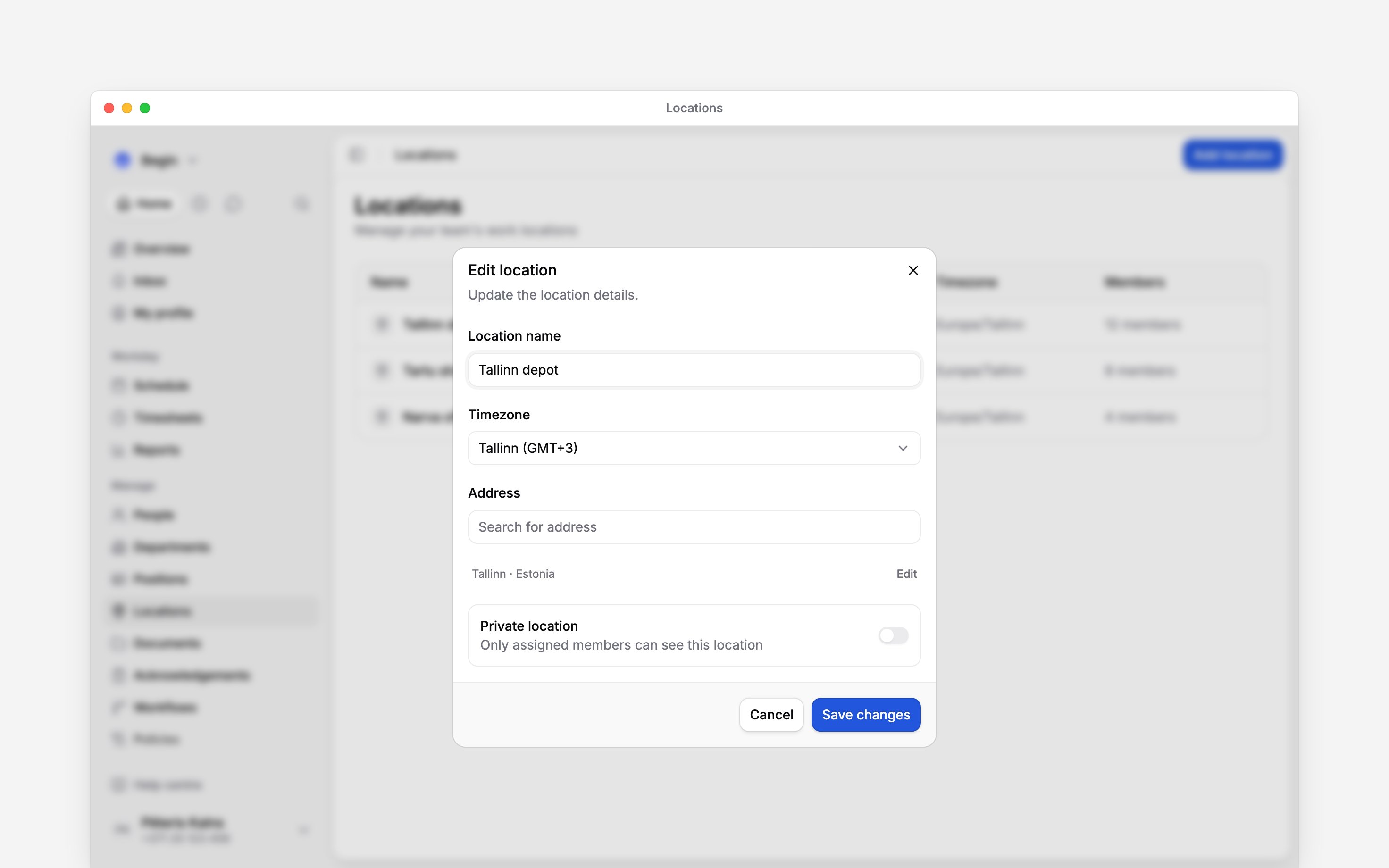
Check what Private location means
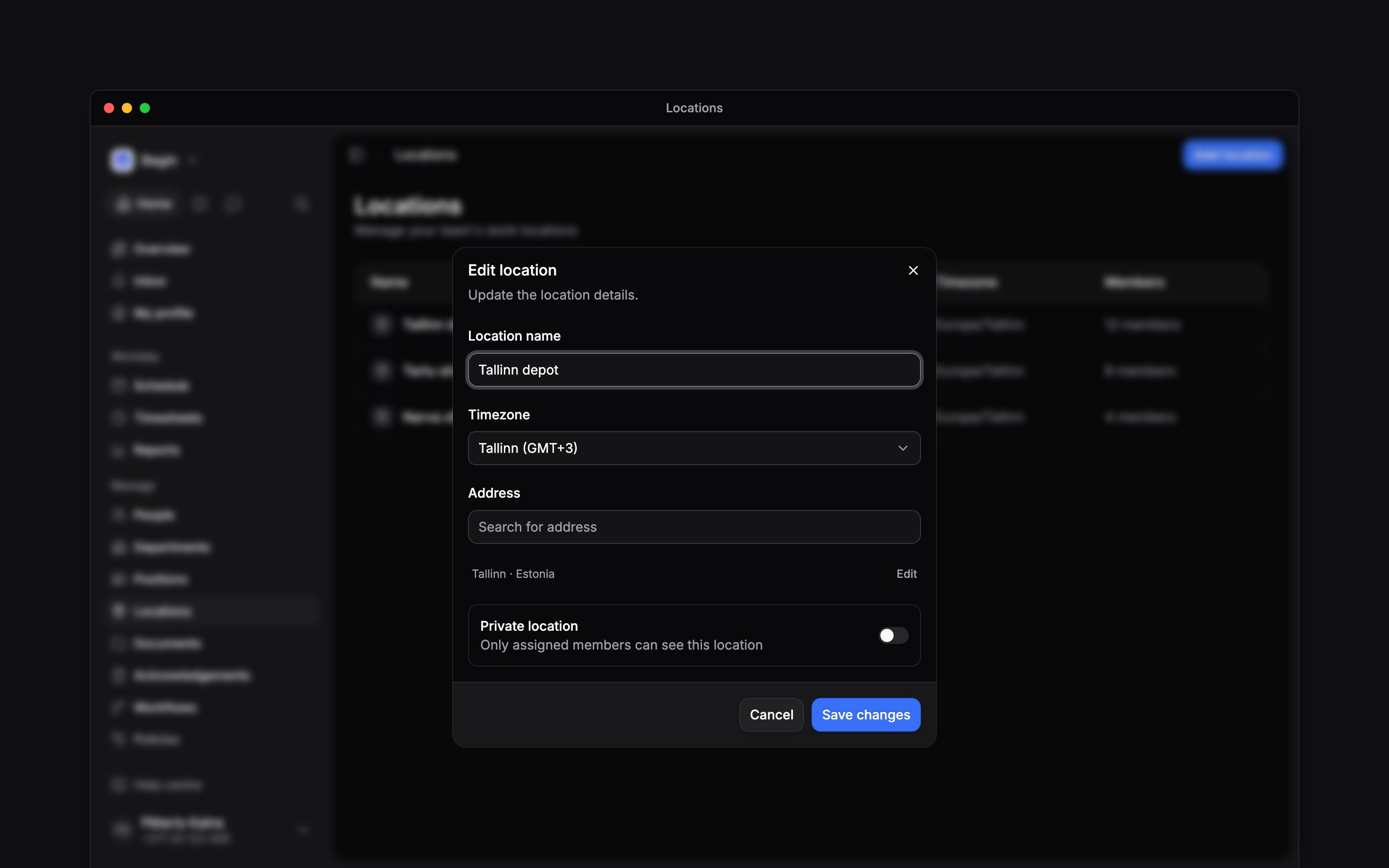
You can switch Private location in the editor, or use Make private and Make public in the row menu. A private location has a lock marker. Today the setting marks the row with a lock and makes the linked channel private. Making a private location public needs the right to manage its channel, because that opens the channel to everyone. It does not hide the site from anyone who can read locations. For the channel side, see Location channels.Delete a site you no longer use
1
Check the site's team and upcoming shifts
Reassign people and change planned shifts where necessary. Deleting the location will not move
them to a replacement site. Policies aimed at this site stop applying to its people once the
assignments are gone.
2
Choose Delete location
Open the site’s row menu in Locations.
3
Confirm the deletion
The confirmation counts what the delete affects: the people who lose the site, the upcoming
shifts that carry it, how many of those are open shifts,
how many offers on them can still be accepted, the rotas applied to the site, the policies and
roles that name it, and the terminals registered there. The rotas stop, and the future shifts
they created are deleted. The location then disappears from the active list and its member
assignments are removed.
Next
Creating locations
Set up a replacement site.
Assigning people
Update who works at each site.
Still need help?
Contact support
Email the Begin team and we’ll get back to you.
Ask Begin AI
Open the AI assistant and get instant answers based on these docs.