


 Use Identifiers on a person’s profile to manage how a terminal recognises them. This is separate from the email address and invitation they use to sign in to Begin.
Beta
Terminal integration is rolling out gradually. The Identifiers tab appears when it is enabled
and you have Devices and identifiers. If your workspace needs terminals but has no tab, ask us
to turn the feature on.
Set or replace a PIN
Open People → person → Identifiers. Choose Add PIN if the person has none. Use Show PIN to read an existing PIN and share it with the person privately.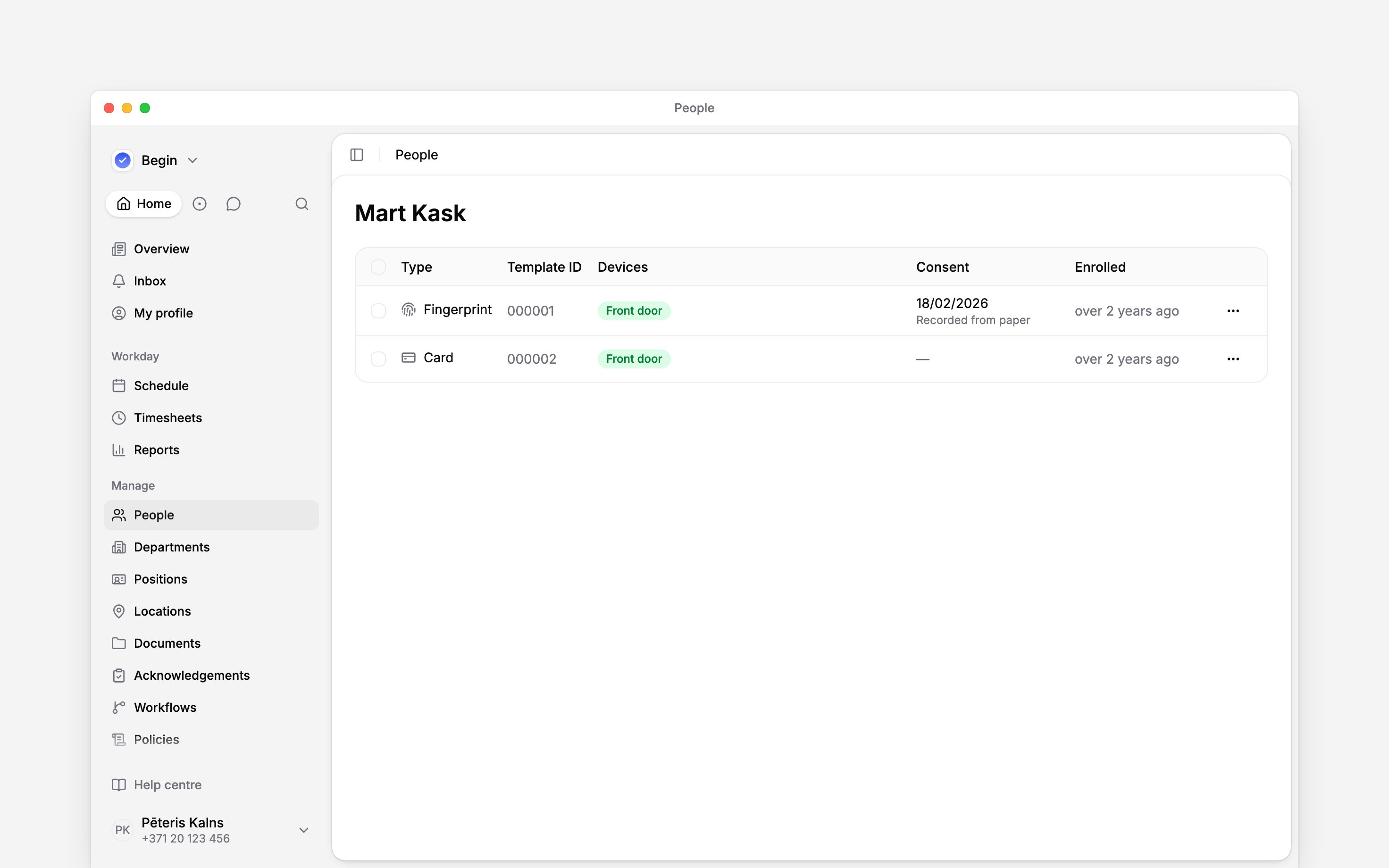
Check cards and device identifiers
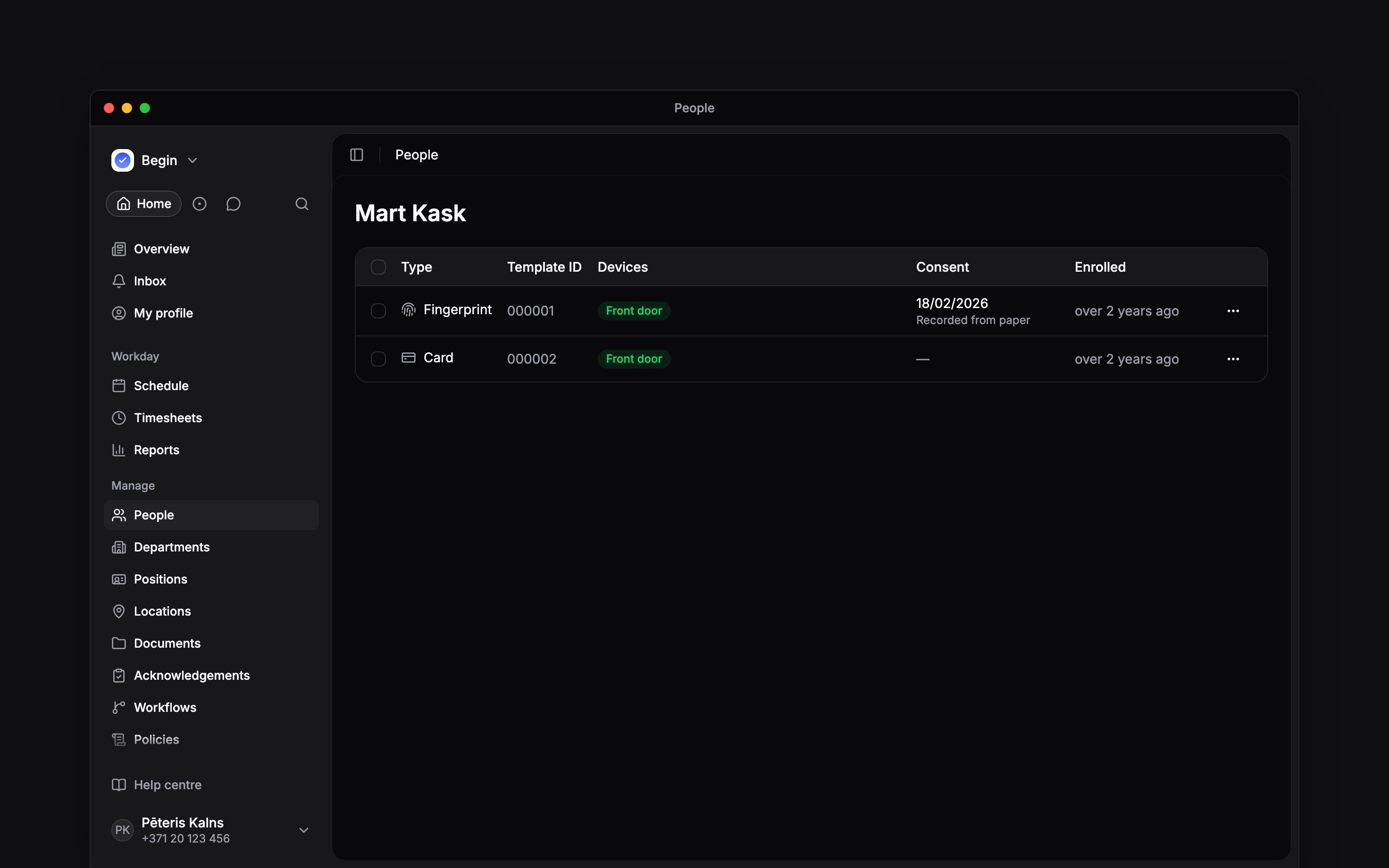
The list shows card, face and fingerprint identifiers associated with this person. Check the type and device information before removing one. You can select several identifiers for a bulk action. Enrollment on a device and assigning an identifier to a person are separate from adding a PIN. An empty list does not mean the person has no Begin account. Removing a card or biometric identifier does not deactivate the person’s Begin account. Use Deactivating and removing people to stop account access.Record the biometric agreement
The agreement panel shows whether face or fingerprint use is covered. Use Ask the person to confirm to choose an agreement template and send it for their confirmation. Choosing the template also needs the Document templates setting on your role. If the agreement was completed on paper, open the biometric identifier’s row menu and choose Record consent. Enter the agreement date and reference. When assigning an identifier, Already signed on paper offers the same route. Use Withdraw consent when the recorded permission is withdrawn. Review which biometric identifiers will be removed before confirming Withdraw and remove. Sending an agreement request does not record consent. Check that the confirmation or signature has completed before treating biometric use as covered.Ask Begin AI
Begin AI can make the same changes from the chat: delete or reassign an identifier, choose which terminals hold it, link a waiting capture to a person, add or replace a PIN, and record, withdraw or ask for a biometric agreement. Each change waits on a card that names the records it touches, such as the person, the capture or the terminals, and says when the change would be refused.Link the fingerprint captured at the warehouse gate to Kadri Tamm.
Next
Member profiles
Check the person and their details.
Document acknowledgements
Follow document confirmation requests.
Still need help?
Contact support
Email the Begin team and we’ll get back to you.
Ask Begin AI
Open the AI assistant and get instant answers based on these docs.