


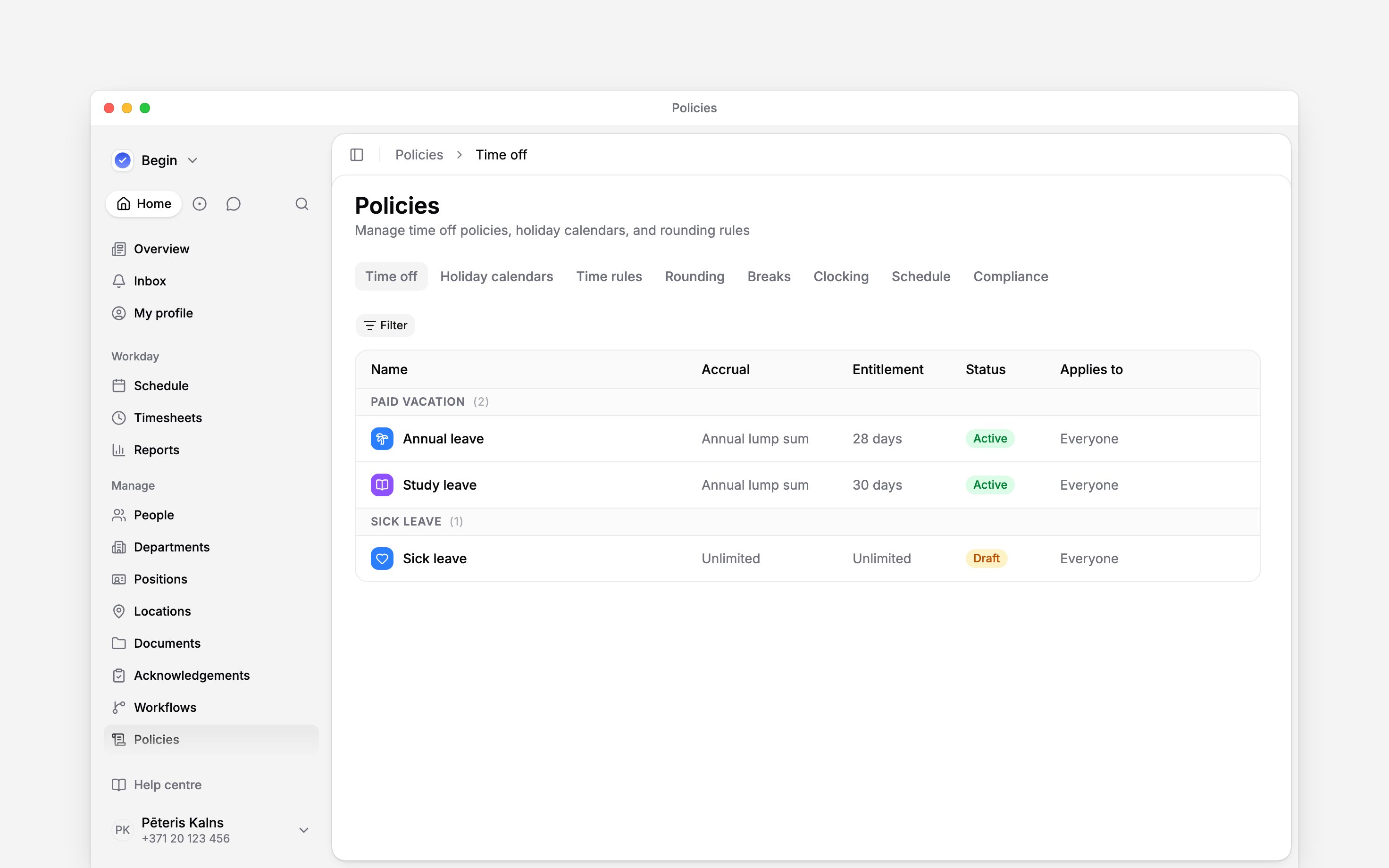
 Policies turn your working rules into choices Begin can apply consistently. Each tab owns one kind of decision, from time-off entitlement to whether a schedule that breaks a rest rule may be saved. Time rules lists working time, overtime, premium hours and other time in one table, each type under its own heading, with a Type filter.
You need access to Policies to open this area. Managers and administrators have it by default;
an employee role does not.
Start here
Set up in a useful order
Start with Applying policies so you know how to target and check a rule. For leave, review the holiday calendar and entitlement before inviting people to book it. For recorded hours, configure breaks and rounding before comparing overtime or premium-hour totals. The Time off tab also holds cover rules, which cap how many people may be off at once; read Time off on the schedule. Save unfinished rules as Draft. Activate the finished rule for its intended audience, then use Policy tester and the relevant schedule or time-entry result to check it. The tester identifies matching policies; it does not certify the resulting schedule or pay. Each list of policies has a Filter for Status and Applies to (and Type on Time rules), so you can show only the drafts, or only the policies aimed at one department. Applies to matches what a policy names: choose Everyone for the policies aimed at the whole team. Holiday calendars filter by Status only, and cover rules by the group they cover.A policy is not legal advice
Begin applies the rules you activate. Country templates give you a starting point, but you remain responsible for checking that your policies match the law, agreements and contracts that apply to your team.Next
Applying policies
Target the right people and preview the effective result.
Time off and entitlements
Create the leave rules most teams set first.
Still need help?
Contact support
Email the Begin team and we’ll get back to you.
Ask Begin AI
Open the AI assistant and get instant answers based on these docs.