


 Select Begin AI in the sidebar ribbon to open your AI navigation and chat history. The full page keeps earlier chats close while you work; Cmd+J (Ctrl+J on Windows) opens the current chat in a side panel instead.
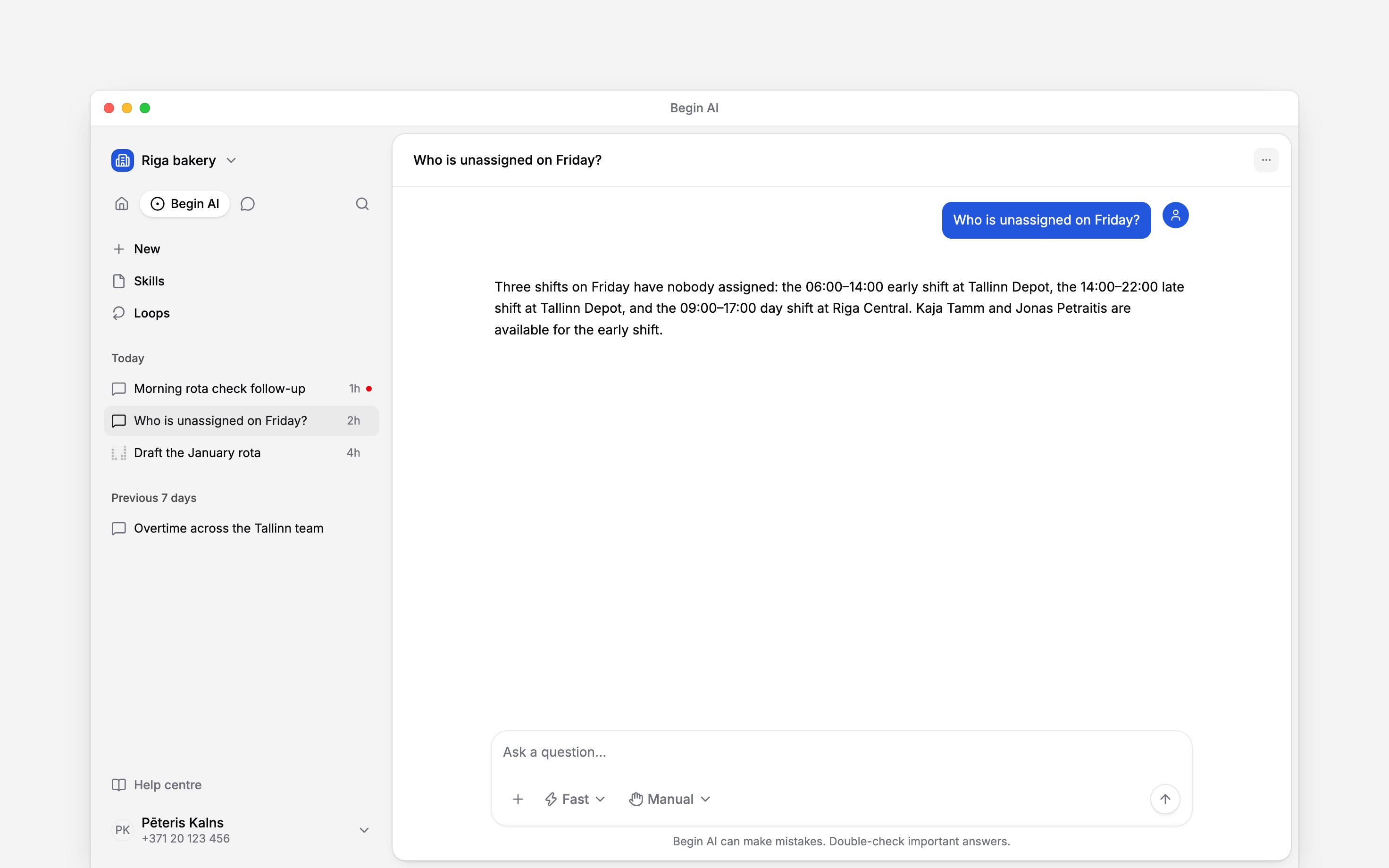
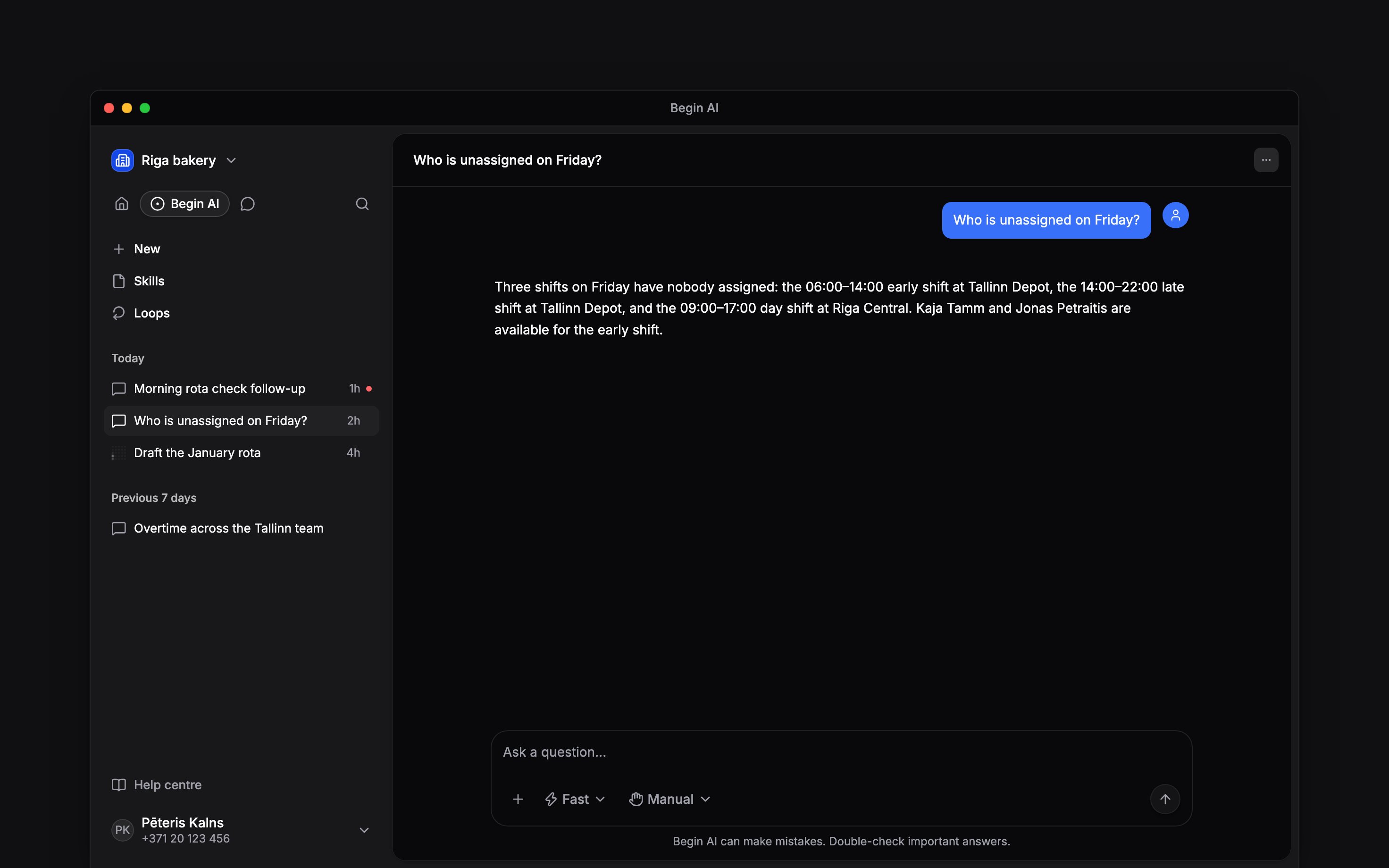
Begin AI lists your chats by their latest activity.
Start or reopen a chat
1
Open Begin AI
Select Begin AI in the ribbon at the top of the sidebar. The ribbon switches between your
normal navigation, AI chats and Messages when your role has access to each area.
2
Choose where to continue
Select New for a blank chat, or select a chat title to return to its conversation. The open
row has a filled background.
3
Ask or continue
Enter a new request in the composer. Continuing a chat keeps its earlier questions, sources and
approval boundary available as context.
Read its status
An unread dot means a chat has a result you have not opened. A moving Begin AI mark means work is still running, so you can leave the chat and return without stopping it. Loop results stay in each loop’s Run history instead of adding a separate group here, and so do follow-up conversations: you ask a follow-up on the run itself, under its result, where everyone in that loop’s Visible to audience reads it. A follow-up carried over from Scheduled tasks stays private to its original creator when it already contains a personal reply. Open Loops near the top of the panel to manage how a loop starts and what it may do. The Skills link opens reusable AI workflows when your role has access and read permissions.Export a chat for troubleshooting
Open the chat’s three-dot menu in its header and select Export chat to download a Markdown diagnostic file. It includes the saved conversation and model details, the current approval mode and your permissions, and summaries of work assigned to other agents. If work is still running, the file includes only what has been saved so far and marks unfinished work. Export again after it finishes for the later results.Rename or delete chats by asking
Begin AI can rename one of your chats, delete one, or delete all of them, as the chat’s menu does. Confirm its card first; deleting cannot be undone. It reaches only your own chats in this workspace, and it never deletes the chat you are asking in: delete that one from its own menu.Delete all my old chats.
Next
Choosing an assistant mode
Choose how the next request is handled.
Loops
Create recurring or event-driven work and inspect its run history.
Still need help?
Contact support
Email the Begin team and we’ll get back to you.
Ask Begin AI
Open the AI assistant and get instant answers based on these docs.