


 Begin support installs and registers each shared clock terminal. Once it appears under Devices, you place it at the location where people will use it and check that it comes online.
Devices must be enabled for your workspace, and your role needs access. If it is missing from
the sidebar, ask an administrator to check your role or contact Begin support about availability.
Get the terminal into your workspace
1
Ask Begin support to install and register it
The app has no customer registration control. Begin support binds the terminal’s IMEI to your
workspace.
2
Find the registered terminal
Open Devices → Devices. Search by the display name or IMEI that appears beneath it.
3
Place it at a location
Open the row’s Actions menu, choose Change location, then choose the location where the
terminal stands.
4
Check its health
The row shows Online once the terminal connects. Its Last seen caption shows when it
last reached Begin.
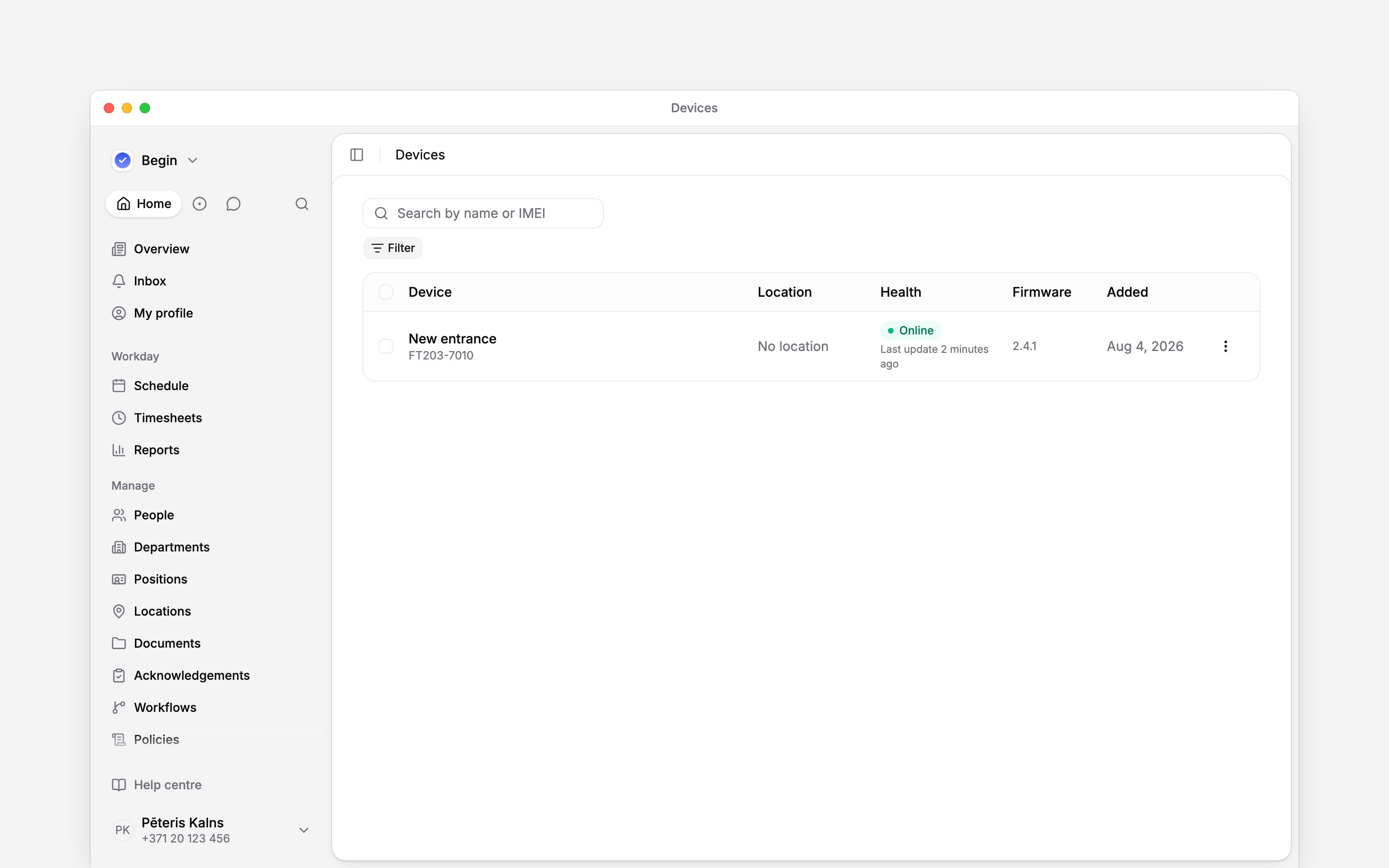
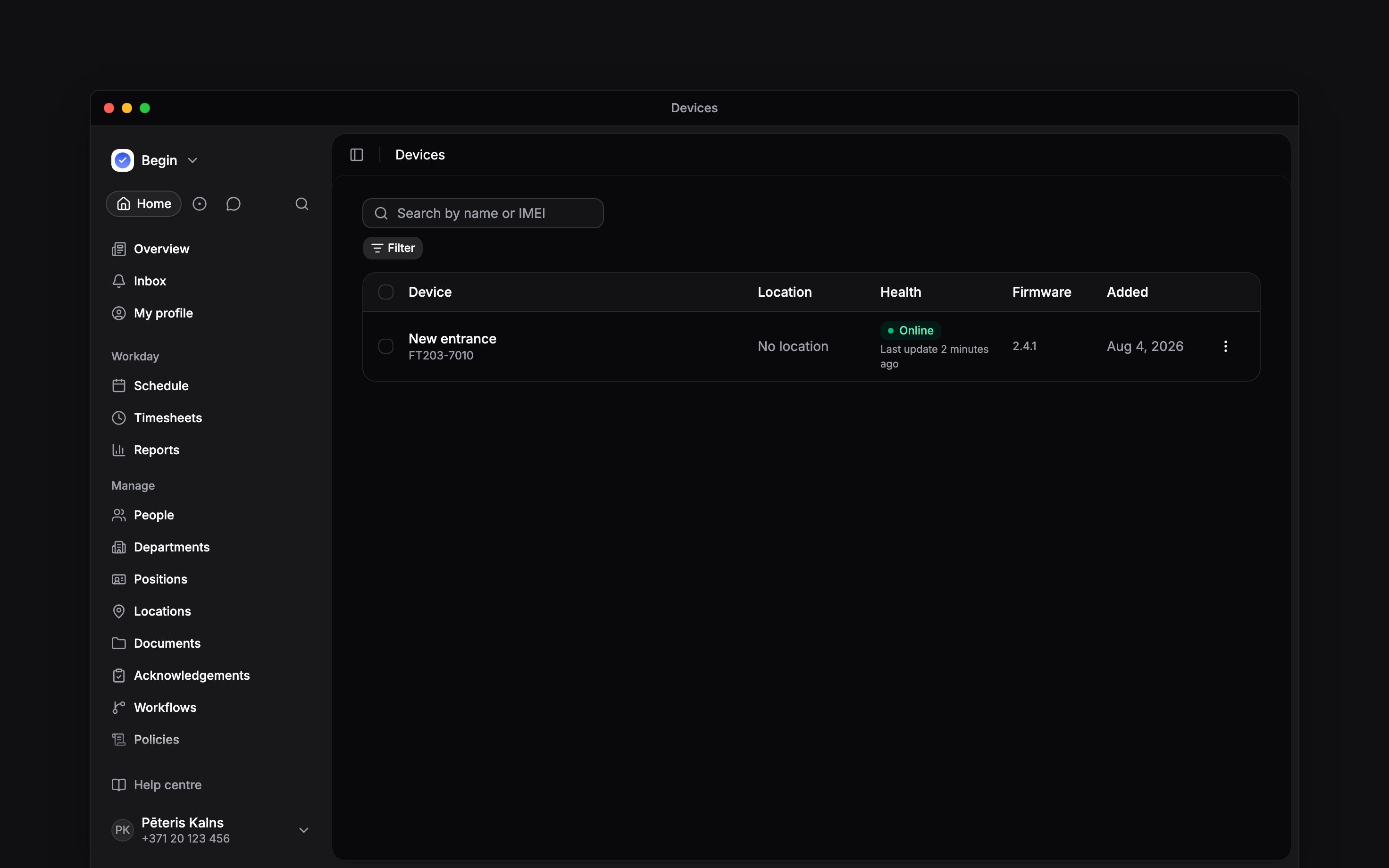
A newly registered terminal can appear before its location is set
Understand who reaches it
Begin support sets the terminal’s Distribution. Use the Distribution filter on the device list to check the mode:
Changing the location immediately changes the target team for By location distribution. It also gives location-targeted clocking policies the location they use for this terminal.
Check one normal clock-in
Before the team starts using it, link a person’s identifier, check its device badge has synced, and allow terminal clocking for that person. Online alone does not mean somebody can clock in. Have the person clock in at the start of their next shift. In Timesheets, check that their entry starts at the expected time and location. If the terminal refuses the punch or no entry appears, follow Troubleshooting a terminal.Next
Managing identifiers
Link captures to people and place them on manually managed terminals.
Configuring terminal clocking
Allow the terminal method and decide whether people may use a PIN.
Still need help?
Contact support
Email the Begin team and we’ll get back to you.
Ask Begin AI
Open the AI assistant and get instant answers based on these docs.