


 Begin AI is the assistant built into Begin. Ask it about shifts, hours or your team, let it make changes within your permissions, attach a reusable skill, or create a loop that runs later. Select Begin AI in the sidebar ribbon for the full chat list, or press Cmd+J (Ctrl+J on Windows) to open the side panel.
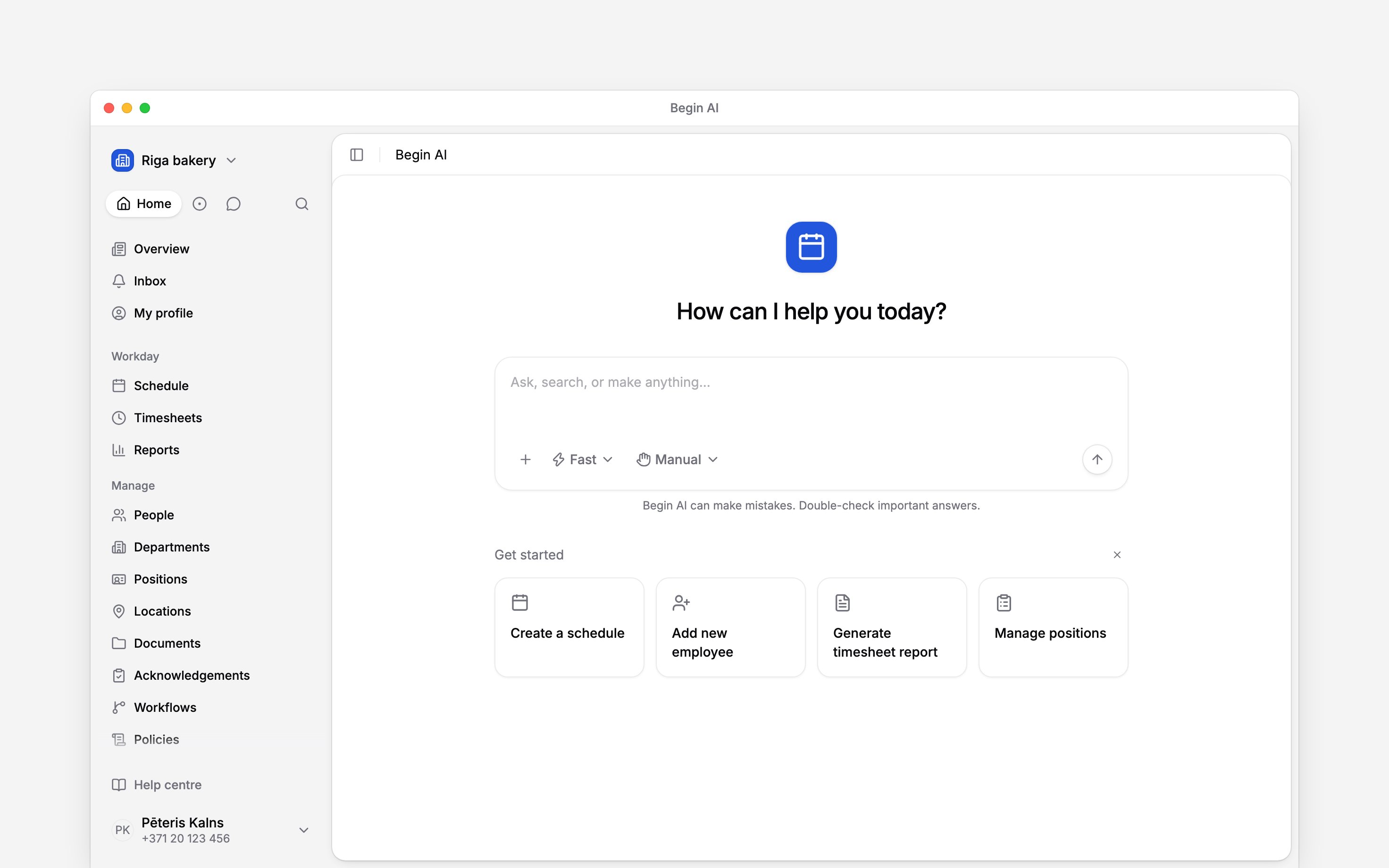
A new chat starts with the composer and its assistant and approval controls.
Start here
Know what controls access
Every member can use Begin AI. There is no separate AI permission: two people can ask the same question and get different answers because each answer is bounded by the asker’s role. A change beyond that role is refused. An administrator turns Begin AI off for the whole workspace under Settings → Workspace settings → Begin AI. When it is off, the assistant and connected Claude, ChatGPT and Cursor clients stop using workspace data. Control AI and early access has the steps. Every question, skill and loop run uses the workspace’s monthly AI allowance. When it runs out, Begin AI says You’re out of AI tokens and an administrator can buy more AI tokens.Next
Finding AI chats
Start a chat or return to one from the sidebar.
Asking questions
Ask about your workspace and understand the answer.
Still need help?
Contact support
Email the Begin team and we’ll get back to you.
Ask Begin AI
Open the AI assistant and get instant answers based on these docs.