


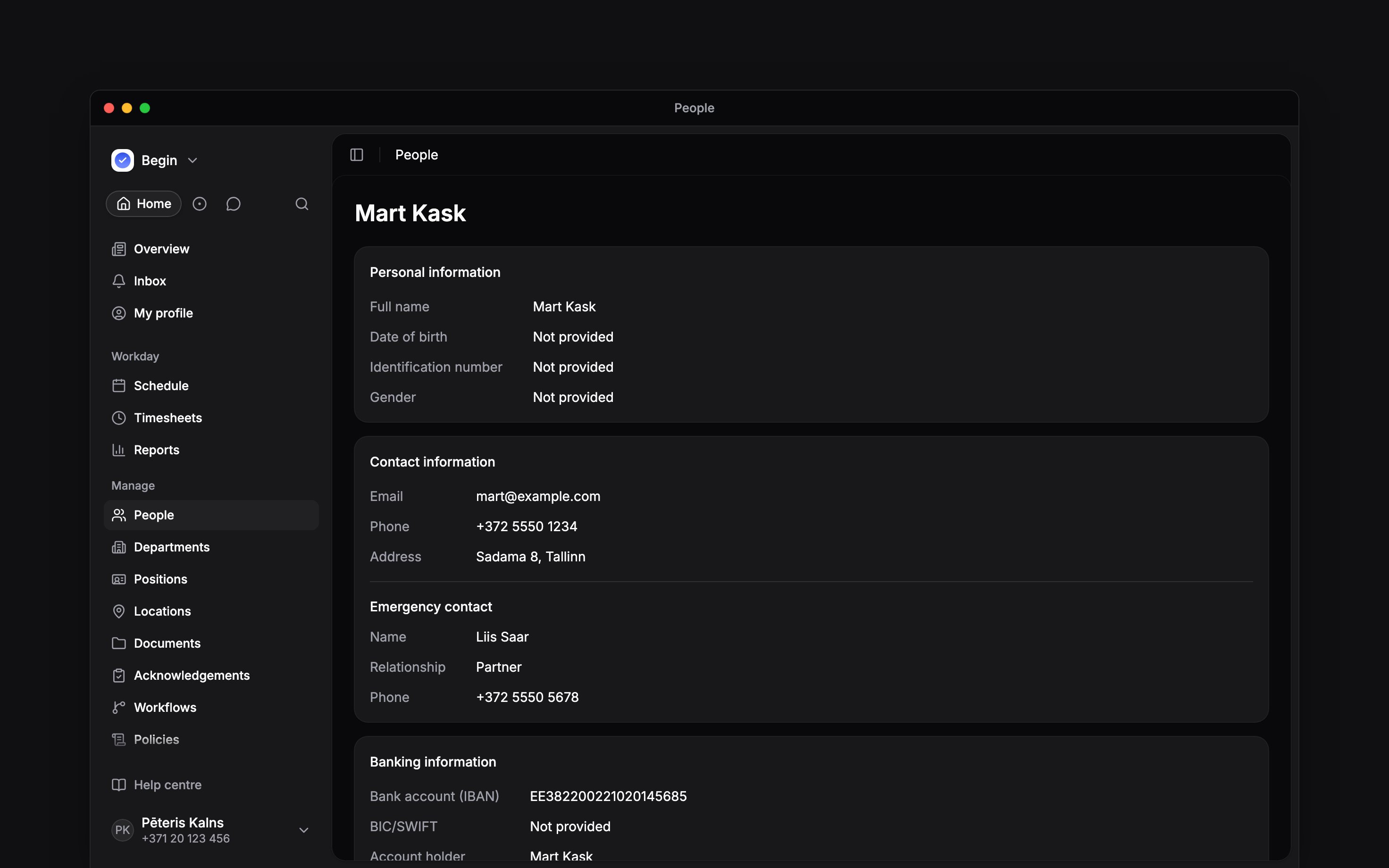
 Open a person in People to see their records together. Overview holds their details and assignments; the other tabs open their work, documents and history.
Their email and phone numbers, the emergency contact’s included, are links. Choose one to start an email or a call in your own mail or phone app; nothing is sent or dialled until you confirm there.
Open a person in People to see their records together. Overview holds their details and assignments; the other tabs open their work, documents and history.
Their email and phone numbers, the emergency contact’s included, are links. Choose one to start an email or a call in your own mail or phone app; nothing is sent or dialled until you confirm there.
Update their details
Choose Edit to update contact information, emergency contacts and the other fields your role permits, then save. A person’s phone number is contact information, not an invitation method. Personal details, banking information and notes are covered by View private details and Edit private details, separately from ordinary People access. If a section or edit control is missing, check Roles and permissions. Viewing and editing private details are separate grants. A person’s permission to edit their own details is also separate from your permission to edit their profile. Identification number (the personal code payroll integrations match on) and Payroll export code sit with the personal details, so entering them needs Edit private details too.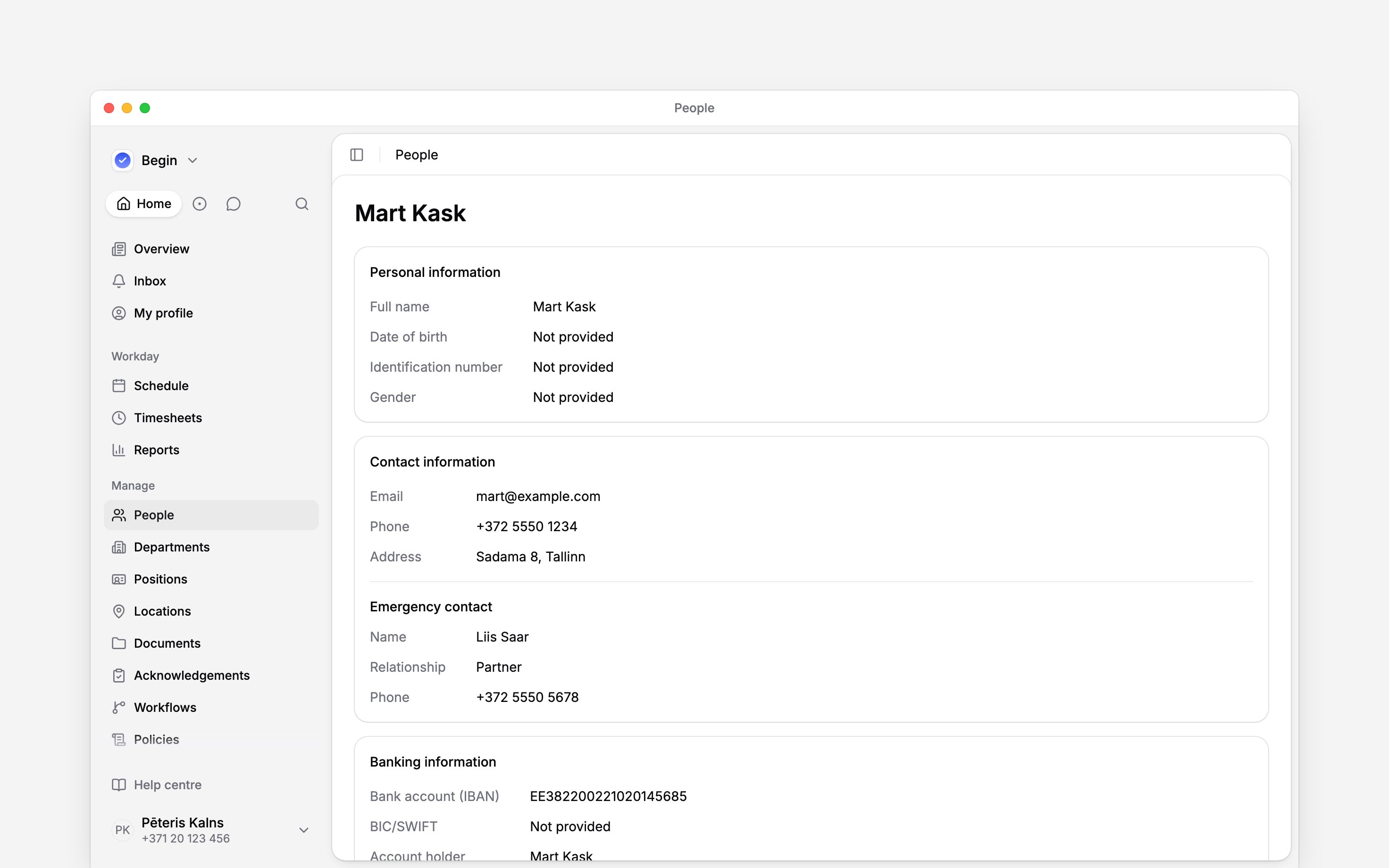
Assign where they work
Set their Positions, Departments and Locations on the profile or in Edit. These assignments help choose people for work and determine which location or department visibility rules include them. A position assignment is not the same as an employment record. Use Employment details for job dates and reporting manager, and Recording pay changes for pay and contracted hours.Open the record you need
- Schedule shows this person’s shifts. Use the schedule guide for views and shift controls.
- Timesheet shows their recorded time. Use Reading the timesheet for those figures and actions.
- Time off holds their requests and leave balances.
- Documents opens their files, including contracts and certifications. Workspace documents are listed separately.
Check what changed
Open History to search activity and filter it by category or dates. Switch between All, By them and By others. Open an entry for its detail or linked record. History can include changes to their profile, shifts, timesheets, invitations and documents. An entry about a deleted record can remain even when its original page is no longer available.Next
Employment details
Keep dates and reporting manager up to date.
Managing documents
File and organise documents for this person.
Still need help?
Contact support
Email the Begin team and we’ll get back to you.
Ask Begin AI
Open the AI assistant and get instant answers based on these docs.